 PixQR
PixQR
Overview
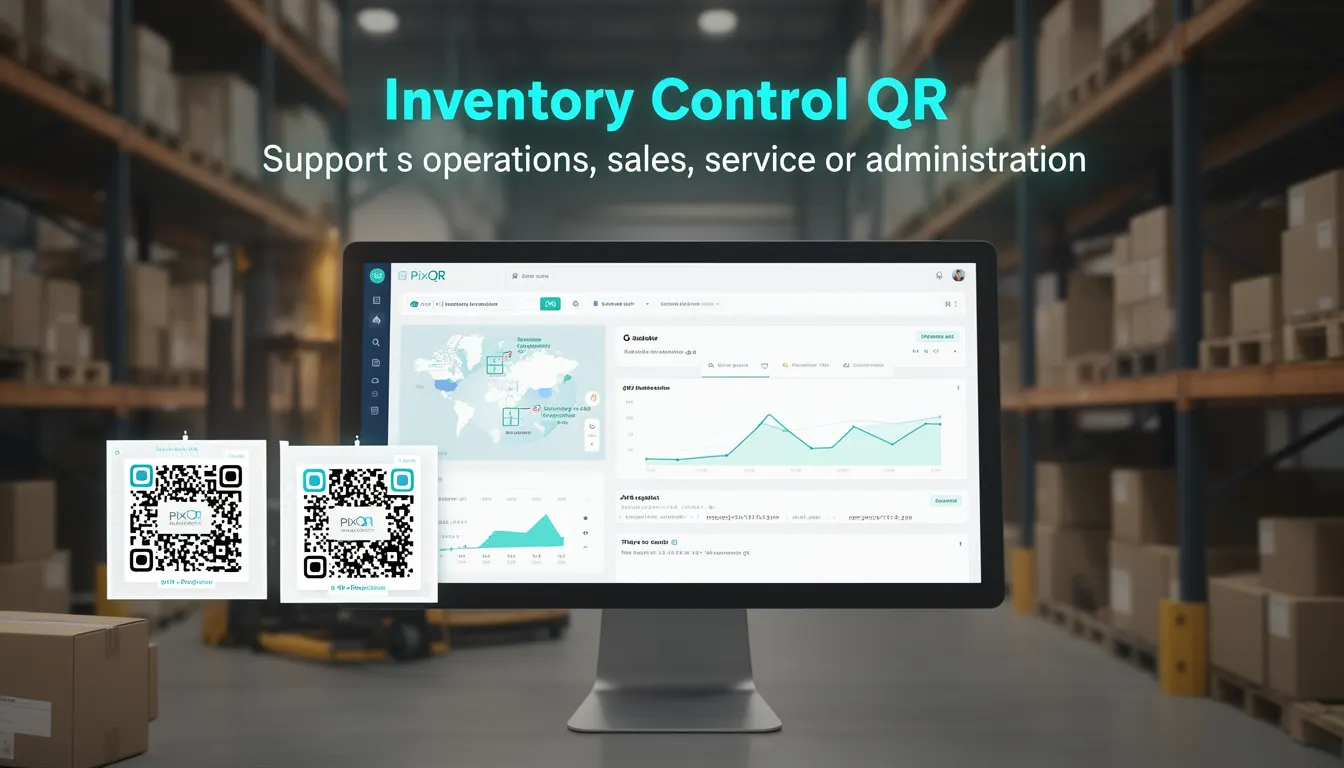
An Inventory Control QR is a specific type of QR code implementation used by businesses to track, manage, and control inventory across physical and digital systems. These QR codes are designed to provide rapid, accurate, and secure access to inventory data through a scanning interface. Unlike generic QR codes that may redirect to a URL or display static text, Inventory Control QRs are tailored for business operations such as warehouse management, retail point-of-sale, stock auditing, and product lifecycle tracking.
In the context of PixQR, Inventory Control QRs are generated with specific attributes to support backend integrations, secure redirects, and analytics. These QR codes often link to dynamic endpoints that can update inventory in real time, trigger alerts, or redirect to detailed product pages. Developers working with PixQR will encounter Inventory Control QRs when implementing systems that require immediate, reliable access to inventory data via a mobile scanner or web interface.
Why It Matters
Inventory Control QRs are critical for reducing manual data entry errors, improving scanning accuracy, and enabling real-time inventory updates. In production environments, these QR codes can prevent stockouts, reduce labor costs, and improve customer satisfaction by ensuring accurate product availability. For developers, these QR codes often require backend integration, secure URL handling, and analytics tracking to be effective. Misconfigurations can lead to incorrect inventory counts, unauthorized access, or performance bottlenecks in large-scale deployments.
For businesses, the ability to scan a QR code and instantly access inventory details can streamline operations from warehouse audits to in-store product management. PixQR ensures that these QR codes are generated with brand-safe design, privacy controls, and scan reliability to maintain trust and operational integrity. Developers must consider how these QR codes integrate with existing inventory management systems, how they handle edge cases like duplicate scans, and how they provide feedback to users during scanning.
How It Works
The mechanism behind an Inventory Control QR involves a combination of static and dynamic elements. The QR code itself is a visual representation of encoded data that, when scanned, triggers a specific action. This action is typically a redirect to a URL that is dynamically generated or managed by the PixQR system. The URL may include parameters such as product ID, location, or action type to provide context to the backend system.
- QR codes are generated using standard encoding formats such as UTF-8, and can contain up to 4,296 alphanumeric characters.
- Each QR code can be assigned a unique identifier or token that links to backend inventory records.
- Redirects are configured to support both HTTP and HTTPS endpoints, with optional fallbacks for offline or error states.
- Analytics are enabled by default to track scan frequency, geographic location, and device type for operational insights.
- Access controls can be applied to restrict QR code usage based on user roles or permissions.
When a QR code is scanned, the system retrieves the encoded data and routes it to the appropriate backend service. This service may update inventory counts, trigger alerts, or log scan events. PixQR supports multiple scan types, including single-scan and batch scans, and can integrate with existing ERP or inventory management systems through APIs.
Quick Reference
| Item | Purpose | Notes |
|---|---|---|
| Product ID | Uniquely identifies the item in inventory | Must be consistent with backend systems |
| Scan Redirect URL | Endpoint to handle scan event | Should support HTTPS and error handling |
| Analytics Tracking | Logs scan activity and device data | Optional but recommended for optimization |
| Access Control | Restricts QR code usage | Supports role-based permissions |
| Dynamic Content | Modifies QR content based on context | Used for conditional redirects or updates |
Basic Example
PixQR Example QR
This QR links directly to this glossary page, so printed notes, onboarding docs, and support material can bring scanners back to the current reference.
/glossary/qr-code-for-business/qr-codes-for-business-inventory-control-qr

This example demonstrates how a basic Inventory Control QR might be configured to redirect to a product details page with a product ID.
https://api.pixqr.com/inventory/lookup?product_id=12345&scan_type=inventoryThe URL includes a product ID and a scan type to inform the backend system about the context of the scan. This type of QR code is used to quickly access product data, such as stock levels, pricing, or location details.
Production Example
In a production environment, an Inventory Control QR might include additional security and analytics features, such as access tokens and scan tracking.
https://api.pixqr.com/inventory/scan?token=abc123xyz&action=update&location=warehouse_AThis version includes a token for authentication, an action type to specify the operation, and a location parameter to provide context. This configuration ensures that only authorized users can update inventory and that all actions are logged for audit purposes.
Common Mistakes
- Using static QR codes instead of dynamic ones, leading to outdated inventory data or missed updates.
- Not validating QR code content before generating or redirecting, which can cause errors or unauthorized access.
- Ignoring analytics tracking, resulting in limited visibility into usage patterns and operational efficiency.
- Reusing QR codes for multiple purposes without clear context, which can confuse users and mislead backend systems.
- Implementing access controls inconsistently, which may allow unauthorized users to modify inventory data.
Security And Production Notes
- Always validate QR code content to prevent injection attacks or unauthorized access.
- Use HTTPS for all QR code redirects to ensure secure data transmission.
- Implement access tokens or session-based authentication for backend inventory updates.
- Log all scan events with timestamps and device metadata for audit and troubleshooting.
- Ensure that QR code content does not expose sensitive data or internal system details.
Related Concepts
Inventory Control QRs are closely related to several other QR code and business system concepts:
- Dynamic QR Code – A QR code that changes content or redirects to different URLs based on conditions or parameters.
- Scan Analytics – The collection and analysis of scan data to improve operational efficiency and user experience.
- Redirect Management – The process of configuring and controlling how QR codes redirect to URLs or services.
- Inventory Management System – The backend system that tracks product data, stock levels, and operational workflows.
- Brand-Safe Design – Ensuring QR codes maintain brand integrity and do not display unsafe or inappropriate content.