 PixQR
PixQR
Overview
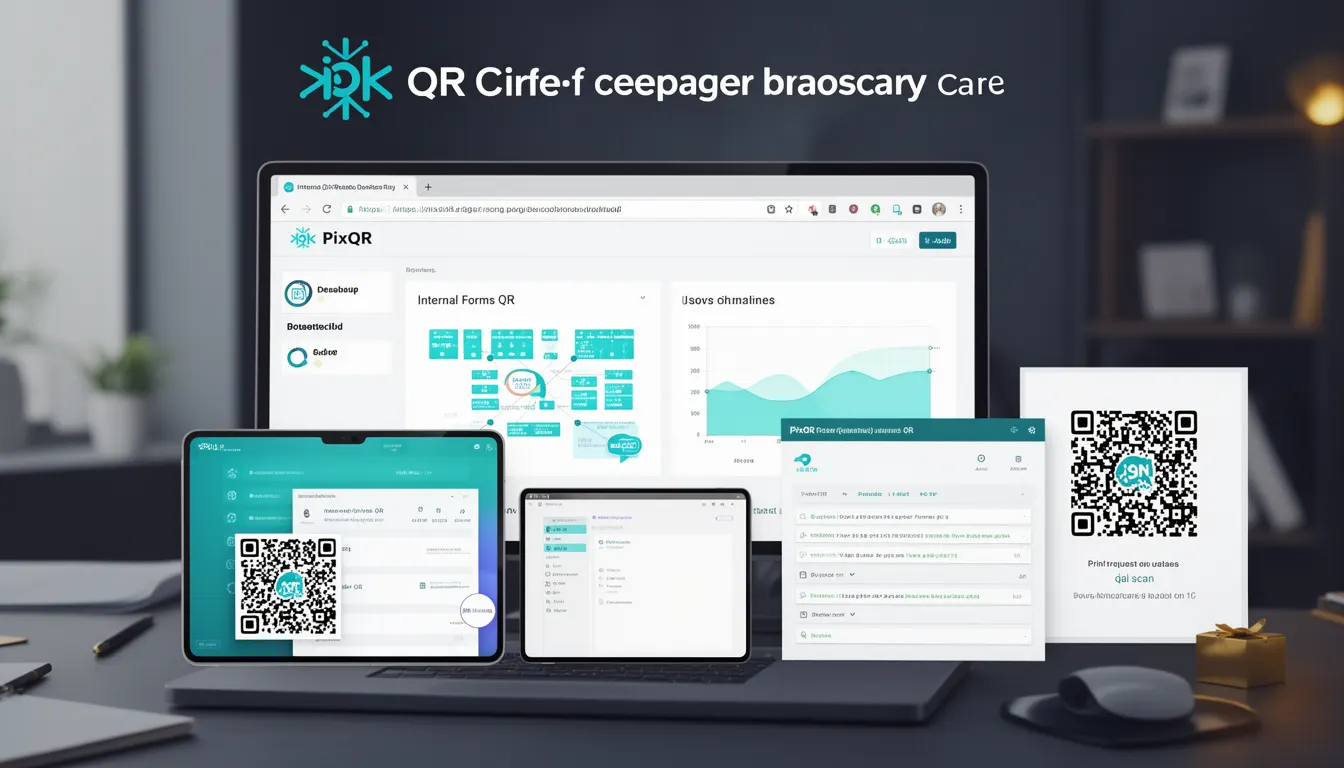
Internal Forms QR is a PixQR business use-case term describing QR codes that direct users to internal web forms, typically used for operations, sales, service, or administrative tasks. These QR codes are not meant for public-facing applications but are instead embedded in internal workflows or printed materials for staff use.
They are generated through PixQR’s dynamic redirect system, allowing administrators to configure form URLs, set access controls, and track scan activity. The QR code acts as a secure, branded, and reliable access point to internal systems, improving operational efficiency and reducing reliance on manual data entry or direct link sharing.
Why It Matters
For developers and system maintainers, Internal Forms QR codes streamline internal processes by providing a quick, reliable, and traceable way to access forms. This is especially useful in environments where staff need to submit data, report issues, or update records without navigating complex portals.
Security and privacy are enhanced by restricting access to internal systems, and the ability to track scans allows for operational insights. For example, a field technician scanning a QR code to log equipment issues can be tracked for performance monitoring and audit purposes.
How It Works
Internal Forms QR codes are created using PixQR’s API or dashboard, configured to point to internal URLs. These QR codes support dynamic redirects, meaning their destination can be updated without regenerating the code. They are typically used in controlled environments where access is restricted and scan tracking is enabled.
- Each QR code is assigned a unique identifier and can be linked to a specific internal form endpoint.
- Access can be restricted using PixQR’s built-in access control features, such as IP whitelisting or token-based authentication.
- Scan analytics are available to track how many times a QR code has been scanned, by which device, and at what time.
- Internal QR codes can be configured to include custom metadata, such as location, department, or task type.
- They support secure redirects with HTTPS, ensuring that data is transmitted safely from the scanner to the internal form.
Quick Reference
| Item | Purpose | Notes |
|---|---|---|
| Internal form URL | Destination of the QR code | Must be accessible from internal network |
| Access control | Restricts who can scan the QR | Can include IP, token, or user group |
| Scan tracking | Logs scan activity | Includes timestamp, device, and location |
| Dynamic redirect | Allows URL updates without regenerating QR | Useful for maintenance or form changes |
| Metadata support | Includes custom data in QR | Useful for tagging or categorization |
Basic Example
PixQR Example QR
This QR links directly to this glossary page, so printed notes, onboarding docs, and support material can bring scanners back to the current reference.
/glossary/qr-code-for-business/qr-codes-for-business-internal-forms-qr
This example shows a basic QR code configuration for an internal helpdesk form. The QR code is configured to point to a form hosted on an internal server and includes minimal metadata.
{
  "type": "internal-forms",
  "url": "https://internal.company.com/helpdesk",
  "metadata": {
    "department": "IT",
    "task": "report-issue"
  },
  "tracking": true
}
The type field specifies that this is an internal form QR. The url field defines the form destination. The metadata field allows for categorization, and tracking enables scan logging.
Production Example
This example shows a more robust configuration for a production-ready internal forms QR code, including access control, secure redirect, and advanced metadata.
{
  "type": "internal-forms",
  "url": "https://secure.internal.company.com/forms/employee-onboarding",
  "access_control": {
    "allowed_ips": ["192.168.1.0/24"],
    "auth_token": "abc123xyz",
    "user_groups": ["hr", "admin"]
  },
  "metadata": {
    "form_id": "onboarding_2024",
    "location": "main-office",
    "department": "hr"
  },
  "tracking": true,
  "redirect_protocol": "https",
  "scan_limit": 100
}
This configuration ensures that only authorized users can access the form, the redirect is secure, and scan activity is monitored. The scan_limit parameter prevents misuse by limiting how many times the QR can be scanned.
Common Mistakes
- Using unsecured URLs in the internal form configuration, which can expose sensitive data during transit.
- Not implementing access controls, leading to unauthorized access to internal systems.
- Ignoring scan tracking, which prevents monitoring and auditing of QR code usage.
- Setting incorrect metadata or not validating input, which can cause data inconsistency or errors.
- Not updating the QR code when the internal form URL changes, resulting in broken links or outdated access.
Security And Production Notes
- Always use HTTPS for internal form URLs to prevent data interception.
- Implement access control to restrict QR code access to authorized users or systems.
- Enable scan tracking to monitor usage and detect potential misuse or system issues.
- Validate metadata and form URLs to prevent injection or misconfiguration errors.
- Regularly audit QR code configurations and scan logs to ensure compliance and detect anomalies.
Related Concepts
Internal Forms QR is closely related to several other QR code concepts and technologies:
- Dynamic Redirects: Internal Forms QR codes rely on dynamic redirects to update destination URLs without changing the QR code itself.
- Access Control: Ensuring that only authorized users can access internal forms is a core part of QR security.
- Scan Analytics: Internal QR codes are often used in environments where tracking and reporting are important.
- Secure Link Management: PixQR’s link management features ensure that internal URLs are handled securely and efficiently.
- Print Reliability: For physical materials, QR codes must be designed for print clarity and scan accuracy to ensure usability in real-world conditions.