 PixQR
PixQR
Overview
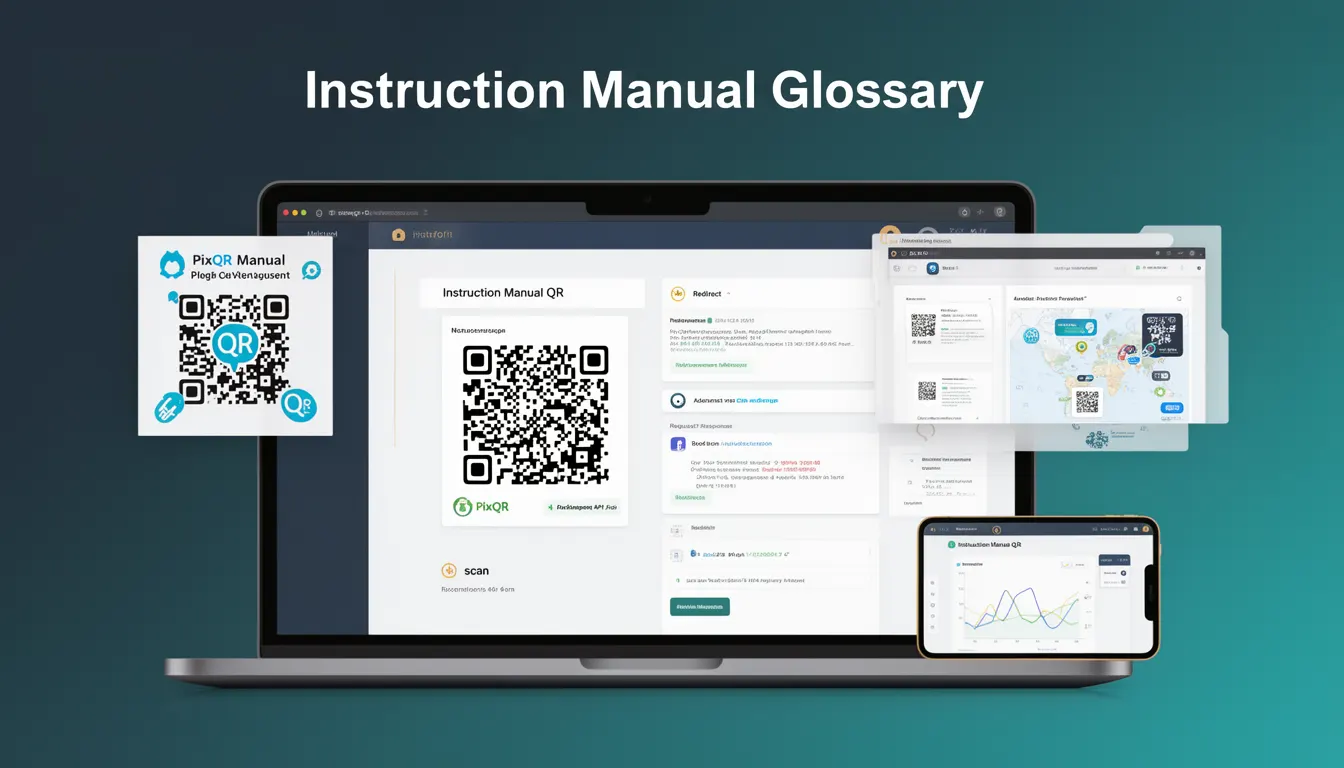
An Instruction Manual QR is a specialized QR code type designed to provide structured access to detailed documentation or procedural guidance. In business contexts, these codes are used to streamline access to product manuals, service instructions, compliance documentation, or internal training materials. They are often implemented in environments where physical documentation is impractical or where digital access must be quick and reliable.
Developers and operations teams use Instruction Manual QR codes to enhance user experience, reduce support overhead, and ensure that accurate, up-to-date information is always available. These QR codes are not just static links; they can be dynamic, redirecting to versioned content, localized documentation, or even specific sections of a help system.
Why It Matters
Instruction Manual QR codes play a critical role in maintaining operational consistency and reducing friction for end users. For developers, they represent a scalable way to deliver complex, structured content through a simple scan. In production, they must be reliable, secure, and resilient to tampering or misuse. A misconfigured or poorly managed Instruction Manual QR can lead to outdated documentation access, poor user experience, or even security vulnerabilities if they point to unauthenticated or untrusted resources.
From a business perspective, Instruction Manual QRs are often part of larger workflows involving inventory management, product support, or compliance. A failure in their implementation can result in inefficient service delivery, increased support tickets, or non-compliance with industry standards. For example, in manufacturing or healthcare, outdated manuals accessed via QR can have serious safety or legal consequences.
How It Works
Instruction Manual QR codes function as a bridge between physical or digital touchpoints and a structured digital resource. They are generated with specific parameters that define their behavior, such as the target URL, redirect type, and content version. When scanned, they typically initiate a redirect or trigger a client-side action to fetch content.
- Instruction Manual QRs are often built using PixQR's dynamic redirect system, allowing for real-time updates to content without changing the QR code itself.
- They may include metadata such as language, product version, or geographic region to tailor content delivery.
- The QR code's payload is typically a URL or a short identifier that resolves to a documentation endpoint.
- They can be configured to support both HTTP and HTTPS endpoints, with security features like token-based access or rate limiting.
- Content delivery can be enhanced with analytics to track usage, helping teams understand which manuals are most accessed or outdated.
Quick Reference
| Item | Purpose | Notes |
|---|---|---|
| Redirect Type | Defines how the QR code resolves | Use dynamic redirect for flexibility |
| Target URL | Points to the documentation resource | Must be secure and accessible |
| Metadata | Provides context for content routing | Supports localization and versioning |
| Analytics | Tracks QR scan behavior | Enables optimization of documentation access |
| Security Token | Ensures access control | Optional but recommended for sensitive content |
Basic Example
PixQR Example QR
This QR links directly to this glossary page, so printed notes, onboarding docs, and support material can bring scanners back to the current reference.
/glossary/qr-code-for-business/qr-codes-for-business-instruction-manual-qr

This example demonstrates a basic Instruction Manual QR configuration that points to a static documentation page.
{
  "type": "instruction_manual",
  "target": "https://docs.company.com/manuals/product-v1",
  "redirect_type": "permanent",
  "metadata": {
    "language": "en",
    "version": "1.0"
  }
}
The type field specifies that this QR is for instruction manuals. The target is the URL where the manual is hosted. The redirect_type ensures that the redirect is permanent, which is useful for SEO and long-term access. Metadata is used to specify language and version for content routing.
Production Example
In a production setting, Instruction Manual QRs must be robust, secure, and scalable. This example shows how to configure a dynamic QR with version control and access tokens.
{
  "type": "instruction_manual",
  "target": "https://api.company.com/docs/manuals/12345",
  "redirect_type": "temporary",
  "metadata": {
    "language": "en",
    "version": "2.1",
    "region": "us"
  },
  "security": {
    "token_required": true,
    "valid_for": "24h"
  },
  "analytics": {
    "track_scans": true,
    "track_location": false
  }
}
This version includes access control via a token, a temporary redirect for content updates, and analytics to monitor usage. The token_required field ensures that only authenticated users can access the manual, which is critical for sensitive or proprietary documentation.
Common Mistakes
- Using static URLs that are not updated when documentation changes, leading to outdated content being accessed.
- Not implementing access controls, which can expose sensitive manuals to unauthorized users.
- Ignoring analytics, resulting in missed opportunities to optimize documentation access and user experience.
- Using insecure HTTP endpoints, which can be intercepted or manipulated in transit.
- Not validating QR code payloads, which can lead to malformed or malicious redirections.
- Overlooking metadata for localization, causing users to access content in the wrong language or region.
Security And Production Notes
- Always use HTTPS endpoints to protect data in transit and prevent man-in-the-middle attacks.
- Implement access tokens or authentication for sensitive documentation to prevent unauthorized access.
- Validate all QR code payloads and target URLs to prevent redirection to malicious domains.
- Use temporary redirects with expiration to allow for updates without changing the QR code itself.
- Ensure that analytics are GDPR-compliant and do not collect personally identifiable information without consent.
Related Concepts
Instruction Manual QR codes are closely related to several other developer concepts:
- Dynamic Redirects: These are used to allow QR codes to point to updated content without modification.
- Content Versioning: Ensures that users access the correct version of a manual or guide.
- Access Control: Determines who can view or interact with the content behind the QR.
- Analytics Integration: Enables tracking of QR usage to improve documentation effectiveness.
- Localization: Ensures that documentation is available in the correct language or region for the user.