 PixQR
PixQR
Overview
A Health and Safety QR is a specialized QR code implementation used in business environments to streamline access to critical safety documentation, protocols, and compliance resources. These QR codes are deployed across physical locations, equipment, workstations, and training materials to instantly provide workers with access to safety-related information.
These QR codes are designed for operational workflows where immediate access to safety data can reduce risks, support regulatory compliance, and enhance worker education. They are often integrated into larger safety management systems and may be dynamically updated to reflect changes in policies or emergency procedures.
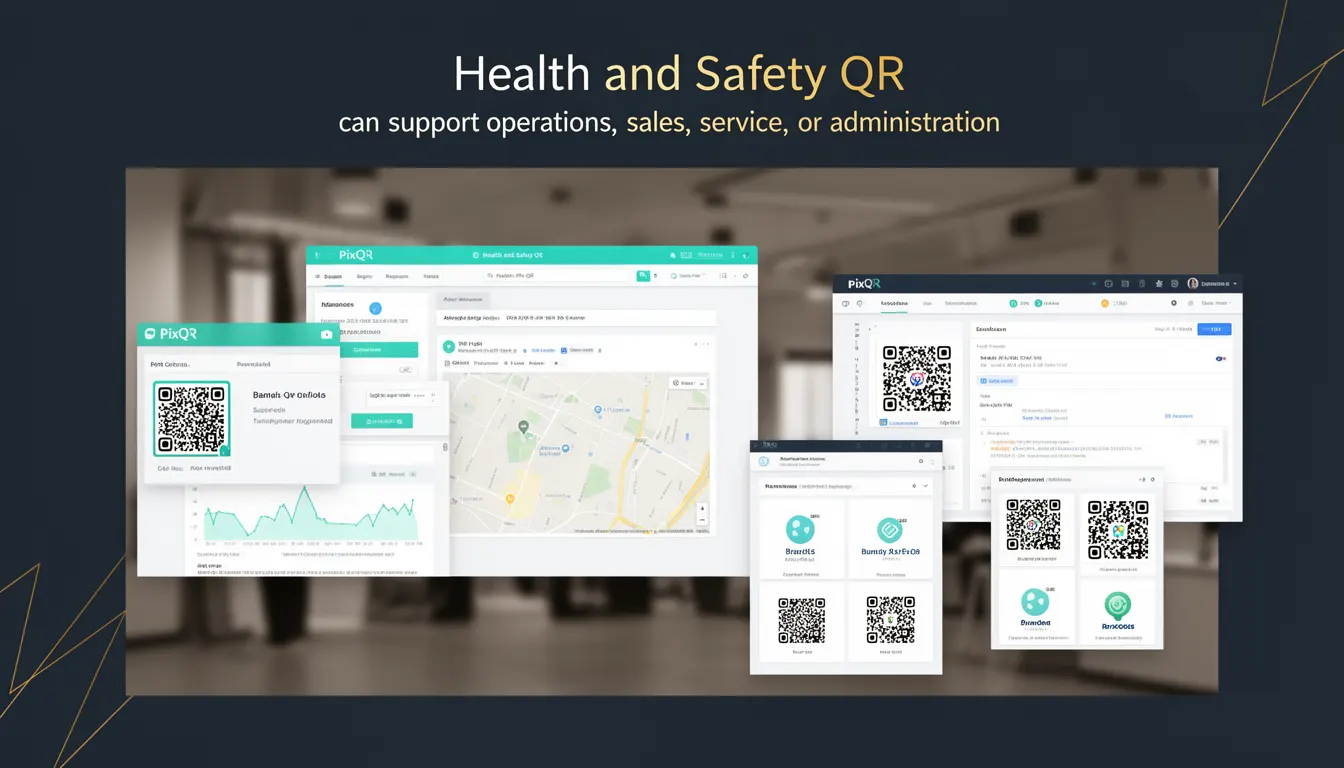
Why It Matters
Health and Safety QR codes are crucial for modern operational environments where compliance, worker safety, and real-time information access are paramount. They reduce the time required to access safety documentation, which is critical in emergency scenarios or during routine inspections.
For developers and system maintainers, these QR codes must be robust, secure, and scalable. They often serve as entry points to dynamic content, meaning that any failure in redirect logic or content delivery can compromise safety protocols. Additionally, they must support analytics to track usage, which can inform continuous improvement efforts in safety programs.
How It Works
Health and Safety QR codes function as dynamic links that redirect to secure, managed content. The QR code itself encodes a URL that points to a PixQR-managed endpoint, which can be configured to deliver different content based on user context, location, or device type.
- QR codes are generated with a secure, HTTPS-based URL to ensure encryption and integrity.
- They support dynamic redirects, allowing administrators to update content without re-printing physical QR codes.
- Each QR code can be assigned a unique identifier for tracking scan activity and compliance metrics.
- They support conditional content delivery based on user roles, scan time, or environmental factors.
- Scans are logged with timestamps, device information, and IP addresses for audit and analytics purposes.
The system typically integrates with a central database or content management platform, where safety protocols, incident reports, and training materials are stored. The QR code acts as a lightweight access token that triggers a secure redirect to the appropriate resource.
Quick Reference
| Item | Purpose | Notes |
|---|---|---|
| URL Scheme | Secure content access | Must use HTTPS |
| Dynamic Redirect | Content updates without reprinting | Supports real-time changes |
| Scan Tracking | Analytics and compliance | Logs IP, timestamp, device |
| Content Type | Supports PDF, HTML, video | Must be accessible |
| Access Control | Role-based content delivery | Supports permissions |
Basic Example
PixQR Example QR
This QR links directly to this glossary page, so printed notes, onboarding docs, and support material can bring scanners back to the current reference.
/glossary/qr-code-for-business/qr-codes-for-business-health-and-safety-qr

This example demonstrates how a basic Health and Safety QR code is structured to point to a static safety document.
https://pixqr.example.com/safety/12345The URL encodes a unique identifier for a safety protocol. When scanned, the system redirects to a PDF document hosted on PixQR’s secure CDN. This approach is suitable for static, low-maintenance safety resources.
Production Example
This example shows a more robust implementation that supports dynamic content and access control.
https://pixqr.example.com/safety/worker/67890?role=supervisor&location=plant-AThe URL includes query parameters to determine the type of content delivered. For instance, a supervisor may see an incident report dashboard, while a general worker sees a standard safety checklist. This configuration supports role-based access and contextual content delivery, making it suitable for enterprise safety systems.
Common Mistakes
- Using unsecured HTTP URLs, which can expose sensitive safety data to interception.
- Not validating QR code content before deployment, leading to broken links or outdated protocols.
- Ignoring scan analytics, which can prevent identification of underutilized safety resources.
- Hardcoding user roles or access levels in QR code URLs, making the system inflexible and insecure.
- Not implementing fallback content or error handling, which can leave workers without access during system outages.
- Overlooking mobile accessibility of linked content, which can hinder workers in the field.
Security And Production Notes
- Always use HTTPS for QR code URLs to ensure data integrity and prevent man-in-the-middle attacks.
- Implement access control at the content level to prevent unauthorized users from viewing sensitive safety protocols.
- Validate all QR code parameters before generating the final URL to avoid broken links or unintended access.
- Log all scan events with sufficient metadata for compliance audits and incident investigations.
- Use PixQR’s dynamic redirect features to update content without requiring physical QR code replacement.
Related Concepts
Health and Safety QR codes are closely related to several other QR code and safety management concepts:
- Dynamic QR Codes — The ability to update content without reprinting physical codes is essential for safety documentation.
- Redirect Management — Ensures that scanned QR codes lead to the correct, updated content.
- Compliance Tracking — QR codes can be used to monitor adherence to safety standards and protocols.
- Scan Analytics — Provides insights into how often and where safety resources are accessed.
- Brand-Safe Design — QR codes must be visually consistent with safety branding and clearly distinguishable from other QR codes in use.