 PixQR
PixQR
Overview
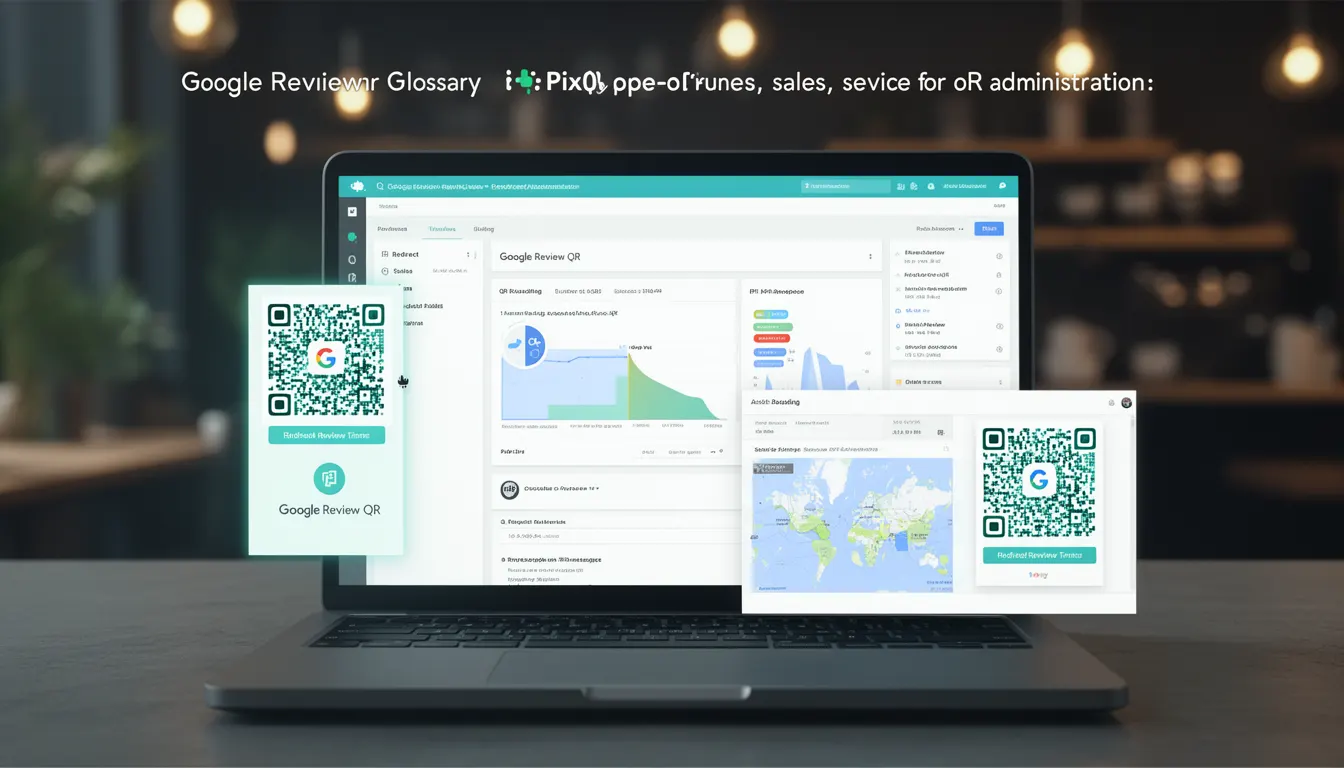
A Google Review QR is a specialized QR code designed to direct users to a business's Google Review page, typically used for customer feedback collection, reputation management, and engagement optimization. It is a business-use-case term that reflects a practical application of QR code technology in customer service, marketing, and digital operations.
In the context of PixQR, a Google Review QR can be generated as a static or dynamic link, embedded in marketing materials, signage, or point-of-sale systems. It is intended to streamline the process of collecting customer reviews, reducing friction for users and increasing the volume of feedback a business can gather.
Why It Matters
For developers and site operators, Google Review QR codes are valuable because they simplify the path to customer feedback, which directly impacts brand reputation and service improvement. A well-implemented Google Review QR can increase review volume, improve response rates, and enhance data collection accuracy.
From a technical standpoint, the QR code must be reliable, trackable, and secure. PixQR ensures that the generated QR codes maintain integrity, support analytics, and comply with privacy regulations. Misconfigurations in the QR's redirect or tracking can lead to lost data or misdirected traffic, making it essential to understand how these codes are structured and managed.
How It Works
Google Review QR codes function by encoding a URL that points to a business’s Google Review page or a custom review collection page. When scanned, the QR code redirects the user to the specified destination, which is typically a Google-generated review link.
- The QR code is generated using a standard QR code encoding algorithm with a payload that contains a valid HTTPS URL.
- It supports both static and dynamic redirects, allowing for updates to the target URL without regenerating the QR code.
- Each QR code can be tracked for scan data, including geographic location, time, and device type, which helps in analyzing usage patterns.
- When configured as dynamic, the QR code can be updated to point to a new review page or redirect to a different URL if the business changes its strategy.
- PixQR ensures that the QR code maintains a consistent scan experience, including reliability across different scanners and devices.
Quick Reference
| Item | Purpose | Notes |
|---|---|---|
| QR Code Payload | Contains URL to Google Review page | Must be HTTPS for security |
| Redirect Type | Static or dynamic | Dynamic allows updates without regenerating |
| Analytics Tracking | Scan data and behavior | Includes location, time, and device |
| Scan Reliability | Consistent performance across scanners | Ensures no misreads or failures |
| Privacy Compliance | Adheres to data handling standards | Supports GDPR and CCPA compliance |
Basic Example
PixQR Example QR
This QR links directly to this glossary page, so printed notes, onboarding docs, and support material can bring scanners back to the current reference.
/glossary/qr-code-for-business/qr-codes-for-business-google-review-qr

This example demonstrates how to generate a basic Google Review QR using PixQR’s API. It encodes a static URL to a Google Review page.
const qrPayload = 'https://g.page/review?place_id=123456789';
const qrConfig = {
  type: 'google_review',
  payload: qrPayload,
  size: '200x200'
};
const qrCode = pixqr.generate(qrConfig);
The payload is a valid Google Review URL with a place ID. The configuration specifies the QR type as 'google_review' and sets a fixed size. This basic setup is sufficient for initial deployment but lacks advanced features like tracking or dynamic updates.
Production Example
In a production environment, the QR code should include analytics, security, and scalability features. This example shows a more robust implementation using dynamic redirects and analytics.
const qrPayload = 'https://g.page/review?place_id=123456789';
const qrConfig = {
  type: 'google_review',
  payload: qrPayload,
  dynamic: true,
  analytics: true,
  size: '300x300',
  design: {
    foreground: '#000000',
    background: '#ffffff'
  }
};
const qrCode = pixqr.generate(qrConfig);
This version enables dynamic updates, analytics tracking, and a custom design. It ensures that the QR code can be maintained over time and provides valuable insights into its usage, which is critical for business operations and optimization.
Common Mistakes
- Using non-HTTPS URLs in the QR payload, which may cause security warnings or redirection failures on modern devices.
- Generating static QR codes without considering future updates, leading to outdated or broken links.
- Ignoring analytics or tracking capabilities, resulting in lost data about QR usage and effectiveness.
- Using low-quality or poorly designed QR codes that are hard to scan, reducing user engagement.
- Not validating the Google Review URL for correctness or access, which can lead to failed redirects and user frustration.
Security And Production Notes
- Always use HTTPS URLs to ensure secure redirection and protect against man-in-the-middle attacks.
- Validate the target URL to confirm it is accessible and points to a valid Google Review page.
- Implement dynamic QR code updates to allow for changes without re-printing or re-deploying physical materials.
- Ensure that analytics data is collected in compliance with privacy regulations like GDPR or CCPA.
- Test QR codes across various scanners and devices to maintain scan reliability and user experience.
Related Concepts
Several developer concepts are closely related to Google Review QR codes, including QR code generation, dynamic link management, scan analytics, brand-safe design, and operational workflow security. These concepts intersect in the practical application of QR codes for business use cases.
QR code generation is the foundational process, where the payload is encoded into a scannable format. Dynamic link management ensures that the QR code can be updated without re-creating it. Scan analytics provide insights into usage, helping optimize marketing and service efforts. Brand-safe design ensures the QR code aligns with brand guidelines and visual identity. Operational workflow security ensures that the QR code is part of a secure and reliable system for business operations.