 PixQR
PixQR
Overview
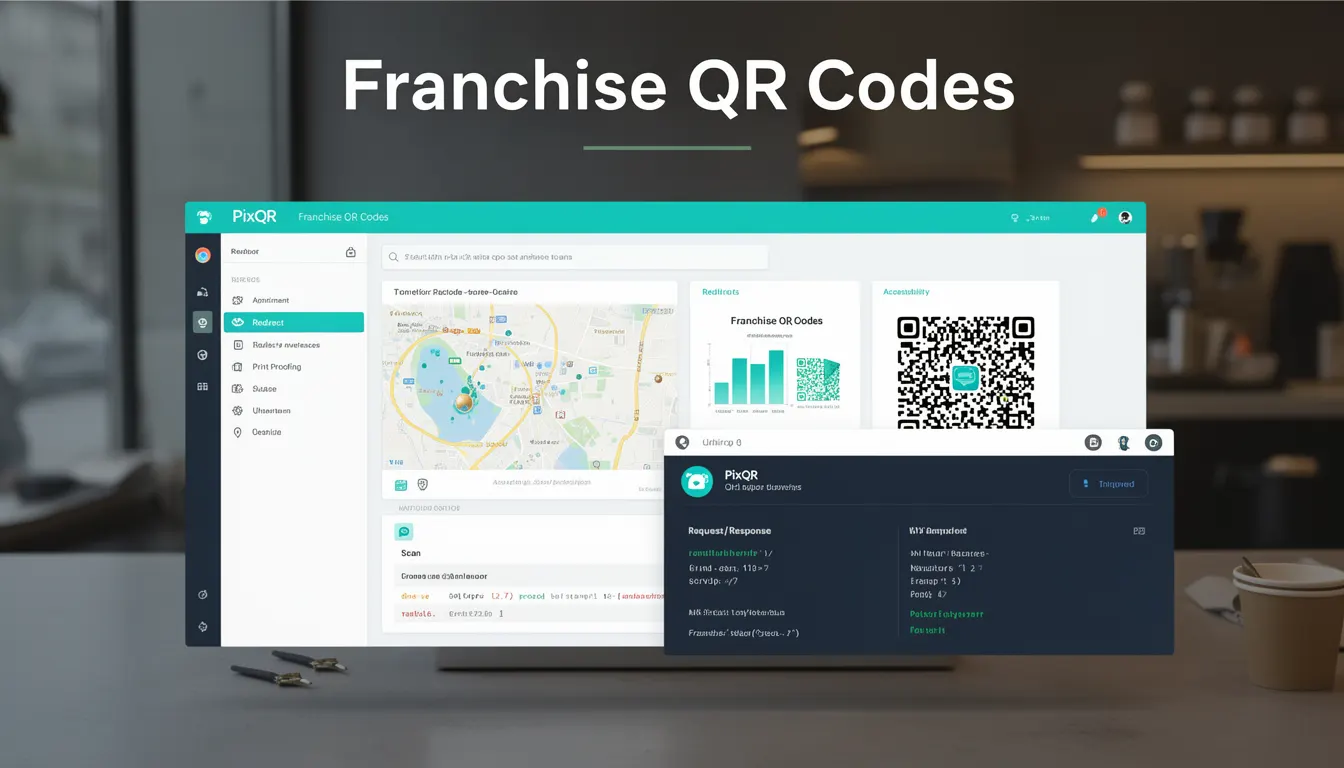
Franchise QR Codes are a specialized QR code implementation designed for use in franchise operations. These QR codes are generated and managed through the PixQR platform to support business functions such as sales tracking, inventory management, staff training, customer engagement, and administrative workflows. They are not standard QR codes but are tailored to the specific needs of franchise systems, which often involve multiple locations, centralized branding, and coordinated marketing efforts.
Franchise QR Codes typically link to dynamic redirect endpoints managed by PixQR. These endpoints can be configured to vary content or behavior based on location, time, or user context, allowing for personalized or localized experiences. They are used in print materials, digital signage, point-of-sale systems, and mobile apps, often integrated with franchise management platforms.
Why It Matters
For developers working within the PixQR ecosystem, Franchise QR Codes are significant because they require a balance between dynamic functionality and operational consistency. They must be reliably scannable, secure against tampering, and capable of integrating with franchise-wide analytics and branding guidelines. Mismanagement of these codes can lead to inconsistencies in customer experience, data integrity issues, or even security vulnerabilities if redirects are not properly validated.
From a production perspective, Franchise QR Codes are often part of larger systems that rely on consistent data flow and secure endpoints. Their implementation directly affects how efficiently franchisees can operate and how accurately corporate headquarters can track performance metrics. Developers must ensure these codes do not introduce latency or fail silently, as this could impact real-time operations or reporting accuracy.
How It Works
Franchise QR Codes in PixQR are generated using dynamic redirect mechanisms. Each code points to a unique endpoint that can be configured to behave differently based on input parameters or backend logic. The core components include:
- Dynamic Redirect Endpoint: A URL managed by PixQR that can redirect to different destinations based on parameters like location, time, or user type.
- Configuration Parameters: Options such as branding, expiration, analytics tracking, and access control that define how the QR code behaves.
- Scan Tracking: Real-time analytics that capture scan data, including timestamps, device types, and geolocation where available.
- Template Management: Predefined layouts for QR code design that maintain brand consistency across all franchise locations.
- API Integration: Support for external systems to update or query QR code data programmatically, ensuring alignment with franchise-wide databases.
Each Franchise QR Code is assigned a unique identifier upon creation, which is used to track scans and manage redirects. The system supports batch creation and updates, allowing franchise headquarters to quickly adjust code behavior across multiple locations. The QR codes themselves are generated with high error correction to ensure reliability in print and digital formats.
Quick Reference
| Item | Purpose | Notes |
|---|---|---|
| Dynamic Redirect | Points to a configurable endpoint | Supports location-based routing |
| Scan Tracking | Logs scan data for analytics | Includes timestamp and device info |
| Template | Ensures branding consistency | Can include logo, color, and layout |
| Expiration | Controls code validity period | Supports time-based updates |
| API Access | Enables programmatic updates | Requires authentication |
Basic Example
PixQR Example QR
This QR links directly to this glossary page, so printed notes, onboarding docs, and support material can bring scanners back to the current reference.
/glossary/qr-code-for-business/qr-codes-for-business-franchise-qr-codes

This basic example shows how a Franchise QR Code might be created in a PixQR environment using a simplified API call structure. It demonstrates the essential parameters required to generate a functional QR code.
POST /api/franchise/qr-codes
{
  "name": "Location 123 Menu",
  "redirect_url": "https://franchise.example.com/menu/123",
  "template": "standard_branding",
  "expires_in_days": 30
}
The example includes a name for the code, a redirect URL that leads to a specific menu page, a branding template, and an expiration period. This configuration ensures the QR code is functional, branded, and will not remain active indefinitely.
Production Example
This production example shows a more robust setup that includes validation, error handling, and integration with a franchise management system. It demonstrates how developers might structure a request to ensure consistency and security across multiple locations.
POST /api/franchise/qr-codes
{
  "name": "Franchise Location 456 Promo",
  "redirect_url": "https://franchise.example.com/promo/456",
  "template": "promo_template_v2",
  "expires_in_days": 60,
  "analytics_enabled": true,
  "branding": {
    "logo": "https://brand.example.com/logo.png",
    "colors": ["#003366", "#FFFFFF"]
  },
  "location_id": "456",
  "access_control": {
    "allowed_ips": ["192.168.1.0/24"],
    "user_roles": ["manager", "staff"]
  }
}
This version includes additional fields for analytics, branding customization, and access control. It is suitable for production use because it enforces security, ensures proper branding, and supports detailed tracking. The location ID and access control help maintain operational integrity across franchise locations.
Common Mistakes
- Using Static Redirects: Franchise QR Codes benefit from dynamic behavior. Using static links limits flexibility and prevents location-specific content.
- Ignoring Branding Templates: Skipping branding consistency can lead to a fragmented customer experience across franchise locations.
- Not Setting Expiration Dates: Codes that never expire can become outdated or pose security risks if misused.
- Lack of Scan Tracking: Without analytics, it's impossible to measure code performance or optimize campaigns.
- Overlooking Access Control: Franchise codes that are publicly accessible can be manipulated or used maliciously if not restricted.
Security And Production Notes
- Redirect Validation: All redirect URLs must be validated to prevent open redirect vulnerabilities.
- Template Integrity: Branding templates should be stored securely and validated to avoid injection of malicious content.
- Access Control: Use IP whitelisting or authentication to restrict who can update QR code configurations.
- Scan Data Encryption: Analytics data should be encrypted in transit and at rest to comply with privacy regulations.
- Batch Update Auditing: Track changes to QR codes in bulk to ensure compliance and avoid accidental misconfigurations.
Related Concepts
Franchise QR Codes are closely related to several core PixQR concepts:
- Dynamic Redirects: The core mechanism that allows QR codes to behave differently based on context.
- Scan Analytics: The tracking system that captures and reports data from QR code scans.
- QR Code Templates: Predefined layouts that ensure brand consistency across all codes.
- API Integrations: The interface through which external systems interact with the QR code platform.
- Operational Workflows: The processes and security measures that govern how codes are managed and updated.