 PixQR
PixQR
Overview
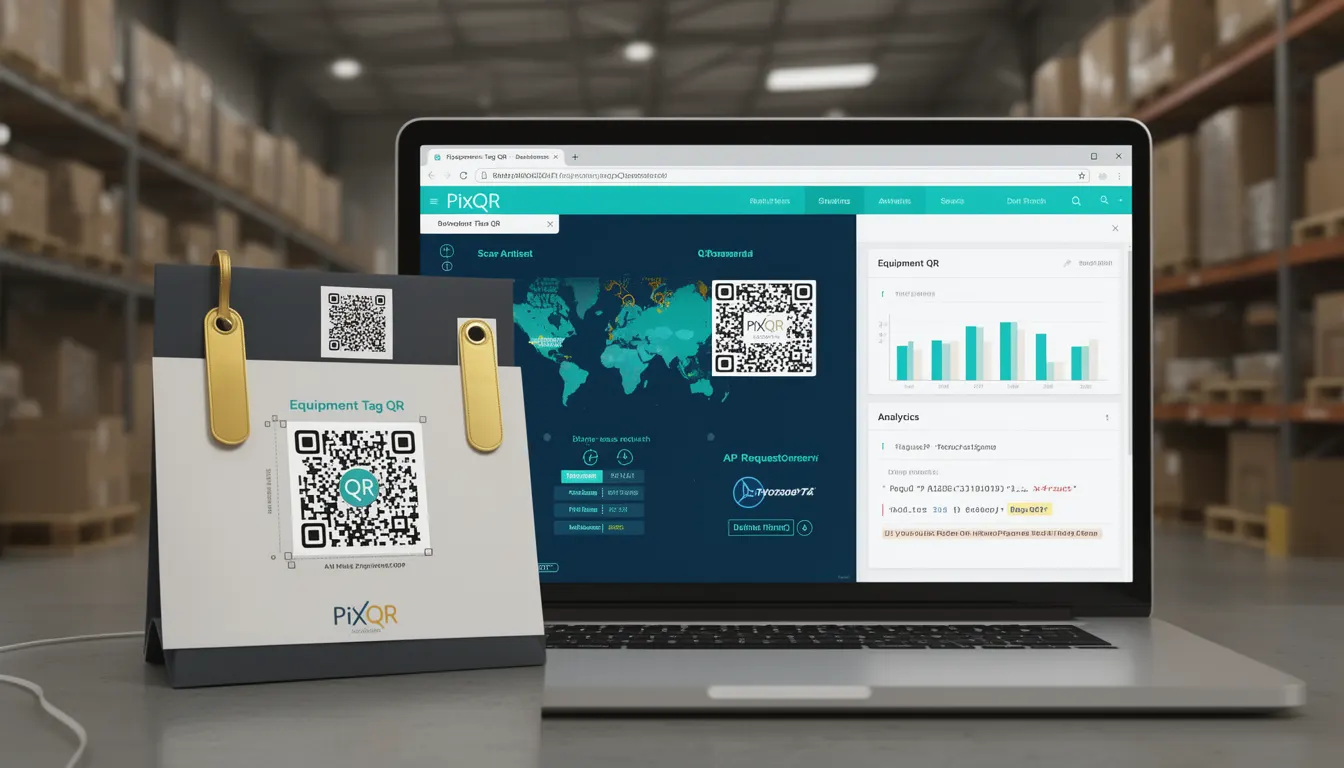
An Equipment Tag QR is a specialized QR code implementation used by businesses to uniquely identify and track physical assets such as machinery, tools, inventory items, or service equipment. These QR codes are embedded into or attached to physical equipment and can be scanned by mobile devices or QR readers to retrieve detailed metadata or trigger actions in a business system.
In the context of PixQR, Equipment Tag QRs are generated with dynamic redirect capabilities, ensuring that scanned links can be updated or monitored without requiring physical re-printing or replacement of QR labels. This makes them ideal for environments where equipment is frequently moved, serviced, or replaced.
Why It Matters
For developers working with PixQR, Equipment Tag QRs are a practical solution to bridge physical and digital asset management. They support operations by enabling real-time tracking, service scheduling, and inventory control, while also enhancing security and reducing administrative overhead.
From a production perspective, these QR codes allow for scalable, centralized management of assets across large organizations. They reduce the risk of human error in manual asset logging and support compliance and audit requirements by providing detailed scan logs and timestamps.
How It Works
Equipment Tag QRs in PixQR are implemented as dynamic links that can be updated or reconfigured at any time. The QR code itself encodes a URL that points to a backend service or API, which can be modified without changing the physical QR label.
- Each QR code is associated with a unique identifier, such as a serial number or asset ID, which is stored in PixQR's database.
- The QR code URL typically points to a redirect endpoint that fetches metadata about the equipment, such as its location, maintenance history, or service contact details.
- Scan analytics are collected and stored, allowing administrators to monitor usage, identify patterns, or detect anomalies in asset behavior.
- QRs can be configured to support various redirect types, including HTTP redirects, API endpoints, or internal links within a business system.
- Each QR code can be associated with metadata fields such as model, manufacturer, warranty status, or department, which are returned during a scan.
Quick Reference
| Item | Purpose | Notes |
|---|---|---|
| Asset ID | Uniquely identifies the physical equipment | Used in database lookups and analytics |
| Redirect URL | Points to metadata or service endpoint | Can be updated without re-printing QR code |
| Scan Analytics | Tracks QR code usage over time | Includes timestamp, location, and device info |
| Metadata Fields | Stores asset-specific data | Can include model, location, or maintenance status |
| Dynamic Link | Allows backend updates without physical changes | Enables real-time system adjustments |
Basic Example
PixQR Example QR
This QR links directly to this glossary page, so printed notes, onboarding docs, and support material can bring scanners back to the current reference.
/glossary/qr-code-for-business/qr-codes-for-business-equipment-tag-qr

This basic example demonstrates how a QR code might be generated for a piece of equipment using PixQR’s API, with a static redirect to a service page.
{
  "qr_code": {
    "id": "eq-12345",
    "url": "https://api.pixqr.com/redirect/eq-12345",
    "type": "equipment",
    "metadata": {
      "model": "X2000",
      "location": "Building A, Floor 3",
      "department": "Maintenance"
    }
  }
}
The key line here is the "url" field, which is the dynamic link that will be encoded into the QR code. The metadata field allows for structured data to be returned upon scan.
Production Example
In a production environment, a more robust setup includes validation, error handling, and scan tracking. The following example shows how a QR code might be configured with dynamic metadata and analytics support.
{
  "qr_code": {
    "id": "eq-12345",
    "url": "https://api.pixqr.com/redirect/eq-12345",
    "type": "equipment",
    "metadata": {
      "model": "X2000",
      "location": "Building A, Floor 3",
      "department": "Maintenance",
      "warranty_status": "Active",
      "last_maintenance": "2024-01-15"
    },
    "analytics": {
      "enabled": true,
      "track_location": true,
      "track_device": true
    },
    "redirect": {
      "type": "http",
      "target": "https://company.example.com/equipment/eq-12345"
    }
  }
}
This version includes full metadata and analytics settings, making it suitable for enterprise use. It supports real-time updates, detailed logging, and integration with existing asset management systems.
Common Mistakes
- Using static QR codes for equipment that requires frequent updates. This leads to inefficiencies and outdated information.
- Not validating metadata fields before QR generation, causing inconsistent or missing data in scan results.
- Ignoring scan analytics and logging, which prevents tracking of asset usage or detecting misplacements.
- Reusing QR code IDs across multiple assets, leading to incorrect data association and system errors.
- Hardcoding redirect URLs instead of using dynamic links, which prevents backend modifications without physical reprints.
Security And Production Notes
- Ensure all QR code URLs are HTTPS to prevent man-in-the-middle attacks and data leakage.
- Validate and sanitize all metadata fields to prevent injection or misinterpretation of data.
- Use unique identifiers per QR code to avoid conflicts in backend systems.
- Implement access controls on redirect endpoints to prevent unauthorized modifications or data exposure.
- Monitor scan analytics for unusual patterns, such as multiple scans from the same device or location, which may indicate tampering.
Related Concepts
Equipment Tag QRs are closely related to several other QR code and asset management concepts. These include:
- Dynamic Redirects: The ability to update QR code behavior without changing the physical label.
- Asset Management Systems: QR codes are often used to integrate with larger systems for tracking inventory or maintenance.
- Scan Analytics: The data collected from QR code scans is crucial for operational insights.
- Brand-Safe Design: QR codes must be designed to maintain brand integrity and scan reliability.
- Operational Workflows: QR codes are part of broader workflows for service, inventory, or logistics.