 PixQR
PixQR
Overview
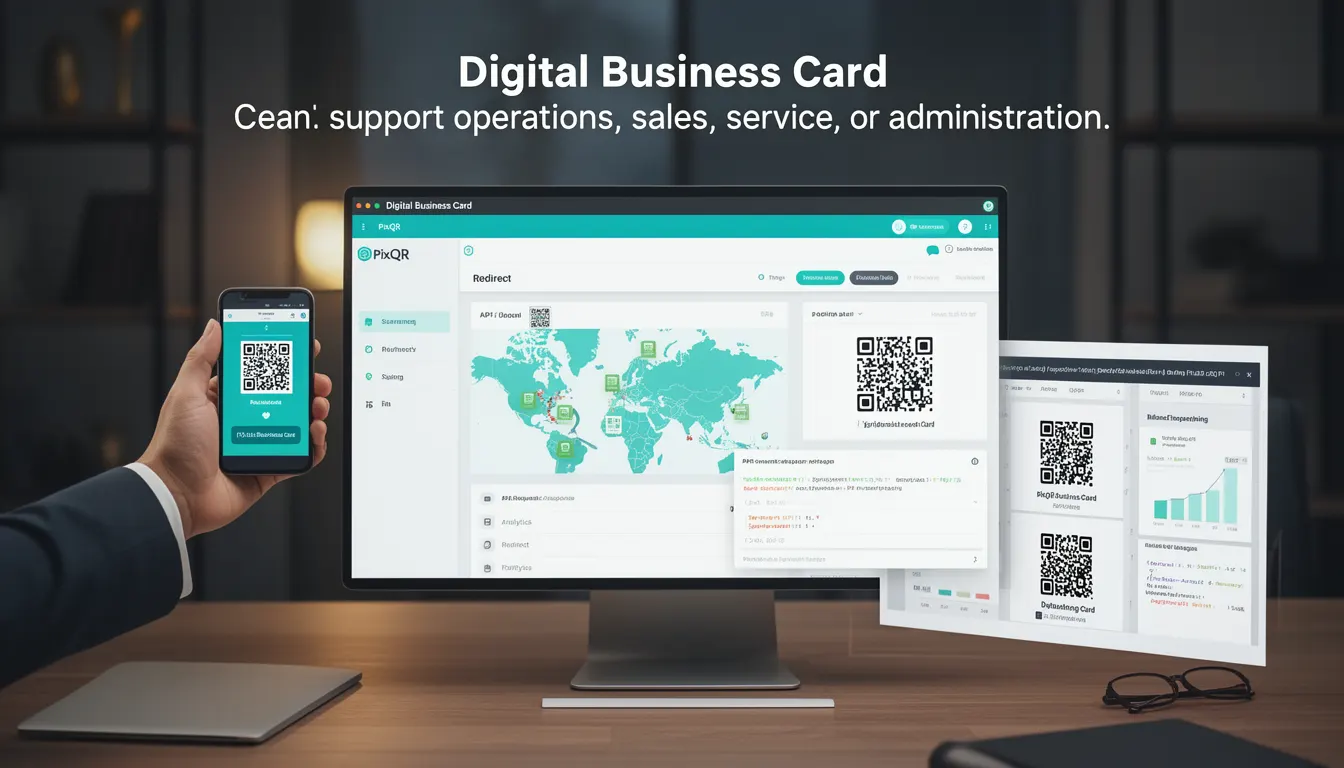
A Digital Business Card in the context of PixQR refers to a QR code implementation designed to carry contact and business information in a structured, scannable format. It serves as a modern alternative to traditional printed business cards, allowing individuals or organizations to share data such as name, title, email, phone number, website, and social media handles through a single QR code.
Developers and product teams use Digital Business Cards to streamline lead generation, improve contact exchange efficiency, and integrate with CRM systems or internal databases. In PixQR, this functionality is supported through dynamic QR code generation, which allows updates to the underlying data without regenerating the physical QR code.
Why It Matters
From a developer perspective, Digital Business Cards provide a scalable way to manage and update contact information across multiple channels. They support seamless integration with analytics platforms, enabling tracking of scan behavior and user engagement. This is especially important for marketing teams and sales operations that rely on lead attribution.
Security is a key concern in production environments. PixQR ensures that sensitive data within a Digital Business Card is protected by default through encryption and secure redirect mechanisms. Accessibility is also a factor, as the QR code must be scannable by standard mobile devices and compatible with assistive technologies.
How It Works
When a user scans a Digital Business Card QR code, the PixQR platform redirects to a landing page or data endpoint that serves structured information. This mechanism supports multiple data formats including vCard, JSON, or plain text, depending on the configuration.
- QR codes are generated with a dynamic redirect URL that points to a secure endpoint.
- The endpoint returns data in a structured format, typically JSON or vCard, which can be parsed by mobile applications.
- Updates to the underlying data are propagated without requiring a new QR code to be printed or shared.
- Scan tracking and analytics are enabled by default, capturing metadata such as time, device type, and geolocation.
- Support for branding and design customization ensures the QR code aligns with corporate identity guidelines.
Quick Reference
| Item | Purpose | Notes |
|---|---|---|
| Dynamic redirect URL | Points to data endpoint | Must be HTTPS and secure |
| vCard format | Structured contact data | Standardized for compatibility |
| Scan tracking | Analytics and attribution | Enabled by default |
| Update mechanism | Modify data without re-printing | Requires backend access |
| Branding options | Customize appearance | Supports logo, colors, and styles |
Basic Example
PixQR Example QR
This QR links directly to this glossary page, so printed notes, onboarding docs, and support material can bring scanners back to the current reference.
/glossary/qr-code-for-business/qr-codes-for-business-digital-business-card

This example demonstrates a basic Digital Business Card QR code structure using a JSON payload. It shows how the QR code points to a URL that returns structured data.
{
  "name": "John Doe",
  "title": "Software Engineer",
  "email": "john.doe@example.com",
  "phone": "+1-234-567-8900",
  "website": "https://example.com",
  "social": {
    "linkedin": "https://linkedin.com/in/johndoe",
    "twitter": "https://twitter.com/johndoe"
  }
}
This JSON object represents the core data structure that a QR code can contain. The redirect URL points to a service that returns this data in response to a scan.
Production Example
In a production environment, the Digital Business Card must include validation, error handling, and secure data transmission. This example shows how a QR code can be generated and configured with secure settings using PixQR's API.
{
  "qr_code": {
    "type": "dynamic",
    "url": "https://api.pixqr.com/v1/card/12345",
    "branding": {
      "logo": "https://example.com/logo.png",
      "color": "#000000"
    },
    "analytics": true,
    "redirect": "https://example.com/contact"
  },
  "data": {
    "name": "Jane Smith",
    "title": "Product Manager",
    "email": "jane.smith@example.com",
    "phone": "+1-987-654-3210",
    "website": "https://example.com",
    "social": {
      "linkedin": "https://linkedin.com/in/janesmith"
    }
  }
}
This configuration ensures that the QR code is secure, trackable, and customizable. The endpoint at https://api.pixqr.com/v1/card/12345 returns the contact data in a format that mobile applications can consume.
Common Mistakes
- Using unsecured HTTP URLs in the redirect, which can lead to data interception or phishing risks.
- Not validating the data payload before generating the QR code, leading to malformed or invalid output.
- Overlooking scan tracking and analytics settings, resulting in missed opportunities for lead attribution.
- Ignoring branding consistency, which can reduce brand recognition or confuse users.
- Hardcoding sensitive data in the QR code itself, which can expose information to unauthorized users.
Security And Production Notes
- Always use HTTPS for redirect URLs to prevent man-in-the-middle attacks.
- Validate all incoming data to ensure it conforms to expected formats and lengths.
- Implement access controls for data updates to prevent unauthorized modifications.
- Use PixQR's built-in analytics and tracking to monitor usage and detect anomalies.
- Ensure that QR code designs are accessible and scannable by standard devices, including low-light conditions.
Related Concepts
Digital Business Cards are closely related to several core QR code technologies and practices:
- Dynamic QR Codes – Enable updates without regenerating the physical code.
- Redirect Safety – Ensures that QR code links are secure and lead to trusted destinations.
- Scan Analytics – Provides insights into how QR codes are being used in real-world scenarios.
- Link Management – Allows for centralized control of multiple QR code links and their targets.
- Privacy Controls – Ensures that data shared via QR codes complies with privacy regulations such as GDPR or CCPA.