 PixQR
PixQR
Overview
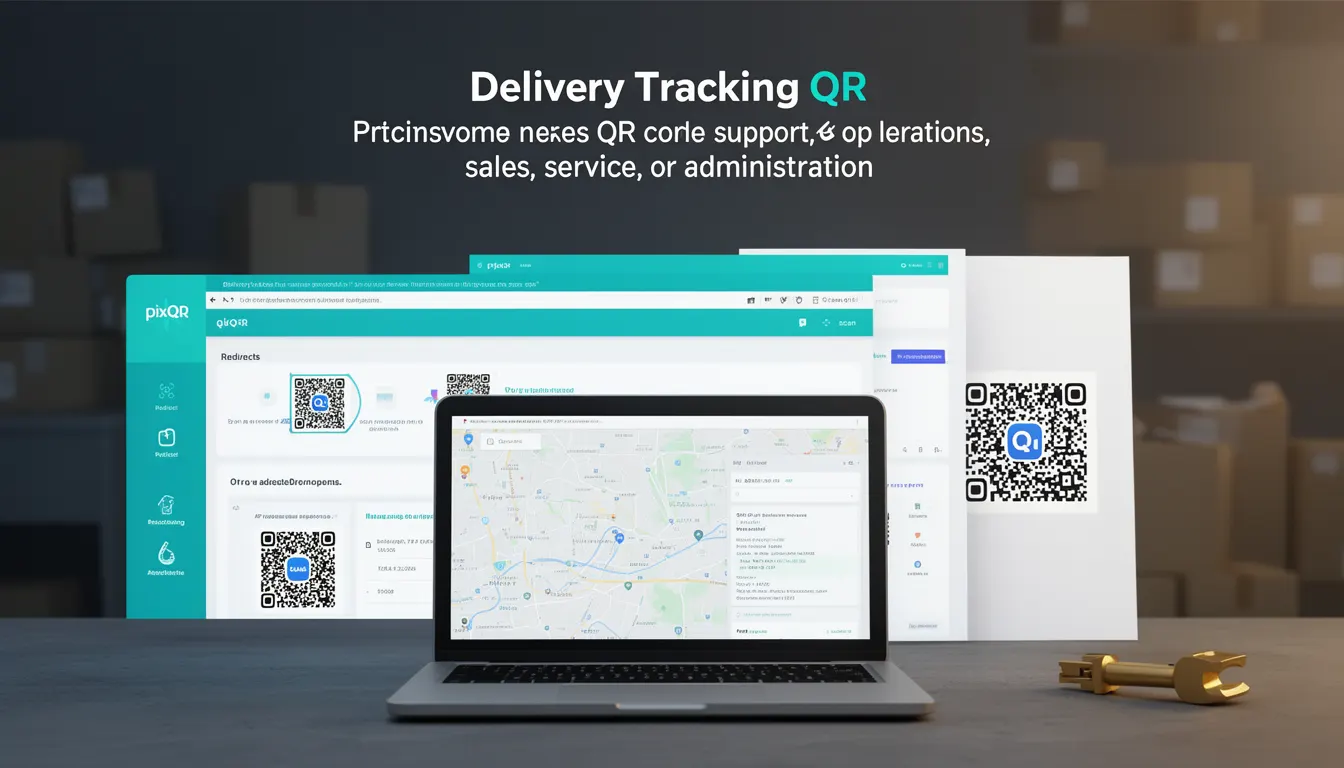
A Delivery Tracking QR is a specialized QR code used by businesses to provide real-time visibility into package or shipment status for customers. It enables end-users to scan a QR code and instantly access a live tracking page or dashboard, reducing friction in customer service and improving operational transparency.
In the context of PixQR, a Delivery Tracking QR is a dynamic link that can be generated and configured to redirect to a tracking URL associated with a specific shipment. It supports both static and dynamic content, depending on how it is set up in the PixQR platform. This type of QR code is particularly useful for logistics, e-commerce, and fulfillment operations where timely delivery updates are essential.
Why It Matters
Delivery Tracking QR codes are crucial for businesses that rely on customer trust and efficient communication. When customers can scan a QR code and immediately see where their package is, it reduces inquiries to support teams, increases satisfaction, and improves brand perception. For developers, these QR codes must be reliable, secure, and resilient to link changes or expiration.
From a performance standpoint, a well-implemented Delivery Tracking QR must load quickly and be compatible with common scanning tools. It also needs to integrate smoothly with backend systems to ensure tracking data is current. If not handled correctly, it can become a point of failure in the customer journey, especially if the link breaks or redirects to an outdated page.
How It Works
Delivery Tracking QR codes operate by embedding a URL in the QR code structure. When scanned, the QR code redirects to a tracking page or API endpoint. In PixQR, these links can be either static or dynamic, with dynamic links supporting real-time updates.
- Delivery Tracking QRs can be configured to point to a dedicated tracking page or an API endpoint that returns shipment data.
- The QR code itself is generated using standard QR encoding, with the URL embedded in the data portion.
- Tracking data is usually fetched via an API call that pulls information from a logistics provider or internal system.
- Dynamic QRs in PixQR support link updates without changing the QR code physical appearance, which is useful for tracking changes during transit.
- Tracking QRs can be configured with expiration times or access controls to ensure they are only used within a defined window or by authorized users.
Quick Reference
| Item | Purpose | Notes |
|---|---|---|
| Redirect URL | Points to tracking page or API | Must be HTTPS for security |
| Dynamic Link | Supports live updates | Can be updated without re-printing QR |
| Expiration | Controls how long QR is valid | Set to prevent misuse |
| Scan Analytics | Tracks how many scans occurred | Helps measure engagement |
| Brand Safe Design | Ensures QR fits brand guidelines | Prevents unauthorized branding |
Basic Example
PixQR Example QR
This QR links directly to this glossary page, so printed notes, onboarding docs, and support material can bring scanners back to the current reference.
/glossary/qr-code-for-business/qr-codes-for-business-delivery-tracking-qr

This basic example shows how a static Delivery Tracking QR might be created using a URL pointing to a tracking page.
const trackingUrl = "https://example.com/track/123456789";
const qrCode = pixqr.generate({
  type: "tracking",
  url: trackingUrl,
  size: 256
});
This code generates a QR code that redirects to a tracking page. The type parameter specifies the QR type, and the url sets the destination. The size controls the output dimensions.
Production Example
In a production environment, a Delivery Tracking QR might be part of a larger logistics integration that includes validation, analytics, and access control.
const deliveryTracking = pixqr.createTrackingQR({
  shipmentId: "SH123456789",
  redirectUrl: "https://api.example.com/tracking",
  expiresIn: 7200,
  brandSafe: true,
  analytics: true
});

console.log(deliveryTracking.qrCodeUrl);
This example creates a dynamic QR with a 2-hour expiration, ensures brand compliance, and enables analytics tracking. It is more secure and scalable than a static QR, making it suitable for production use.
Common Mistakes
- Not validating the redirect URL before generating the QR, which can lead to broken links or phishing risks.
- Using HTTP instead of HTTPS for the tracking URL, which can cause warnings or blockages in modern scanners.
- Ignoring expiration times, leading to QR codes that remain active indefinitely and could be misused.
- Not testing QR scan reliability across devices, which can cause inconsistent user experiences.
- Not implementing analytics or monitoring, making it hard to track engagement or detect issues.
Security And Production Notes
- Always use HTTPS for tracking URLs to ensure data integrity and prevent man-in-the-middle attacks.
- Implement access controls or tokens to restrict who can view tracking information.
- Set reasonable expiration times to avoid long-lived QR codes that could be exploited.
- Use PixQR's built-in brand-safe design to avoid unauthorized or inappropriate branding.
- Ensure tracking data is sanitized and validated to prevent injection or cross-site scripting (XSS) attacks.
Related Concepts
Delivery Tracking QRs are closely related to several other QR code use cases and platform features. Dynamic Redirects allow the destination to be updated without re-printing the QR. Scan Analytics provide insights into how often and where QRs are scanned. Brand-Safe Design ensures QRs align with company branding standards. Privacy Controls govern how tracking data is collected and used. Operational Workflows define how QRs are integrated into business processes like fulfillment or customer service.