 PixQR
PixQR
Overview
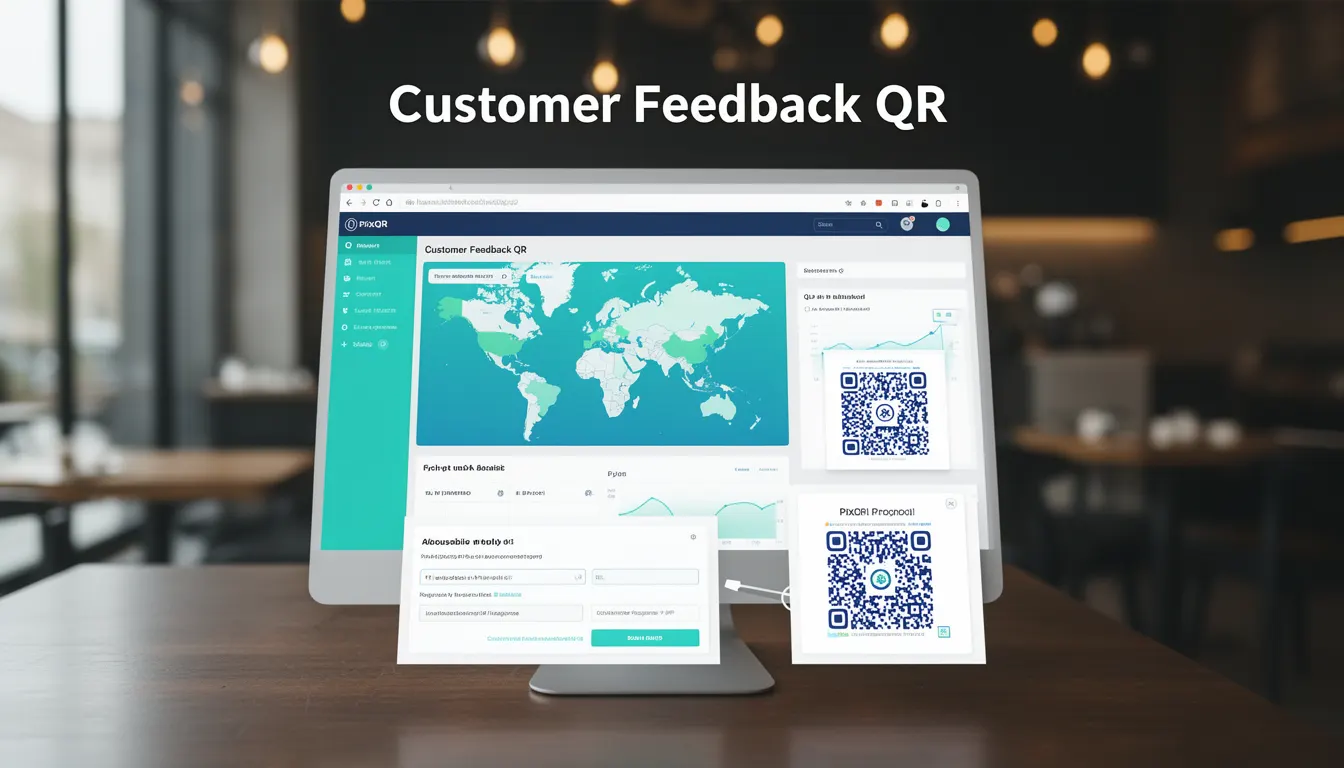
A Customer Feedback QR is a dynamic QR code implementation designed to collect user opinions, reviews, or service evaluations directly from physical or digital touchpoints. Unlike static QR codes, Customer Feedback QRs typically link to a form or survey interface that can be configured to capture specific data points relevant to business operations, sales, or customer service.
These QR codes are commonly used in retail environments, event spaces, service locations, or printed materials where physical interaction with customers is expected. The feedback collected through these QR codes can be integrated into business intelligence dashboards, CRM systems, or analytics platforms to support decision-making, operational improvements, and customer satisfaction tracking.
Why It Matters
For developers, Customer Feedback QRs represent a bridge between physical and digital user interaction. They require careful attention to data flow, privacy compliance, and system integration. A well-implemented feedback QR ensures that collected data is actionable and secure, while a poorly configured one may result in data loss, user confusion, or compliance violations.
From a performance standpoint, these QR codes must support rapid scan resolution and reliable redirect handling to avoid user frustration. Additionally, they often need to be designed with accessibility in mind, ensuring that the destination survey or form is usable by individuals with disabilities. Security is paramount, particularly when collecting sensitive user data or linking to third-party services.
How It Works
The functionality of a Customer Feedback QR is rooted in dynamic QR generation and redirection logic. The QR code itself contains a URL that points to a survey or feedback collection endpoint. This endpoint may be hosted on the PixQR platform or an external service, and it must be configured to handle various user inputs, validate data, and store results securely.
- The QR code can be generated with a unique identifier or token to track individual scans and ensure data integrity.
- Feedback collection forms may include optional or required fields, such as ratings, comments, or contact information.
- Redirects are typically handled via HTTP 302 status codes, which ensure that the user is directed to the correct destination without exposing internal URLs.
- Analytics data is often captured through PixQR's tracking system, which logs scan events, user behavior, and geographic distribution.
- Feedback data may be transmitted via secure HTTPS endpoints, with optional encryption or token-based authentication to protect sensitive information.
Quick Reference
| Item | Purpose | Notes |
|---|---|---|
| QR Code URL | Points to feedback collection form | Must support HTTPS and redirect logic |
| Scan Tracking | Logs each scan event | Includes timestamp, location, device type |
| Form Configuration | Defines input fields and validation | Supports optional and required fields |
| Data Storage | Securely stores feedback data | May integrate with external CRM or analytics systems |
| Token Validation | Ensures unique scan identification | Prevents duplicate or fraudulent submissions |
Basic Example
PixQR Example QR
This QR links directly to this glossary page, so printed notes, onboarding docs, and support material can bring scanners back to the current reference.
/glossary/qr-code-for-business/qr-codes-for-business-customer-feedback-qr
A basic Customer Feedback QR code might point to a simple HTML form hosted on a PixQR-managed domain. This form collects a user’s rating and a short comment.
<!-- Example of a basic feedback QR redirect URL -->
https://pixqr.com/feedback/abc123
This URL is generated by the PixQR platform and points to a form that is pre-configured with a rating slider and a text input. The form uses HTTPS to ensure secure data transmission.
Production Example
In a production environment, a Customer Feedback QR might be part of a larger feedback loop that includes validation, token-based access, and integration with a CRM system. The QR code is generated with a unique token to prevent duplicate submissions.
<!-- Example of a secure feedback QR URL with token and validation -->
https://pixqr.com/feedback/xyz789?token=abc123&source=storefront
This URL includes a token for identifying the scan and a source parameter to track where the QR was used. The form is configured to validate inputs and securely transmit data to a backend system.
Common Mistakes
- Using static QR codes instead of dynamic ones, which limits tracking and analytics capabilities.
- Not validating user inputs on the feedback form, leading to data corruption or injection risks.
- Ignoring HTTPS requirements, which exposes data in transit and violates security standards.
- Overlooking accessibility compliance, such as missing form labels or alt text for screen readers.
- Not implementing token-based submission prevention, resulting in duplicate or fraudulent feedback.
Security And Production Notes
- Always use HTTPS for feedback form endpoints to protect data in transit.
- Implement token validation to prevent duplicate or unauthorized submissions.
- Ensure all feedback forms are accessible, with proper labeling and keyboard navigation support.
- Validate all inputs on the server side to prevent injection or malformed data.
- Log scan events and submission data for audit and compliance purposes.
Related Concepts
Customer Feedback QRs are closely related to several other developer concepts within the PixQR ecosystem. Dynamic QR generation ensures that each QR code can be uniquely tracked and managed. Redirect safety is essential for maintaining trust and ensuring that users are not misdirected. Scan reliability and analytics integration provide data to improve operational workflows. Privacy compliance and secure operational workflows are necessary to protect user data and meet regulatory standards. Brand-safe design ensures that feedback forms are consistent with corporate branding and do not introduce security risks.