 PixQR
PixQR
Overview
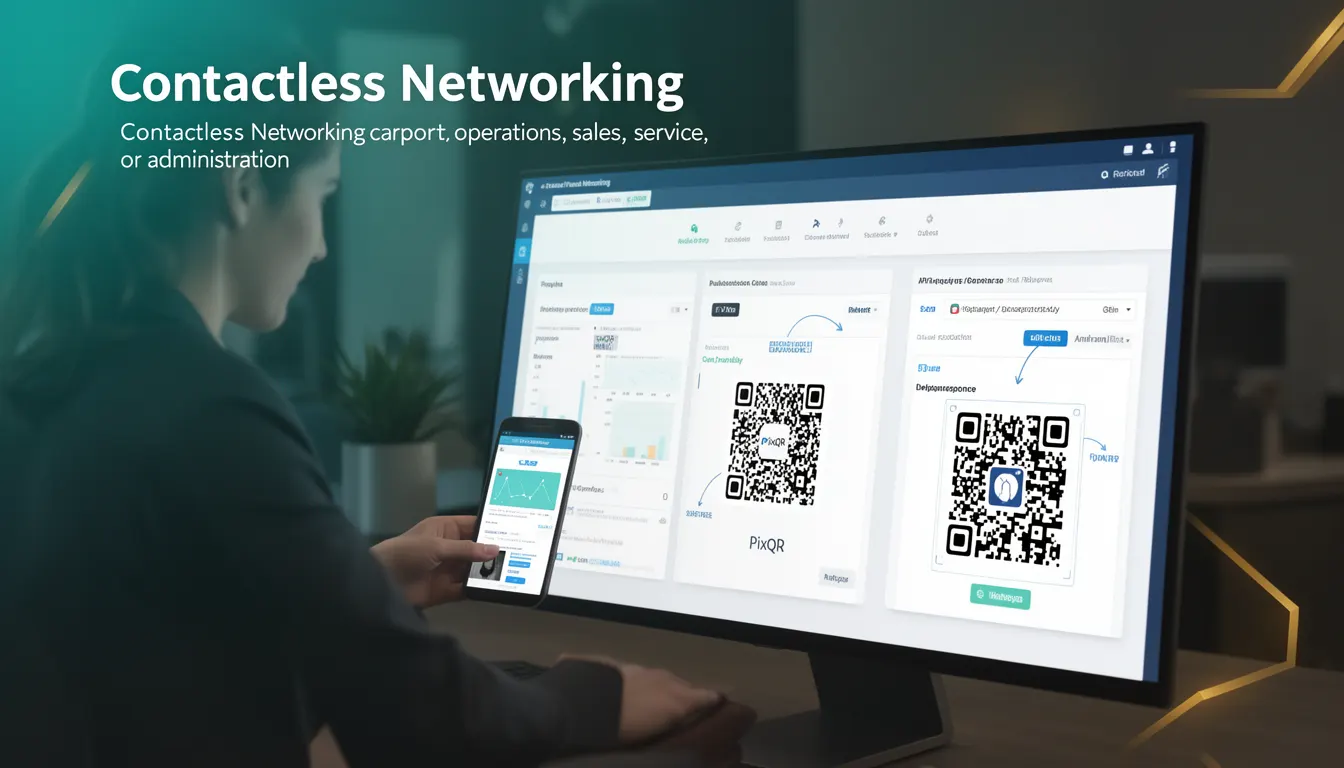
Contactless Networking refers to a business use-case term describing how QR codes can facilitate seamless, secure, and scalable networked interactions without requiring physical contact or manual input. This concept is central to modern digital transformation strategies in retail, hospitality, logistics, and service industries.
In the context of PixQR, Contactless Networking enables businesses to generate dynamic QR codes that redirect users to specific URLs, content, or actions—such as payment gateways, service booking systems, or product information pages—without requiring traditional input methods like typing or scanning with a dedicated app. This approach supports faster transaction times, improved hygiene, and reduced operational overhead.
Why It Matters
For developers, understanding Contactless Networking is crucial because it directly impacts how QR codes are implemented, tracked, and managed in production environments. The ability to generate and maintain dynamic, secure redirects via QR codes supports rapid scaling, user experience optimization, and compliance with privacy regulations.
From a security standpoint, Contactless Networking requires careful attention to redirect integrity, analytics accuracy, and data handling. Misconfigurations in QR code generation or tracking can expose systems to phishing, fraud, or unauthorized access. For site operators, the correct implementation ensures reliable performance, accurate analytics, and seamless integration with backend systems.
How It Works
Contactless Networking in PixQR operates through a combination of QR code generation, dynamic URL routing, and analytics tracking. The process begins with a user scanning a QR code, which then redirects to a pre-configured endpoint. This endpoint can be static or dynamically generated, allowing for real-time content updates.
- QR codes are generated using a secure, brand-safe design system that ensures print reliability and scan accuracy.
- Each QR code can be assigned a unique redirect URL or a dynamic routing mechanism that supports content personalization.
- Scan events are logged with metadata including timestamp, device type, and geographic location for analytics.
- Analytics are available in real-time through PixQR’s dashboard or API, enabling businesses to monitor engagement and optimize performance.
- Redirects can be configured to support both HTTP and HTTPS protocols, with optional encryption and authentication for sensitive operations.
Quick Reference
| Item | Purpose | Notes |
|---|---|---|
| Dynamic Redirect URL | Allows real-time updates to destination content | Must be HTTPS for security |
| Scan Tracking | Logs user interaction for analytics | Includes device, location, and timestamp |
| Brand-safe Design | Ensures print reliability and scan accuracy | Supports logo integration and color schemes |
| Analytics Dashboard | Provides real-time engagement data | Supports API export for integration |
| Secure Protocol | Ensures encrypted communication | Supports HTTP/2 and TLS 1.3 |
Basic Example
PixQR Example QR
This QR links directly to this glossary page, so printed notes, onboarding docs, and support material can bring scanners back to the current reference.
/glossary/qr-code-for-business/qr-codes-for-business-contactless-networking

This basic example demonstrates how a QR code can be generated to redirect to a static URL, such as a product page or a booking form.
const qrCode = pixqr.generate({
  url: "https://example.com/product/123",
  design: "brand-safe",
  size: "200x200"
});
The url property specifies the destination of the redirect. The design property ensures the QR code is visually aligned with brand guidelines. The size parameter controls the resolution and print quality.
Production Example
This production-ready example shows how to generate a dynamic QR code with analytics tracking and secure redirect handling.
const qrCode = pixqr.generate({
  url: "https://api.example.com/redirect?token=abc123",
  design: "brand-safe",
  analytics: true,
  tracking: {
    campaign: "summer-sale",
    channel: "email"
  },
  security: {
    encryption: "tls-1.3",
    auth: true
  }
});
This version includes analytics configuration, tracking parameters, and security settings. These features are essential for enterprise-level deployments where compliance, performance, and data integrity are critical.
Common Mistakes
- Using non-HTTPS URLs in redirects, which can lead to browser warnings and security vulnerabilities.
- Ignoring analytics configuration, resulting in incomplete or missing user engagement data.
- Overlooking brand-safe design requirements, causing print quality issues or scan failures.
- Not validating QR code content before deployment, leading to broken links or incorrect redirects.
- Hardcoding sensitive data in QR code parameters, exposing systems to unauthorized access.
Security And Production Notes
- Always use HTTPS for dynamic redirect URLs to prevent man-in-the-middle attacks.
- Implement strict input validation for all QR code parameters to prevent injection or spoofing.
- Use secure, brand-safe QR code design templates to maintain reliability and scan accuracy.
- Enable analytics tracking to monitor user behavior and detect anomalies in real time.
- Regularly audit QR code configurations and access controls to ensure compliance and prevent unauthorized usage.
Related Concepts
Contactless Networking is closely related to several key developer and operational concepts:
- Dynamic Redirects: The ability to modify destination URLs after QR code generation, enabling real-time content updates.
- Scan Analytics: Data collection and reporting on QR code usage for performance and user behavior insights.
- Secure QR Generation: Ensuring QR codes are generated with encryption, access controls, and privacy compliance.
- Print Reliability: Optimizing QR code design for physical media to ensure consistent scanning across devices.
- Link Management: Centralized control over all QR code links, including lifecycle management and access permissions.