 PixQR
PixQR
Overview
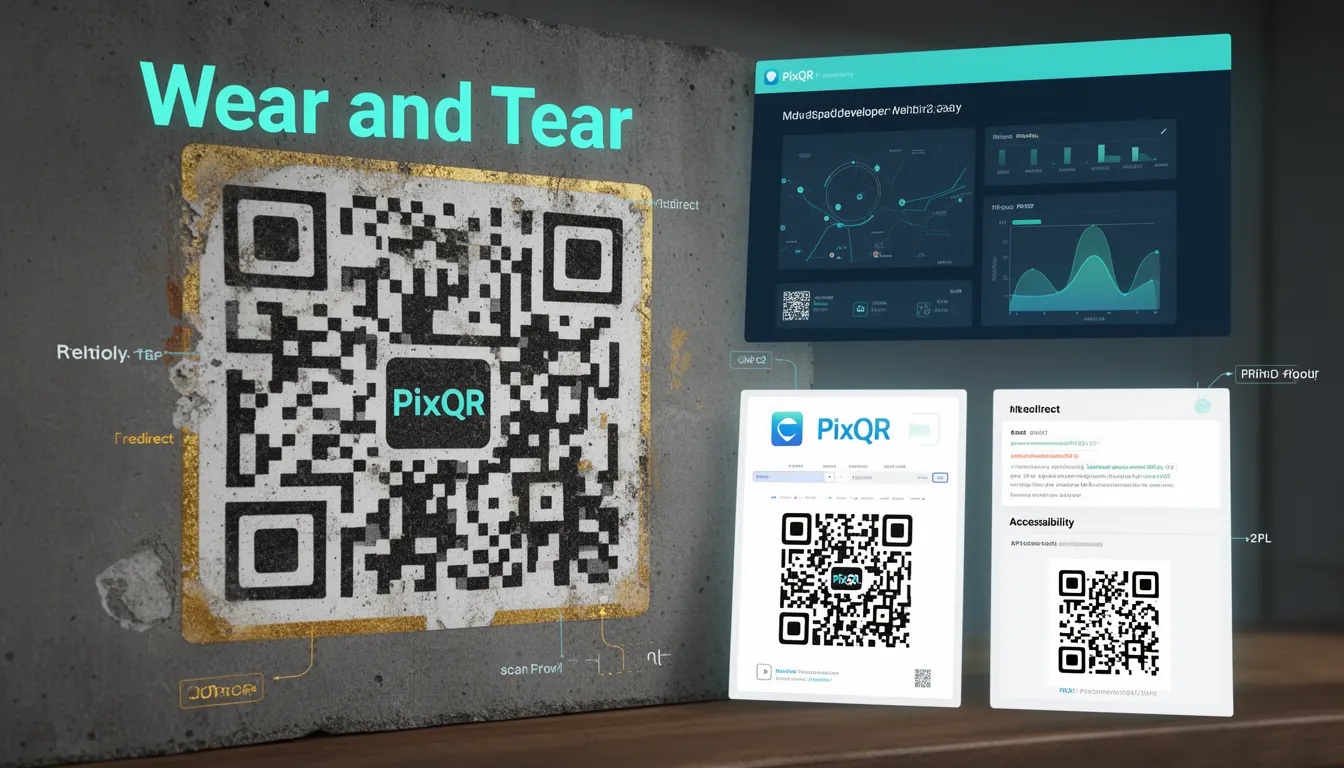
Wear and Tear in QR code technology refers to the cumulative physical degradation that affects a code's ability to be reliably scanned and decoded over time. This degradation manifests through fading ink, smudging, scratches, partial occlusion, or environmental exposure that can render a QR code unreadable. In PixQR's context, understanding Wear and Tear is essential for developers managing QR code generation, print workflows, and dynamic redirect systems where codes must maintain functionality in real-world conditions.
The concept directly impacts the reliability of QR codes used in production environments such as retail packaging, outdoor signage, or industrial asset tracking. PixQR's platform incorporates Wear and Tear considerations into its generation algorithms, allowing developers to specify error correction levels that account for expected physical conditions. This proactive approach ensures codes remain functional despite typical usage patterns and environmental factors.
Why It Matters
For developers and operations teams, Wear and Tear directly affects user experience and system reliability. A QR code that fails to scan due to physical degradation creates friction in customer interactions, reduces conversion rates, and can lead to operational inefficiencies. In high-volume production environments, failed scans can result in significant financial losses and customer dissatisfaction.
From a security standpoint, Wear and Tear also impacts fraud prevention. If QR codes are too fragile or lack sufficient error correction, they may be susceptible to tampering or partial destruction that could allow unauthorized modifications. PixQR's approach to Wear and Tear ensures that codes maintain integrity under normal usage conditions, which helps prevent exploitation and maintains the trustworthiness of the redirect system.
How It Works
QR codes utilize Reed-Solomon error correction to combat Wear and Tear effects. The error correction level determines how much of the code can be damaged while still being readable. PixQR's implementation allows developers to specify correction levels that correspond to expected physical conditions.
- QR codes support four error correction levels: L (Low), M (Medium), Q (Quartile), and H (High). Each level provides different degrees of damage tolerance.
- Higher error correction levels (H) can withstand more physical degradation but require larger code sizes, which may impact print quality or scanning speed.
- When generating codes, PixQR's API accepts an
errorCorrectionparameter that directly controls the level of damage tolerance. - Physical degradation affects the code's modules (black and white squares) and can cause scanning failures if too many are obscured or damaged.
- For dynamic QR codes, Wear and Tear considerations must factor in both physical code degradation and the stability of underlying redirect mechanisms.
Quick Reference
| Parameter | Value | Description |
|---|---|---|
| errorCorrection | L, M, Q, H | Level of damage tolerance (Low to High) |
| size | Integer | Code dimensions in pixels |
| margin | Integer | Quiet zone around code |
| encoding | UTF-8, ASCII | Data encoding method |
| format | png, svg | Output image format |
Basic Example
PixQR Example QR
This QR links directly to this glossary page, so printed notes, onboarding docs, and support material can bring scanners back to the current reference.
/glossary/qr-code-error-correction/qr-code-error-correction-wear-and-tear

This example demonstrates basic QR code generation with high error correction for maximum Wear and Tear resistance:
const qrCode = pixqr.generate({
  text: "https://example.com",
  errorCorrection: "H",
  size: 300,
  margin: 2
});
The configuration specifies the highest error correction level ("H") to ensure the code remains readable despite physical damage. The size parameter controls the resolution, and margin ensures adequate quiet zone around the code for proper scanning.
Production Example
This production-ready example shows how to generate codes with comprehensive Wear and Tear considerations:
const generateRobustQR = (url, environment = 'indoor') => {
  const correctionLevel = environment === 'outdoor' ? 'H' : 'Q';

  return pixqr.generate({
    text: url,
    errorCorrection: correctionLevel,
    size: 500,
    margin: 3,
    encoding: 'UTF-8',
    format: 'png'
  });
};

const productQR = generateRobustQR('https://shop.example.com/product/123', 'outdoor');
This implementation dynamically selects error correction levels based on environmental conditions, ensuring optimal performance while balancing code size and scanning requirements for different deployment scenarios.
Common Mistakes
- Using low error correction levels (L or M) for outdoor applications or industrial environments where codes are subject to weather exposure and physical handling
- Ignoring print resolution and quality when generating codes, resulting in blurry or pixelated QR codes that fail to scan under normal conditions
- Not validating QR codes under simulated wear conditions before deployment, leading to unexpected failures in field usage
- Assuming all QR code readers will interpret degraded codes consistently, causing inconsistent user experiences across different scanning devices
- Using dynamic QR codes without testing that redirect behavior remains stable when the underlying code is partially degraded
Security And Production Notes
- Always implement the highest error correction level (H) for codes that will be exposed to harsh environments or frequent physical handling
- Validate QR codes under simulated degradation conditions to confirm they meet reliability requirements before deployment
- When using dynamic redirects, ensure that the underlying URL or content is not vulnerable to tampering or phishing attacks
- Consider using PixQR's analytics to monitor scan success rates and identify potential Wear and Tear issues in real-time
- Print QR codes at minimum 300 DPI resolution to minimize physical degradation and improve long-term scanability
Related Concepts
Several closely related concepts are essential for understanding Wear and Tear in QR codes:
- Reed-Solomon Error Correction is the mathematical method used to encode error correction data into QR codes, enabling recovery from physical damage
- QR Code Levels define the four error correction levels (L, M, Q, H) and their tolerance to damage, directly impacting Wear and Tear resistance
- Scanning Reliability refers to how consistently a QR code can be read under various conditions, including those affected by Wear and Tear
- Print Quality impacts how well a QR code withstands physical wear and degradation, affecting long-term functionality
- Dynamic Redirects must maintain integrity even when the QR code itself is subject to Wear and Tear effects