 PixQR
PixQR
Overview
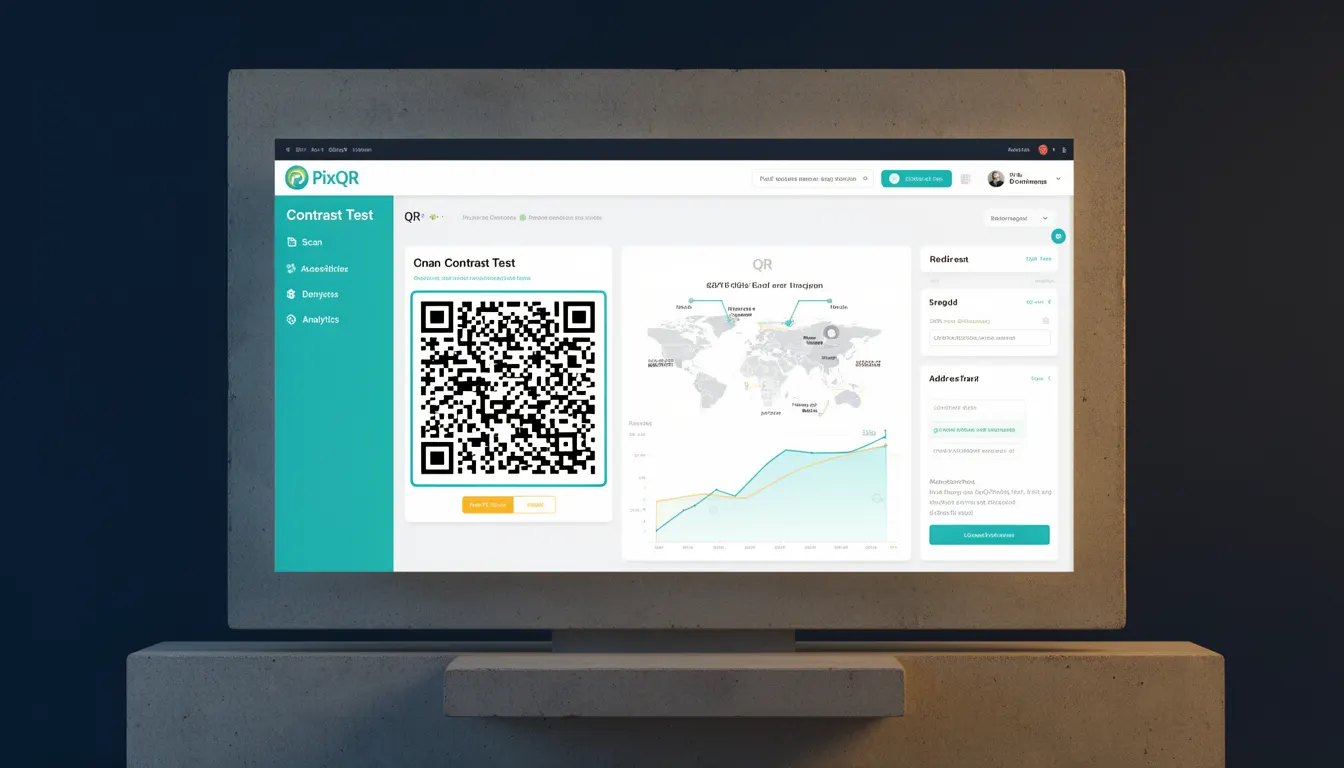
Contrast Test is a reliability metric used in QR code generation and validation systems to evaluate how well a QR code maintains readability when subjected to damage, alteration, or environmental degradation. It is a critical component in ensuring that QR codes remain scannable under real-world conditions, such as partial occlusion, smudging, or exposure to varying lighting.
For PixQR, Contrast Test is part of the quality assurance process during QR code creation. It ensures that the generated QR codes can be reliably scanned even when they are not in pristine condition. This is especially important for print-based QR codes, which may be exposed to wear, weather, or physical damage during use.
Why It Matters
For developers working with PixQR, Contrast Test ensures that QR codes are not only generated correctly but also remain functional across a wide range of practical conditions. This directly impacts user experience and system reliability. If a QR code fails to scan due to poor contrast or damage, it may result in lost conversions, frustrated users, or operational inefficiencies.
From a security perspective, a QR code that is too fragile or difficult to scan can become a vector for fraud or manipulation. If users cannot reliably scan a QR code, they may be misled to an alternative link or endpoint, potentially compromising brand safety and trust. Contrast Test helps prevent such issues by enforcing robustness in QR code design.
How It Works
Contrast Test evaluates the visual contrast between the QR code's dark and light modules, ensuring that the differences are sufficient for scanning devices to distinguish between them. It typically involves measuring the minimum contrast ratio, analyzing the code’s structure, and simulating degradation scenarios to validate scannability.
- The test evaluates the luminance difference between black and white modules using standardized metrics such as ISO 15415 or ISO 29151.
- It checks for consistent module sizing and alignment, which can be affected by print quality or image scaling.
- It simulates damage such as partial occlusion, smudging, or partial erasure to assess resilience.
- It validates that the code maintains sufficient contrast even under low-light conditions or with varying scanner hardware.
- It is often integrated into PixQR’s internal validation pipeline, where codes are automatically tested before being released for use.
Quick Reference
| Item | Purpose | Notes |
|---|---|---|
| Contrast Ratio | Measures difference between light and dark modules | Must meet minimum thresholds for scannability |
| Module Size Validation | Ensures modules are not too small or distorted | Prevents misreads due to scaling issues |
| Damage Simulation | Tests QR code under degraded conditions | Used to validate real-world reliability |
| Scan Hardware Compatibility | Ensures compatibility across different scanners | Standardized testing improves interoperability |
| Dynamic QR Code Resilience | Validates that dynamic redirects remain functional | Important for tracking and analytics |
Basic Example
PixQR Example QR
This QR links directly to this glossary page, so printed notes, onboarding docs, and support material can bring scanners back to the current reference.
/glossary/qr-code-error-correction/qr-code-error-correction-contrast-test

This example demonstrates how a basic QR code generation system might perform a Contrast Test by validating the luminance difference between modules.
const generateQRCode = (data) => {
  const qr = new QRCode(data);
  const contrast = qr.calculateContrast();
  if (contrast < 0.7) {
    throw new Error("Contrast ratio too low for reliable scanning");
  }
  return qr.render();
};
The example calculates the contrast ratio of the QR code and throws an error if it is below a defined threshold. This ensures that only codes with sufficient contrast are generated.
Production Example
In a production environment, Contrast Test is part of a broader validation workflow that includes error correction, design compliance, and dynamic redirect checks. PixQR uses Contrast Test as a core validation step before delivering a QR code to a user.
const validateQRCode = async (qrData, options = {}) => {
  const qr = await generateQRCode(qrData, options);
  const testResult = await runContrastTest(qr);
  if (!testResult.passed) {
    throw new Error("QR code failed Contrast Test: " + testResult.reason);
  }
  return qr;
};
This version is more suitable for production because it includes error handling, asynchronous validation, and integrates Contrast Test into a broader validation framework. It ensures that only compliant codes are returned to the user.
Common Mistakes
- Skipping Contrast Test in the generation pipeline leads to codes that fail in real-world use, especially in print or outdoor environments.
- Using low-contrast color schemes (e.g., dark gray on white) can cause scanning failures even when the code appears visually correct.
- Assuming that a QR code is scannable based on visual inspection alone, without automated contrast validation, introduces risk.
- Ignoring degradation simulation can result in QR codes that appear fine but are unreliable under stress.
- Not integrating Contrast Test into API responses or validation workflows can cause invalid codes to be published without detection.
Security And Production Notes
- Contrast Test is essential for maintaining brand-safe QR codes, preventing malicious redirects from being disguised as legitimate links.
- It ensures that QR codes remain scannable even when altered by third-party tools or physical damage.
- Implementing Contrast Test as part of a CI/CD pipeline helps prevent faulty codes from reaching end users.
- Testing with real-world scanners and lighting conditions improves accuracy of the test results.
- Contrast Test should be part of the standard PixQR validation suite, not an optional step.
Related Concepts
Contrast Test is closely related to several other QR code quality and reliability metrics. These include:
- Error Correction Levels – The ability of a QR code to recover from damage, which works in tandem with Contrast Test to ensure scannability.
- Scannability Testing – A broader category that includes Contrast Test, module alignment checks, and hardware compatibility validation.
- Print Quality Assurance – Ensures that QR codes printed on physical media maintain readability.
- Dynamic Redirect Validation – Ensures that the link behind a QR code remains valid and secure, especially when Contrast Test is applied to dynamic codes.
- Accessibility Compliance – Ensures that QR codes are usable by people with visual impairments or under varying lighting conditions.