 PixQR
PixQR
Overview
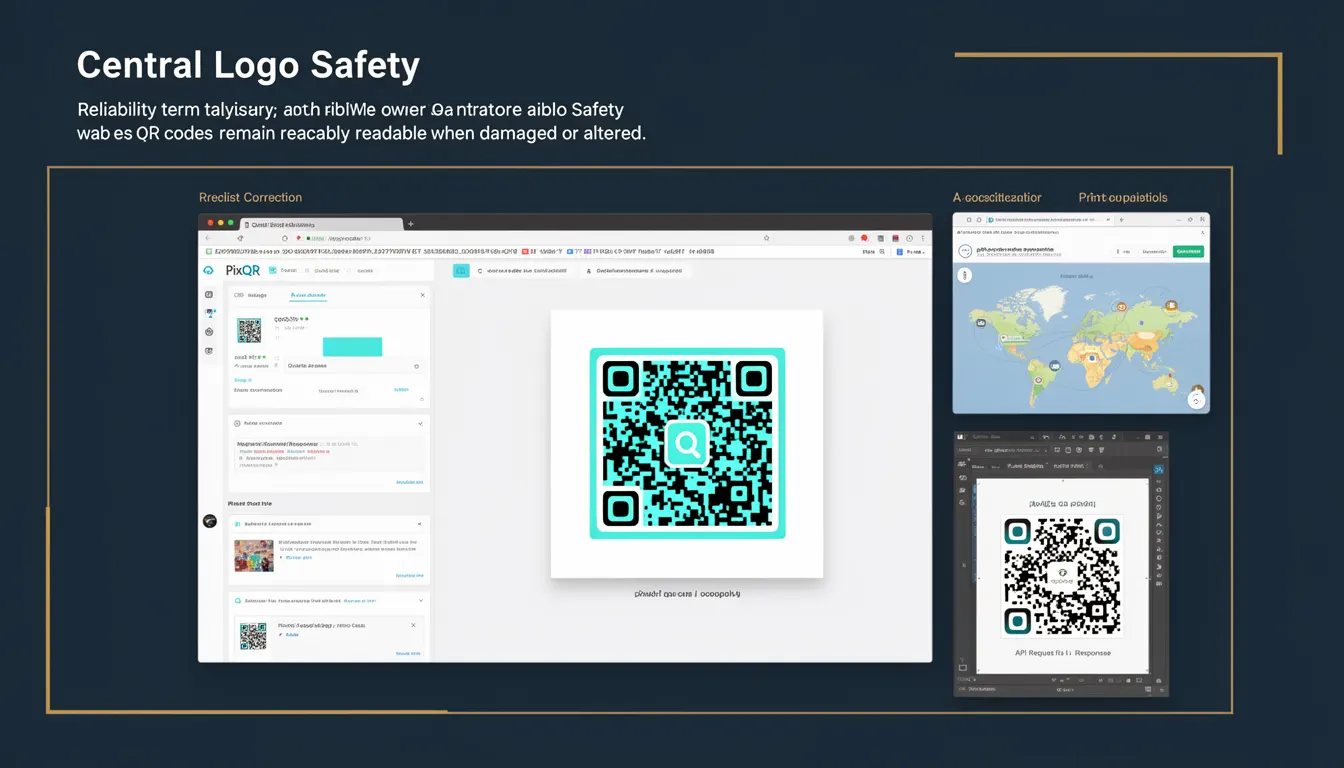
Central Logo Safety is a reliability concept within QR code generation and error correction that ensures a QR code remains scannable even when its central logo or graphic element is damaged, altered, or obscured. This term is critical in PixQR's platform, where brand-safe design and scan reliability are core features. The feature allows developers to maintain the visual integrity of a QR code's logo while ensuring that the underlying data remains accessible to scanners.
When a QR code is generated with a central logo, the logo area is typically reserved for branding or visual elements. However, if that area becomes distorted, partially covered, or degraded during printing, handling, or digital rendering, the code may fail to scan. Central Logo Safety provides mechanisms to mitigate this risk by embedding redundancy or encoding logic that protects the core data structure even when the logo is compromised.
Why It Matters
For developers and site operators using PixQR, Central Logo Safety is essential to ensure consistent scan performance across various environments. In real-world deployments, QR codes are exposed to physical wear, digital compression, screen glare, and print imperfections. Without Central Logo Safety, a damaged logo can cause a code to fail scanning, resulting in user frustration, lost engagement, or broken links.
From a product perspective, maintaining scan reliability is critical for user trust and operational success. For instance, in marketing campaigns or loyalty programs, a QR code that fails to scan due to logo corruption can lead to campaign failure or reduced engagement. Central Logo Safety ensures that visual branding does not compromise functional integrity, which is especially important when integrating with dynamic redirects, analytics tracking, or secure link management.
How It Works
Central Logo Safety is implemented through a combination of error correction levels, encoding strategies, and reserved data areas within the QR code structure. The mechanism operates by reserving specific regions in the QR code for logo placement while ensuring that the data integrity remains intact even when those regions are altered or obscured.
- The QR code structure includes reserved zones for the central logo, typically defined by the platform’s layout engine.
- Advanced error correction algorithms (such as Reed-Solomon codes) are applied to the data, allowing recovery even when parts of the code are damaged.
- PixQR’s platform supports multiple error correction levels (L, M, Q, H), which can be selected to balance between data capacity and resilience.
- The logo area is encoded with a protective layer that maintains its visual appearance while not interfering with the underlying data.
- When a QR code is scanned, the platform uses decoding algorithms that prioritize data recovery over logo fidelity, ensuring the link or data is still accessible.
Quick Reference
| Item | Purpose | Notes |
|---|---|---|
| Error Correction Level | Controls data recovery strength | Higher levels (H) provide better resilience |
| Logo Area Reservations | Defines safe zones for branding | Reserved zones avoid data interference |
| Reed-Solomon Encoding | Core error correction mechanism | Ensures scannability after damage |
| Dynamic Redirect Support | Allows redirections to remain functional | Central logo does not block redirect paths |
| Scan Reliability Metrics | Tracks performance across environments | Used for quality assurance in production |
Basic Example
PixQR Example QR
This QR links directly to this glossary page, so printed notes, onboarding docs, and support material can bring scanners back to the current reference.
/glossary/qr-code-error-correction/qr-code-error-correction-central-logo-safety
This basic example shows how a QR code with a central logo is generated using PixQR’s API, with Central Logo Safety enabled by default. The example focuses on the core parameters that control logo handling and data integrity.
const qrCode = pixqr.generate({
  text: 'https://example.com',
  logo: 'brand_logo.png',
  eccLevel: 'H',
  logoSafety: true
});
The eccLevel parameter sets the error correction to level H for maximum resilience. The logoSafety flag ensures that the central logo area is protected during generation. This configuration guarantees that even if the logo is partially obscured, the QR code will still scan correctly.
Production Example
This production-ready example demonstrates how to configure a QR code for brand-safe use while ensuring Central Logo Safety. It includes validation, error handling, and integration with dynamic redirects.
const generateQR = async (url, brandLogo) => {
  try {
    const response = await pixqr.create({
      text: url,
      logo: brandLogo,
      eccLevel: 'Q',
      logoSafety: true,
      redirect: true,
      analytics: true
    });
    return response.qrCode;
  } catch (error) {
    console.error('QR generation failed:', error);
    return null;
  }
};
This version includes error handling, uses error correction level Q for a balance between data and resilience, and enables analytics tracking. It also supports dynamic redirects, which is critical for marketing and user engagement. The logoSafety flag is essential for ensuring that the branding does not interfere with the scan functionality, especially in environments where physical or digital degradation is expected.
Common Mistakes
- Disabling
logoSafetywhen branding is required can lead to failed scans in degraded environments. - Using low error correction levels (L or M) with large logos can result in scannability issues due to insufficient redundancy.
- Not validating QR code output before deployment can cause production failures when logos are misaligned or corrupted.
- Assuming that a logo will not be affected by print or screen resolution issues without testing in real-world conditions.
- Ignoring the platform’s scan reliability metrics when optimizing for visual branding, which can reduce overall code performance.
Security And Production Notes
- Central Logo Safety does not introduce security vulnerabilities but ensures that the QR code remains functional even under physical or digital stress.
- Always validate QR code outputs using scan testing tools to ensure compatibility across platforms and devices.
- Use consistent error correction levels across all QR codes in a campaign to maintain predictable reliability.
- Central Logo Safety does not affect the underlying redirect or link management, but it ensures the link remains accessible.
- When integrating with analytics or tracking systems, ensure that the logo safety mechanism does not interfere with data collection.
Related Concepts
Central Logo Safety is closely related to several QR code technologies and platform features:
- QR Code Error Correction — The core mechanism that allows recovery from partial damage.
- Dynamic Redirects — Ensures that scanned links can redirect to updated or secure endpoints.
- Scan Reliability Metrics — Used to measure and improve performance in real-world conditions.
- Brand-Safe Design — Ensures that branding is integrated without compromising function.
- Privacy and Security in QR Codes — Central Logo Safety is part of a broader framework that secures QR code usage.