 PixQR
PixQR
Overview
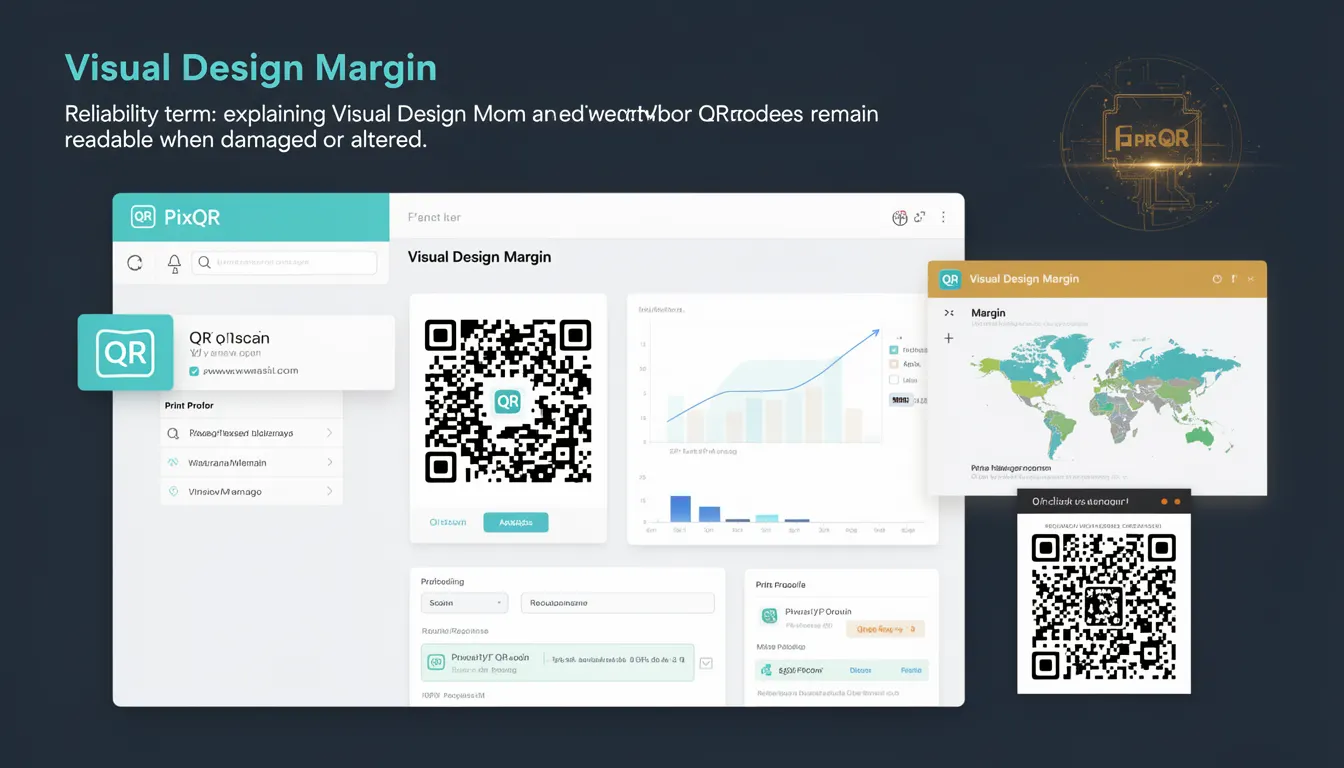
Visual Design Margin refers to the reserved space around a QR code that ensures its readability and scannability even when the code is visually altered, scaled, or partially obscured. It is a critical design element in QR code generation that allows for robust scanning in real-world conditions such as printing errors, surface texture, or environmental factors.
When generating QR codes using PixQR, developers can specify or adjust visual design margins to balance aesthetics with functional reliability. This margin is not part of the QR code's data payload but is an additional buffer area that protects the integrity of the code during rendering and scanning.
Why It Matters
Visual Design Margin directly impacts how reliably a QR code can be scanned in various environments. Without sufficient margin, a QR code may fail to scan due to print quality issues, physical damage, or visual interference such as nearby text or graphics. In production systems, especially those involving large-scale print runs or mobile applications, this margin ensures consistent performance.
For developers managing brand-safe QR code generation, Visual Design Margin is a key parameter in maintaining the integrity of marketing campaigns, loyalty programs, or access control systems. It also affects how QR codes integrate with design systems, where aesthetics and scan reliability must coexist without compromising usability.
How It Works
Visual Design Margin is implemented as a configurable padding layer around the core QR code structure. It is not part of the QR code’s error correction data but is added during the rendering phase to protect against visual artifacts or design interference. The margin ensures that scanning algorithms can still detect and decode the QR code even if the visual design elements encroach on its edges.
- The margin is defined as a percentage or fixed pixel value relative to the QR code’s size.
- It is applied uniformly around the code’s bounding box, including any embedded branding or design elements.
- When generating QR codes with PixQR, developers can specify margin size using API parameters or configuration settings.
- Smaller margins may improve visual aesthetics but risk reduced scan reliability, especially in high-contrast or noisy environments.
- Large margins increase the code's visual footprint but enhance robustness against printing and scanning variations.
Quick Reference
| Item | Purpose | Notes |
|---|---|---|
| margin | Defines padding around QR code | Used in QR generation API |
| error correction level | Controls redundancy in QR code | Independent of margin |
| code size | Overall dimensions of QR code | Margin affects effective size |
| rendering engine | Handles visual output of QR code | Must respect margin settings |
| brand-safe design | Ensures compatibility with visual branding | Margin allows for design flexibility |
Basic Example
PixQR Example QR
This QR links directly to this glossary page, so printed notes, onboarding docs, and support material can bring scanners back to the current reference.
/glossary/qr-code-error-correction/qr-code-error-correction-visual-design-margin

This basic example shows how to generate a QR code with a visual design margin using PixQR’s API. The margin ensures that the QR code remains scannable even if surrounding design elements extend to its edges.
const qrConfig = {
  data: "https://example.com",
  margin: 20,
  size: 300
};

const qrCode = pixqr.generate(qrConfig);
The margin property specifies the padding in pixels around the QR code. This padding is not included in the data payload but is essential for ensuring scan reliability.
Production Example
In production systems, developers often combine visual design margin with error correction settings to ensure robust scanning across multiple platforms and print methods. This example demonstrates a configuration that balances visual design with scan performance.
const productionConfig = {
  data: "https://app.example.com/login",
  margin: 25,
  size: 400,
  errorCorrection: "H",
  backgroundColor: "#ffffff",
  foregroundColor: "#000000"
};

const qrCode = pixqr.generate(productionConfig);
This version includes error correction level H (high), a fixed margin, and explicit color settings. These parameters ensure that the QR code is both visually consistent and highly scannable in real-world conditions.
Common Mistakes
- Setting margin to zero or a very small value, which can lead to scanning failures in physical or low-quality prints.
- Ignoring the impact of margin on overall QR code size, leading to layout issues in responsive or fixed-width designs.
- Not accounting for design elements that may visually overlap with the QR code, assuming the margin alone will prevent interference.
- Using inconsistent margin values across multiple QR codes in a campaign, causing uneven scan performance.
- Overlooking the need for testing QR codes with margin in real-world environments, such as under different lighting or with physical damage.
Security And Production Notes
- Visual Design Margin does not affect the cryptographic or data integrity of the QR code itself, but it is crucial for maintaining operational reliability.
- When using PixQR in environments with strict brand guidelines, ensure margin settings do not conflict with visual design requirements.
- Large margins may increase the QR code’s file size, which can affect performance in bandwidth-constrained applications.
- Always validate QR code output with scanning tools to ensure margin settings are effective in real-world usage.
- For secure access control systems, combine margin settings with robust analytics to monitor scan success rates and adjust accordingly.
Related Concepts
Visual Design Margin is closely related to several QR code generation and scanning concepts:
- Error Correction Levels determine how much data can be lost and still be recoverable. Higher levels allow for more margin but reduce data capacity.
- QR Code Size affects how much margin can be applied without distorting the code’s usability or appearance.
- Scan Reliability is improved when margin is properly configured, reducing false negatives in scanning systems.
- Brand-Safe Design requires careful balancing of margin and visual aesthetics to ensure codes are both branded and scannable.
- Print Quality impacts how margin translates into physical scanning success, especially in high-volume or low-cost printing environments.