 PixQR
PixQR
Overview
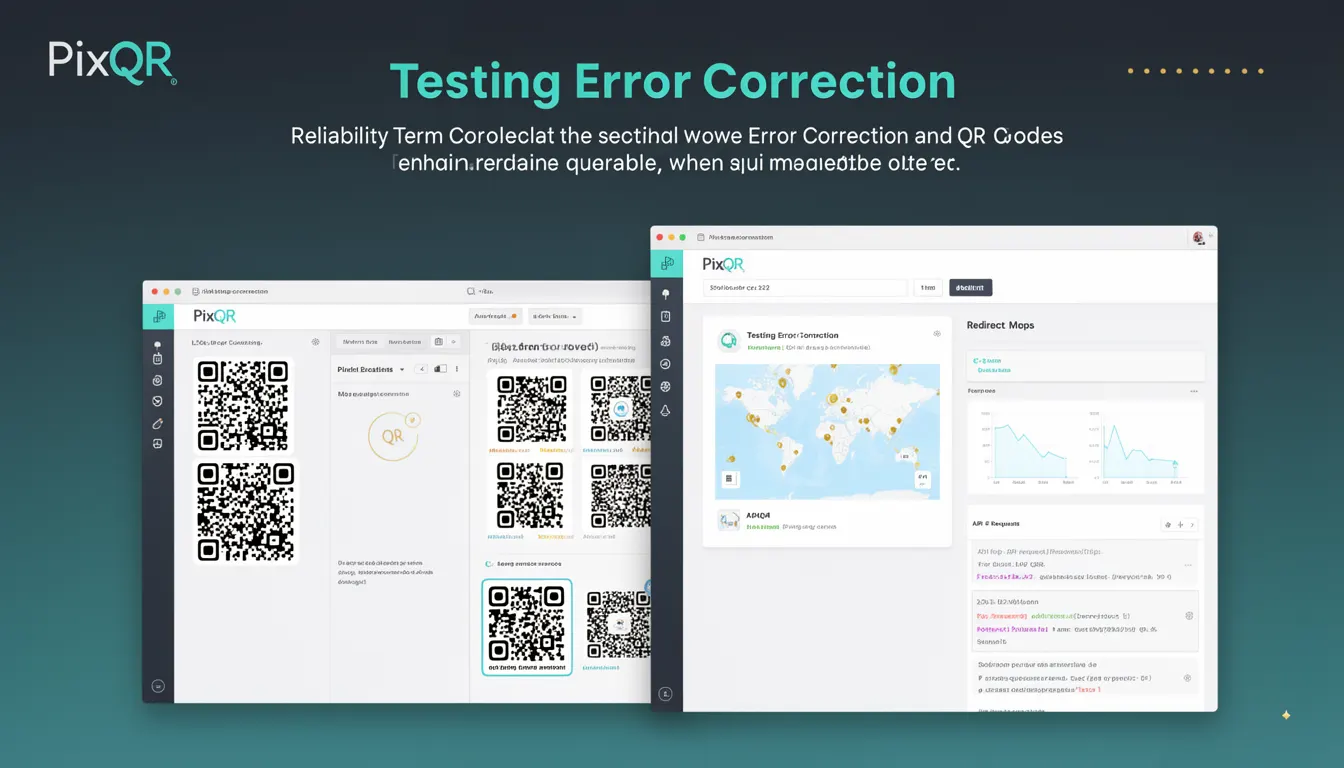
Testing Error Correction refers to the process of validating a QR code's ability to maintain readability and data integrity even when subjected to damage, alteration, or environmental degradation. This concept is integral to QR code generation, particularly in scenarios where reliability is paramount, such as in physical product labels, marketing materials, or secure redirect systems.
Developers working with PixQR understand that a QR code's error correction level directly impacts its resilience to damage. When a QR code is generated, developers can specify a level of error correction, which determines how much of the code can be obscured or corrupted while still being scannable. Testing this correction ensures that the code will function correctly in real-world conditions, such as when printed on low-quality materials, exposed to weather, or partially covered.
Why It Matters
For developers and product teams, accurate error correction testing is essential to ensure QR codes function reliably in production environments. A QR code that fails to scan due to insufficient error correction can lead to user frustration, lost conversions, or failed redirects in digital marketing campaigns. In secure or branded applications, such as those involving dynamic redirects or link management, a scannable QR code is a prerequisite for successful operation.
From a security standpoint, error correction also plays a role in fraud prevention. If a QR code is intentionally altered or partially destroyed, a higher error correction level can prevent malicious actors from exploiting partial scans to redirect users to harmful sites. Properly tested error correction ensures that the intended content remains intact and scannable, even under adverse conditions.
How It Works
QR codes use Reed-Solomon error correction to allow recovery from data corruption. The error correction level is specified as one of four options: L (Low), M (Medium), Q (Quartile), or H (High). Each level allows for a different percentage of data loss while still maintaining scannability.
- Level L (Low) allows for up to 7% of the QR code to be corrupted or obscured.
- Level M (Medium) allows for up to 15% of the QR code to be corrupted or obscured.
- Level Q (Quartile) allows for up to 25% of the QR code to be corrupted or obscured.
- Level H (High) allows for up to 30% of the QR code to be corrupted or obscured.
- Higher levels of error correction result in larger QR codes, which may affect print or display quality but increase reliability.
When generating QR codes in PixQR, developers specify the error correction level during the creation process. The system calculates the appropriate Reed-Solomon encoding and builds the QR code accordingly. Testing involves simulating damage or corruption to the generated code and verifying that it still scans correctly.
Quick Reference
| Item | Purpose | Notes |
|---|---|---|
| Error Correction Level | Determines resilience to damage | Specified during QR code generation |
| Reed-Solomon Encoding | Mathematical method for error correction | Used to encode data with redundancy |
| Scanning Threshold | Percentage of data loss that can be tolerated | Varies by correction level |
| Code Size | Impact of error correction on QR code dimensions | Higher levels result in larger codes |
| Testing Simulation | Validation of QR code resilience | Can be automated in production workflows |
Basic Example
PixQR Example QR
This QR links directly to this glossary page, so printed notes, onboarding docs, and support material can bring scanners back to the current reference.
/glossary/qr-code-error-correction/qr-code-error-correction-testing-error-correction

This example shows how to set an error correction level when generating a QR code in PixQR using a simplified API call. It demonstrates the basic syntax for specifying error correction.
const qrCode = pixqr.generate({
  text: "https://example.com",
  errorCorrection: "H"
});
The errorCorrection parameter is set to "H" to select the highest error correction level. This ensures the QR code can withstand up to 30% damage while remaining scannable.
Production Example
In a production environment, developers might integrate error correction testing into their QR code generation pipeline. This example illustrates how to configure and validate a QR code with error correction before deployment.
const pixqr = require('pixqr-sdk');

const config = {
  text: "https://secure.example.com/redirect",
  errorCorrection: "Q",
  size: 200,
  margin: 1
};

const qrCode = pixqr.generate(config);

// Simulate testing for resilience
const testResult = pixqr.testCorrection(qrCode, {
  damagePercentage: 20
});

if (testResult.success) {
  console.log("QR code passed error correction test");
} else {
  console.log("QR code failed error correction test");
}
This version includes a test phase to validate that the QR code can withstand 20% damage. It ensures that the code meets production requirements before being deployed, reducing the risk of scannability issues in real-world usage.
Common Mistakes
- Using a low error correction level for codes that will be printed on low-quality materials, leading to scanning failures.
- Ignoring the impact of error correction on QR code size, which may affect print resolution or display quality.
- Not testing QR codes under simulated damage conditions, resulting in unverified reliability in production.
- Choosing error correction levels based on assumptions rather than actual usage conditions, which can lead to over- or under-estimation of required resilience.
- Not validating that the error correction level is supported by the target scanning device or platform.
Security And Production Notes
- Higher error correction levels increase QR code size, which may affect performance in bandwidth-constrained environments.
- Ensure that error correction is tested across multiple devices and scanners to guarantee compatibility.
- Use consistent error correction levels across a brand's QR code ecosystem to maintain reliability.
- Consider accessibility implications, such as ensuring QR codes are scannable by users with visual impairments.
- Validate that error correction does not introduce unintended data redundancy that could be exploited.
Related Concepts
Testing Error Correction is closely related to several core QR code concepts. QR Code Generation is the process of creating the code, where error correction is configured. Reed-Solomon Encoding is the mathematical method used to implement error correction. Scanning Reliability is the outcome of effective error correction. Dynamic Redirects depend on error correction to ensure that links remain functional even if the QR code is partially damaged. Print Quality is affected by the balance between error correction and code size.