 PixQR
PixQR
Overview
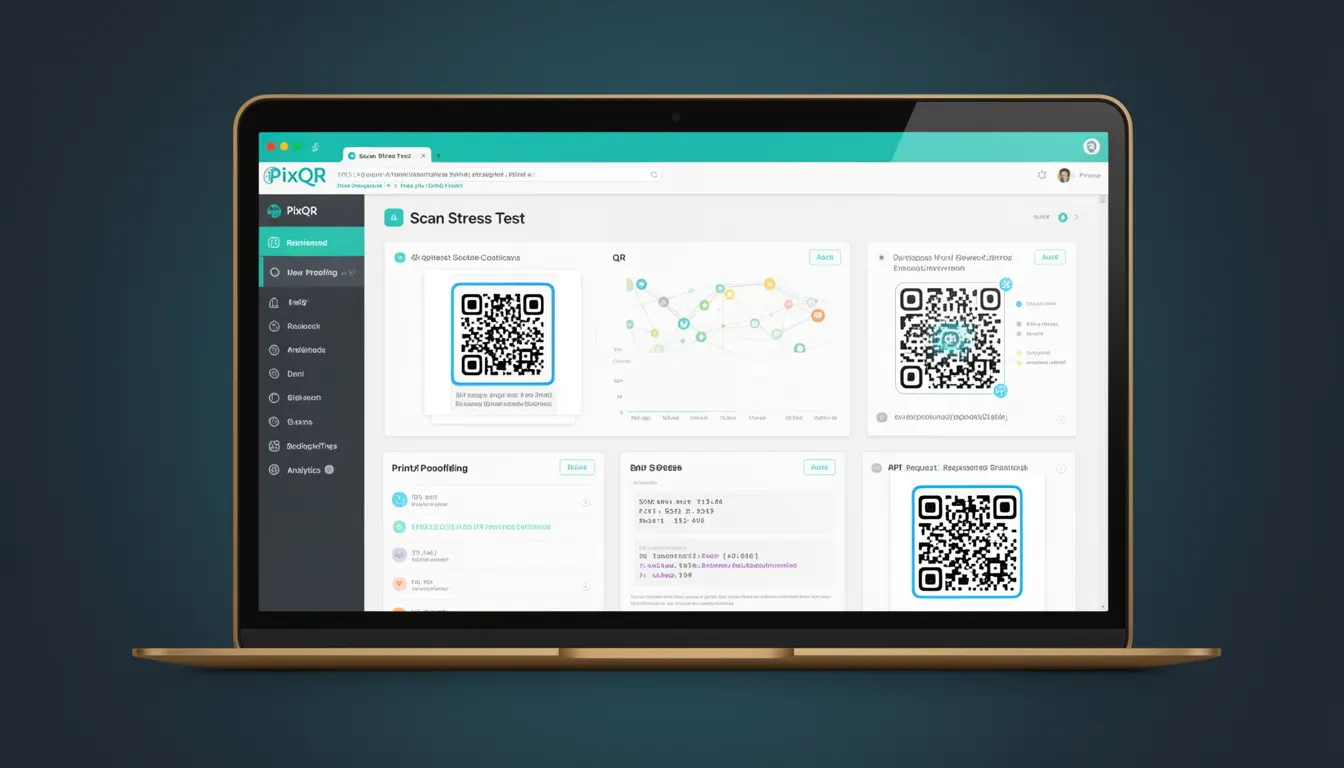
Scan Stress Test is a reliability evaluation method used to assess how well a QR code remains scannable under adverse conditions. It simulates real-world degradation such as partial occlusion, blurring, dirt, or damage to ensure the code maintains its functionality and readability.
Developers and operations teams use Scan Stress Tests to validate QR code designs, especially in production environments where physical printing, scanning, or environmental exposure may affect the code’s integrity. In the context of PixQR, this test ensures that generated codes remain reliable across diverse scanning scenarios, particularly when deployed for dynamic redirects, brand-safe design, or high-volume print campaigns.
Why It Matters
For developers working with PixQR, Scan Stress Test is critical to ensuring consistent user experience across a wide range of scanning environments. Poorly tested QR codes may fail to scan under common conditions such as low resolution, surface imperfections, or misalignment, leading to user frustration and lost conversions.
From a security standpoint, a reliable QR code reduces the risk of fraud or malicious redirections. If a code fails to scan under normal conditions, attackers may exploit this to inject fake or malicious content. In production workflows, Scan Stress Tests help maintain the integrity of link management systems and ensure that dynamic redirects function correctly even when the physical QR code is degraded.
For print and brand-safe design workflows, Scan Stress Tests ensure that codes remain scannable even when printed on low-quality materials, under varying lighting, or after physical wear. This is especially important in industries such as retail, logistics, or event management, where QR codes are used in high-volume, high-stakes operations.
How It Works
Scan Stress Tests involve applying controlled degradation to a QR code and measuring the success rate of scans under those conditions. The process is typically automated and integrated into a code generation or validation pipeline.
- QR codes are generated with various error correction levels (L, M, Q, H), with higher levels allowing for greater resilience to damage.
- Simulated damage is applied to the code using image manipulation techniques, including blurring, partial occlusion, noise, or compression artifacts.
- Scanning tools or libraries are used to simulate real-world scanning conditions, including varying lighting, camera angles, and device types.
- Metrics such as scan success rate, time to decode, and data integrity are recorded and analyzed.
- Results inform decisions on code design, print quality, and error correction level to ensure robustness in production.
Quick Reference
| Item | Purpose | Notes |
|---|---|---|
| Error Correction Level (ECL) | Determines how much damage a QR code can sustain | Higher ECLs (e.g., H) provide better resilience |
| Scan Simulation Tools | Used to simulate real-world scanning conditions | May include lighting, blur, and angle variations |
| Success Rate Threshold | Minimum acceptable scan success percentage | Typically 95% or higher for production codes |
| Physical Degradation | Simulated damage to the QR code image | Includes dirt, compression, and partial occlusion |
| Validation Metrics | Measures for evaluating code robustness | Includes decode time, accuracy, and integrity |
Basic Example
PixQR Example QR
This QR links directly to this glossary page, so printed notes, onboarding docs, and support material can bring scanners back to the current reference.
/glossary/qr-code-error-correction/qr-code-error-correction-scan-stress-test

This example demonstrates how to simulate a basic degradation to a QR code and test its scanability using a hypothetical PixQR API endpoint.
const qrCode = generateQRCode("https://example.com", {
  errorCorrection: "H"
});

const degradedCode = applyDegradation(qrCode, {
  blur: true,
  noise: 0.1
});

const scanResult = scanQRCode(degradedCode);

if (scanResult.success) {
  console.log("Code is scannable under stress");
} else {
  console.log("Code failed to scan under stress");
}
The example sets an error correction level to "H" (high) to ensure robustness. It then applies simulated blur and noise to the code, followed by a scan attempt. If successful, it logs that the code is resilient to stress.
Production Example
In a production environment, a Scan Stress Test might be part of an automated pipeline that generates QR codes for a marketing campaign, validates them under degradation, and logs results for further review.
const campaign = {
  url: "https://pixqr.com/campaign/123",
  printQuality: "high",
  expectedScanConditions: ["lowLight", "partialOcclusion", "blur"]
};

const qrCode = pixqr.generate({
  data: campaign.url,
  options: {
    errorCorrection: "H",
    size: 512,
    margin: 1
  }
});

const testResults = pixqr.stressTest(qrCode, {
  conditions: campaign.expectedScanConditions,
  iterations: 100
});

if (testResults.successRate >= 0.95) {
  pixqr.publish(qrCode);
} else {
  console.warn("QR code failed stress test, not publishing");
}
This version is production-ready because it integrates error correction, simulates realistic conditions, and enforces a threshold for success. It also uses a consistent API interface that aligns with PixQR’s operational workflows.
Common Mistakes
- Using low error correction levels (e.g., L) for codes expected to be scanned under adverse conditions.
- Ignoring degradation during the design phase, leading to codes that fail in real-world use.
- Not validating scan success rates across multiple devices or scanning tools.
- Applying too much degradation during testing, resulting in false positives for resilience.
- Skipping the test in automated pipelines, leading to undetected production failures.
Security And Production Notes
- Ensure that all degradation simulations are reproducible and not influenced by random factors.
- Use consistent scanning tools and environments to maintain test reliability.
- Validate that QR codes remain secure and do not redirect to malicious URLs even under stress.
- Integrate Scan Stress Tests into CI/CD pipelines to prevent untested codes from reaching production.
- Monitor and log test results to identify trends in code performance or environmental impact.
Related Concepts
Scan Stress Test is closely related to several QR code and digital asset reliability concepts:
- QR Code Error Correction Levels – The ECL determines how much damage a code can sustain before becoming unreadable.
- Dynamic Redirects – Ensures that even if a code is damaged, the redirect still leads to a safe and valid URL.
- Print Quality and Resolution – Affects how well a QR code will scan when printed on physical media.
- Scan Analytics – Provides insights into how codes perform in real-world scanning environments.
- Brand-Safe Design – Ensures that codes are visually consistent and scan reliably across all platforms and media.