 PixQR
PixQR
Overview
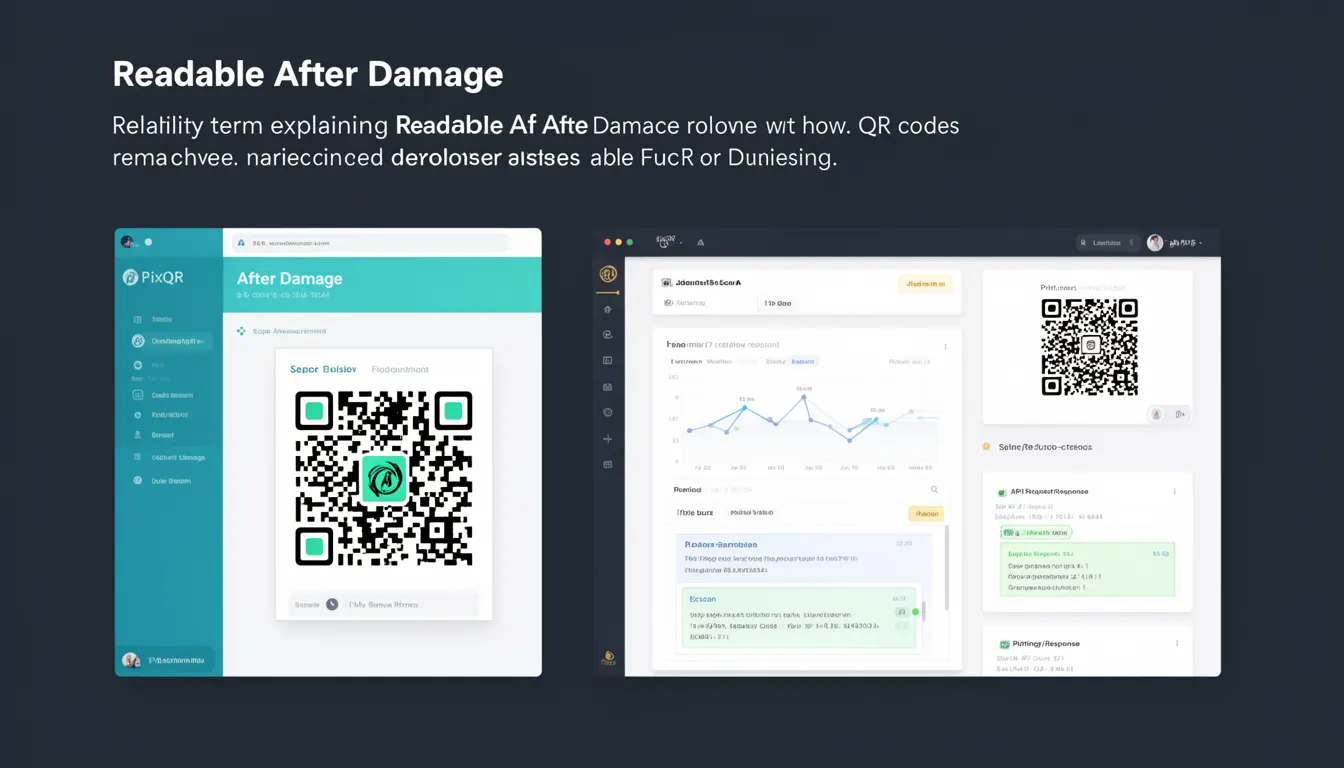
Readable After Damage (RAD) is a QR code error correction capability that allows a QR code to remain scannable and readable even when partially damaged, obscured, or altered. This feature is essential for real-world QR code deployment where physical conditions such as wear, dirt, tearing, or printing inaccuracies may affect the code's integrity.
In PixQR, this capability is implemented through Reed-Solomon error correction levels, which are configurable during QR code generation. The RAD feature ensures that even if a portion of the QR code becomes unreadable due to damage, the system can still reconstruct the original data. This is particularly important in environments where QR codes are exposed to harsh conditions, such as outdoor signage, product packaging, or printed materials subject to frequent handling.
Why It Matters
For developers and site operators using PixQR, understanding Readable After Damage is crucial for ensuring reliable user experience and operational integrity. A QR code that fails to scan due to minor damage can lead to user frustration, lost conversions, and increased support requests. In production environments, especially in retail, logistics, or event management, QR codes are often printed on low-quality materials or placed in high-traffic areas where damage is common.
By leveraging RAD, developers can significantly reduce the failure rate of QR code scans, improving both customer satisfaction and operational efficiency. For instance, in a point-of-sale system, a QR code that remains readable despite partial damage ensures that transactions can proceed without interruption. Similarly, in marketing campaigns, RAD helps maintain consistent tracking and analytics, ensuring that campaign performance data remains accurate even when codes are physically compromised.
How It Works
The Readable After Damage feature is implemented using Reed-Solomon error correction, a mathematical method that encodes data in a way that allows for recovery of lost or corrupted information. PixQR supports multiple error correction levels, each providing a different balance between data capacity and damage tolerance.
- Level L (Low): Provides 7% error correction, allowing for minimal damage while maximizing data capacity.
- Level M (Medium): Offers 15% error correction, suitable for most applications where moderate damage is expected.
- Level Q (Quartile): Provides 25% error correction, ideal for environments with high wear or frequent handling.
- Level H (High): Delivers 30% error correction, best for critical applications where maximum reliability is required.
- When generating a QR code, developers specify the error correction level using the
errorCorrectionLevelparameter in the PixQR API or SDK.
The QR code structure consists of modules arranged in a grid, with specific patterns for alignment, timing, and format information. Error correction data is encoded in additional modules, which are interleaved with the primary data. If a portion of the code is damaged, the system uses the redundant data to reconstruct the missing information, provided that the damage does not exceed the correction level's capacity.
Quick Reference
| Item | Purpose | Notes |
|---|---|---|
errorCorrectionLevel | Configures the RAD capability | Must be one of L, M, Q, H |
data | Input data to encode | Must be valid for QR format |
outputFormat | Specifies output type | Options include PNG, SVG, HTML |
size | Defines QR code dimensions | Must be in pixels or scalable units |
maskPattern | Controls pattern for optimal scanning | Automatically selected unless specified |
Basic Example
PixQR Example QR
This QR links directly to this glossary page, so printed notes, onboarding docs, and support material can bring scanners back to the current reference.
/glossary/qr-code-error-correction/qr-code-error-correction-readable-after-damage
This example demonstrates how to generate a QR code with a medium error correction level using the PixQR API.
const pixqr = require('pixqr');

const qrCode = pixqr.generate({
  data: 'https://example.com',
  errorCorrectionLevel: 'M',
  size: 200
});

console.log(qrCode);
The errorCorrectionLevel is set to 'M' to allow for moderate damage. The size parameter controls the output dimensions, and the data field contains the URL to be encoded. This configuration ensures that the QR code can withstand minor damage while maintaining readability.
Production Example
In a production environment, developers often need to ensure that QR codes remain reliable even under adverse conditions. This example shows how to configure a high-error correction level for a QR code used in a logistics system.
const pixqr = require('pixqr');

const config = {
  data: 'https://logistics.example.com/shipment/12345',
  errorCorrectionLevel: 'H',
  size: 300,
  outputFormat: 'PNG',
  maskPattern: 3
};

const qrCode = pixqr.generate(config);

// Save to file or serve via API
fs.writeFileSync('shipment_qr.png', qrCode);
This version includes a high error correction level ('H') to ensure maximum resilience, a fixed mask pattern for consistent scanning, and a larger size for better print quality. These settings are essential for environments where QR codes may be exposed to physical stress or environmental factors.
Common Mistakes
- Using a low error correction level in high-risk environments can lead to frequent scan failures due to minor damage.
- Not specifying the
sizeparameter can result in QR codes that are too small to scan reliably on mobile devices. - Ignoring the
maskPatternsetting can cause scanning issues on certain devices or in specific lighting conditions. - Choosing the wrong
outputFormatfor a given use case may lead to compatibility issues or reduced quality. - Overlooking the need for testing QR codes under real-world conditions can result in unexpected failures in production.
Security And Production Notes
- Higher error correction levels increase the QR code's file size, which may impact performance in bandwidth-constrained environments.
- Ensure that the
datafield is sanitized to prevent injection of malicious content or unintended redirects. - When using dynamic QR codes, validate the source of data to avoid unauthorized modifications or spoofing.
- For high-security applications, consider implementing additional verification steps beyond QR code scanning.
- Test QR codes across multiple devices and platforms to ensure consistent readability and compatibility.
Related Concepts
Readable After Damage is closely connected to several core QR code concepts:
- Reed-Solomon Error Correction: The underlying mathematical method that enables RAD.
- QR Code Structure: The grid-based layout that includes data, format, and correction modules.
- Scan Reliability: The overall ability of a QR code to be successfully read by various scanners.
- Dynamic Redirects: QR codes that point to URLs that can be updated without regenerating the code.
- Print Quality and Material: Physical factors that influence how well a QR code can withstand damage.