 PixQR
PixQR
Overview
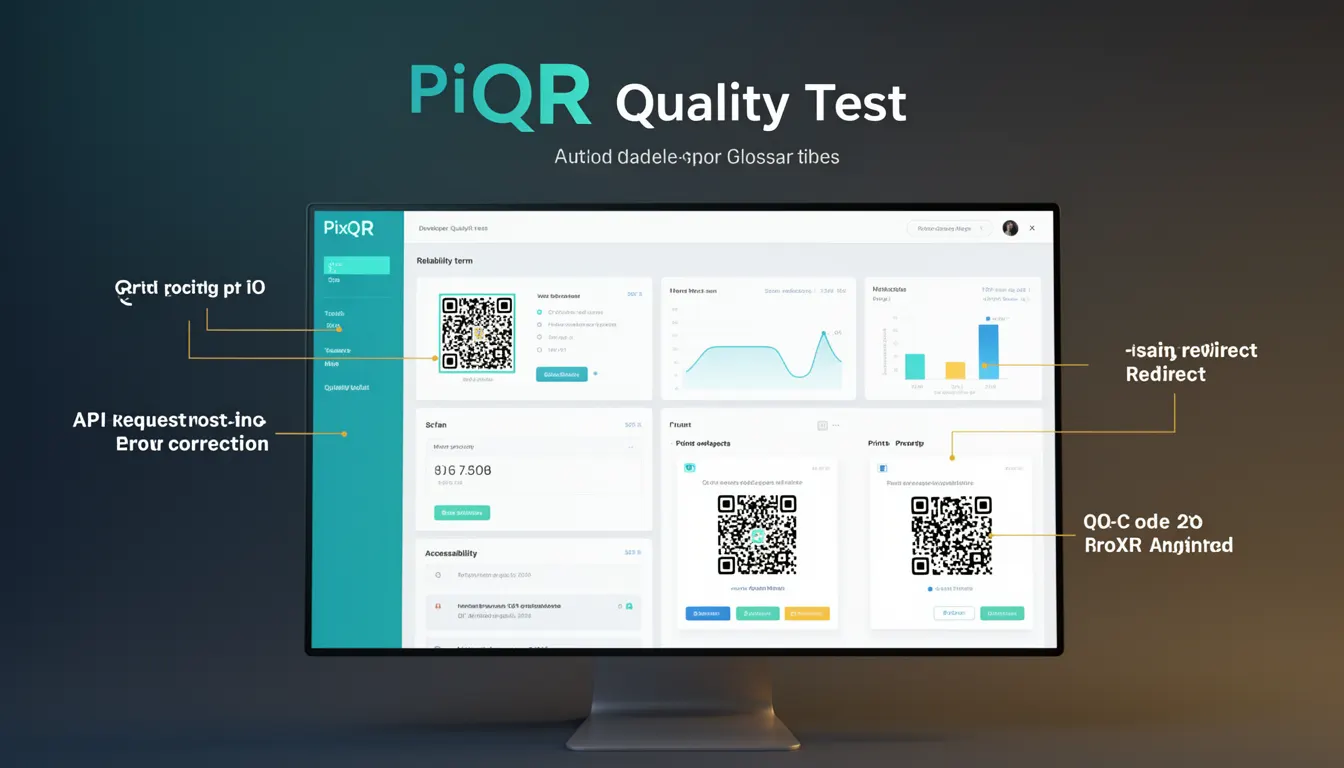
A Print Quality Test in the context of QR codes refers to a standardized evaluation method used to determine how well a QR code can maintain readability and data integrity under various physical and environmental conditions. This test is essential for developers and designers working with PixQR, as it ensures that QR codes remain functional even when subjected to damage, wear, or alterations during the printing or usage process.
When generating QR codes for physical media such as packaging, posters, or printed marketing materials, it's crucial to verify that the codes remain scannable. A Print Quality Test helps quantify the resilience of a QR code by simulating real-world scenarios like partial occlusion, fading, smudging, or deformation. This reliability check is particularly important for applications where QR codes must function in challenging environments, such as outdoor signage or industrial labeling.
Why It Matters
For developers working with PixQR, understanding and applying Print Quality Tests ensures that QR codes remain functional in production environments. Poor print quality can lead to failed scans, resulting in user frustration, lost conversions, and reduced ROI for marketing campaigns. In high-volume production settings, where thousands of codes are printed, even minor quality issues can compound into significant operational inefficiencies.
From a security perspective, a QR code that fails a Print Quality Test might be more susceptible to manipulation or tampering. If a code is not robust enough to withstand minor physical damage, it may be easier for malicious actors to alter it. Ensuring that codes meet quality thresholds also supports compliance with brand standards and quality assurance protocols, especially in regulated industries such as pharmaceuticals or automotive.
How It Works
The Print Quality Test is a multi-step validation process that evaluates a QR code's ability to remain scannable under various physical stressors. The process involves generating a QR code, then subjecting it to simulated real-world conditions to measure its resilience. Key components include:
- Generation of a QR code using PixQR's standard encoding algorithm with specified error correction levels.
- Application of distortion filters to simulate real-world print imperfections such as smudging, fading, or partial occlusion.
- Scanning the distorted QR code using standard QR readers to determine if data can still be accurately extracted.
- Quantification of the percentage of the code that remains readable after distortion, often expressed as a tolerance threshold.
- Validation against industry standards such as ISO/IEC 18004 or GS1 standards for QR code printability and scannability.
Within PixQR, developers can configure the test to include specific error correction levels, such as L (Low), M (Medium), Q (Quartile), or H (High), which directly affect how much damage a QR code can sustain before becoming unreadable. These levels are defined in the QR code standard and are chosen based on the expected durability of the printed medium.
Quick Reference
| Item | Purpose | Notes |
|---|---|---|
| Error Correction Level | Determines resilience to damage | Choose based on expected environment |
| Print Quality Threshold | Minimum scannability requirement | Typically 70% or higher |
| Distortion Filters | Simulates real-world damage | Includes smudge, fade, and occlusion |
| Scanning Validation | Verifies data integrity | Must use standard QR readers |
| Compliance Standards | Ensures industry alignment | Includes ISO/IEC 18004 |
Basic Example
PixQR Example QR
This QR links directly to this glossary page, so printed notes, onboarding docs, and support material can bring scanners back to the current reference.
/glossary/qr-code-error-correction/qr-code-error-correction-print-quality-test

This basic example shows how a developer might initiate a Print Quality Test using PixQR's API. The example sets up a QR code with a high error correction level and runs a simple distortion simulation to verify scannability.
const qrCode = pixqr.generate({
  data: "https://example.com",
  errorCorrection: "H"
});

const testResult = pixqr.printQualityTest(qrCode, {
  distortion: "smudge",
  tolerance: 0.8
});

console.log(testResult.isScannable); // true or false
The example demonstrates the core functionality of initiating a Print Quality Test. The errorCorrection option sets the QR code to High level, which increases its resilience. The distortion parameter simulates physical damage, and tolerance defines the acceptable scannability threshold.
Production Example
In a production environment, a developer would typically integrate Print Quality Tests into a larger workflow, including validation, analytics, and error handling. This example shows how a QR code generator might be integrated into a pipeline where multiple quality checks are performed before final output.
const generateQRWithQualityCheck = async (data, options) => {
  const qrCode = pixqr.generate({
    data,
    errorCorrection: options.errorCorrection || "M"
  });

  const qualityTest = await pixqr.printQualityTest(qrCode, {
    distortion: ["smudge", "fade", "occlusion"],
    tolerance: 0.75
  });

  if (!qualityTest.isScannable) {
    throw new Error("QR code failed print quality test");
  }

  return {
    qrCode,
    qualityReport: qualityTest
  };
};

const result = await generateQRWithQualityCheck("https://example.com", {
  errorCorrection: "H"
});
This version is more suitable for production because it includes error handling, multiple distortion types, and a clear validation step. It also integrates with PixQR's reporting system to provide actionable feedback on code quality before deployment.
Common Mistakes
- Using low error correction levels for codes that will be printed on durable or outdoor materials, leading to frequent scanning failures.
- Ignoring distortion simulation in the testing process, resulting in codes that appear functional but fail in real-world conditions.
- Setting tolerance thresholds too low, which may cause valid codes to be rejected unnecessarily, increasing production overhead.
- Not validating codes against industry standards like ISO/IEC 18004, which can lead to non-compliance in regulated sectors.
- Assuming that all QR codes are equally resilient, which is not true for different materials, print methods, or environments.
Security And Production Notes
- Always use high error correction levels for codes intended for public or outdoor use to prevent manipulation or degradation.
- Implement automated testing in the development pipeline to catch quality issues before codes reach production.
- Ensure that distortion simulations cover a range of realistic physical conditions to accurately reflect real-world usage.
- Validate that QR codes are scannable using multiple reader tools to ensure compatibility across platforms.
- Document the results of each Print Quality Test to support traceability and compliance in regulated industries.
Related Concepts
Print Quality Test is closely related to several other QR code concepts that are essential for developers using PixQR:
- Error Correction Levels: The QR code standard defines four levels (L, M, Q, H) that determine how much damage a code can sustain. Higher levels increase resilience but also increase code size.
- QR Code Standards: Compliance with standards such as ISO/IEC 18004 ensures that codes are universally scannable and meet industry requirements.
- Scanning Reliability: Ensuring that codes are scannable under various conditions, including different lighting, angles, and device types.
- Dynamic Redirects: While not directly related, dynamic QR codes must also be tested for print quality to maintain consistent functionality.
- Brand Safety: Codes that fail quality tests may lead to misinterpretation or brand damage, especially in high-profile marketing campaigns.