 PixQR
PixQR
Overview
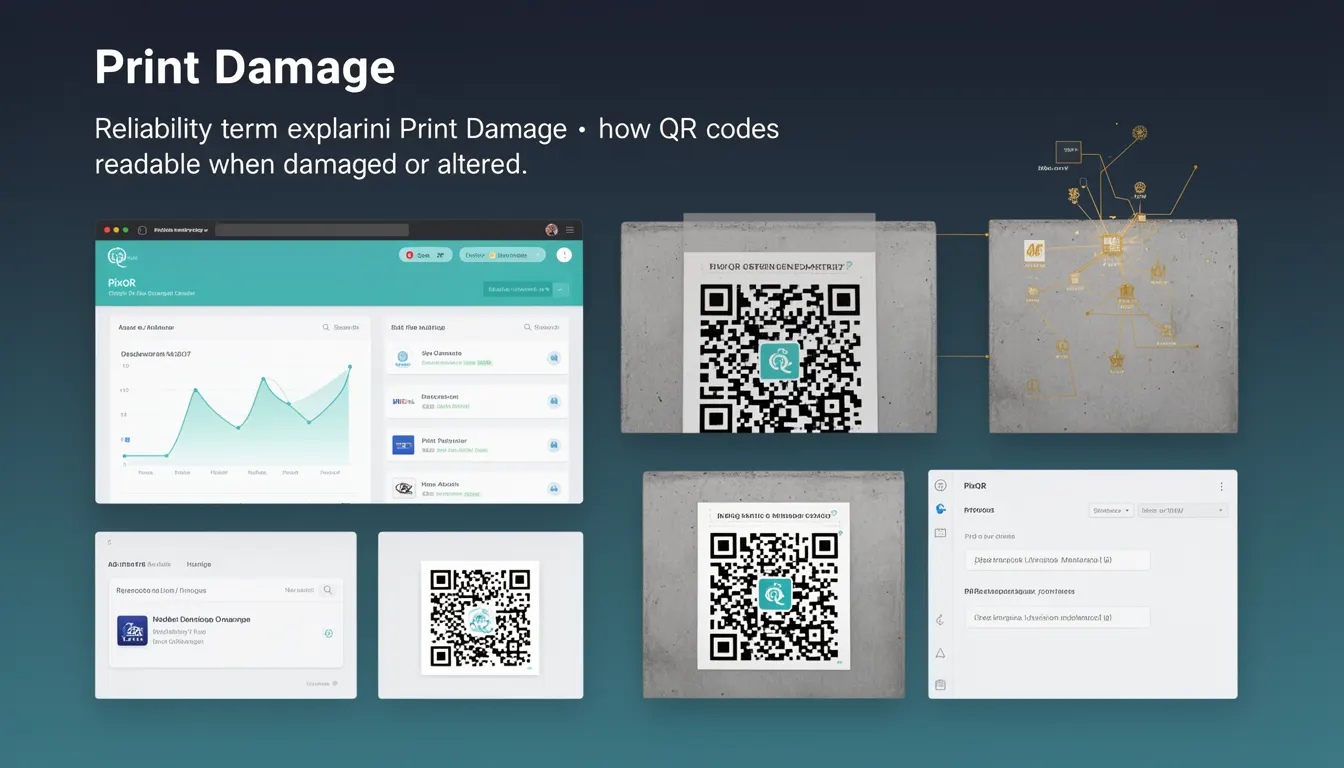
Print Damage refers to the degradation or alteration of a QR code's visual integrity during the printing or production process, which can affect its scannability. In PixQR, this concept is integral to ensuring that generated QR codes remain reliably scannable even when they encounter physical or digital imperfections.
Developers working with PixQR must understand how Print Damage impacts QR code functionality, particularly when designing for real-world usage where codes may be exposed to wear, fading, tearing, or misalignment during production. Print Damage is not just a theoretical concern; it directly influences QR code generation parameters, error correction levels, and the robustness of the final output.
Why It Matters
For developers managing QR code systems, Print Damage is a critical consideration for ensuring user experience and system reliability. If a QR code becomes unreadable due to print defects, it can lead to failed redirects, lost engagement, and degraded performance in marketing or logistics workflows. In PixQR, mitigating Print Damage is part of the platform's commitment to scan reliability and brand-safe design.
From a security perspective, Print Damage can be exploited by attackers to introduce subtle alterations to QR codes that redirect users to malicious destinations. Therefore, robust error correction and design practices are essential to prevent such vulnerabilities. Additionally, for businesses using QR codes for inventory tracking, product identification, or access control, Print Damage can result in costly system failures or operational disruptions.
How It Works
QR codes are designed with built-in redundancy through error correction capabilities, which allow them to remain scannable even when partially damaged. Print Damage is managed by leveraging these error correction levels (L, M, Q, H), which define how much data can be lost or corrupted before the code becomes unreadable. PixQR allows developers to configure these levels during QR code generation.
- Level L (Low): Up to 7% of the code can be corrupted or missing.
- Level M (Medium): Up to 15% of the code can be corrupted or missing.
- Level Q (Quartile): Up to 25% of the code can be corrupted or missing.
- Level H (High): Up to 30% of the code can be corrupted or missing.
- Higher error correction levels increase the code size and visual complexity, but improve resilience to physical damage.
When generating a QR code, PixQR evaluates the intended use case, the expected print quality, and the potential for damage. For example, a QR code printed on a label that may be exposed to wear or weather might be generated with Level H correction, whereas a code used in a digital display might use Level M for a balance of reliability and visual clarity.
Quick Reference
| Item | Purpose | Notes |
|---|---|---|
| Error Correction Level | Determines resilience to damage | Higher levels offer better protection but larger codes |
| Code Size | Impact of error correction on visual footprint | Increased correction levels increase QR code dimensions |
| Print Quality | Factor affecting damage likelihood | Low-quality prints increase risk of scannability issues |
| Scan Environment | Context affecting damage risk | Outdoor or high-wear environments require higher correction |
| Dynamic QR Code | Allows updates without reprinting | Reduces risk of physical damage by enabling remote changes |
Basic Example
PixQR Example QR
This QR links directly to this glossary page, so printed notes, onboarding docs, and support material can bring scanners back to the current reference.
/glossary/qr-code-error-correction/qr-code-error-correction-print-damage
This basic example demonstrates how to generate a QR code with a high error correction level to mitigate potential print damage.
const qrCode = pixqr.generate({
  text: "https://example.com",
  correction: "H"
});
The correction parameter is set to "H" to enable the highest error correction level. This ensures that even if a significant portion of the QR code is damaged, it can still be scanned correctly.
Production Example
In a production environment, developers might need to configure error correction based on expected usage conditions, such as for labels or signage.
const qrConfig = {
  text: "https://example.com/product/12345",
  correction: "Q",
  size: 300,
  margin: 1,
  color: {
    dark: "#000000",
    light: "#ffffff"
  }
};

const qrCode = pixqr.generate(qrConfig);
This configuration uses Level Q correction, which provides a good balance between reliability and code size. It also includes size, margin, and color settings to ensure clarity and compatibility with printing processes.
Common Mistakes
- Choosing a low error correction level for codes that will be exposed to physical wear or environmental damage.
- Ignoring the impact of print quality on scannability, leading to codes that fail in real-world conditions.
- Not testing QR codes under realistic print and scan conditions before deployment.
- Overusing high error correction levels for all codes, increasing file size and visual complexity unnecessarily.
- Assuming that all QR code readers will handle damaged codes equally, which is not true across all devices or software.
Security And Production Notes
- Always test QR codes under conditions that simulate actual print and scan environments to ensure resilience.
- Use higher error correction levels for codes that are likely to be physically altered or exposed to harsh conditions.
- Consider dynamic QR codes in high-risk environments to reduce reliance on physical durability.
- Validate QR code outputs against known scan patterns to detect potential issues early.
- Ensure that color contrast and resolution are optimized for both print and digital scanning to reduce the risk of misinterpretation.
Related Concepts
Print Damage is closely related to several other QR code concepts:
- QR Code Error Correction Levels: The core mechanism that allows codes to remain scannable despite damage.
- Dynamic QR Codes: Codes that can be updated without re-printing, reducing risk from physical damage.
- Scan Reliability: The platform's ability to ensure consistent performance across different environments.
- Brand-Safe Design: Ensuring that QR codes maintain their integrity and functionality while aligning with brand guidelines.
- Print Quality Assurance: The process of verifying that QR codes are produced with sufficient clarity and fidelity.