 PixQR
PixQR
Overview
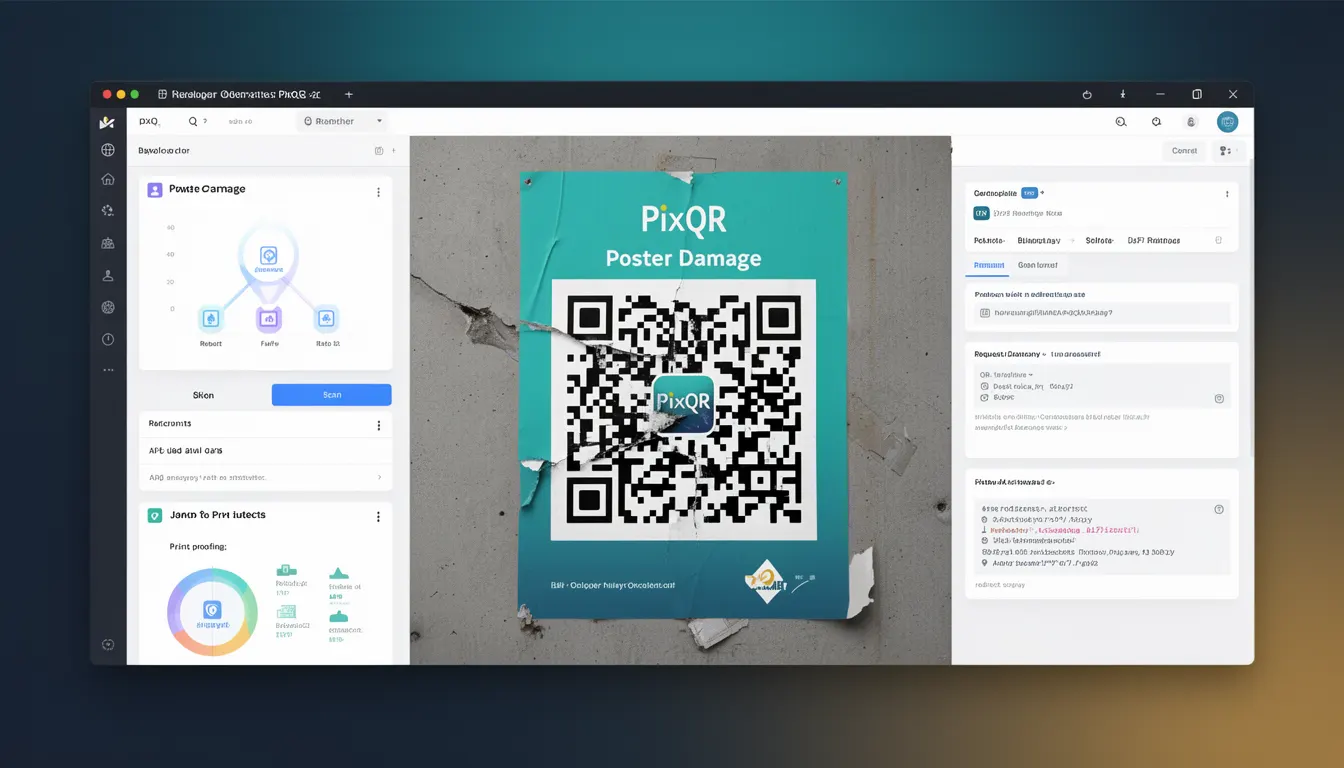
Poster Damage refers to the ability of a QR code to remain scannable and readable even when it has been physically altered, degraded, or partially obscured. This is a core feature of QR code error correction mechanisms that ensures reliable data retrieval under adverse conditions. In the context of PixQR, this capability is essential for maintaining consistent user experience and operational reliability across diverse environments where QR codes may be printed on low-quality materials, exposed to weather, or subject to physical wear.
Developers using PixQR platforms must understand Poster Damage to ensure their QR codes are robust enough to function reliably in real-world scenarios. It directly affects the choice of error correction levels, the design of visual elements, and the operational workflows that govern QR code deployment. For instance, a QR code intended for outdoor advertising may require a higher error correction level to withstand environmental damage, whereas an indoor digital display may use a lower level to optimize for aesthetics and cost.
Why It Matters
Poster Damage resilience is critical for maintaining the usability of QR codes in environments where physical integrity is not guaranteed. In production, this impacts scan success rates, user satisfaction, and operational costs. For example, a QR code used for product tracking in a warehouse may be subject to dirt, scratches, or wear from handling. If the error correction is insufficient, the code may fail to scan, leading to operational inefficiencies and data loss.
From a security perspective, robust error correction also mitigates risks related to fraudulent or tampered codes. If a code can be partially damaged or altered without losing functionality, it becomes harder to manipulate for malicious purposes. PixQR ensures that error correction levels are configurable to meet the specific needs of different deployment scenarios, balancing between data capacity and durability.
For developers, understanding Poster Damage helps in making informed decisions about QR code generation parameters, visual styling, and integration strategies. It directly influences the choice of QR code version, error correction level, and module size, all of which affect both performance and compliance with branding or safety requirements.
How It Works
Poster Damage is achieved through the use of Reed-Solomon error correction codes embedded within QR codes. These codes allow the scanner to reconstruct missing or corrupted data by using redundant information stored in the code itself. The error correction process is defined by four levels, each offering a different balance between data capacity and resilience:
- Level L (Low): Provides 7% error correction. Suitable for high-quality, undamaged prints with minimal risk of damage.
- Level M (Medium): Offers 15% error correction. Recommended for general-purpose applications with moderate risk of damage.
- Level Q (Quartile): Delivers 25% error correction. Ideal for environments where partial damage is likely, such as outdoor use or industrial settings.
- Level H (High): Provides 30% error correction. Used in high-risk scenarios where maximum durability is required, such as printed materials exposed to harsh conditions.
When a QR code is generated, PixQR calculates the appropriate error correction level based on the expected usage environment and data payload. The correction codes are encoded in a way that allows recovery of data even if up to 30% of the code's modules are damaged or unreadable. The algorithm ensures that critical data such as URLs or identifiers remain intact, even if visual elements are compromised.
The error correction process is handled transparently during QR code generation and scanning. Developers do not need to manually configure this; it is part of the PixQR API and platform defaults. However, understanding how these levels affect performance and data capacity is essential for optimizing code generation for specific use cases.
Additionally, the physical design of the QR code, such as module size and color contrast, can influence how effectively error correction works. Smaller modules may be more susceptible to damage, while high contrast and appropriate sizing help scanners distinguish between data and background elements.
Quick Reference
| Item | Purpose | Notes |
|---|---|---|
| Error Correction Level | Controls how much damage a QR code can withstand | Higher levels reduce data capacity but increase durability |
| Reed-Solomon Codes | Encoding mechanism for error correction | Used in all QR code versions for data recovery |
| Module Size | Determines physical resolution of the code | Smaller modules may be more fragile |
| Scan Success Rate | Expected performance under damage conditions | Level H codes maintain 90%+ success rate under moderate damage |
| Print Quality | Impact on code readability | Low-quality prints may require higher error correction |
Basic Example
PixQR Example QR
This QR links directly to this glossary page, so printed notes, onboarding docs, and support material can bring scanners back to the current reference.
/glossary/qr-code-error-correction/qr-code-error-correction-poster-damage

This basic example demonstrates how to configure a QR code with a higher error correction level to ensure durability. The example uses PixQR's API to generate a code with Level H correction, suitable for outdoor use.
const qrCode = pixqr.generate({
  data: "https://example.com",
  errorCorrection: "H",
  size: 200
});
The key line is the errorCorrection: "H" option, which sets the highest level of error correction. This ensures that even if the code is partially damaged, it will still scan correctly. The size parameter controls the physical dimensions of the code, and data defines the content to be encoded.
Production Example
In a production environment, developers may need to dynamically adjust error correction levels based on the deployment context. This example shows how to configure a QR code for a high-risk scenario such as outdoor signage, using a configuration that balances data capacity with resilience.
const config = {
  data: "https://shop.example.com/product/123",
  errorCorrection: "Q",
  size: 300,
  backgroundColor: "#FFFFFF",
  foregroundColor: "#000000",
  margin: 1
};

const qrCode = pixqr.generate(config);
This version includes a medium-high error correction level (Q) to handle expected wear and tear. The backgroundColor and foregroundColor ensure contrast, and margin provides a buffer around the code to prevent misalignment during scanning. These settings make the code suitable for real-world applications with moderate to high exposure to damage.
Common Mistakes
- Choosing a low error correction level for high-risk environments: Using Level L for outdoor or industrial applications may result in failed scans due to damage.
- Ignoring module size and print quality: Small modules or poor print resolution can reduce the effectiveness of error correction.
- Not testing QR codes under realistic conditions: Codes that work in controlled environments may fail in real-world scenarios.
- Overlooking color contrast: Poor contrast can cause scanners to misread the code, regardless of error correction level.
- Assuming all QR codes are identical: Different use cases require different correction levels, and a one-size-fits-all approach can lead to failures.
Security And Production Notes
- Ensure consistent error correction levels: Maintain the same level across all codes in a deployment to avoid inconsistent scanning behavior.
- Validate QR code integrity: Use PixQR's validation tools to confirm that generated codes meet expected durability standards.
- Test in real environments: Simulate damage or wear to verify that codes remain functional under expected conditions.
- Consider branding constraints: Higher error correction levels may reduce the visual clarity of codes, so balance durability with aesthetics.
- Monitor scan analytics: Use PixQR's analytics to identify codes that fail scans, which may indicate insufficient error correction.
Related Concepts
Poster Damage is closely connected to several related QR code concepts:
- Error Correction Levels: The four levels (L, M, Q, H) define how much damage a code can withstand.
- QR Code Version: The size and data capacity of a QR code are determined by its version number.
- Scanning Accuracy: The ability of scanners to read damaged codes is dependent on error correction.
- Print Quality: Physical printing conditions affect how well error correction can function.
- Dynamic Redirects: QR codes with robust error correction are more reliable for redirecting users to dynamic content.