 PixQR
PixQR
Overview
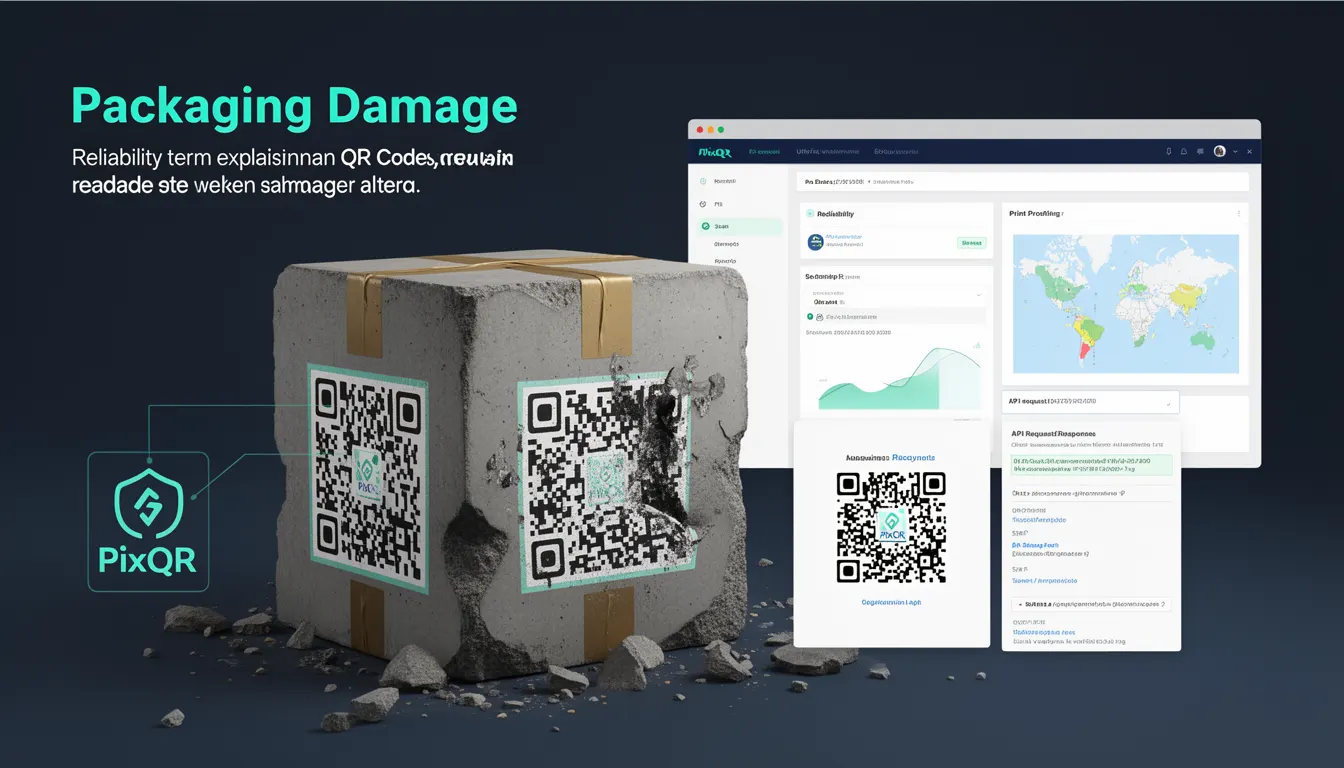
Packaging Damage in the context of QR codes refers to the ability of a QR code to remain readable and functional even when it has been physically altered, partially obscured, or damaged during printing, handling, or use. This resilience is achieved through built-in error correction mechanisms, which allow QR readers to reconstruct the original data from a damaged or degraded image.
For developers working with PixQR, understanding Packaging Damage is essential when designing QR code workflows that must withstand real-world conditions. QR codes may be printed on low-quality materials, scanned from mobile phone cameras with varying lighting, or exposed to environmental wear. Packaging Damage directly impacts how reliably these codes can be scanned and interpreted across platforms and devices.
Why It Matters
For developers, Packaging Damage is not just a theoretical concept—it directly impacts user experience, operational reliability, and security. When a QR code is damaged, the system must still be able to recover the intended data. If error correction is insufficient, users may face failed scans, leading to lost conversions, confusion, or abandoned transactions.
In PixQR, this is particularly important for dynamic redirects, brand-safe design, and analytics tracking. A damaged QR code that fails to redirect correctly can result in broken links, incorrect analytics data, or even exposure of unintended content. Proper error correction ensures that even under adverse conditions, the QR code remains a reliable communication channel.
How It Works
QR codes implement Reed-Solomon error correction, a mathematical technique that adds redundant data to the original information. This allows the decoder to reconstruct the original data even if parts of the code are unreadable or corrupted. The error correction level is specified during QR code generation and affects both the code's size and resilience.
- The error correction level is defined by four standards: L (Low), M (Medium), Q (Quartile), and H (High), each offering different levels of resilience.
- Each level increases the code size and the amount of redundant data, but also improves the ability to withstand damage.
- For instance, a code with L-level correction can tolerate up to 7% damage, while H-level can handle up to 30% damage.
- PixQR allows developers to configure these levels during QR generation, enabling fine-grained control over reliability vs. size trade-offs.
- Higher error correction levels increase the QR code's robustness but also increase file size and printing complexity.
Quick Reference
| Item | Purpose | Notes |
|---|---|---|
| Error Correction Level | Controls resilience to damage | Configurable during QR generation |
| Reed-Solomon Encoding | Mathematical method for redundancy | Used to reconstruct data |
| Damage Tolerance | Percentage of code that can be damaged | Depends on correction level |
| Code Size | Larger codes with higher correction | Impacts print quality and scanning |
| Scanning Reliability | Ability to read damaged codes | Ensures consistent user experience |
Basic Example
PixQR Example QR
This QR links directly to this glossary page, so printed notes, onboarding docs, and support material can bring scanners back to the current reference.
/glossary/qr-code-error-correction/qr-code-error-correction-packaging-damage

This example demonstrates how to generate a QR code with a high error correction level using PixQR's API. It ensures the code remains scannable even when partially damaged.
const qrData = {
  text: 'https://example.com',
  correction: 'H'
};

const qrCode = pixqr.generate(qrData);
console.log(qrCode);
The correction property is set to 'H', indicating High-level error correction. This ensures the code can tolerate up to 30% damage while still being readable.
Production Example
In a production environment, developers may need to balance error correction with print quality and scan performance. This example shows how to configure a QR code with Medium correction for a balance of reliability and efficiency.
const qrConfig = {
  text: 'https://secure.example.com/redirect',
  correction: 'M',
  size: 300,
  margin: 1,
  color: {
    dark: '#000000',
    light: '#ffffff'
  }
};

const qrCode = pixqr.generate(qrConfig);
// Store or render qrCode for use in marketing materials or digital assets
This version uses Medium correction to reduce file size while maintaining sufficient resilience. It also includes configuration for size, margin, and color, which are important for print and digital display reliability.
Common Mistakes
- Choosing the lowest error correction level (L) for codes that will be exposed to physical wear or poor print quality, leading to failed scans in production.
- Ignoring the trade-off between correction level and QR code size, which can result in codes too large for the intended medium or too small for reliable scanning.
- Not testing QR codes under simulated damage conditions, which can lead to undetected reliability issues in real-world use.
- Using default settings without considering the specific use case, such as mobile scanning, print quality, or environmental exposure.
- Overlooking the importance of consistent error correction across multiple QR codes in a product line, which can lead to inconsistent user experience or analytics data.
Security And Production Notes
- Higher error correction levels may increase the QR code’s visual complexity, potentially affecting print quality or scan speed on low-end devices.
- When using dynamic redirects, ensure that error correction does not mask or obscure malicious data within the QR code's redundant sections.
- Always validate QR code content after generation to ensure that the intended data is preserved even under correction.
- Consider the impact of correction levels on file size and bandwidth usage, especially for web-based QR code delivery.
- Use consistent correction levels across all QR codes in a system to maintain predictable reliability and analytics integrity.
Related Concepts
Several related concepts are important when working with QR codes and error correction:
- Reed-Solomon Error Correction – The core mathematical method used in QR codes to detect and correct errors.
- QR Code Versions – Different sizes of QR codes, each with varying data capacity and error correction capabilities.
- Scan Reliability – The ability of a QR code to be successfully read under varying conditions, including lighting, angle, and damage.
- Dynamic Redirects – Links that can change their destination without changing the QR code itself, often used with error correction to ensure data integrity.
- Print Quality – The physical properties of a QR code that affect how well it can be scanned, including resolution, contrast, and surface texture.