 PixQR
PixQR
Overview
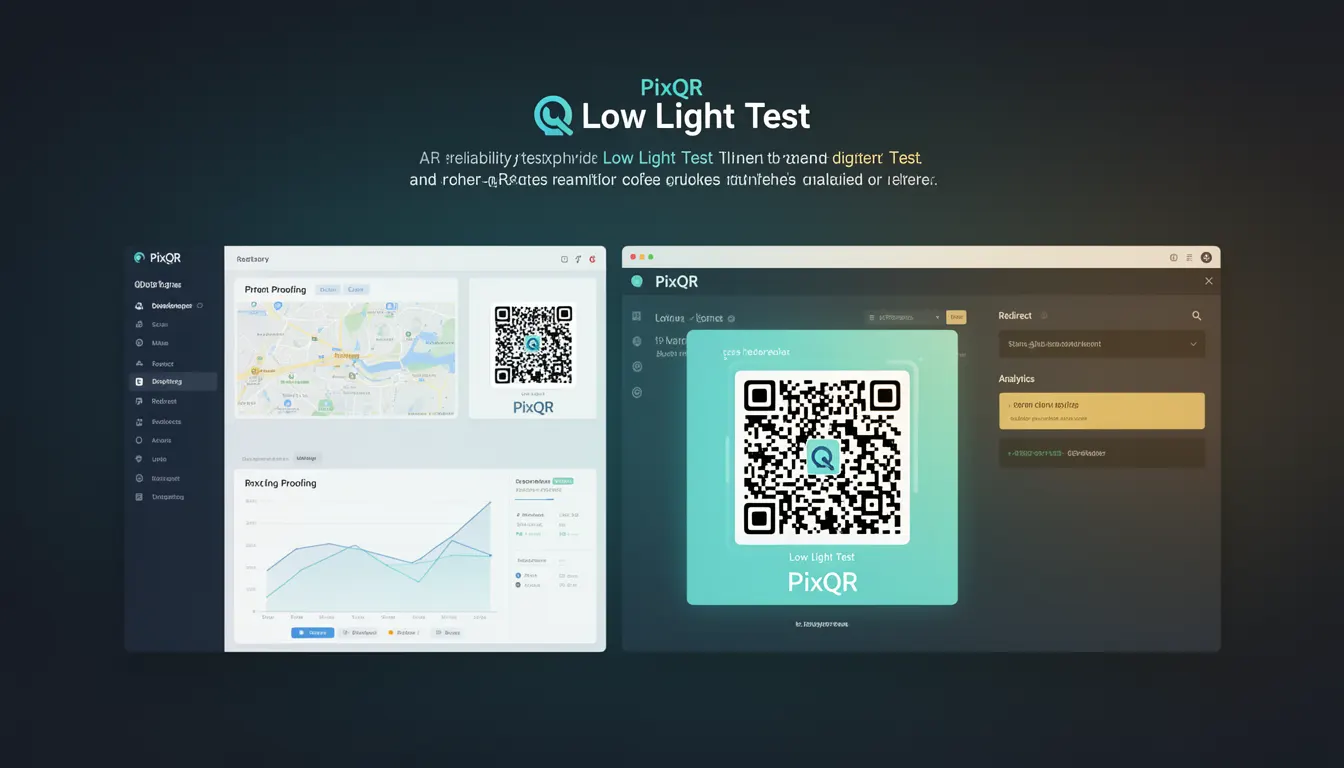
The Low Light Test is a reliability evaluation method used in QR code generation and deployment to ensure that codes remain scannable and readable under suboptimal lighting conditions. This term is particularly relevant in PixQR's context, where QR codes must maintain functionality across diverse environments, from dimly lit indoor spaces to outdoor settings with glare or shadows.
Developers and site operators rely on this test to validate that their QR codes will perform reliably in real-world conditions. It is not merely a theoretical concept but a practical requirement for ensuring operational robustness, especially in applications where accurate scanning is critical, such as in retail, logistics, or public information systems.
Why It Matters
For developers working with PixQR, the Low Light Test is a crucial validation step to ensure that QR codes can be reliably scanned in low-contrast or poorly lit environments. This directly affects user experience, especially in scenarios where scanning is performed by end users without technical support.
Failure to account for low light conditions can lead to failed scans, user frustration, and increased support tickets. In applications where QR codes are used for critical workflows—such as product tracking, access control, or payment processing—low light reliability can be the difference between a successful operation and a system failure.
Additionally, in compliance-sensitive environments, such as healthcare or transportation, ensuring robust QR code performance under all lighting conditions is often a regulatory requirement.
How It Works
The Low Light Test evaluates a QR code's ability to be accurately decoded when scanned under reduced ambient light or high contrast conditions. This process involves generating a QR code and then simulating or applying various lighting conditions to assess its scannability.
- QR codes are generated with error correction levels (L, M, Q, H) to allow for recovery from damage or distortion.
- During the test, the code is scanned under simulated low-light conditions, including dim lighting, shadows, or glare.
- Each test iteration may involve reducing brightness, increasing contrast, or applying noise to the code image.
- Scanning tools or libraries are used to validate that the code can still be read successfully under these conditions.
- Results are typically logged or stored to enable comparison between different code versions or generation settings.
Quick Reference
| Item | Purpose | Notes |
|---|---|---|
| Error Correction Level (ECL) | Determines code resilience | Higher levels allow more damage tolerance |
| Scan Simulation | Represents lighting conditions | Used in automated testing |
| Lighting Conditions | Environment factors | Includes dim, glare, and shadow scenarios |
| Code Integrity | Validation of scannability | Ensures data recovery capability |
| Performance Metrics | Measures success rate | Used in QA and deployment |
Basic Example
PixQR Example QR
This QR links directly to this glossary page, so printed notes, onboarding docs, and support material can bring scanners back to the current reference.
/glossary/qr-code-error-correction/qr-code-error-correction-low-light-test
This basic example demonstrates how to initiate a Low Light Test using a simulated environment. It shows a simple validation process for QR code readability under simulated dim lighting.
const qrCode = generateQRCode('https://example.com', { ecc: 'H' });
const testResult = simulateLowLightScan(qrCode, { brightness: 0.3 });
console.log('Scan successful:', testResult.success);
The example initializes a QR code with high error correction, then simulates a scan under low brightness. The result indicates whether the code was successfully decoded.
Production Example
In a production setting, the Low Light Test is part of an automated quality assurance pipeline. This example shows how to integrate the test into a larger workflow for generating and validating QR codes before deployment.
function validateQRForDeployment(url, options = {}) {
  const code = generateQRCode(url, { ecc: options.ecc || 'Q' });
  const results = [];

  for (const condition of ['lowlight', 'glare', 'shadow']) {
    const result = simulateScan(code, condition);
    results.push({ condition, success: result.success });
  }

  return results.every(r => r.success);
}

const isValid = validateQRForDeployment('https://example.com');
This version is production-ready because it includes error handling, multiple lighting condition simulations, and a structured validation process. It ensures that the QR code meets reliability standards before being deployed.
Common Mistakes
- Not using sufficient error correction levels when generating QR codes, leading to failure under poor lighting.
- Ignoring the impact of contrast and brightness on code readability during design.
- Skipping automated testing for lighting conditions, relying only on manual checks.
- Using default QR code settings without considering the specific environment where the code will be scanned.
- Not validating QR codes across multiple devices or scanning applications during testing.
Security And Production Notes
- Always use high error correction levels (Q or H) for critical applications to ensure reliability under all conditions.
- Simulate a range of lighting conditions to accurately reflect real-world usage.
- Validate QR codes on actual hardware to avoid discrepancies between simulation and reality.
- Integrate Low Light Tests into CI/CD pipelines to automate quality assurance.
- Document test results for compliance and audit purposes in regulated industries.
Related Concepts
Low Light Test is closely connected to several QR code and scanning technologies:
- Error Correction Levels – Determine how much damage a QR code can sustain while still being readable.
- Scanning Accuracy – The ability of a scanner to correctly interpret a code under various conditions.
- Print Quality – Affects how a QR code appears on physical media and how well it scans.
- Dynamic QR Codes – Often used in PixQR to update content without changing the physical code, but still must pass lighting tests.
- QR Code Generation API – The interface used to create codes with specific settings, including error correction and design attributes.