 PixQR
PixQR
Overview
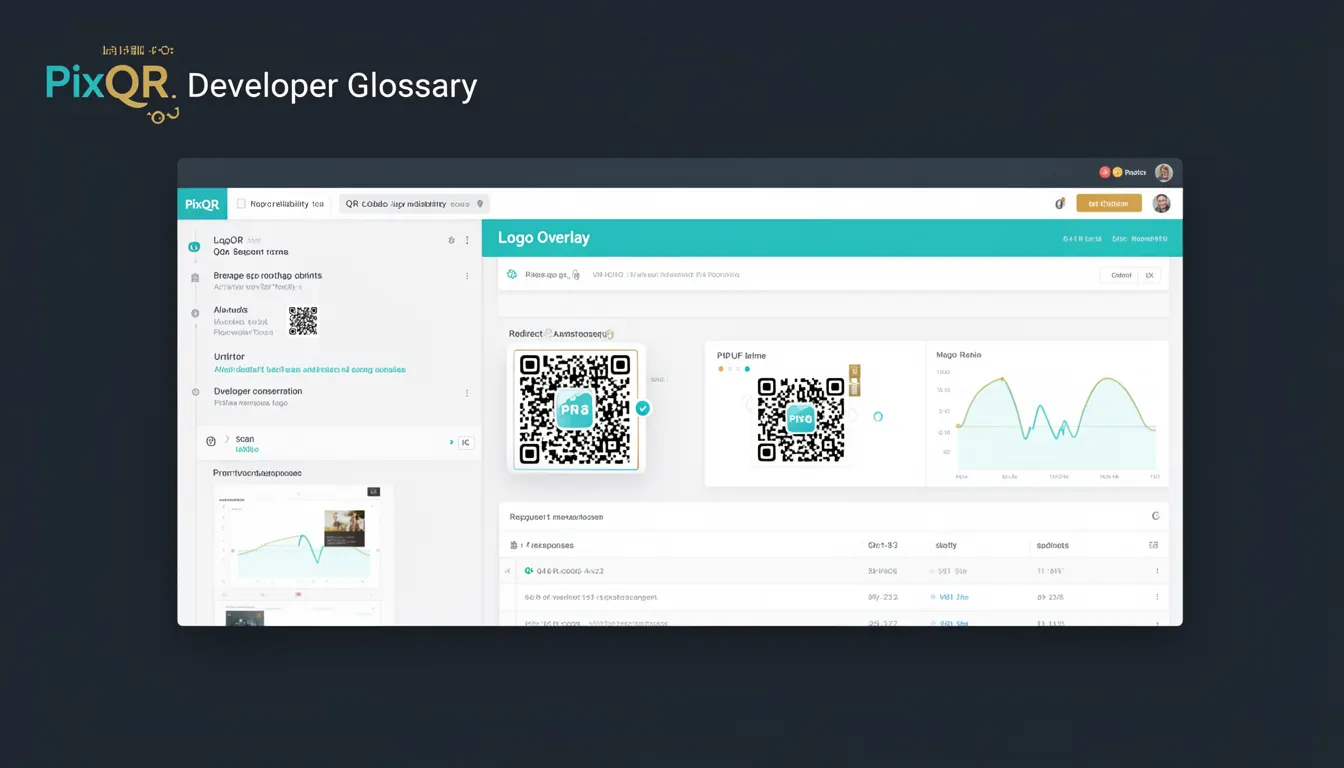
Logo Overlay in the context of QR codes refers to the practice of embedding a brand logo or graphic within a QR code's visual structure. This technique is used to enhance brand recognition and visual appeal while maintaining the code's scannability. PixQR supports Logo Overlay functionality to allow users to apply branded graphics to their QR codes without compromising the code's ability to be read by scanning devices.
Developers using PixQR's API or dashboard may configure Logo Overlay parameters to define the size, position, and transparency of the embedded graphic. The system ensures that the logo is placed in a way that does not interfere with the QR code's error correction capabilities. This is especially important when designing QR codes for physical media like printed materials, where visual branding is critical for marketing and user engagement.
Why It Matters
Logo Overlay plays a significant role in brand identity and user experience, particularly in marketing and product design contexts. When a QR code is printed on packaging, posters, or business cards, incorporating a logo helps reinforce brand recognition and professionalism. It also allows businesses to integrate visual elements that align with their design guidelines while ensuring the QR code remains functional.
From a technical standpoint, the overlay must be carefully implemented to avoid interfering with the QR code's error correction. If not handled correctly, the logo may obscure data modules or disrupt the code's ability to be read by scanners. PixQR's implementation includes safeguards to ensure that even when logos are applied, the code remains reliable across different scanning environments and device types.
How It Works
The Logo Overlay mechanism within PixQR operates by placing a graphic within the QR code's reserved areas, typically in the alignment patterns or timing patterns, without compromising the data integrity. This process involves several key steps:
- Logo placement is calculated to avoid the primary data modules and error correction regions, ensuring that the code's scannability is not affected.
- Image transparency is managed to allow the QR code's data to remain visible while still displaying the logo clearly.
- Logo size and aspect ratio are constrained to maintain compatibility with the QR code's geometric structure.
- Quality adjustments are made to ensure the logo does not introduce artifacts or distortions that could impede scanning.
- Multiple overlay options are supported, including static logos, animated images, or vector graphics, depending on the intended use case.
When using PixQR's API, developers can configure the overlay using parameters such as logo_url, logo_size, and logo_position. The system dynamically adjusts the overlay to fit within the QR code's structure while preserving the code's integrity. These parameters are validated to ensure compatibility with the QR code's error correction levels and module layout.
Quick Reference
| Item | Purpose | Notes |
|---|---|---|
| logo_url | Specifies the URL of the logo to overlay | Must be accessible and image format compatible |
| logo_size | Defines the size of the logo in pixels | Should be proportionate to QR code dimensions |
| logo_position | Sets the placement of the logo within the QR code | Defaults to center; may be constrained by code structure |
| logo_transparency | Controls the opacity of the logo | Must be between 0 and 1 |
| overlay_enabled | Toggle for whether logo overlay is applied | Default is false; must be explicitly enabled |
Basic Example
PixQR Example QR
This QR links directly to this glossary page, so printed notes, onboarding docs, and support material can bring scanners back to the current reference.
/glossary/qr-code-error-correction/qr-code-error-correction-logo-overlay

This example shows how to enable a basic logo overlay using PixQR's API configuration. The logo is centered within the QR code and set to a fixed size.
{
  "qr_data": "https://example.com",
  "logo_url": "https://example.com/logo.png",
  "logo_size": 50,
  "logo_position": "center",
  "overlay_enabled": true
}
The logo_url specifies the image to overlay, logo_size sets its dimensions, and overlay_enabled activates the feature. The logo_position parameter ensures the logo is placed appropriately within the QR code structure.
Production Example
In a production environment, developers must consider validation, scalability, and performance when configuring Logo Overlay. This example demonstrates a robust configuration that includes error handling and responsive sizing.
{
  "qr_data": "https://example.com",
  "logo_url": "https://example.com/brand-logo.svg",
  "logo_size": 60,
  "logo_position": "center",
  "logo_transparency": 0.8,
  "overlay_enabled": true,
  "error_correction": "H",
  "module_size": 10
}
This version includes additional parameters to ensure compatibility with PixQR's error correction settings and module sizing. The error_correction level is set to "H" (high) to provide maximum redundancy, and the module_size parameter ensures the QR code's physical dimensions are optimized for scanning. The logo_transparency is set to 0.8 to balance visibility with scannability.
Common Mistakes
- Using a logo that is too large, which can obscure QR code data and reduce readability.
- Applying a logo with high transparency, which can cause the QR code to appear too faint or unreadable.
- Not validating the logo URL, which can lead to broken overlays or failed QR code generation.
- Placing the logo in a region that overlaps with error correction data, which can cause scanning failures.
- Ignoring the QR code's error correction level when applying overlays, which may lead to inconsistent performance across devices.
Security And Production Notes
- Ensure that all logo URLs are validated and point to secure, accessible resources to prevent broken overlays or failed scans.
- Use image formats that are compatible with QR code generation and scanning to avoid rendering issues.
- Implement proper error handling in API calls to catch and log overlay configuration issues.
- Test overlays across multiple scanning devices and environments to ensure consistent performance.
- Monitor the size and complexity of overlays to maintain optimal scan speeds and reliability.
Related Concepts
Logo Overlay is closely related to several QR code development and design concepts:
- QR Code Error Correction: Overlay placement must respect error correction regions to maintain code integrity.
- Module Structure: The physical layout of QR code modules determines where overlays can be safely placed.
- Scanning Reliability: Overlay design affects how well a QR code is read by different scanners and devices.
- Brand Identity: Overlay usage is a key tool for integrating visual branding into QR code design.
- Dynamic QR Code Generation: Overlay support enables dynamic branding for personalized QR codes.