 PixQR
PixQR
Overview
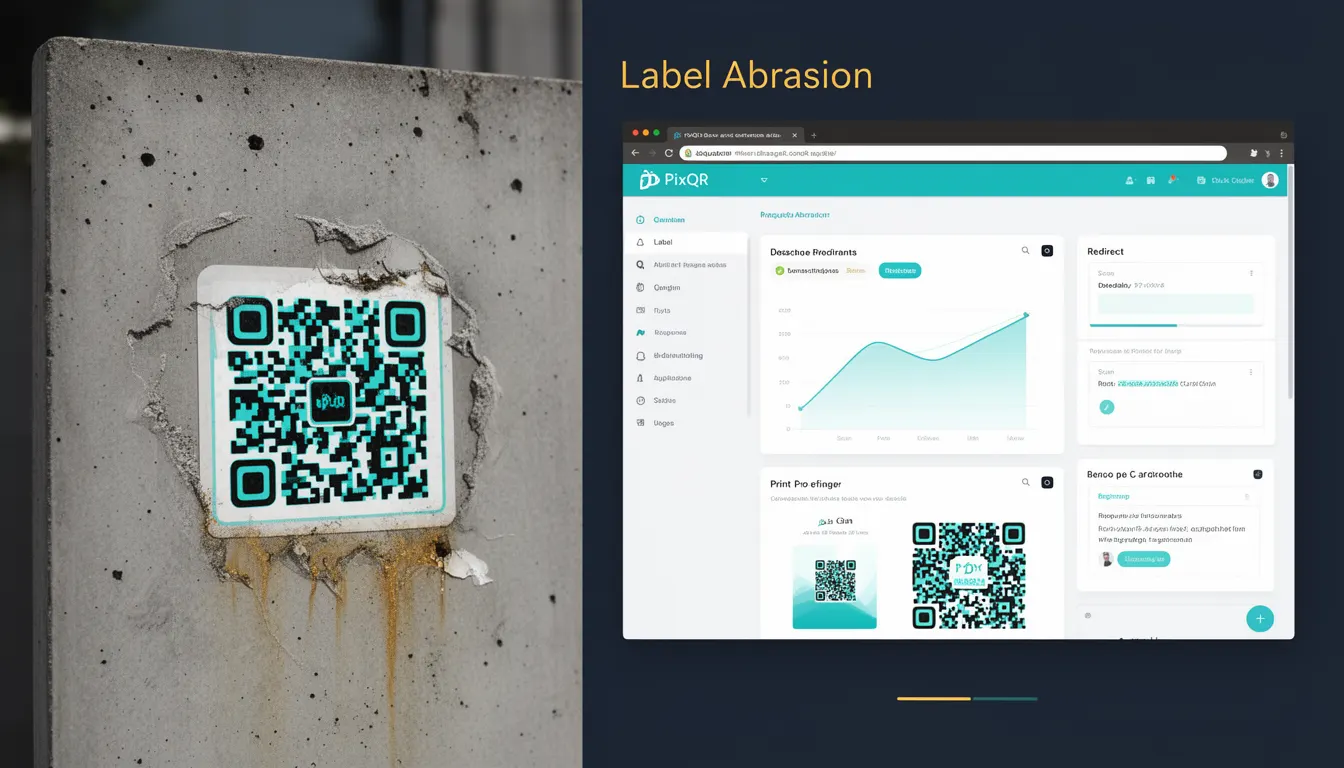
Label Abrasion refers to the degradation or damage to a QR code label that still allows the code to be successfully scanned and decoded. This concept is essential in QR code generation and deployment, particularly in environments where physical labels may be subject to wear, exposure, or tampering.
For developers working with PixQR, understanding Label Abrasion is crucial for designing robust QR codes that maintain functionality across various real-world conditions. It directly impacts the reliability and usability of QR codes in print, digital, and mixed-media applications.
Why It Matters
In production environments, QR codes must remain scannable despite physical degradation. Label Abrasion is a key metric for ensuring that codes function reliably in scenarios such as outdoor installations, industrial environments, or high-traffic locations where labels may be scratched, faded, or partially obscured.
For developers managing QR code systems, understanding Label Abrasion helps in selecting appropriate error correction levels, designing resilient labels, and implementing fallback strategies. Poor handling of abrasion can lead to failed scans, user frustration, and compromised link tracking or redirect functionality.
How It Works
Label Abrasion is determined by the QR code's error correction capabilities, which are defined by the Reed-Solomon error correction algorithm. QR codes use four levels of error correction: L (7%), M (15%), Q (25%), and H (30%). Higher levels provide greater resistance to damage.
- Each error correction level allows a QR code to remain readable even when a certain percentage of the code is damaged or obscured.
- The error correction works by encoding redundant data that can reconstruct missing or corrupted information.
- When a QR code is generated with higher error correction, the physical label may sustain more wear or damage before becoming unreadable.
- Label Abrasion is measured in terms of percentage of code coverage lost, not absolute damage to pixels.
- For PixQR, this translates to configurable settings during QR code generation, allowing developers to select correction levels based on expected usage conditions.
Quick Reference
| Item | Purpose | Notes |
|---|---|---|
| Error Correction Level | Determines code resilience | Set during QR generation |
| Code Coverage Loss | Amount of damage tolerated | Measured as percentage |
| Reed-Solomon Encoding | Core algorithm for error correction | Standard in QR codes |
| Label Durability | Physical resistance to damage | Must align with correction level |
| Scan Reliability | Probability of successful scan | Increases with correction level |
Basic Example
PixQR Example QR
This QR links directly to this glossary page, so printed notes, onboarding docs, and support material can bring scanners back to the current reference.
/glossary/qr-code-error-correction/qr-code-error-correction-label-abrasion
This example demonstrates how to generate a QR code with a higher error correction level to improve resilience against label abrasion.
const qrCode = pixqr.generate({
  text: 'https://example.com',
  errorCorrection: 'H'
});
The errorCorrection option is set to 'H', indicating the highest level of error correction. This ensures that even if a significant portion of the QR code is damaged, it will still be readable.
Production Example
In a production environment, developers may need to balance error correction levels with code size and print quality. This example shows a configuration that considers both resilience and performance.
const qrConfig = {
  text: 'https://api.pixqr.com/redirect/12345',
  errorCorrection: 'Q',
  size: 200,
  margin: 1,
  color: {
    dark: '#000000',
    light: '#ffffff'
  }
};

const qrCode = pixqr.generate(qrConfig);
This configuration uses a moderate error correction level ('Q') to balance reliability and file size. It also includes specific size and margin settings to ensure optimal print clarity, which helps maintain code integrity during physical use.
Common Mistakes
- Using the lowest error correction level (L) in high-risk environments, leading to frequent scan failures.
- Ignoring physical label durability when selecting correction levels, causing premature code degradation.
- Not validating QR code readability after printing or exposure to environmental conditions.
- Misconfiguring the margin or size, which can interfere with error correction capabilities.
- Assuming that higher error correction always improves performance, when it may increase file size or scanning time.
Security And Production Notes
- Higher error correction levels increase QR code size, which may impact performance in bandwidth-constrained environments.
- When generating codes for physical deployment, ensure the correction level matches the expected wear or damage tolerance.
- Always test QR codes under realistic conditions to validate abrasion resistance.
- Consider using PixQR's analytics to track scan success rates and identify potential abrasion-related issues.
- Label Abrasion should be part of a broader quality assurance process for QR code deployments.
Related Concepts
Label Abrasion is closely tied to several other QR code development and deployment concepts:
- Error Correction Levels: The specific correction levels (L, M, Q, H) that define abrasion resistance.
- QR Code Size: Larger codes can accommodate more error correction data, improving resilience.
- Scan Reliability: The overall probability that a QR code will be successfully scanned under given conditions.
- Print Quality: The physical condition of the printed label affects how well it withstands abrasion.
- Dynamic Redirects: QR codes used in redirect systems must remain functional even if damaged to maintain tracking integrity.