 PixQR
PixQR
Overview
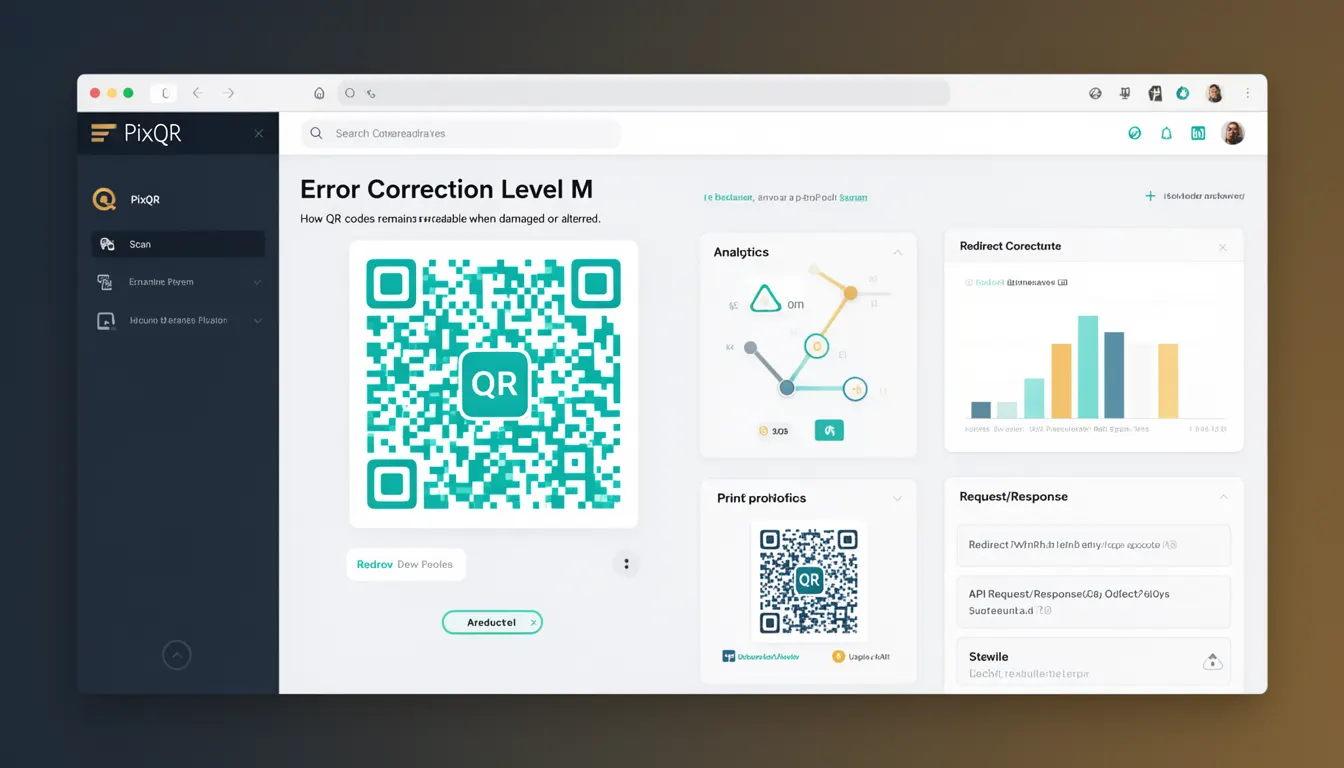
Error Correction Level M, or Medium Error Correction, is one of four error correction levels defined in the QR Code standard (ISO/IEC 18004). It is used to determine how much data can be recovered when a QR code is damaged, blurred, or partially obscured during scanning. The level M provides a balance between data capacity and resilience, making it suitable for many production environments where moderate reliability is needed.
In the context of PixQR, Error Correction Level M is a configuration option available when generating QR codes. It allows developers to specify how much redundancy to include in the generated code, affecting both the code's physical size and its ability to withstand damage. This is particularly important for applications that print QR codes or deploy them in environments where physical wear, lighting, or scanning conditions may affect readability.
Why It Matters
For developers working with PixQR, choosing the correct error correction level is a trade-off between data capacity and resilience. Level M allows for approximately 15% of the QR code to be recoverable, which is sufficient for many use cases such as marketing materials, product labels, or digital signage where slight damage is expected but full functionality must be maintained. Selecting a level that is too low can lead to failed scans, while selecting one that is too high may unnecessarily increase the code's size or complexity.
In production systems, especially those managing dynamic redirects or brand-safe QR codes, choosing Error Correction Level M ensures that codes remain functional even if partially obscured by dirt, ink bleed, or wear. This is crucial for maintaining user experience and avoiding failed redirects or access issues. For example, a QR code on a product label that is exposed to weather or handling may benefit from Level M to ensure that scanning still works even if a portion is damaged.
How It Works
Error Correction Level M is part of the Reed-Solomon error correction algorithm implemented in QR codes. It adds redundancy to the encoded data, allowing the scanner to reconstruct missing or corrupted data points. The QR code standard defines four levels: L (Low), M (Medium), Q (Quartile), and H (High), each with increasing redundancy and data recovery capability.
- Level M provides approximately 15% error correction capability, meaning up to 15% of the code can be damaged and still be readable.
- It is often used in scenarios where a balance between data capacity and durability is needed.
- When generating QR codes in PixQR, developers can specify this level via an API parameter or configuration option.
- Higher levels like H offer up to 30% correction but require larger codes and more processing.
- The correction level affects the QR code's physical size and the number of modules (pixels) required to encode the data.
Quick Reference
| Item | Purpose | Notes |
|---|---|---|
| errorCorrectionLevel | Specifies error correction level | Use 'M' for medium reliability |
| dataCapacity | Maximum data that can be encoded | Level M allows ~15% correction |
| codeSize | Physical size of QR code | Medium size, balanced for performance |
| scanReliability | Probability of successful scan | Good for printed materials |
| API parameter | Configuration option in PixQR | Set to 'M' for medium error correction |
Basic Example
PixQR Example QR
This QR links directly to this glossary page, so printed notes, onboarding docs, and support material can bring scanners back to the current reference.
/glossary/qr-code-error-correction/qr-code-error-correction-error-correction-level-m
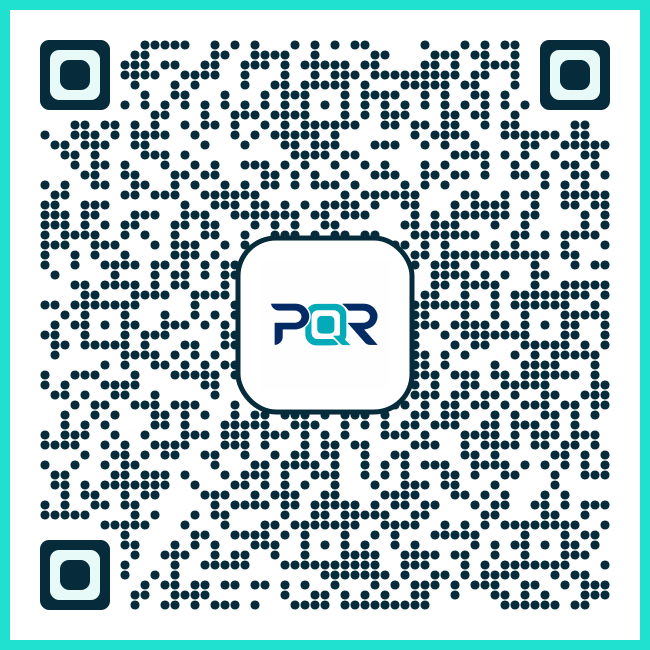
The following example demonstrates how to set the error correction level to M when generating a QR code using a PixQR API. This is a simple illustration of the configuration parameter.
const qrConfig = {
  data: 'https://example.com',
  errorCorrectionLevel: 'M',
  size: 200
};

const qrCode = pixqr.generate(qrConfig);
The errorCorrectionLevel property is set to 'M' to specify that the QR code should include medium error correction. This setting ensures that the generated code can tolerate up to 15% damage while remaining scannable.
Production Example
In a production environment, developers may want to validate that the error correction level is correctly applied and handle potential failures gracefully. The following example includes configuration validation and fallback logic.
function generateQRWithLevelM(data, size = 200) {
  if (!data) {
    throw new Error('Data is required for QR code generation');
  }

  const config = {
    data,
    errorCorrectionLevel: 'M',
    size
  };

  try {
    return pixqr.generate(config);
  } catch (err) {
    console.error('QR generation failed:', err);
    return null;
  }
}

const qr = generateQRWithLevelM('https://example.com');
This version includes input validation and error handling, making it more robust for use in real-world applications. It also ensures that the error correction level is explicitly set to M, which is important for maintaining scan reliability in production environments.
Common Mistakes
- Using a lower error correction level than needed, resulting in failed scans due to physical damage or poor printing quality.
- Choosing a higher level than necessary, which increases code size and scanning time without proportional benefit.
- Not specifying the error correction level at all, relying on default settings that may not be optimal for the use case.
- Confusing error correction levels with other QR code attributes like size or encoding mode, leading to misconfigured codes.
- Assuming that all QR codes require the same level of error correction, ignoring environment-specific factors like print quality or usage conditions.
Security And Production Notes
- Ensure that error correction levels are consistent across all QR codes in a system to avoid confusion or inconsistent scanning behavior.
- Validate input data before generating QR codes to prevent injection of malicious content, especially when using dynamic redirects.
- Monitor QR code scan performance and adjust error correction levels based on real-world usage and feedback.
- When using PixQR for dynamic redirects, ensure that the error correction level does not interfere with tracking or analytics data.
- Consider accessibility requirements when choosing error correction levels, particularly for users with visual impairments or scanning difficulties.
Related Concepts
Several related concepts are important when working with QR code error correction. These include:
- Reed-Solomon Error Correction: The underlying mathematical algorithm used in QR codes to enable error recovery.
- QR Code Version: The size and capacity of the QR code grid, which affects how much data can be encoded and how much redundancy can be added.
- Encoding Mode: The method used to encode data (numeric, alphanumeric, byte, or kanji), which impacts how much data can be stored in a given space.
- Scan Reliability: The probability that a QR code will be successfully scanned under various conditions, influenced by error correction and physical quality.
- Dynamic Redirects: The ability to change the destination of a QR code after it is generated, which may require careful consideration of error correction to maintain functionality.