 PixQR
PixQR
Overview
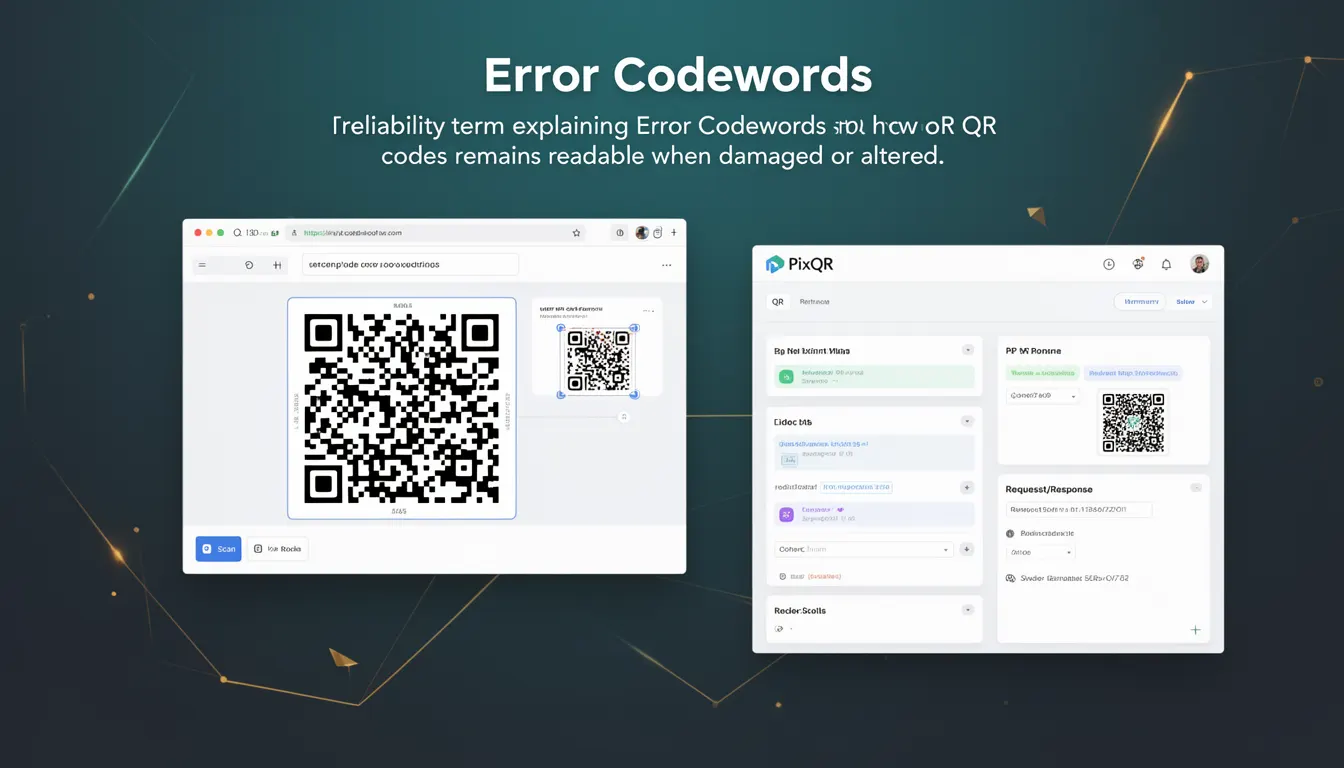
Error Codewords are a core component of QR code error correction mechanisms, enabling QR codes to remain readable and functional even when damaged, obscured, or partially destroyed. In the context of PixQR, error codewords are integral to generating robust QR codes that maintain data integrity under real-world scanning conditions.
When a QR code is generated, the system encodes both the original data and additional error correction information. This correction data is stored as error codewords, which are used by scanning devices to reconstruct missing or corrupted data. The number and type of error codewords determine how much damage a QR code can sustain while still being readable.
Why It Matters
For developers working with PixQR, understanding error codewords is essential for balancing data capacity and reliability. In production environments, QR codes may be printed on low-quality materials, scanned through dirty lenses, or exposed to environmental factors that degrade readability. Error codewords ensure that critical data—such as URLs, identifiers, or security tokens—can still be retrieved even if a portion of the code is unreadable.
From a user experience perspective, higher error correction levels mean more resilient QR codes, which reduces support tickets and user confusion. From a security standpoint, a well-constructed QR code with sufficient error codewords is less vulnerable to targeted damage or manipulation that could alter its content. For developers managing large-scale QR code deployments, choosing the right error correction level directly impacts operational efficiency and reliability.
How It Works
QR codes implement Reed-Solomon error correction, a mathematical method that adds redundant data to the original message. Error codewords are calculated from the data using a specific algorithm and appended to the QR code structure. When scanned, the decoder uses these codewords to detect and correct errors.
- QR codes support four error correction levels: L (Low), M (Medium), Q (Quartile), and H (High). Each level corresponds to a different number of error codewords and recovery capacity.
- Level L provides 7% error correction and is suitable for codes with minimal damage risk, such as those printed on high-quality materials.
- Level M offers 15% correction, balancing data capacity with moderate reliability for most standard applications.
- Level Q delivers 25% correction, ideal for codes that may be scanned under challenging conditions or printed on low-quality substrates.
- Level H provides 30% correction, offering maximum resilience and is recommended for critical or high-traffic QR codes where failure is unacceptable.
- Higher error correction levels consume more space in the QR code, reducing the amount of data that can be encoded in the same area.
Quick Reference
| Item | Purpose | Notes |
|---|---|---|
| Error Correction Level | Controls redundancy and recovery capacity | Higher levels increase QR code size |
| Reed-Solomon Algorithm | Mathematical method for generating codewords | Used in all QR code versions |
| Number of Codewords | Determines error recovery capability | Increases with correction level |
| QR Code Version | Defines total codeword capacity | Version 1 has 26 codewords |
| Scanning Decoder | Applies error correction during decoding | Must support the correction level used |
Basic Example
PixQR Example QR
This QR links directly to this glossary page, so printed notes, onboarding docs, and support material can bring scanners back to the current reference.
/glossary/qr-code-error-correction/qr-code-error-correction-error-codewords
This example shows how to set an error correction level when generating a QR code using PixQR's API. It demonstrates a basic configuration that ensures the QR code can withstand moderate damage.
const qrCode = pixqr.generate({
  data: 'https://example.com',
  errorCorrection: 'M'
});
The errorCorrection property sets the level to Medium (15% correction). This configuration balances data capacity with resilience, suitable for most standard applications where minor damage is possible.
Production Example
In a production environment, a developer might configure a high-error correction level for critical applications, such as access tokens or payment links, where failure is not acceptable. This example shows a robust configuration with maximum error correction.
const qrCode = pixqr.generate({
  data: 'https://secure.example.com/token/abc123',
  errorCorrection: 'H',
  version: 10,
  maskPattern: 3
});
This configuration ensures the QR code can withstand significant damage, including partial occlusion or print degradation. The use of version 10 and a specific mask pattern further optimizes readability for scanning devices.
Common Mistakes
- Choosing the lowest error correction level (L) for applications where damage or degradation is likely, leading to failed scans and user frustration.
- Overlooking the impact of higher error correction levels on QR code size, which can reduce the amount of data that fits in a given space.
- Using an unsupported error correction level, which may result in API errors or fallback to default behavior.
- Assuming all scanning devices support the highest error correction levels, which may not be true in legacy or low-end scanners.
- Not testing QR codes under real-world conditions, such as with dirt, glare, or partial occlusion, before deployment.
Security And Production Notes
- Higher error correction levels may increase the QR code's visual complexity, potentially making it more difficult to scan in low-light conditions or with low-resolution devices.
- When using dynamic redirects, ensure error correction levels are consistent across all QR codes to avoid inconsistent behavior in scanning systems.
- For privacy-sensitive data, consider that error codewords may expose partial data during correction, especially with lower correction levels.
- Verify that the scanning infrastructure supports the chosen error correction level; otherwise, recovery may fail silently.
- For large-scale deployments, test QR codes at various damage levels to ensure consistent performance under expected real-world conditions.
Related Concepts
Several concepts are closely related to error codewords in QR code generation and usage. These include:
- Reed-Solomon Error Correction — The underlying mathematical framework used to generate error codewords.
- QR Code Version — Determines the total number of codewords available for data and error correction.
- Mask Pattern — A method to improve readability by reducing visual artifacts in QR codes.
- Data Capacity — The amount of data that can be encoded in a QR code, which decreases with higher error correction levels.
- Scan Reliability — The ability of a QR code to be correctly interpreted under various conditions, heavily influenced by error codewords.