 PixQR
PixQR
Overview
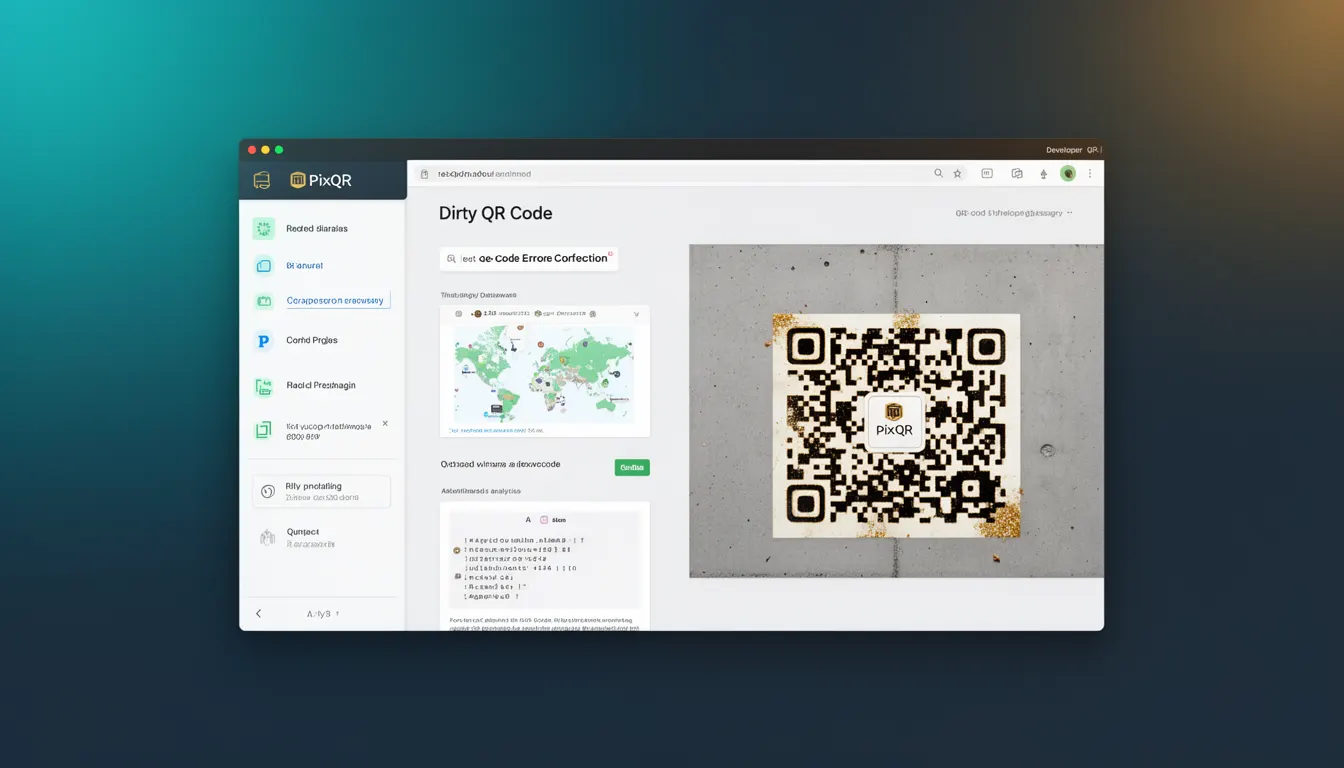
A Dirty QR Code refers to a QR code that remains scannable and readable even when it has been physically damaged, altered, or partially obscured. This capability is enabled by the built-in error correction mechanisms within QR code standards, which allow a certain percentage of data to be corrupted or missing without rendering the code unreadable. In PixQR's context, this feature is crucial for ensuring reliable scanning in real-world environments where physical degradation, printing inconsistencies, or environmental factors might affect the code's integrity.
Developers working with PixQR must understand how Dirty QR codes function to design systems that are resilient to physical or visual impairments. This is particularly important for applications involving printed materials, signage, or physical product labels where the QR code may be subject to wear, smudging, or partial occlusion. Dirty QR codes ensure that users can still access the intended content even if the code isn't perfectly intact.
Why It Matters
For developers and product teams, Dirty QR codes are essential for maintaining usability and reliability across a wide range of physical environments. When a QR code is printed on a label or displayed on a poster, it may be exposed to conditions that cause partial damage, such as ink bleeding, fading, or wear. Without error correction, these issues could make the code unreadable, leading to user frustration and lost engagement.
In PixQR, ensuring that generated QR codes are robust against damage is a core part of the platform’s operational workflow. It allows for safe deployment in public spaces, high-volume print jobs, and long-term use scenarios. From a security perspective, a Dirty QR code also prevents certain types of fraud or tampering, as attackers cannot easily corrupt the code without detection, since the system’s error correction capabilities maintain functionality up to a certain point.
How It Works
The mechanism behind Dirty QR codes relies on Reed-Solomon error correction, a mathematical method used in QR codes to encode redundant data. This redundancy allows the scanner to reconstruct missing or corrupted data, up to a certain threshold. PixQR’s QR generation process automatically applies error correction levels that can be adjusted based on expected usage conditions.
- QR codes support four levels of error correction: L (Low), M (Medium), Q (Quartile), and H (High). Each level determines how much damage the code can tolerate before becoming unreadable.
- Level L allows for up to 7% of the code to be corrupted or missing, while Level H supports up to 30%.
- Higher error correction levels increase the code's size and reduce the amount of data that can be stored, but improve resilience to damage.
- When a QR code is generated, PixQR applies a selected error correction level, which is then encoded into the structure of the code.
- Scanners read the code and apply decoding algorithms that use the redundant data to reconstruct the original information, even when parts of the code are unreadable.
Quick Reference
| Item | Purpose | Notes |
|---|---|---|
| Error Correction Level | Controls how much damage the QR code can tolerate | Use Level H for high-risk physical environments |
| Reed-Solomon Encoding | Mathematical method for adding redundancy | Applied during QR code generation |
| Code Size | Higher error correction increases QR code size | Balance between resilience and data capacity |
| Scanning Algorithm | Decodes QR code using redundant data | Standardized across QR code scanners |
| Damage Threshold | Maximum damage before failure | Depends on error correction level |
Basic Example
PixQR Example QR
This QR links directly to this glossary page, so printed notes, onboarding docs, and support material can bring scanners back to the current reference.
/glossary/qr-code-error-correction/qr-code-error-correction-dirty-qr-code
This example shows how to generate a basic QR code with a specific error correction level using PixQR’s API. It demonstrates the core concept of applying error correction to a QR code.
const qrCode = pixqr.generate({
  data: 'https://example.com',
  errorCorrection: 'H'
});
The errorCorrection parameter sets the level to H, which allows for up to 30% damage. This setting ensures that the QR code remains scannable even if parts of it are obscured or damaged.
Production Example
In a production environment, developers may need to configure multiple QR codes for different use cases, balancing error correction with data capacity. This example shows how to configure QR codes for a high-risk environment like a public poster, where damage is more likely.
const posterQR = pixqr.generate({
  data: 'https://example.com/poster',
  errorCorrection: 'H',
  size: 512,
  margin: 4
});
This configuration uses the highest error correction level, a large size for clarity, and a margin to prevent edge damage. It is suitable for environments where the QR code may be subject to wear or environmental exposure.
Common Mistakes
- Using a low error correction level for high-risk environments, leading to unreadable codes after minor damage.
- Not considering the trade-off between error correction and code size, resulting in inefficient use of available space.
- Ignoring the margin settings, which can cause codes to be unreadable if printed too close to edges.
- Applying the same error correction level across all use cases, ignoring specific environmental needs.
- Overlooking the impact of physical printing quality on code readability, especially in mass production.
Security And Production Notes
- Higher error correction levels improve resilience but may increase code size, affecting performance in bandwidth-constrained environments.
- Ensure that error correction does not mask malicious modifications to the QR code content, especially in systems with dynamic redirects.
- Validate the integrity of scanned QR codes in security-sensitive applications to prevent tampering or injection attacks.
- Use consistent error correction levels across all QR codes in a product line to maintain predictable behavior.
- Monitor scan reliability metrics to identify when error correction levels are insufficient for real-world usage.
Related Concepts
Dirty QR codes are closely related to several other QR code and security concepts. These include:
- Reed-Solomon Error Correction: The mathematical foundation that enables Dirty QR codes.
- QR Code Standards: The ISO/IEC 18004 standard that defines how QR codes are structured and how error correction is applied.
- Dynamic Redirects: A feature in PixQR where QR codes point to URLs that can be updated, but must remain readable even if the code is damaged.
- Scan Tracking: Monitoring how often and under what conditions QR codes are scanned, which can help optimize error correction settings.
- Print Reliability: Ensuring that QR codes remain scannable after printing, especially in mass production or outdoor use.