 PixQR
PixQR
Overview
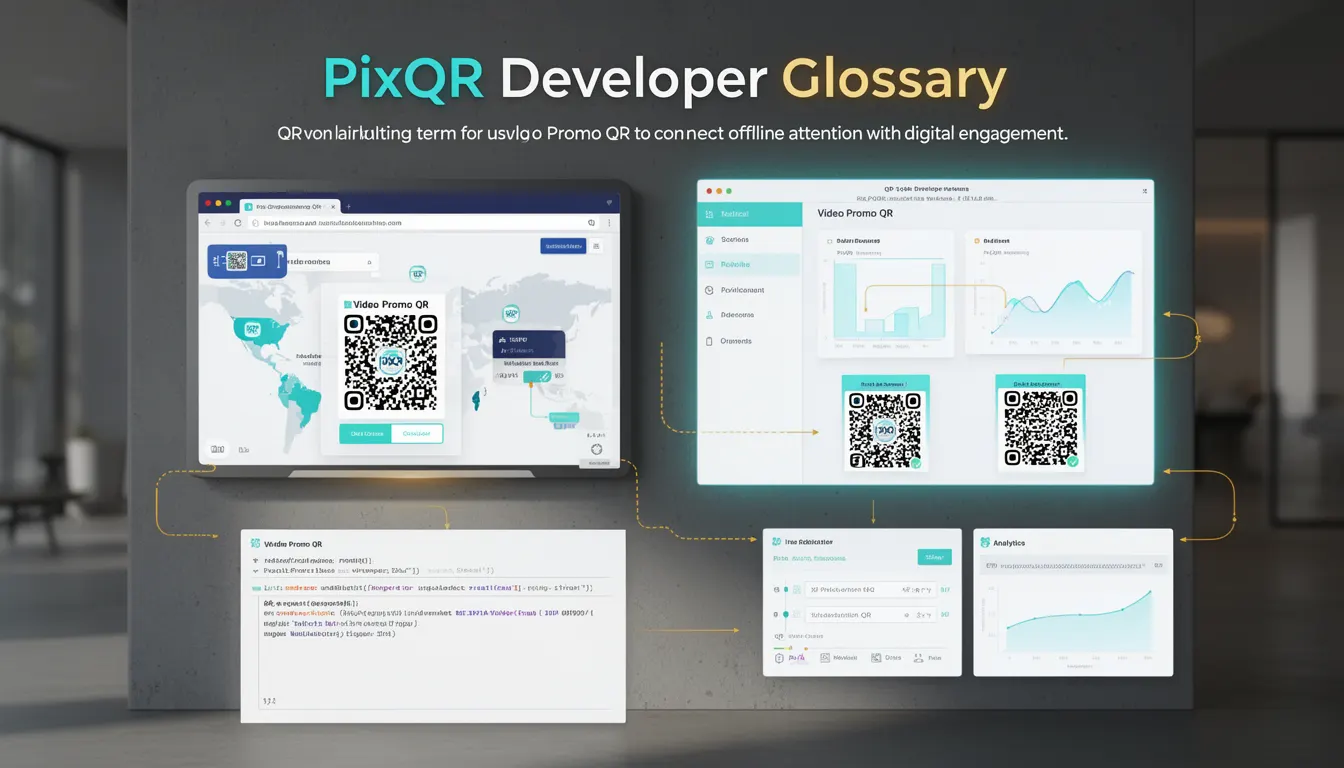
A Video Promo QR is a specific type of QR code designed to deliver video content directly to users' devices upon scanning. In the context of PixQR, it enables marketers and developers to bridge offline promotional materials with digital video engagement by embedding a dynamic link that redirects to a video asset hosted on a secure platform.
This approach allows for seamless integration of traditional advertising mediums—such as posters, billboards, or product packaging—with modern digital experiences. The QR code itself is not static; it can be updated without re-printing physical materials, making it an efficient tool for campaign management and real-time content updates.
Why It Matters
For developers working within the PixQR ecosystem, Video Promo QR codes are significant because they introduce a new dimension of interactivity and engagement in marketing workflows. They enable rich media delivery through simple scanning, which enhances user experience and increases conversion rates.
From a security standpoint, PixQR ensures that all video assets are scanned for malware and validated for compliance with brand-safe policies before being linked. This reduces the risk of malicious redirects or unauthorized content delivery. Additionally, the platform supports analytics tracking, allowing developers to monitor performance metrics like scan frequency, geographic distribution, and user retention.
For maintainers, the ability to dynamically update video content through backend configuration simplifies long-term campaign management. It eliminates the need for physical reprinting and reduces operational overhead, especially in large-scale or time-sensitive promotions.
How It Works
The core functionality of a Video Promo QR code relies on dynamic URL redirection, where the QR code points to a short URL that resolves to a video asset hosted on a secure domain. This process involves several key components and behaviors:
- The QR code is generated using PixQR's API, which supports both static and dynamic formats. Dynamic QRs can be updated post-creation to point to different video URLs.
- Upon scanning, the device resolves the URL through a redirect chain, often involving a tracking endpoint that logs the scan event before forwarding to the final video destination.
- Video assets are stored in PixQR's secure media repository, with support for multiple formats including MP4, WebM, and HLS streams, ensuring broad compatibility across devices.
- Scan tracking is enabled by default, capturing metadata such as timestamp, device type, geographic location, and referrer information.
- The system supports optional parameters in the redirect URL to pass campaign-specific data, such as user ID, campaign ID, or UTM tags, which can be used for advanced analytics or personalization.
Quick Reference
| Item | Purpose | Notes |
|---|---|---|
| Dynamic QR Code | Enables content updates post-generation | Use for campaign flexibility |
| Redirect URL | Points to video asset or tracking endpoint | Must be HTTPS and secure |
| Video Format Support | Accepts MP4, WebM, HLS | Optimize for mobile playback |
| Scan Tracking | Logs scan metadata for analytics | Enabled by default |
| Custom Parameters | Pass campaign data via URL | Use for attribution and personalization |
Basic Example
PixQR Example QR
This QR links directly to this glossary page, so printed notes, onboarding docs, and support material can bring scanners back to the current reference.
/glossary/qr-code-marketing/qr-code-marketing-video-promo-qr

This basic example demonstrates how a Video Promo QR code might be generated using PixQR’s API, with a simple redirect to a video asset.
POST /api/v1/qr
{
  "type": "video_promo",
  "redirect_url": "https://media.pixqr.com/videos/promo_123.mp4",
  "size": "300x300",
  "format": "png"
}
The response includes a QR code image and a unique identifier for tracking. The redirect URL points directly to the video file hosted on PixQR’s secure domain.
Production Example
In a production environment, a Video Promo QR code is typically part of a larger marketing workflow that includes analytics, tracking, and dynamic content management. The following example shows how to generate a QR code with advanced configuration options.
POST /api/v1/qr
{
  "type": "video_promo",
  "redirect_url": "https://media.pixqr.com/videos/promo_123.mp4",
  "custom_params": {
    "campaign_id": "fall2024",
    "user_segment": "premium"
  },
  "tracking_enabled": true,
  "analytics_tags": ["video_promo", "retargeting"],
  "brand_safe": true,
  "size": "400x400",
  "format": "svg"
}
This version includes tracking parameters, analytics tags, and brand safety validation, making it suitable for enterprise-level campaigns. The SVG format ensures scalability for print and web use, while the custom parameters allow for deep attribution in downstream analytics platforms.
Common Mistakes
- Using unsecured HTTP links in the redirect URL, which may trigger browser warnings or be blocked by PixQR’s security filters.
- Not validating video file formats or sizes, leading to playback issues on mobile devices or browsers.
- Overlooking the importance of scan tracking, which results in missed opportunities for campaign performance analysis.
- Hardcoding campaign data into the QR code instead of using custom parameters, limiting flexibility and attribution.
- Choosing low-quality or low-resolution video assets, which may appear pixelated or fail to load on high-DPI displays.
Security And Production Notes
- All video assets must be uploaded through PixQR’s secure media API to ensure malware scanning and compliance checks.
- Redirect URLs must be HTTPS to comply with browser security policies and PixQR’s platform requirements.
- Custom parameters should be sanitized to prevent injection attacks or unintended behavior in analytics tools.
- Video content should be optimized for mobile playback to ensure compatibility across devices and network conditions.
- Regular audits of QR code performance and video asset health are recommended to maintain campaign integrity and avoid broken links.
Related Concepts
Video Promo QR codes are closely related to several core PixQR concepts:
- Dynamic Redirects: The foundation of how Video Promo QR codes function, allowing real-time updates without re-printing physical materials.
- Scan Analytics: The tracking and reporting capabilities that provide insight into how many users scanned the QR code and where they came from.
- Brand Safety: Ensures that all video content is appropriate and aligned with brand guidelines, especially important for public-facing campaigns.
- Media Repository: The secure storage and delivery system that hosts all video assets linked to QR codes.
- Link Management: The ability to update or replace video URLs dynamically, which is essential for campaign flexibility and A/B testing.