 PixQR
PixQR
Overview
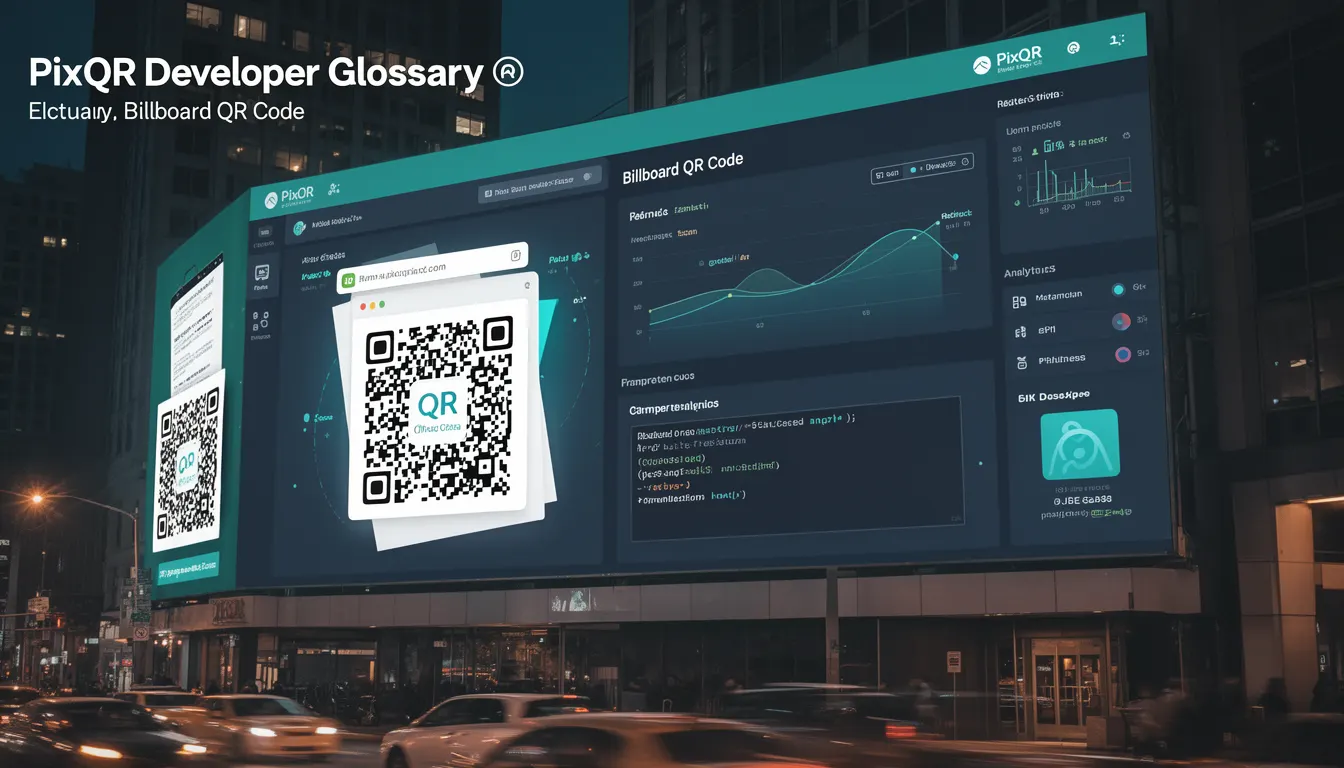
A Billboard QR Code is a specific type of QR code designed for large-scale offline marketing campaigns, typically displayed on billboards, posters, or print media. These QR codes are optimized for scanning reliability, brand-safe design, and integration with dynamic redirect systems to drive traffic from physical media to digital experiences.
In PixQR, a Billboard QR Code is implemented as a high-density, error-corrected QR code that supports dynamic link updates, analytics tracking, and secure redirect workflows. Unlike standard QR codes used for product packaging or digital handoffs, Billboard QR Codes are built for mass distribution and high-volume scanning environments.
Why It Matters
For developers working with PixQR, understanding Billboard QR Codes is critical for optimizing offline-to-online engagement strategies. These codes must maintain scan reliability across diverse environments, including low-light conditions, high-resolution prints, and varying scanning hardware. They also require robust analytics to track performance and ensure that marketing campaigns deliver measurable ROI.
From a security standpoint, Billboard QR Codes are often exposed to public scanning, making them vulnerable to misuse or malicious redirection attempts. PixQR ensures these codes are generated with built-in fraud prevention, secure redirect policies, and privacy controls to prevent unauthorized tracking or data leakage.
How It Works
Billboard QR Codes in PixQR are generated using advanced encoding algorithms that prioritize error correction and print resolution compatibility. They are designed to be scanned reliably across different hardware, including smartphones, tablets, and dedicated scanning devices.
- They support dynamic link updates through PixQR’s redirect management system, allowing campaign URLs to be changed without regenerating the physical QR code.
- They include embedded analytics tracking to monitor scan volume, geographic distribution, and user behavior post-scan.
- They are generated with a high error correction level (typically QR Code Level M or higher) to ensure readability even under poor print conditions.
- They are compatible with PixQR’s brand-safe design tools, which enforce color, contrast, and logo placement rules to maintain brand integrity.
- They integrate with PixQR’s privacy and security modules to prevent unauthorized access to campaign data or redirection to malicious domains.
Quick Reference
| Item | Purpose | Notes |
|---|---|---|
| Dynamic Redirect | Allows URL changes without re-printing | Use PixQR API to update target URL |
| Error Correction Level | Ensures readability under poor conditions | Level M or higher recommended |
| Analytics Tracking | Monitors scan volume and behavior | Includes geo, device, and time data |
| Brand-Safe Design | Enforces brand color and layout rules | Prevents unauthorized logo placement |
| Security Policy | Prevents malicious redirection | Includes domain allowlist and validation |
Basic Example
PixQR Example QR
This QR links directly to this glossary page, so printed notes, onboarding docs, and support material can bring scanners back to the current reference.
/glossary/qr-code-marketing/qr-code-marketing-billboard-qr-code
This basic example demonstrates how a Billboard QR Code might be configured in a PixQR campaign using a simplified API call.
const billboardQR = pixqr.create({
  type: 'billboard',
  targetUrl: 'https://example.com/campaign',
  errorCorrection: 'M',
  analytics: true
});
The example initializes a Billboard QR Code with medium error correction and analytics enabled. It sets a target URL for redirection, which can be updated dynamically without re-printing the physical code.
Production Example
In a production environment, Billboard QR Codes are created with strict validation, security policies, and error handling to ensure reliability and compliance.
const billboardQR = pixqr.create({
  type: 'billboard',
  targetUrl: 'https://example.com/campaign',
  errorCorrection: 'H',
  analytics: true,
  security: {
    allowlist: ['example.com', 'secure.example.com'],
    privacy: true
  },
  design: {
    color: '#000000',
    contrast: 'high'
  }
});
This version includes high error correction, domain allowlist validation, privacy controls, and brand-safe design settings. It ensures the QR code meets both performance and compliance requirements in a real-world marketing environment.
Common Mistakes
- Using low error correction levels in print environments, leading to failed scans.
- Not validating target URLs before deployment, causing redirect failures or security issues.
- Ignoring brand-safe design rules, resulting in inconsistent or unprofessional appearances.
- Disabling analytics when they are needed for campaign tracking and optimization.
- Not testing QR codes under real-world scanning conditions, such as low light or high resolution.
Security And Production Notes
- Always validate and sanitize target URLs to prevent malicious redirection.
- Use high error correction levels (H or higher) for outdoor or high-resolution prints.
- Implement domain allowlists to restrict where QR codes can redirect.
- Enable privacy controls to avoid unintended data collection or exposure.
- Test QR codes with actual scanning hardware to ensure reliability in production.
Related Concepts
Billboard QR Codes are closely related to several core PixQR features and concepts. Dynamic redirects allow for campaign flexibility without physical reprints. Analytics integration provides performance insights. Print reliability ensures consistent scanning across various media. Brand-safe design enforces visual standards. And security policies protect against fraud and unauthorized use.