 PixQR
PixQR
Overview
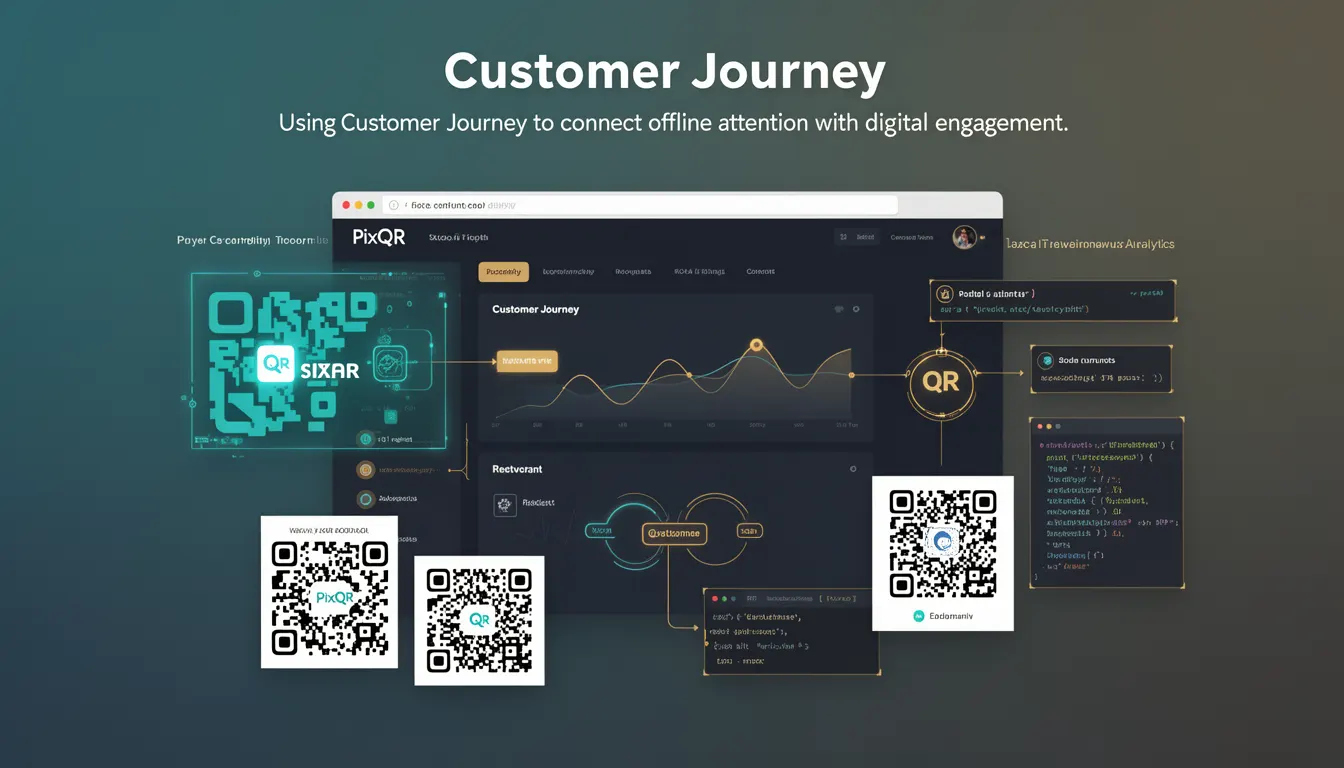
The term Customer Journey in the context of QR code marketing refers to the end-to-end path a user takes from initial interaction with a physical QR code to final conversion or engagement within a digital environment. In PixQR's ecosystem, this journey is mapped through the tracking of scan events, redirects, user behavior, and engagement metrics.
Developers working with PixQR must understand how to implement tracking mechanisms that preserve the integrity of the customer journey. This includes designing QR codes that support dynamic redirects, ensuring scan data is accurately logged, and integrating with analytics platforms to maintain a complete view of user engagement across offline and online touchpoints.
Why It Matters
Customer Journey tracking is crucial for developers implementing QR code solutions because it directly affects how marketers and product teams interpret user behavior. For PixQR, accurate journey mapping ensures that scan data can be used for attribution, optimization, and performance analysis. Without a complete journey, conversions may be misattributed or lost entirely in the data flow.
From a security and privacy perspective, the journey must be tracked without compromising user data or exposing sensitive information. PixQR ensures that journey tracking respects privacy regulations by not logging personally identifiable information (PII) unless explicitly authorized by the user and by providing granular control over data collection through API configuration.
How It Works
Customer Journey tracking in PixQR is implemented through a series of interconnected systems that capture and process user interactions with QR codes. The process begins when a user scans a QR code, which then triggers a redirect to a PixQR-managed endpoint. The endpoint logs the scan event and may redirect to a final destination based on configured rules.
- Each scan event is timestamped and associated with metadata including device type, location, and IP address for analytics.
- Redirects are configured via API endpoints and support dynamic URL generation to personalize the user experience.
- Scan data is stored in PixQR's backend and can be accessed through secure API tokens for integration with analytics platforms.
- Tracking cookies or identifiers may be used to associate multiple scans or interactions from the same user over time.
- Custom parameters can be appended to URLs to maintain context during redirects, enabling rich tracking of campaign performance.
Quick Reference
| Item | Purpose | Notes |
|---|---|---|
| Scan Event | Records QR code interaction | Timestamped and includes metadata |
| Redirect Rule | Defines destination URL | Supports dynamic parameters |
| Tracking Identifier | Uniquely identifies user session | May be cookie or URL-based |
| API Token | Authenticates data access | Required for analytics integration |
| Custom Parameter | Passes campaign data | Enhances tracking depth |
Basic Example
PixQR Example QR
This QR links directly to this glossary page, so printed notes, onboarding docs, and support material can bring scanners back to the current reference.
/glossary/qr-code-marketing/qr-code-marketing-customer-journey

This basic example shows how a QR code might be configured to track a user's journey through a redirect, logging scan data and passing a campaign identifier.
const qrCodeConfig = {
  redirectUrl: "https://pixqr.io/redirect/12345",
  campaignId: "summer_sale_2024",
  trackingEnabled: true
};
The redirectUrl points to a PixQR endpoint that logs the scan and then redirects to the final destination. The campaignId is appended to the URL to track campaign performance. The trackingEnabled flag ensures that data is only collected when explicitly intended.
Production Example
This production example demonstrates how a developer might configure a QR code to ensure accurate tracking while maintaining privacy and operational security.
const pixqrApi = require('pixqr-sdk');

const journeyConfig = {
  campaign: 'product_launch_2024',
  redirectUrl: 'https://example.com/product-page',
  analyticsToken: 'a1b2c3d4e5f6',
  privacySettings: {
    logIp: false,
    logLocation: true,
    anonymizeUser: true
  },
  customParams: {
    source: 'print_ad',
    medium: 'qr_code',
    content: 'landing_page'
  }
};

const qrCode = pixqrApi.createQrCode(journeyConfig);
This version includes privacy controls, analytics token authentication, and custom parameters to enrich the journey data. It ensures that the journey is logged securely and can be integrated with third-party analytics platforms without exposing sensitive data.
Common Mistakes
- Disabling tracking without proper configuration can lead to incomplete data, making it difficult to assess campaign performance.
- Not validating redirect URLs can expose users to phishing or malicious content, undermining trust in the platform.
- Overloading QR codes with too many parameters may cause scanning failures or inconsistencies in tracking data.
- Ignoring privacy controls can lead to non-compliance with regulations such as GDPR or CCPA, resulting in legal and reputational risks.
- Failing to implement secure API token handling can allow unauthorized access to tracking data, compromising user privacy and platform integrity.
Security And Production Notes
- All tracking identifiers should be generated securely to prevent predictable or guessable values that could be exploited.
- API tokens used for analytics integration must be rotated regularly and stored securely to prevent unauthorized access.
- Custom parameters should be sanitized to prevent injection attacks or unintended data exposure.
- Privacy settings should be configurable at the campaign level to allow granular control over data collection.
- Scan data should be encrypted in transit and at rest to comply with data protection standards.
Related Concepts
Customer Journey is closely related to several key concepts in digital marketing and analytics:
- Attribution — How conversions are assigned to specific touchpoints in the customer journey.
- Conversion Tracking — The process of measuring actions taken by users after scanning a QR code.
- Redirect Management — The system that handles where users are directed after scanning a QR code.
- Analytics Integration — How tracking data is passed to platforms like Google Analytics or Adobe Analytics.
- Privacy Compliance — Ensuring that tracking adheres to regulations like GDPR, CCPA, and PIPEDA.