 PixQR
PixQR
Overview
A Business Card QR is a QR code variant that encodes contact information, such as a name, email address, phone number, or website URL, designed to facilitate digital engagement from physical business cards. It bridges offline interaction with online identity by allowing users to scan a QR code and instantly access a digital profile or contact details.
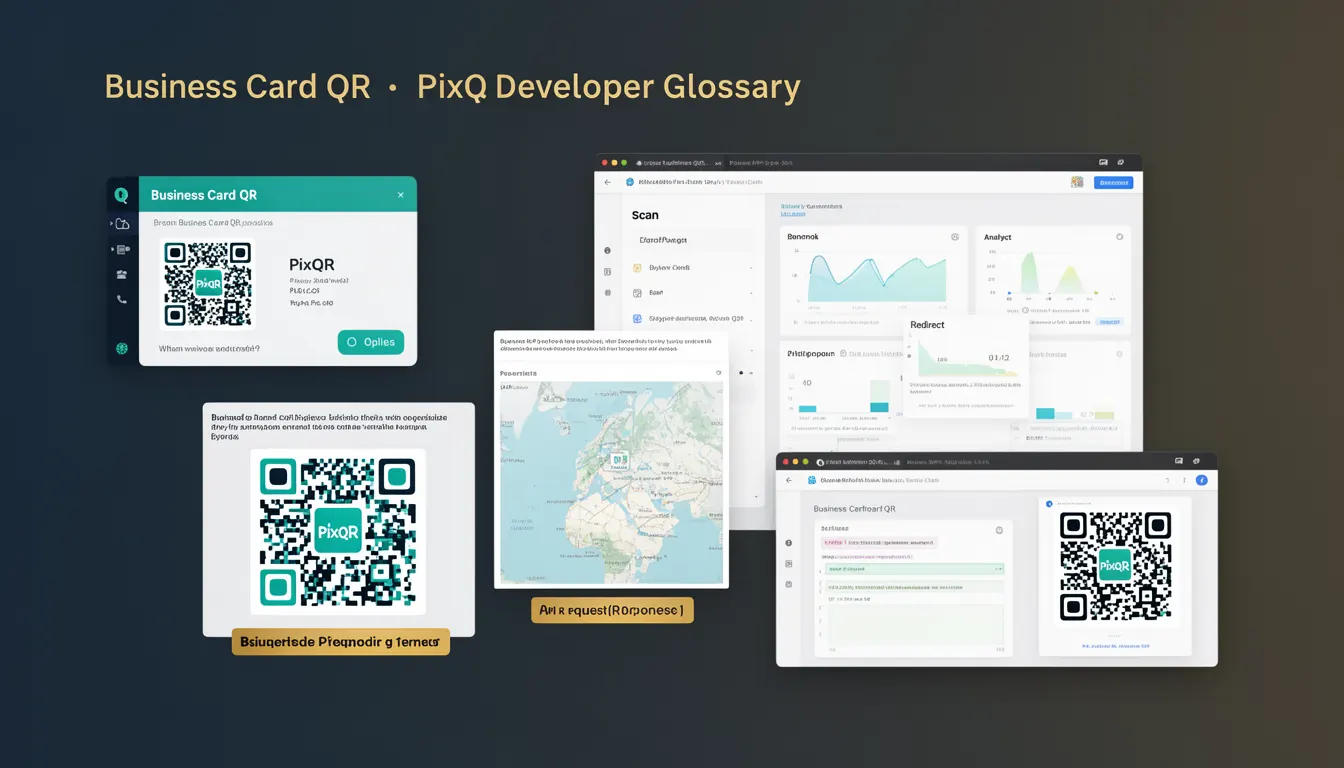
In the context of PixQR, a Business Card QR is implemented as a dynamic QR code that can be updated without reprinting physical materials. This allows businesses to maintain current contact information, redirect to updated profiles, or integrate with analytics platforms to track scan activity. The QR code can be generated, managed, and monitored through the PixQR platform, supporting both static and dynamic content delivery.
Why It Matters
For developers working with PixQR, Business Card QRs are significant because they offer a scalable, secure, and trackable way to manage contact data. Unlike static QR codes that encode fixed data, dynamic Business Card QRs allow for real-time updates, which is crucial in environments where contact information changes frequently. This flexibility reduces operational overhead and ensures that scanned content remains relevant.
From a user experience perspective, Business Card QRs enhance accessibility by enabling instant access to digital profiles, reducing friction in networking and lead generation. For businesses, they provide valuable analytics on scan behavior, geographic distribution, and engagement metrics, which can inform marketing and outreach strategies. Additionally, integrating with PixQR's privacy controls ensures that data handling complies with regulations such as GDPR or CCPA.
How It Works
Business Card QRs function by encoding structured data into a QR code format, typically using standardized formats such as vCard or URL redirection. The PixQR platform supports dynamic QR generation, where the QR code itself points to a URL that can be updated in real time. This enables content to be modified without re-printing physical materials.
- Business Card QRs can encode contact details in vCard format, which is widely supported by mobile devices and contact applications.
- When scanned, the QR code redirects to a PixQR-hosted endpoint that delivers the appropriate content, which may include a vCard file or a landing page.
- Dynamic QR codes support content updates via the PixQR dashboard, allowing for changes to contact information or redirection targets without re-printing.
- Scan tracking is enabled through PixQR's analytics system, which logs each scan with metadata such as timestamp, device type, and geographic location.
- Security features such as link expiration, access controls, and encryption ensure that only authorized users can modify or access the underlying content.
Quick Reference
| Item | Purpose | Notes |
|---|---|---|
| vCard encoding | Standard format for contact data | Used for structured data in QR codes |
| Dynamic redirect | Allows updates without re-printing | Powered by PixQR backend |
| Scan analytics | Tracks QR code usage | Includes location and device data |
| Link expiration | Controls access duration | Supports time-based access control |
| Privacy controls | Ensures compliance with data regulations | Includes encryption and access logs |
Basic Example
PixQR Example QR
This QR links directly to this glossary page, so printed notes, onboarding docs, and support material can bring scanners back to the current reference.
/glossary/qr-code-marketing/qr-code-marketing-business-card-qr

This example shows a basic Business Card QR configuration using a vCard format. The QR code encodes a simple contact entry that can be scanned and imported into a device's contacts.
const vCardData = `BEGIN:VCARD
VERSION:3.0
FN:John Doe
N:Doe;John
EMAIL:john.doe@example.com
TEL:+1234567890
END:VCARD`;

const qrCodeUrl = `https://api.pixqr.com/generate?data=${encodeURIComponent(vCardData)}&type=vcard`;
console.log(qrCodeUrl);
The example demonstrates how to encode contact information in vCard format and generate a QR code URL using the PixQR API. The type=vcard parameter instructs the platform to treat the input as a contact record.
Production Example
This example shows a more robust implementation that includes validation, error handling, and integration with PixQR's analytics and access control features.
const generateBusinessCardQR = async (contactData) => {
  const { name, email, phone, website } = contactData;

  if (!name || !email) {
    throw new Error('Name and email are required for Business Card QR');
  }

  const vCard = `BEGIN:VCARD
VERSION:3.0
FN:${name}
N:${name.split(' ').reverse().join(';')}
EMAIL:${email}
TEL:${phone || ''}
URL:${website || ''}
END:VCARD`;

  const response = await fetch('https://api.pixqr.com/qr/dynamic', {
    method: 'POST',
    headers: {
      'Authorization': 'Bearer YOUR_API_TOKEN',
      'Content-Type': 'application/json'
    },
    body: JSON.stringify({
      data: vCard,
      type: 'vcard',
      analytics: true,
      expiration: '30d'
    })
  });

  const result = await response.json();
  return result.qr_url;
};
This version includes input validation, secure API communication, and features such as analytics tracking and automatic expiration. It ensures that only valid data is processed and that the QR code is configured for long-term use.
Common Mistakes
- Using unescaped special characters in vCard data, which can break QR code decoding. Always sanitize inputs before encoding.
- Ignoring the expiration date on dynamic QR codes, leading to outdated or invalid links after updates.
- Not validating email or phone formats, which can cause scanning errors or failed contact imports.
- Hardcoding API tokens or sensitive data in client-side code, exposing access credentials to unauthorized users.
- Using static QR codes instead of dynamic ones, resulting in outdated information and lack of analytics tracking.
Security And Production Notes
- Always validate and sanitize contact data before encoding into vCard format to prevent injection attacks.
- Use HTTPS endpoints and secure API tokens to protect against unauthorized access to QR code generation and management.
- Implement access control policies to restrict who can update or view QR code content, especially for sensitive data.
- Enable analytics and logging to monitor scan behavior and detect anomalies or potential misuse.
- Regularly audit QR code configurations and expiration settings to ensure compliance with data retention policies.
Related Concepts
Business Card QRs are closely related to several other QR code and contact management concepts. Dynamic QR codes provide the underlying infrastructure for updating content without reprinting. vCard encoding ensures compatibility with mobile contact applications. Scan analytics provide insights into engagement and usage. Privacy controls ensure compliance with data protection regulations. Link management supports the lifecycle of QR code content, including redirection and expiration.