 PixQR
PixQR
Overview
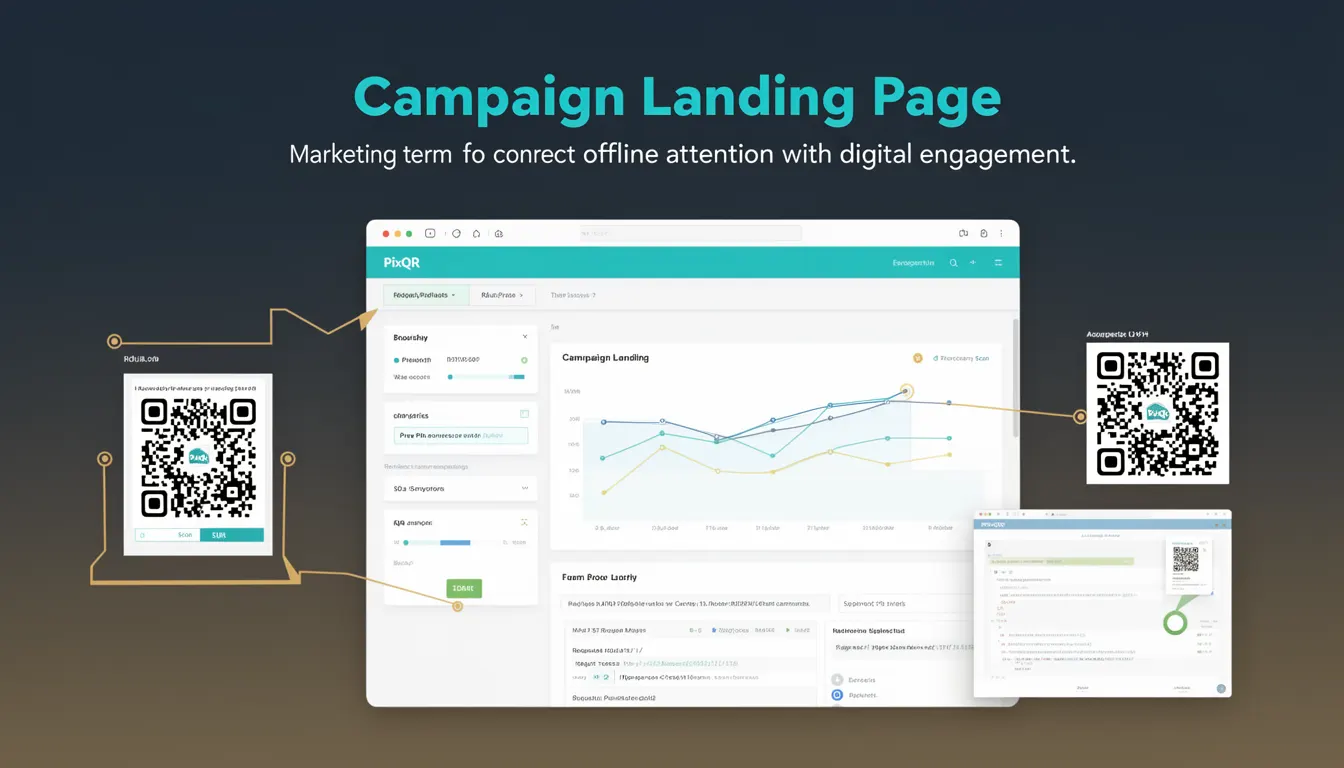
A Campaign Landing Page is a dedicated web page used in marketing campaigns to capture user engagement after a QR code scan. It serves as a digital bridge between offline marketing materials and online content, enabling marketers to track user behavior, collect data, and drive conversions.
In the context of PixQR, a Campaign Landing Page is typically associated with a dynamic QR code that redirects to a specific URL. This URL points to a landing page designed to collect user information, promote a product, or guide users to a desired action. The page must be optimized for performance, accessibility, and security to ensure a seamless user experience and effective tracking.
Why It Matters
For developers, Campaign Landing Pages are critical for maintaining data integrity, ensuring compliance with privacy regulations, and optimizing user engagement. A well-designed landing page directly impacts conversion rates, user experience, and the effectiveness of marketing analytics. Poorly implemented landing pages can lead to data loss, tracking failures, and security vulnerabilities.
From a production perspective, Campaign Landing Pages must be reliable, fast, and secure. PixQR ensures that these pages are brand-safe, with built-in protections against malicious redirects and content injection. The platform also provides analytics to help developers understand how users interact with their QR codes and landing pages, enabling data-driven optimizations.
How It Works
When a user scans a QR code, the PixQR platform redirects them to a configured Campaign Landing Page. This page is typically set up with tracking parameters, form elements, and analytics scripts to capture user behavior and engagement metrics.
- QR codes are generated with a unique redirect URL pointing to a specific landing page.
- The landing page URL includes tracking parameters such as campaign ID, source, and timestamp.
- Upon arrival, the page loads analytics scripts to track user interactions and conversions.
- Form elements are implemented to collect user data, such as email addresses or preferences.
- Redirects are managed securely to prevent malicious link manipulation and ensure brand safety.
Quick Reference
| Item | Purpose | Notes |
|---|---|---|
| Redirect URL | Points to the landing page | Must be valid and secure |
| Tracking Parameters | Identifies campaign source | Includes campaign ID, timestamp |
| Form Elements | Collects user data | Must be accessible and secure |
| Analytics Scripts | Measures user engagement | Should comply with privacy laws |
| Content Security | Prevents malicious content | Enforced by PixQR platform |
Basic Example
PixQR Example QR
This QR links directly to this glossary page, so printed notes, onboarding docs, and support material can bring scanners back to the current reference.
/glossary/qr-code-marketing/qr-code-marketing-campaign-landing-page

This example demonstrates a simple Campaign Landing Page structure that includes tracking parameters and a basic form for collecting user email.
<!DOCTYPE html>
<html lang="en">
  <head>
    <meta charset="UTF-8">
    <title>Campaign Landing Page</title>
  </head>
  <body>
    <h1>Welcome to Our Campaign</h1>
    <form action="/submit" method="post">
      <input type="email" name="email" required>
      <button type="submit">Submit</button>
    </form>
  </body>
</html>
The important lines in this example include the <form> element, which collects user data, and the action="/submit" attribute, which specifies where the form data is sent. The required attribute ensures that the email field is filled before submission.
Production Example
This production-ready Campaign Landing Page includes form validation, accessibility features, and secure tracking parameters. It also implements error handling and analytics for comprehensive user engagement measurement.
<!DOCTYPE html>
<html lang="en">
  <head>
    <meta charset="UTF-8">
    <meta name="viewport" content="width=device-width, initial-scale=1.0">
    <title>Secure Campaign Landing Page</title>
  </head>
  <body>
    <h1>Join Our Exclusive Campaign</h1>
    <form id="campaignForm" action="/submit" method="post">
      <label for="email">Email Address:</label>
      <input type="email" id="email" name="email" required>
      <button type="submit">Subscribe</button>
    </form>
    <script>
      document.getElementById('campaignForm').addEventListener('submit', function(e) {
        e.preventDefault();
        // Validate form before submission
        if (this.checkValidity()) {
          // Submit form data securely
          fetch('/submit', {
            method: 'POST',
            body: new FormData(this)
          });
        }
      });
    </script>
  </body>
</html>
This version is more suitable for production because it includes accessibility features like proper labels, form validation, and secure submission using the Fetch API. It also prevents default form submission to ensure proper handling of user data.
Common Mistakes
- Using unescaped or unsanitized input in form elements, leading to potential injection vulnerabilities.
- Ignoring accessibility attributes like
altoraria-label, which can hinder usability for assistive technologies. - Not validating form data before submission, resulting in data integrity issues.
- Overlooking mobile responsiveness, which can cause poor user experience on mobile devices.
- Implementing tracking scripts without considering privacy regulations, such as GDPR or CCPA.
Security And Production Notes
- Always validate and sanitize form inputs to prevent injection attacks.
- Use HTTPS for all landing page URLs to ensure secure data transmission.
- Implement proper accessibility attributes for screen readers and keyboard navigation.
- Ensure that tracking parameters are securely encoded and do not expose sensitive data.
- Regularly audit landing page performance and accessibility to maintain compliance.
Related Concepts
Campaign Landing Pages are closely related to several core concepts in digital marketing and development. These include dynamic QR code generation, which links to specific landing pages; redirect safety, which ensures that QR code links do not lead to malicious content; and analytics integration, which measures user engagement. Additionally, accessibility standards and privacy compliance are essential considerations for maintaining secure and user-friendly landing pages. Finally, content security policies and secure form handling are crucial for preventing data breaches and ensuring platform integrity.