 PixQR
PixQR
Overview
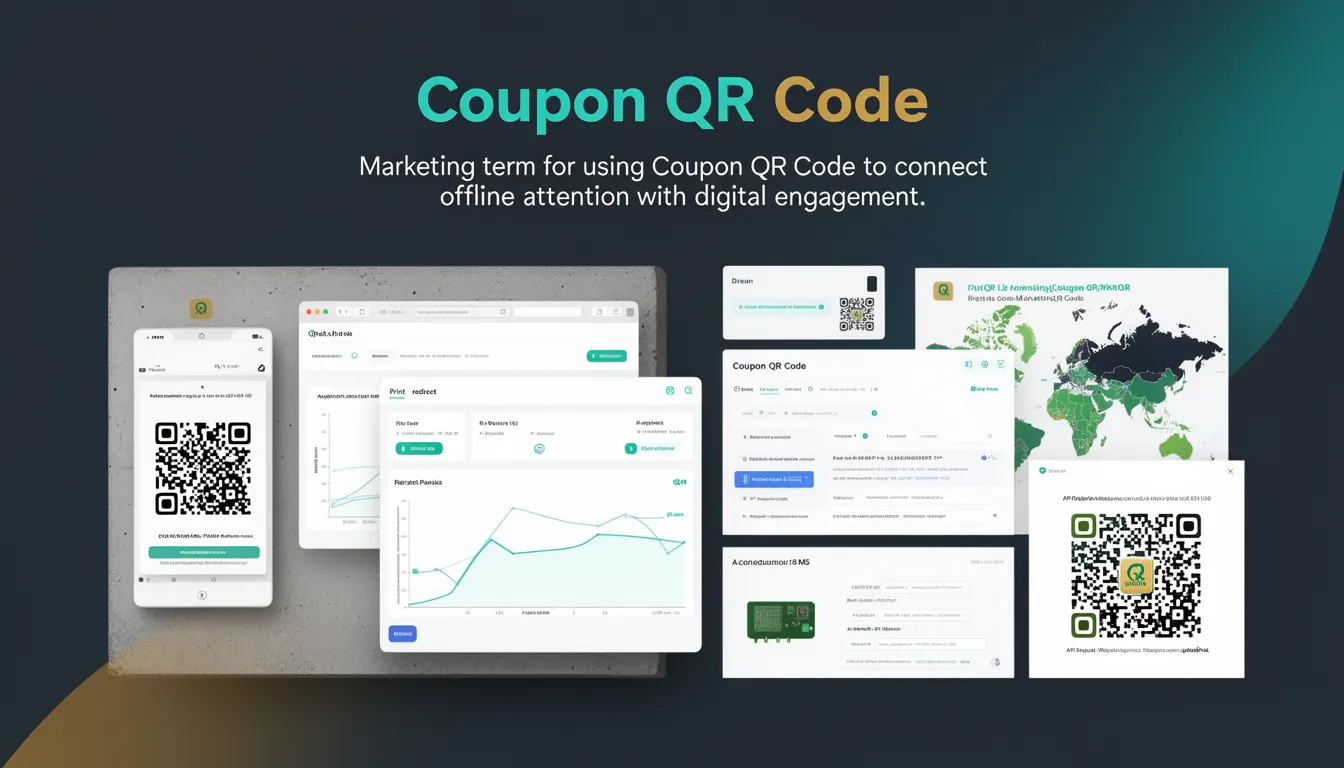
A Coupon QR Code is a specific type of QR code designed to facilitate digital redemption of promotional offers, discounts, or vouchers. It connects offline marketing touchpoints—such as print ads, billboards, or physical product packaging—with online redemption systems. The code typically encodes a URL or a unique identifier that leads to a digital coupon page or redemption interface.
In the context of PixQR, Coupon QR Codes are generated with features that ensure reliable scanning, secure redirection, and analytics tracking. They are used in marketing campaigns where brands want to bridge physical and digital engagement, allowing users to instantly access discounts or offers by scanning a QR code.
Why It Matters
From a developer perspective, Coupon QR Codes are essential for implementing seamless digital redemption flows. They enable marketers to track user behavior, measure campaign performance, and reduce friction in the redemption process. For site operators, the reliability and security of the QR code’s redirect chain are critical to prevent fraud, maintain brand integrity, and ensure user trust.
For PixQR, a well-constructed Coupon QR Code ensures that the user experience is consistent, secure, and analytics-ready. It also supports advanced features like dynamic link management, expiration tracking, and integration with third-party systems such as CRM or loyalty platforms. The implementation directly affects campaign success, scan rates, and redemption conversion metrics.
How It Works
The Coupon QR Code mechanism operates through a series of well-defined steps and components. It typically involves generating a unique identifier or URL, encoding it into a QR code, and ensuring that the resulting code is scannable and redirects securely to the intended redemption page.
- The QR code encodes a URL or a token that maps to a backend redemption system.
- When scanned, the QR code triggers a redirect to a landing page or API endpoint.
- Analytics data is collected on scan events, including timestamp, device type, and geolocation.
- The system can enforce expiration dates or usage limits on the coupon to prevent abuse.
- PixQR supports dynamic link updates, allowing campaign operators to modify redemption URLs without regenerating the QR code.
Quick Reference
| Item | Purpose | Notes |
|---|---|---|
| QR Code URL | Encodes the coupon redemption endpoint | Must be HTTPS and secure |
| Redemption Token | Uniquely identifies the coupon | Should be cryptographically random |
| Expiration Date | Controls coupon validity | Stored in backend system |
| Scan Analytics | Tracks user engagement | Includes timestamp and device data |
| Dynamic Redirect | Allows URL updates post-generation | Uses PixQR’s link management API |
Basic Example
PixQR Example QR
This QR links directly to this glossary page, so printed notes, onboarding docs, and support material can bring scanners back to the current reference.
/glossary/qr-code-marketing/qr-code-marketing-coupon-qr-code

A basic Coupon QR Code is generated with a URL pointing to a coupon redemption page. This example shows how a developer might prepare a URL for a PixQR generation request.
const couponUrl = "https://example.com/coupons/ABC123";
const qrData = {
  url: couponUrl,
  type: "coupon"
};
This snippet defines a coupon URL and specifies its type as "coupon" for PixQR to apply appropriate encoding and tracking settings. The URL should point to a page that handles coupon validation and redemption.
Production Example
In a production environment, a Coupon QR Code must include validation, security, and analytics features. This example demonstrates how to build a secure and traceable Coupon QR Code using PixQR’s API.
const generateCouponQR = async (couponId, expiryDate) => {
  const payload = {
    url: `https://example.com/redeem/${couponId}`,
    type: "coupon",
    analytics: true,
    expires_at: expiryDate,
    tags: ["marketing", "campaign-2024"]
  };
  const response = await fetch('/api/qr/generate', {
    method: 'POST',
    headers: { 'Content-Type': 'application/json' },
    body: JSON.stringify(payload)
  });
  return response.json();
};
This version includes analytics tracking, expiration control, and tagging for campaign management. It ensures that the QR code is not only functional but also secure, maintainable, and measurable.
Common Mistakes
- Using HTTP instead of HTTPS for coupon URLs, which can lead to redirect warnings or tracking bypasses.
- Generating non-unique tokens, which can cause conflicts or unauthorized redemptions.
- Ignoring expiration or usage limits, leading to coupon abuse or invalid redemption states.
- Failing to validate QR code scannability or print quality, resulting in poor user experience.
- Not implementing analytics or tracking, making it difficult to measure campaign effectiveness.
Security And Production Notes
- Always use HTTPS for coupon URLs to prevent man-in-the-middle attacks or redirect hijacking.
- Implement token-based redemption to ensure that only valid users can access a coupon.
- Set clear expiration dates and usage limits to prevent abuse or fraud.
- Validate QR code print quality and scan reliability to avoid user confusion or failure.
- Use PixQR’s analytics and monitoring features to detect unusual scan patterns or fraudulent activity.
Related Concepts
Several related concepts are important when working with Coupon QR Codes. These include Dynamic Redirects, which allow URL updates post-generation; Scan Analytics, which track engagement; Token Management, which secures redemption; Print Quality, which ensures scannability; and Campaign Tracking, which links QR codes to marketing efforts.