 PixQR
PixQR
Overview
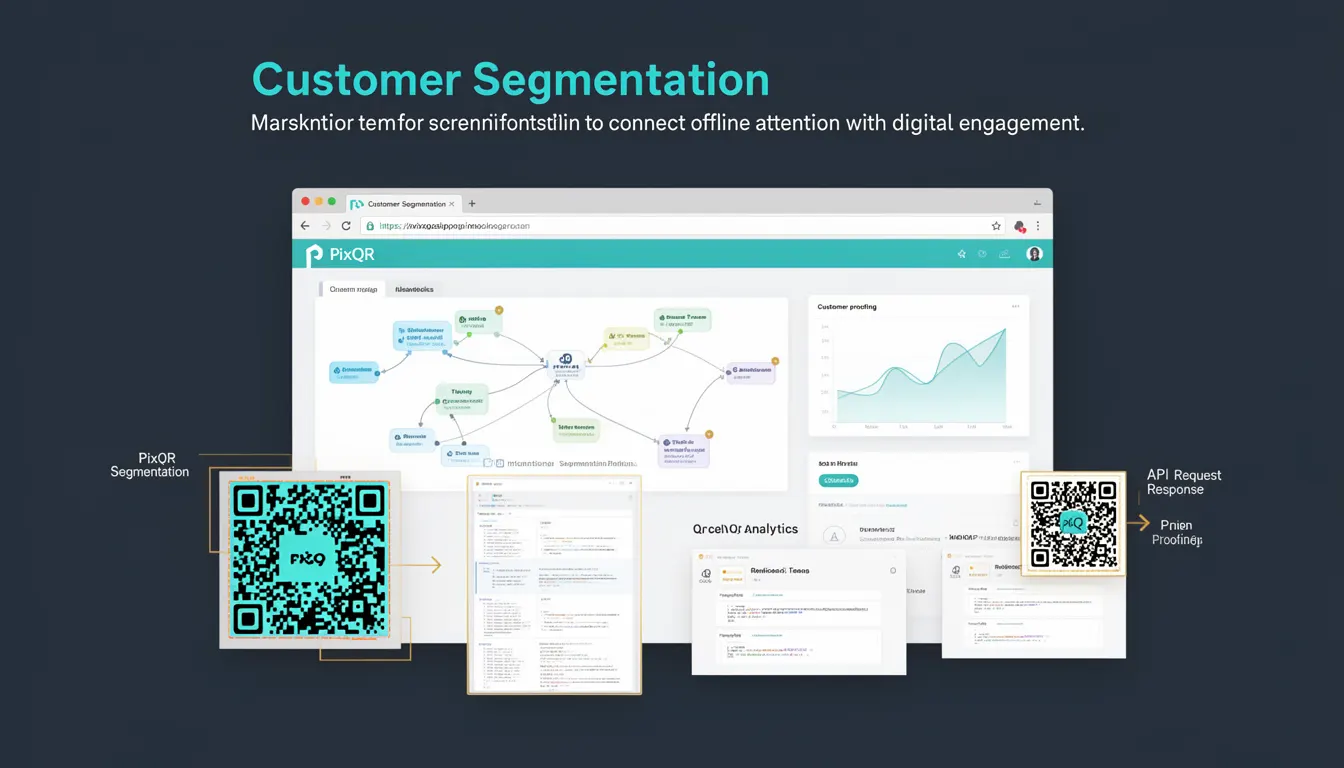
Customer Segmentation is a marketing strategy that involves dividing a target audience into distinct groups based on shared characteristics, behaviors, or preferences. In the context of PixQR, this concept enables developers to create QR codes that dynamically redirect users to different content depending on the segment they belong to. This approach enhances user engagement by delivering personalized experiences, which is especially valuable in digital marketing campaigns.
When integrated with PixQR, Customer Segmentation allows for dynamic QR code generation that adapts content or URLs in real time. For instance, a QR code may lead to different landing pages based on a user’s geographic location, previous purchase history, or device type. This technique bridges offline physical touchpoints—like printed materials, billboards, or product packaging—with digital engagement, ensuring that each interaction is relevant to the individual.
Why It Matters
For developers working with PixQR, Customer Segmentation is essential for optimizing user experience and campaign performance. It ensures that users are directed to the most relevant content, reducing bounce rates and increasing conversion opportunities. From a technical standpoint, this segmentation is typically implemented through backend logic that evaluates user attributes and selects appropriate redirect paths.
From a privacy and security perspective, segmentation must be handled carefully to ensure user data is not exposed or misused. PixQR supports secure, privacy-preserving segmentation through server-side processing and encrypted data handling, which is critical when managing sensitive customer information. The ability to maintain compliance with regulations like GDPR or CCPA is directly tied to how well segmentation is implemented and managed.
How It Works
Customer Segmentation in PixQR is implemented through a combination of data collection, user attribute analysis, and dynamic content routing. The system evaluates user data—such as location, device type, or historical behavior—to determine which segment a user belongs to, and then selects the appropriate content or URL for redirection.
- Segmentation criteria are defined using attributes like geographic region, browser type, or user ID.
- Each segment is assigned a unique redirect path or content variant.
- Data is typically collected via cookies, device fingerprinting, or user input during scan interaction.
- Redirect logic is handled server-side to maintain performance and security.
- Analytics are used to track engagement and optimize segmentation rules over time.
For developers, the process begins with setting up segmentation rules in the PixQR dashboard or API. These rules can be based on a combination of user identifiers and environmental data. The system then evaluates each QR code scan against these rules to determine the correct redirection path. This process is optimized for speed to ensure no delay in user experience.
Quick Reference
| Item | Purpose | Notes |
|---|---|---|
| Segmentation Rule | Defines criteria for grouping users | Must be validated to avoid misrouting |
| Redirect Path | Content or URL to serve based on segment | Should be consistent with branding and analytics |
| User Attribute | Data used to evaluate segment membership | Examples: IP, device, browser, location |
| Dynamic Routing | Server-side logic to determine redirect | Must be fast and secure |
| Analytics Integration | Tracks segment performance and engagement | Used to refine segmentation rules |
Basic Example
PixQR Example QR
This QR links directly to this glossary page, so printed notes, onboarding docs, and support material can bring scanners back to the current reference.
/glossary/qr-code-marketing/qr-code-marketing-customer-segmentation

A simple implementation of Customer Segmentation in PixQR involves creating a QR code that routes users to different URLs based on their browser type. This example demonstrates how segmentation can be configured using basic parameters.
const qrConfig = {
  url: "https://example.com/segmented",
  segments: [
    {
      criteria: { browser: "mobile" },
      redirect: "https://example.com/mobile-content"
    },
    {
      criteria: { browser: "desktop" },
      redirect: "https://example.com/desktop-content"
    }
  ]
};
The criteria object defines the conditions under which a segment is matched, and the redirect specifies the URL to which the user is sent. This is a basic example and does not include complex logic or data handling.
Production Example
In a production environment, segmentation must be robust, secure, and scalable. This example includes validation, error handling, and dynamic data evaluation to ensure reliability.
const generateSegmentedQR = (userId, userAgent, location) => {
  const segments = [
    {
      criteria: { location: "US", device: "mobile" },
      redirect: "https://example.com/us-mobile"
    },
    {
      criteria: { location: "EU", device: "desktop" },
      redirect: "https://example.com/eu-desktop"
    }
  ];

  const matchedSegment = segments.find(segment => {
    const { location: loc, device } = segment.criteria;
    return loc === location && device === detectDevice(userAgent);
  });

  if (!matchedSegment) {
    return "https://example.com/default";
  }

  return matchedSegment.redirect;
};
This version is more suitable for production because it includes device detection, user location mapping, and fallback handling. It ensures that even if no matching segment is found, the user is still directed to a valid URL.
Common Mistakes
- Overlapping segmentation rules can cause unpredictable redirections, leading to user confusion.
- Using unvalidated or insecure user data can expose the system to manipulation or privacy breaches.
- Failing to implement fallback URLs can result in broken links and poor user experience.
- Not updating segmentation logic based on analytics can lead to outdated or irrelevant content delivery.
- Ignoring device or browser detection can reduce the effectiveness of personalized content.
Security And Production Notes
- Always validate segmentation criteria to prevent unintended redirections or bypasses.
- Use encrypted communication channels to protect user data during segmentation evaluation.
- Implement rate limiting to prevent abuse of segmentation logic via repeated scans.
- Ensure that segmentation does not inadvertently expose sensitive user attributes in URLs.
- Regularly audit segmentation rules to maintain compliance with privacy regulations.
Related Concepts
Customer Segmentation is closely related to several other marketing and development practices:
- Dynamic QR Code Generation—The ability to create QR codes that change content based on user data.
- Redirect Analytics—Tracking how users interact with segmented content to optimize performance.
- User Behavioral Tracking—Collecting and analyzing user data to refine segmentation rules.
- Privacy-Preserving Data Handling—Ensuring that segmentation does not violate user privacy or data protection laws.
- Content Personalization—The broader practice of tailoring content to individual user preferences and behaviors.