 PixQR
PixQR
Overview
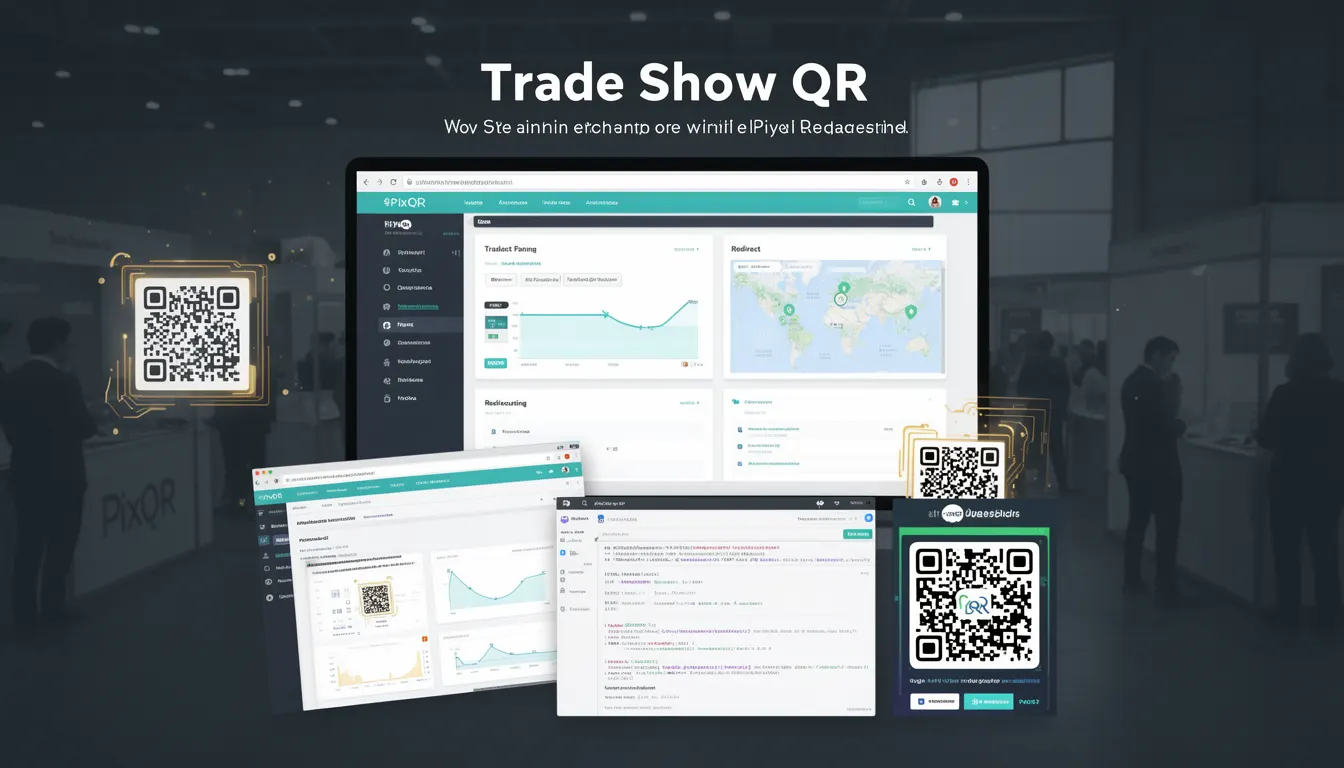
A Trade Show QR is a specialized QR code used in marketing and event environments to bridge offline physical presence with digital interaction. It is typically deployed on printed materials, signage, banners, or product packaging at trade shows, conferences, or promotional events. These QR codes are designed to drive engagement by directing users to a digital experience such as a landing page, registration form, product demo, or promotional offer.
From a developer perspective, Trade Show QR codes are implemented using standard QR code generation tools, but with specific configurations to support event-specific tracking, analytics, and dynamic content. The QR code itself is a visual representation of a URL or data payload that, when scanned, triggers a redirect or action. In PixQR, Trade Show QRs are generated with features that support event tracking, brand-safe design, and privacy compliance.
Why It Matters
For developers and marketing teams, Trade Show QR codes are essential for capturing real-time engagement data and measuring the impact of physical marketing assets. They enable the tracking of scan behavior, user demographics, and conversion rates from offline to online channels. This data is critical for optimizing event marketing strategies and improving ROI.
From a technical standpoint, Trade Show QRs must support reliable scanning, secure redirects, and robust analytics. They are often embedded in environments where network connectivity or scanning conditions are unpredictable. PixQR ensures that these codes maintain high scan reliability, support dynamic content updates, and comply with privacy regulations such as GDPR or CCPA.
How It Works
The implementation of a Trade Show QR involves several key components that work together to ensure successful scanning, redirection, and analytics capture:
- QR code generation with a payload that encodes a destination URL or data, typically using a PixQR API endpoint or internal URL structure.
- Dynamic redirect logic that supports A/B testing, geolocation-based content, or time-sensitive promotions.
- Analytics integration that logs scan events, device types, and user paths to support performance evaluation.
- Brand-safe design features that ensure the QR code fits within event branding while maintaining scannability.
- Privacy controls that allow for opt-in or opt-out of tracking, especially when collecting personal data.
When a user scans a Trade Show QR, the scanner decodes the QR payload, which usually points to a PixQR-managed URL. This URL may redirect to a landing page or trigger a form submission. The system tracks the scan event, logs metadata such as timestamp and device, and may update campaign analytics in real time. The QR code itself is generated using a stable encoding standard like QR Code Model 2, with error correction level set to M or H to ensure reliability in various print and scanning conditions.
Quick Reference
| Item | Purpose | Notes |
|---|---|---|
| QR Payload | Encodes destination URL or data | Must be valid and secure |
| Redirect Type | Determines how the scan behaves | Can be immediate or conditional |
| Analytics Tracking | Logs scan events and metadata | Supports campaign evaluation |
| Design Compliance | Ensures brand-safe appearance | Must maintain scannability |
| Privacy Controls | Manages data collection consent | Supports GDPR/CCPA compliance |
Basic Example
PixQR Example QR
This QR links directly to this glossary page, so printed notes, onboarding docs, and support material can bring scanners back to the current reference.

This example demonstrates a basic Trade Show QR payload that points to a campaign landing page:
https://pixqr.example.com/r/1234567890abcdefThe payload encodes a unique identifier (1234567890abcdef) that PixQR uses to resolve the destination URL. The QR code is generated with this URL as its content, ensuring that scanning it leads to the correct digital experience.
Production Example
This example shows a more robust Trade Show QR implementation that includes tracking, analytics, and dynamic behavior:
https://pixqr.example.com/r/1234567890abcdef?utm_source=trade_show&utm_campaign=event_2025The URL includes UTM parameters that allow for campaign tracking and analytics. PixQR dynamically resolves this to a landing page that can vary based on user location or device type, ensuring that the experience is relevant to the scanner's context.
Common Mistakes
- Using static URLs in QR codes without analytics or tracking, which prevents campaign evaluation and ROI measurement.
- Generating QR codes without error correction, leading to failed scans in poor print or scanning conditions.
- Not validating QR payloads, which can result in broken links or malicious redirects.
- Ignoring privacy compliance by collecting user data without consent or opt-out mechanisms.
- Overlooking print quality or design considerations, which can reduce scannability in event environments.
Security And Production Notes
- Always validate QR payload URLs to prevent open redirect vulnerabilities.
- Use HTTPS for all destination URLs to ensure secure transmission.
- Implement rate limiting or access controls to prevent abuse of QR code endpoints.
- Ensure QR code design maintains scannability even with brand elements or color overlays.
- Include opt-in or opt-out mechanisms for tracking to comply with privacy regulations.
Related Concepts
Trade Show QR codes are closely related to several core developer and marketing concepts:
- Dynamic QR Codes – QR codes that can be updated after creation to change destination or content.
- Redirect Management – The system that handles URL resolution and routing for scanned QRs.
- Analytics Integration – The process of collecting and reporting scan data to evaluate campaign performance.
- Scan Tracking – The mechanism that logs and interprets QR scan events.
- Brand-Safe Design – Ensuring QR codes comply with brand guidelines while remaining scannable.