 PixQR
PixQR
Overview
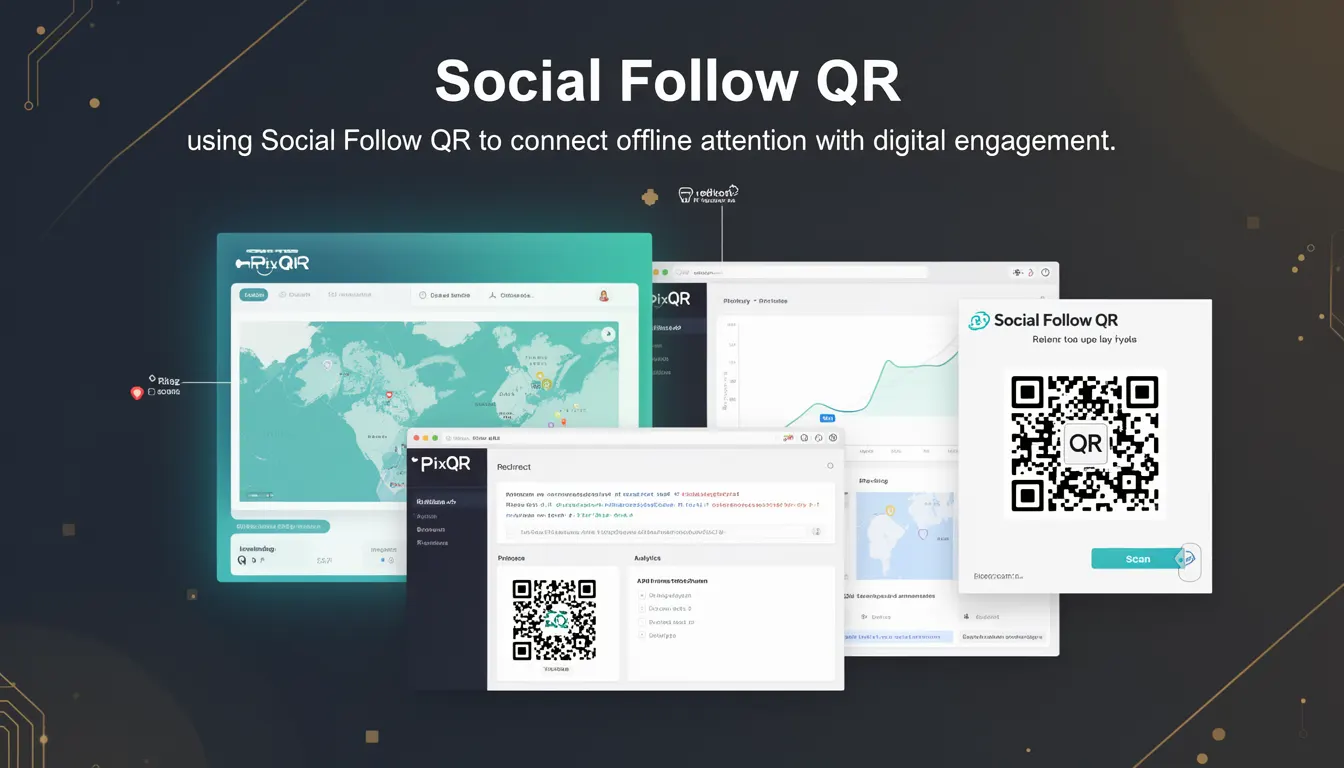
A Social Follow QR is a specific type of QR code used in marketing campaigns to direct users to social media profiles or pages. Unlike generic QR codes that might link to websites or landing pages, a Social Follow QR is optimized to drive engagement with a brand’s social media presence. It typically encodes a URL that leads to a social media profile, encouraging users to follow, like, or share content.
Developers working with PixQR platforms often encounter Social Follow QR codes when building campaigns that aim to bridge offline and online interaction. These codes are used in print materials, posters, billboards, and other physical media to capture attention and guide users to digital engagement points. The code itself is generated using standard QR code encoding techniques but with a focus on social platform URLs.
Why It Matters
For developers, understanding Social Follow QR codes is essential for ensuring that campaigns are effective, trackable, and secure. The key is to maintain consistency in how these codes are generated and tracked, especially when they are part of larger marketing workflows. If a QR code fails to redirect properly, or if the analytics don't align with the campaign goals, it can significantly impact the return on investment for a marketing initiative.
From a user experience perspective, a Social Follow QR should lead directly to a social media profile without unnecessary redirects or pop-ups. This ensures a smooth transition from physical to digital engagement, which is crucial for maintaining user trust and reducing bounce rates. PixQR’s platform ensures that such QR codes are reliable and trackable, providing developers with tools to monitor performance and optimize engagement strategies.
How It Works
Social Follow QR codes operate by encoding a specific URL that points to a social media profile or page. When scanned, the QR code directs the user to that URL, typically through a mobile browser or a native app. The implementation involves several key components:
- The QR code is generated using a standard encoding method, such as QR Code Model 2, with a payload containing a valid URL.
- The URL typically points to a social media platform's profile or page, such as a Facebook page or Twitter profile.
- When scanned, the QR code triggers a redirect or a deep link to the target social media page.
- PixQR supports analytics integration to track scan behavior, including location, time, and device type of the scanner.
- Security features ensure that the QR code payload is sanitized and that the destination URL is safe for redirection.
Developers using PixQR can configure the QR code with parameters such as redirect behavior, tracking tags, and branding options. The platform ensures that these codes are generated with high scan reliability, which is crucial for offline marketing where the code may be scanned under varying lighting or surface conditions.
Quick Reference
| Item | Purpose | Notes |
|---|---|---|
| URL payload | Encodes the destination social media profile | Must be a valid, accessible URL |
| Scan tracking | Records QR code scan events | Includes location and device data |
| Redirect behavior | Defines how the QR code handles redirection | Can be direct or with analytics |
| Dynamic content | Allows updates to QR code content | Supports campaign flexibility |
| Brand-safe design | Ensures QR code aesthetics align with brand guidelines | Includes color and logo customization |
Basic Example
PixQR Example QR
This QR links directly to this glossary page, so printed notes, onboarding docs, and support material can bring scanners back to the current reference.
/glossary/qr-code-marketing/qr-code-marketing-social-follow-qr

This example demonstrates a basic Social Follow QR code configuration that encodes a link to a Twitter profile. The QR code is generated with a simple URL that points directly to the profile page.
// Example: Basic Social Follow QR Code URL
const socialFollowUrl = 'https://twitter.com/brandname';
// This URL would be encoded into a QR code
// QR code payload: https://twitter.com/brandname
The example shows a straightforward URL that points to a social media profile. This URL is then encoded into a QR code, which can be scanned by a user's mobile device to navigate to the specified profile.
Production Example
In a production environment, a Social Follow QR code must be configured with analytics, branding, and safety features. The following example illustrates how a developer might integrate this with a PixQR platform, ensuring that the QR code is secure and trackable.
// Example: Production Social Follow QR Code Configuration
const qrConfig = {
  url: 'https://www.instagram.com/brandname',
  analytics: true,
  branding: {
    color: '#000000',
    logo: 'brand_logo.png'
  },
  trackingTags: ['campaign_2024', 'social_follow']
};

// Generate QR code with PixQR API
const qrCode = pixqr.generate(qrConfig);
// Returns a QR code object with tracking and branding
This version includes analytics, branding, and tracking tags to ensure that the QR code is not only functional but also provides actionable insights for campaign optimization. It reflects a production-ready approach that balances usability, security, and performance.
Common Mistakes
- Using invalid or inaccessible URLs in the QR code payload, which causes redirection failures and poor user experience.
- Ignoring analytics configuration, leading to missed opportunities for campaign insights and optimization.
- Not validating QR code designs for print quality, resulting in scannability issues in real-world environments.
- Overlooking branding consistency, which can dilute brand identity and reduce campaign effectiveness.
- Using outdated or unsupported QR code models, which may not be compatible with modern scanning devices.
Security And Production Notes
- Always sanitize URLs to prevent malicious redirections or injection attacks.
- Use HTTPS for all social media profile URLs to ensure secure connections.
- Implement tracking tags to monitor QR code performance without compromising user privacy.
- Validate QR code output for print resolution and scannability before deployment.
- Ensure that branding elements such as logos are compliant with platform guidelines and do not introduce security vulnerabilities.
Related Concepts
Social Follow QR codes are closely related to several other QR code marketing concepts:
- Dynamic QR Codes: These allow content updates after generation, which is useful for campaign flexibility.
- Redirect URLs: The core mechanism by which QR codes direct users to destinations.
- Scan Analytics: Data collected from QR code scans to measure campaign performance.
- Brand Safety: Ensuring that QR code content and design align with brand guidelines and safety standards.
- Print Reliability: Optimizing QR codes for physical media to ensure consistent scanning across various surfaces and lighting conditions.