 PixQR
PixQR
Overview
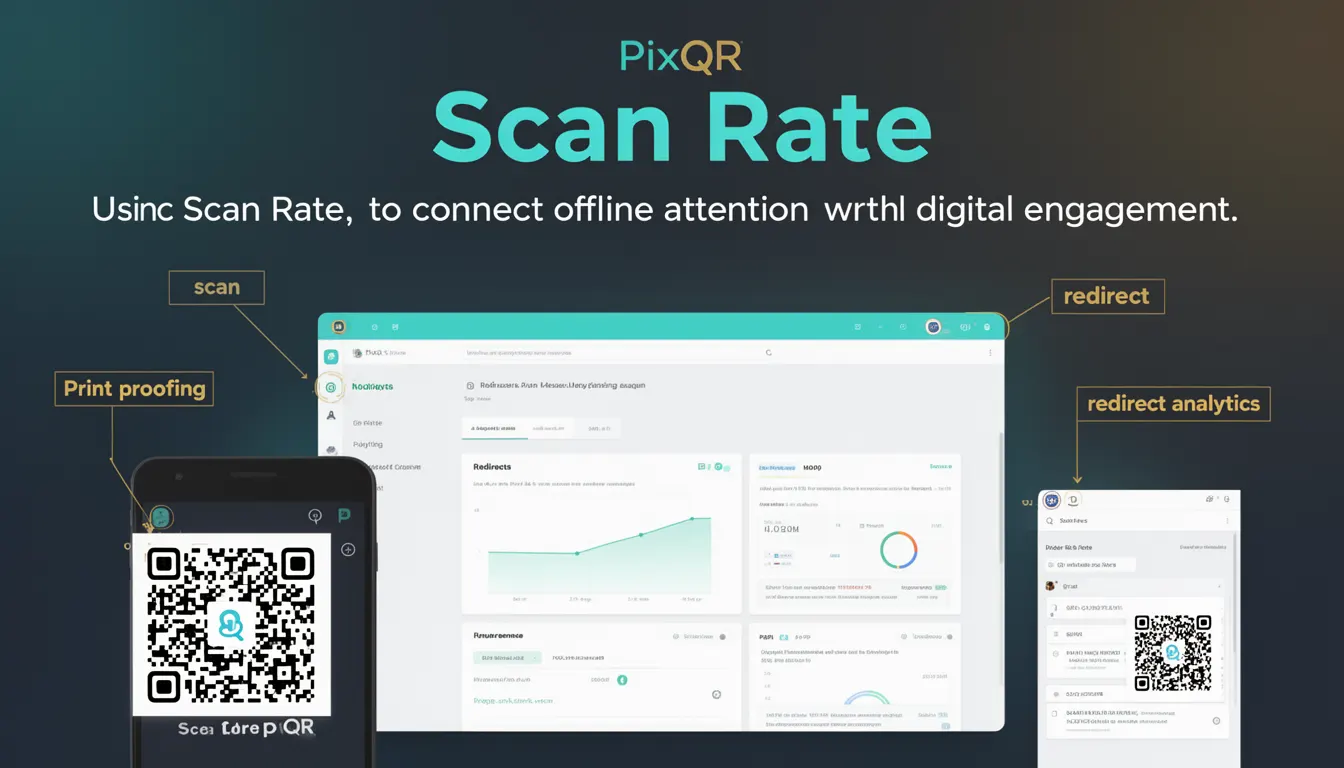
Scan Rate, in the context of PixQR and QR code marketing, refers to the frequency or volume of scans that a QR code receives over a given time period. It is a key performance indicator (KPI) used to measure how effectively a QR code is driving digital engagement from physical placements. This metric is particularly important in marketing campaigns where offline media such as posters, packaging, or billboards are used to direct users to online content.
Developers and marketers using PixQR platforms rely on Scan Rate data to optimize campaigns, track ROI, and improve the effectiveness of their QR code placements. The metric is often combined with other analytics such as conversion rate, geographic distribution of scans, and time-of-day engagement to provide a more complete picture of campaign performance.
Why It Matters
Scan Rate is critical for developers and marketers because it directly impacts how effectively QR codes are being used to bridge offline and online environments. For PixQR, accurate Scan Rate tracking ensures that campaigns are performing as expected, allowing for real-time adjustments and strategic decisions. A high Scan Rate may indicate strong audience interest or effective placement, while a low rate might suggest a need for re-evaluation of the QR code’s design, location, or content.
From a security and privacy standpoint, Scan Rate helps identify potential misuse or fraudulent activity. If a QR code shows an unexpected spike in scans from a single IP or device, it could signal an attempt to manipulate the system or generate false engagement. In PixQR’s ecosystem, Scan Rate is often used in conjunction with analytics to detect anomalies and maintain the integrity of campaign data.
How It Works
The Scan Rate is calculated by tracking the number of successful QR code scans within a defined timeframe. Each scan event is logged with metadata including timestamp, device type, IP address, and geographic location. PixQR systems use this data to compute the rate of scans per unit time, which is then visualized in dashboards for campaign analysis.
- Scan Rate is typically measured in scans per hour, day, or week depending on campaign duration and goals.
- Each scan event is logged with a unique identifier to prevent duplicate tracking or manipulation.
- PixQR systems support both static and dynamic QR codes, with dynamic codes offering more granular tracking and analytics.
- Scan data can be filtered by location, device, and time to provide deeper insights into audience behavior.
- Scan Rate is often used in combination with conversion tracking to determine the effectiveness of a QR code in driving specific actions, such as website visits or app downloads.
Quick Reference
| Item | Purpose | Notes |
|---|---|---|
| Scan Count | Tracks total scans within a time period | Used for calculating Scan Rate |
| Time Period | Defines the interval for Scan Rate calculation | Typically hourly, daily, or weekly |
| Geolocation Data | Provides context for scan origin | Helps identify high-performing locations |
| Device Type | Tracks scan source (mobile, desktop, etc.) | Used to optimize QR code design |
| Conversion Tracking | Measures actions taken after scan | Improves campaign ROI understanding |
Basic Example
PixQR Example QR
This QR links directly to this glossary page, so printed notes, onboarding docs, and support material can bring scanners back to the current reference.

This example demonstrates a simplified method of tracking QR code scans, which could be part of a larger system for calculating Scan Rate.
const scanLog = [];

function logScan(scanId, timestamp, location) {
  scanLog.push({
    id: scanId,
    time: timestamp,
    geo: location
  });
}

function calculateScanRate(periodInHours) {
  const now = Date.now();
  const period = periodInHours * 60 * 60 * 1000;
  const recentScans = scanLog.filter(scan => now - scan.time < period);
  return recentScans.length;
}

logScan("scan123", Date.now(), "New York");
console.log(calculateScanRate(1)); // Output: 1
The example initializes a scan log array and logs a scan with a unique ID, timestamp, and location. The calculateScanRate function filters scans within the last hour and returns the count, simulating a basic Scan Rate calculation.
Production Example
This example illustrates a more robust approach to tracking Scan Rate using PixQR’s API and backend systems. It includes validation, error handling, and structured data for reporting.
const scanRateService = {
  scans: [],
  logScan(scanData) {
    if (!scanData.id || !scanData.timestamp) {
      throw new Error("Invalid scan data");
    }
    this.scans.push(scanData);
  },
  getRate(timeframe = "24h") {
    const now = Date.now();
    const hours = timeframe === "24h" ? 24 : 1;
    const period = hours * 60 * 60 * 1000;
    const recentScans = this.scans.filter(scan => now - scan.timestamp < period);
    return {
      rate: recentScans.length,
      period: timeframe,
      timestamp: now
    };
  }
};

// Example usage
scanRateService.logScan({
  id: "scan456",
  timestamp: Date.now(),
  location: "Los Angeles",
  userAgent: "Mozilla/5.0"
});

console.log(scanRateService.getRate("24h"));
This version includes data validation to ensure scan events are properly formatted and uses a structured return object to provide more detailed Scan Rate information. It is suitable for integration into a larger PixQR analytics dashboard or API.
Common Mistakes
- Not validating scan data before logging, leading to corrupted or invalid entries that skew the Scan Rate.
- Using static QR codes without dynamic tracking capabilities, which limits the ability to monitor Scan Rate effectively.
- Ignoring geographic and device data when calculating Scan Rate, resulting in incomplete insights.
- Setting incorrect timeframes for Scan Rate calculations, which can misrepresent campaign performance.
- Failing to implement rate limiting or duplicate detection, which can inflate Scan Rate artificially.
- Not integrating Scan Rate with other KPIs like conversion rate or engagement time, leading to a fragmented understanding of campaign impact.
Security And Production Notes
- Scan Rate data should be protected against tampering by using secure logging mechanisms and validating all inputs.
- Ensure that geographic and device data are collected in compliance with privacy regulations such as GDPR or CCPA.
- Implement rate limiting to prevent abuse of the scan tracking system and maintain accurate Scan Rate metrics.
- Use HTTPS for all scan tracking endpoints to prevent man-in-the-middle attacks that could alter scan data.
- Regularly audit scan logs for anomalies and implement automated alerts for unusual spikes in Scan Rate.
Related Concepts
Scan Rate is closely tied to several related concepts in QR code marketing and analytics. Conversion Rate measures how many scans lead to specific actions, such as website visits or purchases. Geo-Tracking provides location-based insights, which can be used to optimize Scan Rate by identifying high-performing placements. Device Analytics help understand how different devices interact with QR codes, which is critical for responsive design and scan reliability. Redirect Safety ensures that QR code links are secure and do not lead to malicious content, which is essential for maintaining trust and accurate Scan Rate data. Finally, API Integration allows developers to pull Scan Rate data into third-party systems for deeper analysis and automation.