 PixQR
PixQR
Overview
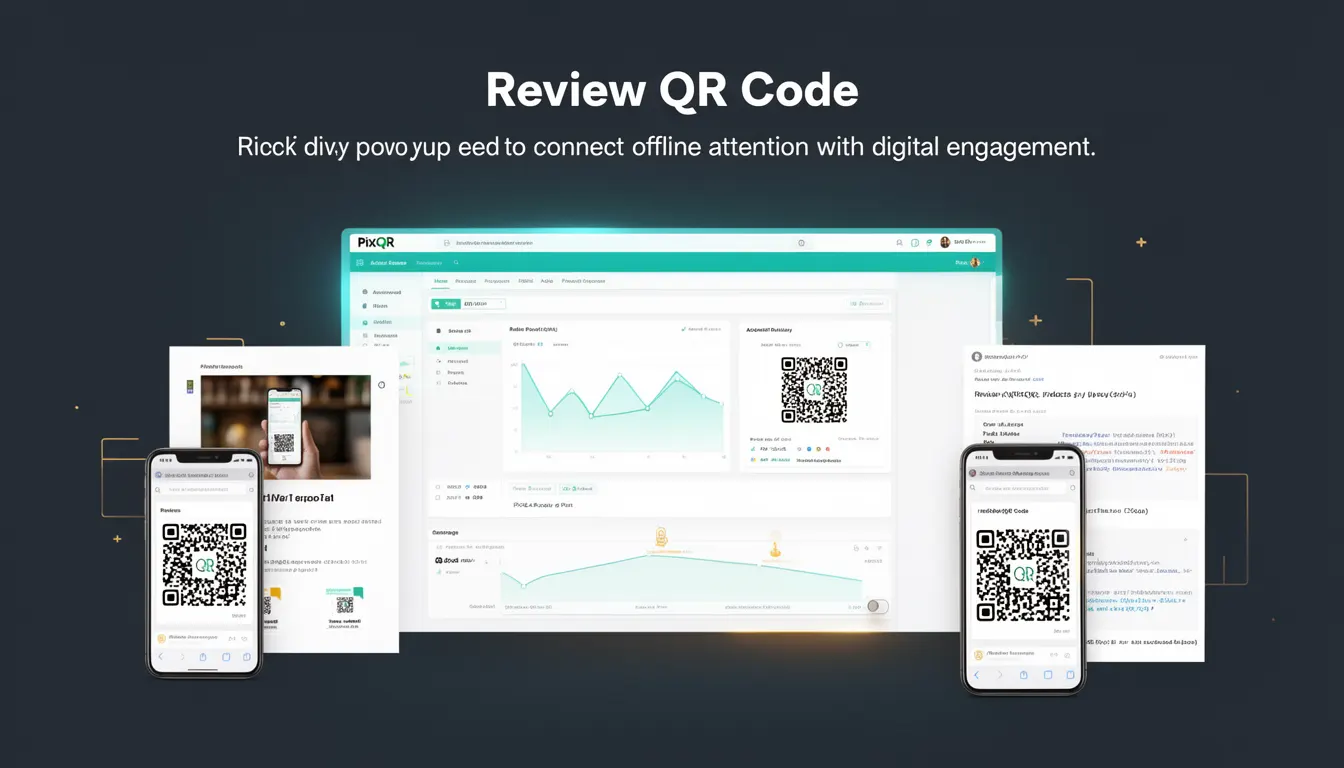
A Review QR Code is a specialized type of QR code used in marketing and engagement strategies to direct users from offline media—such as print ads, billboards, or physical product packaging—to digital content that collects user feedback, reviews, or engagement data. This mechanism bridges the gap between offline attention and online interaction, enabling brands to gather real-time insights from physical touchpoints.
In PixQR, a Review QR Code is typically configured to redirect to a dedicated web page or API endpoint that captures user responses, such as ratings, comments, or survey submissions. These codes are designed to be scanned quickly and reliably, often optimized for print quality and scan consistency across devices and lighting conditions.
Why It Matters
For developers and product teams, Review QR Codes are significant because they introduce a unique set of requirements for link handling, data collection, and user experience. The QR code must reliably redirect to a destination that can accept and process user input, while maintaining brand safety and scan integrity.
From a performance standpoint, the redirect must be fast and secure to avoid user drop-off. From a privacy perspective, the code's usage must comply with data collection regulations, such as GDPR or CCPA. Additionally, the system must support analytics to measure engagement and effectiveness of offline marketing efforts, which requires careful tracking and configuration of the QR code's destination.
How It Works
Review QR Codes operate through a dynamic redirect system that links a physical QR code to a digital endpoint. This endpoint is typically a web page or API that accepts and processes user input. The system supports various configurations to tailor the user experience, including form handling, analytics tracking, and data validation.
- The QR code itself is generated with a dynamic URL that can be updated without re-printing physical materials.
- Upon scanning, the QR code redirects to a configured destination, which may be a landing page or a backend API endpoint.
- The destination page or endpoint is designed to collect user feedback or engagement data, often through embedded forms or JavaScript-based interfaces.
- Analytics and tracking are integrated to monitor scan frequency, geographic distribution, and user behavior post-scan.
- Security measures are implemented to ensure that the QR code's destination is secure, accessible, and compliant with privacy standards.
Quick Reference
| Item | Purpose | Notes |
|---|---|---|
| Dynamic URL | Redirects to a configurable endpoint | Can be updated without re-printing |
| Form Handling | Collects user input | Must be accessible and validated |
| Analytics Integration | Tracks scan data | Supports conversion and engagement metrics |
| Scan Reliability | Ensures consistent scanning | Optimized for print and lighting |
| Privacy Compliance | Adheres to data regulations | Must support GDPR, CCPA, and similar standards |
Basic Example
PixQR Example QR
This QR links directly to this glossary page, so printed notes, onboarding docs, and support material can bring scanners back to the current reference.
/glossary/qr-code-marketing/qr-code-marketing-review-qr-code

A basic Review QR Code can be generated with a simple URL that points to a feedback page. The following example shows a URL that would be encoded in a QR code for a product review.
https://example.com/review?product_id=12345&source=print_adThis URL includes a product identifier and a source tag, allowing the backend to track where the user came from and what product they are reviewing. The page at this URL would present a form for users to submit their feedback.
Production Example
In a production environment, a Review QR Code is configured to redirect to a secure, validated endpoint that handles user input and integrates with analytics and data collection systems. The following example demonstrates how such a code might be structured in PixQR.
https://api.pixqr.com/v1/redirect?code=abc123&destination=https%3A%2F%2Fexample.com%2Fsubmit-review&track=1&analytics=1This URL is managed by PixQR's redirect service, ensuring that the destination is safe, tracked, and compatible with analytics. The parameters include the code identifier, the destination URL, and flags for tracking and analytics. This setup allows for centralized control and reporting of all QR code activity.
Common Mistakes
- Using static URLs instead of dynamic redirects, which prevents updates to content or analytics without re-printing.
- Not validating user input on the destination page, leading to potential data corruption or security vulnerabilities.
- Ignoring analytics integration, which results in a lack of insight into campaign performance or user engagement.
- Creating QR codes with poor print quality or low contrast, reducing scan reliability and user experience.
- Not ensuring compliance with privacy regulations, which can lead to legal issues or data loss.
Security And Production Notes
- Always validate and sanitize inputs on the destination page to prevent injection attacks or data corruption.
- Use HTTPS for all redirects and endpoints to ensure secure data transmission.
- Implement access controls to restrict who can modify QR code configurations or destination URLs.
- Ensure QR code destinations are compatible with mobile browsers and scanning apps for optimal user experience.
- Regularly audit QR code usage to detect and prevent unauthorized or fraudulent redirects.
Related Concepts
Review QR Codes are closely related to several core concepts in digital marketing and QR code systems. Dynamic QR codes allow for updates without re-printing, while redirect management ensures proper routing of user traffic. Analytics integration is crucial for measuring campaign success, and scan reliability is essential for ensuring a seamless user experience. Additionally, privacy compliance and brand safety are key considerations in the configuration and deployment of these codes.