 PixQR
PixQR
Overview
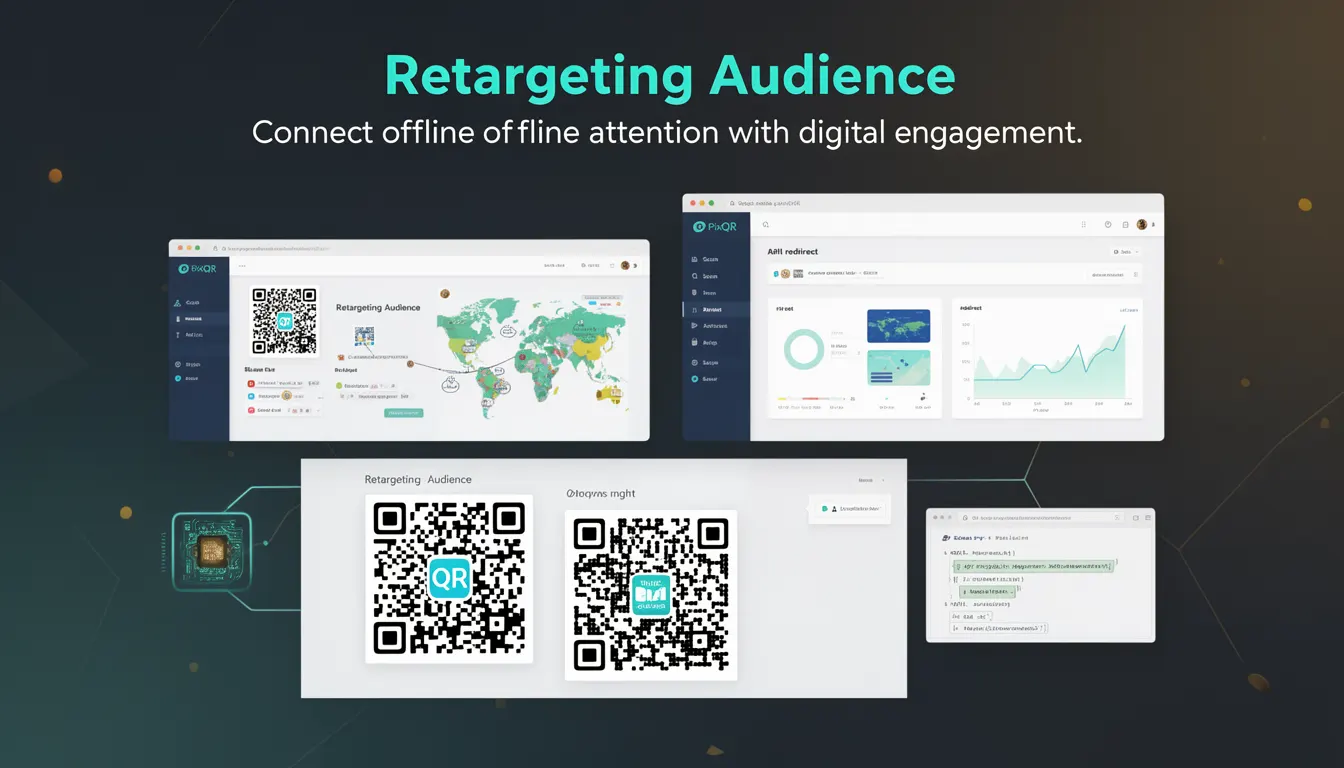
Retargeting Audience in PixQR refers to the capability of identifying and categorizing users based on their QR code scanning behavior, enabling dynamic redirect logic that adapts content or offers for returning visitors. This functionality bridges offline QR code interactions with online engagement by tracking user history and applying segmentation rules to deliver personalized experiences.
When a user scans a QR code configured with Retargeting Audience, PixQR's system assigns them to a specific audience segment based on parameters such as scan frequency, time between scans, or previous engagement. These segments can then trigger different redirect URLs, content variations, or campaign-specific actions, allowing marketers to optimize conversion paths based on user behavior patterns.
Why It Matters
For developers implementing QR code campaigns, Retargeting Audience enables sophisticated user engagement strategies that significantly improve campaign performance and ROI. The ability to tailor experiences based on user history directly impacts conversion rates and customer satisfaction. Without this capability, campaigns may become generic and less effective at driving desired actions.
From a technical standpoint, Retargeting Audience requires careful implementation of tracking mechanisms, data storage, and segmentation logic. PixQR's platform handles much of this complexity, but developers must understand how to configure segments, manage tracking identifiers, and ensure data integrity. Proper implementation also ensures compliance with privacy regulations and maintains user trust through transparent tracking practices.
How It Works
The Retargeting Audience system operates through a combination of tracking identifiers, segmentation rules, and dynamic redirect logic. When a QR code is scanned, PixQR's backend evaluates the user's behavior against predefined audience criteria to determine the appropriate response.
- Tracking identifiers such as cookies or device fingerprints are used to recognize returning users
- Audience segments are defined with specific matching criteria based on scan history or behavior patterns
- Dynamic redirect logic routes users to different URLs or content based on their assigned segment
- Segmentation rules can include parameters like scan count, time between scans, or engagement duration
- Analytics data is collected and processed to continuously refine audience targeting and campaign performance
Quick Reference
| Configuration Parameter | Purpose | Notes |
|---|---|---|
| retargeting_enabled | Enables audience tracking | Must be set to true for segmentation |
| audience_segments | Defines targeting rules | Array of segment objects with criteria |
| segment_id | Unique identifier for segment | Used for analytics and reporting |
| match_criteria | Logic for segment assignment | Supports scan count, time-based rules |
| redirect_url | Destination for segmented users | Can be dynamic or static URL |
Basic Example
PixQR Example QR
This QR links directly to this glossary page, so printed notes, onboarding docs, and support material can bring scanners back to the current reference.
/glossary/qr-code-marketing/qr-code-marketing-retargeting-audience

This basic configuration demonstrates how to enable Retargeting Audience for a QR code with simple segmentation rules.
{
  "qr_code_id": "qr_12345",
  "retargeting_enabled": true,
  "audience_segments": [
    {
      "segment_id": "repeat_user",
      "match_criteria": "scan_count > 2",
      "redirect_url": "https://example.com/loyalty-offer"
    }
  ]
}
The configuration enables tracking and defines a single audience segment for users who have scanned the QR code more than twice, redirecting them to a loyalty offer page.
Production Example
This production-ready configuration includes multiple audience segments, validation rules, and analytics integration for comprehensive campaign management.
{
  "qr_code_id": "qr_67890",
  "retargeting_enabled": true,
  "audience_segments": [
    {
      "segment_id": "new_visitor",
      "match_criteria": "scan_count <= 1",
      "redirect_url": "https://example.com/welcome",
      "priority": 1
    },
    {
      "segment_id": "frequent_scanner",
      "match_criteria": "scan_count > 5 AND time_since_last_scan < 30",
      "redirect_url": "https://example.com/advanced-offer",
      "priority": 2
    },
    {
      "segment_id": "inactive_user",
      "match_criteria": "scan_count > 1 AND time_since_last_scan > 90",
      "redirect_url": "https://example.com/reengagement",
      "priority": 3
    }
  ],
  "analytics": {
    "enabled": true,
    "tracking_id": "GA-123456789"
  },
  "privacy": {
    "consent_required": true,
    "cookie_policy": "https://example.com/cookie-policy"
  }
}
This configuration provides multiple user segments with complex matching criteria, priority ordering, analytics tracking, and privacy compliance settings for robust campaign execution.
Common Mistakes
- Not properly validating audience segment criteria, leading to incorrect user assignment and unexpected redirect behavior
- Overlooking privacy compliance requirements when implementing tracking, potentially violating GDPR or CCPA regulations
- Using generic redirect URLs instead of segment-specific ones, reducing campaign effectiveness and personalization
- Ignoring cookie management best practices, causing tracking to fail or produce inaccurate data
- Not implementing proper error handling for segmentation logic, resulting in failed redirects or user confusion
Security And Production Notes
- Always implement secure cookie handling with HttpOnly and Secure flags to prevent XSS attacks and unauthorized access
- Validate all user input and segmentation criteria to prevent injection attacks or misconfigured audience rules
- Regularly audit tracking data and segmentation logic to ensure accuracy and compliance with privacy standards
- Implement proper error handling and fallback mechanisms for cases where segmentation fails or tracking identifiers are missing
- Ensure all tracking identifiers are hashed or encrypted to protect user privacy and maintain compliance with data protection regulations
Related Concepts
Retargeting Audience integrates with several core PixQR functionalities and marketing concepts:
- Dynamic QR Code – QR codes that change content or redirect behavior based on user context or parameters
- Analytics Integration – Data collection and reporting systems that provide insights into user behavior and campaign performance
- Cookie Management – The technical handling of browser cookies for user tracking and session persistence
- User Segmentation – The process of dividing users into groups based on behavior, attributes, or engagement patterns
- Privacy Compliance – Ensuring tracking and data collection practices meet legal requirements such as GDPR or CCPA