 PixQR
PixQR
Overview
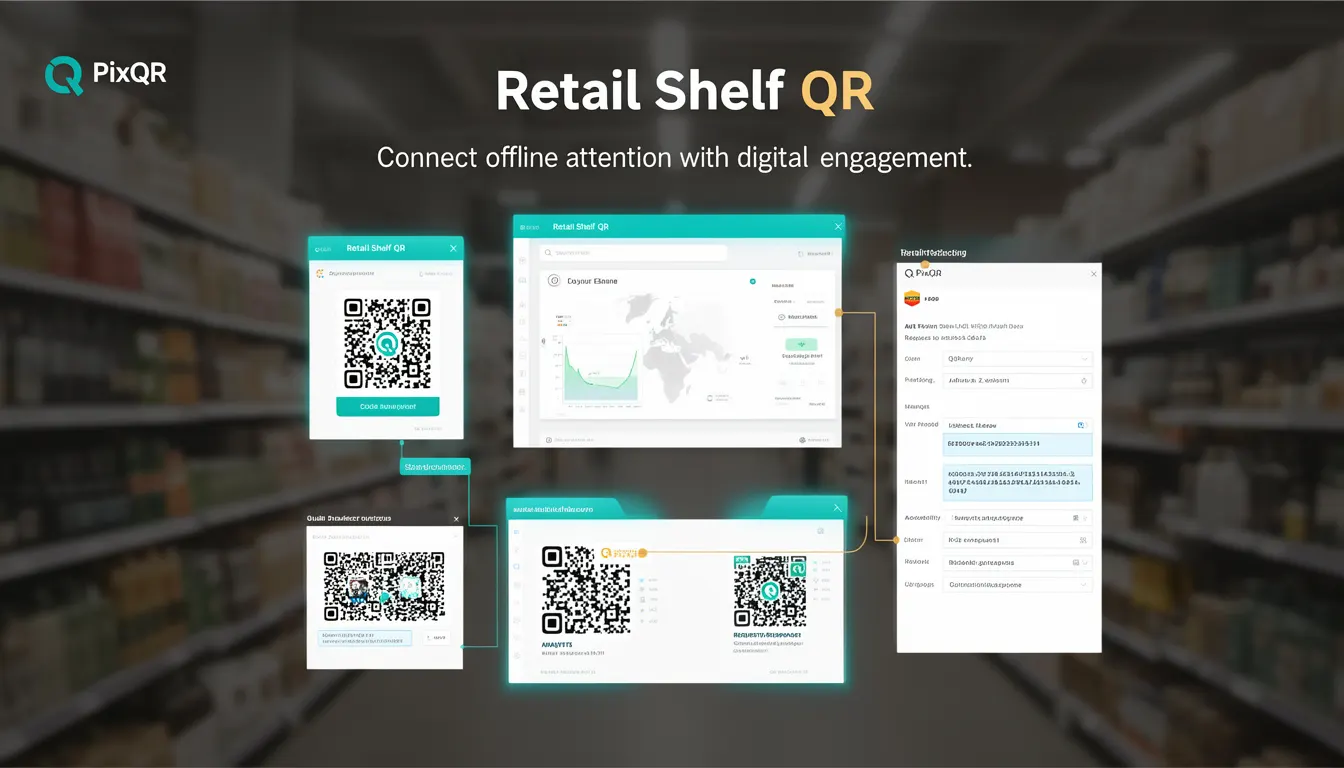
A Retail Shelf QR is a specific type of QR code used in physical retail environments to bridge the gap between offline product exposure and digital engagement. It typically appears on product packaging, shelf labels, or point-of-sale displays to direct consumers to a digital experience such as a product page, promotional campaign, or brand landing page.
For developers working with PixQR, Retail Shelf QRs are implemented as dynamic QR codes that can be managed, updated, and tracked through the platform's API. Unlike static QR codes, Retail Shelf QRs are designed to support real-time content updates, analytics tracking, and brand-safe content delivery, making them ideal for marketing campaigns that require flexibility and performance.
Why It Matters
For developers and product teams, Retail Shelf QRs represent a critical integration point between offline inventory systems and online digital marketing. The ability to dynamically update QR code destinations without reprinting physical materials allows for rapid campaign adjustments, A/B testing, and real-time inventory-based redirects.
From a security perspective, Retail Shelf QRs must maintain integrity to prevent unauthorized redirects or content injection. PixQR's platform ensures that all QR code destinations are validated and monitored for brand safety. Performance and accessibility also play a role, as QR codes must be scannable under various lighting conditions and compatible with most mobile scanning applications.
How It Works
Retail Shelf QRs are generated and managed through the PixQR platform, with each QR code configured to point to a dynamic destination. The platform allows for real-time updates to the linked URL, enabling marketers to adjust campaign content without physical changes to the product or packaging.
- Each QR code is associated with a unique identifier that maps to a destination URL stored in PixQR's database.
- The QR code's destination can be updated programmatically through the PixQR API, allowing for real-time campaign adjustments.
- Scan analytics are tracked per QR code, providing insights into engagement rates, geographic distribution, and time-based usage.
- Each QR code supports custom branding and design elements to ensure alignment with brand guidelines.
- Integration with external systems allows for inventory-based QR code assignment, where product SKUs or batch IDs trigger specific digital experiences.
Quick Reference
| Item | Purpose | Notes |
|---|---|---|
| QR Code ID | Uniquely identifies the QR code in the system | Used for API lookups and analytics |
| Destination URL | Target URL the QR code redirects to | Can be updated dynamically |
| Scan Analytics | Tracks number of scans and geographic data | Available via API or dashboard |
| Brand Design | Customizable QR code appearance | Ensures visual consistency with marketing assets |
| Inventory Mapping | Associates QR codes with product SKUs | Enables dynamic content assignment |
Basic Example
PixQR Example QR
This QR links directly to this glossary page, so printed notes, onboarding docs, and support material can bring scanners back to the current reference.
/glossary/qr-code-marketing/qr-code-marketing-retail-shelf-qr

This example demonstrates the basic structure of a Retail Shelf QR code configuration using PixQR's API. It sets up a QR code with a destination URL and a basic identifier.
{
  "qr_id": "shelf_12345",
  "destination": "https://example.com/product/12345",
  "branding": {
    "logo": "https://example.com/logo.png"
  }
}
The qr_id uniquely identifies the QR code within PixQR's system. The destination field specifies where a user will be redirected upon scanning. The branding section allows for visual customization.
Production Example
In a production environment, Retail Shelf QRs are configured with additional validation, error handling, and integration with inventory systems. This example includes a more robust setup that ensures safe and scalable QR code deployment.
{
  "qr_id": "shelf_12345",
  "destination": "https://example.com/product/12345",
  "branding": {
    "logo": "https://example.com/logo.png",
    "color": "#000000"
  },
  "analytics": {
    "track_scans": true,
    "track_location": true
  },
  "inventory": {
    "sku": "SKU-12345",
    "batch_id": "BATCH-2024"
  },
  "security": {
    "validate_url": true,
    "prevent_redirect": false
  }
}
This version includes enhanced configuration options for analytics, inventory tracking, and security. It ensures that the QR code destination is validated, and that scanning data is captured for performance insights.
Common Mistakes
- Using static QR codes instead of dynamic ones, which prevents campaign updates without physical reprinting.
- Not validating destination URLs, leading to potential redirect vulnerabilities or broken links.
- Ignoring analytics configuration, which results in missing data for campaign optimization.
- Overlooking branding consistency, which can dilute brand identity or create confusion for users.
- Not integrating QR code assignment with inventory systems, causing mismatched product and digital experience.
Security And Production Notes
- All QR code destinations must be validated to prevent malicious redirects or phishing attacks.
- Analytics tracking should be enabled to monitor usage and identify potential abuse or performance issues.
- Branding elements must be securely hosted to avoid content injection or visual inconsistencies.
- QR code IDs should be unique and generated programmatically to avoid conflicts or accidental overwrites.
- Inventory mapping must be synchronized with real-time stock systems to ensure correct content delivery.
Related Concepts
Several developer concepts are closely related to Retail Shelf QRs, including dynamic QR code generation, API-based link management, analytics integration, brand-safe content delivery, and inventory system synchronization. These concepts form the foundation of a scalable and secure QR code marketing strategy.