 PixQR
PixQR
Overview
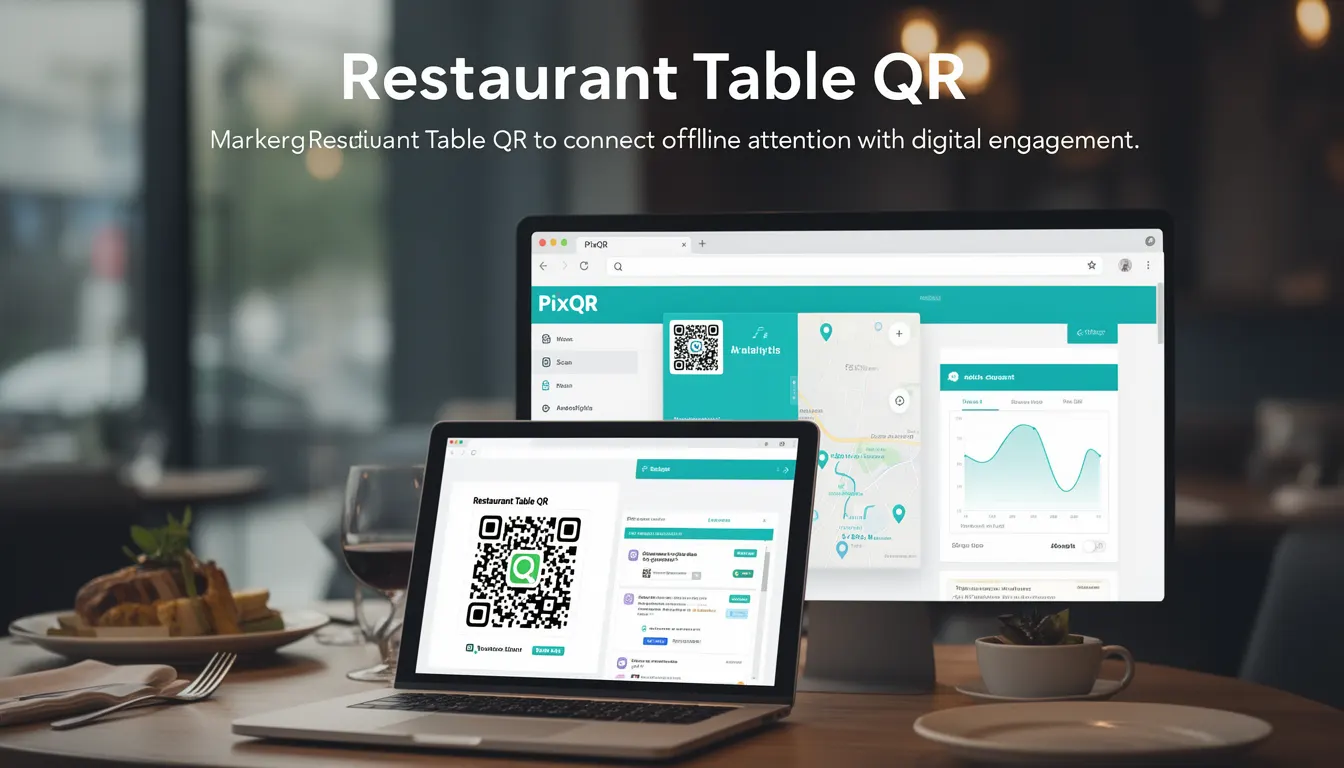
A Restaurant Table QR is a dynamic QR code used by restaurants to connect physical table placements with digital customer engagement platforms. These QR codes typically redirect customers to menu pages, ordering systems, payment interfaces, or loyalty programs when scanned.
Developers working with PixQR encounter Restaurant Table QR codes when building or managing digital experiences that bridge offline and online environments. These codes are not static but are configured through an API or dashboard to support features like dynamic redirects, analytics tracking, and secure link management.
Why It Matters
Restaurant Table QR codes are critical for modern hospitality operations because they enable seamless digital transitions from physical dining to online services. For developers, understanding how these codes function ensures proper integration with menu systems, ordering platforms, and customer analytics.
From a security perspective, these codes must be managed with access control, audit logging, and redirect validation to prevent unauthorized use or malicious redirection. Performance considerations include fast response times for redirecting customers and robust error handling when a QR code fails to resolve.
How It Works
Restaurant Table QR codes are generated and configured via PixQR’s API or management interface. Each code is associated with a unique identifier and can be dynamically updated to point to different destinations without reprinting physical materials.
- QR codes are generated using PixQR's
createQRendpoint, which accepts parameters for target URL, expiration, and redirect type. - Each code can be assigned to a specific table number or location, enabling analytics to track usage by table or area.
- Dynamic redirects are supported via a
redirect_urlfield that can be updated in real time without changing the physical QR code. - Scan tracking and analytics are enabled by default, with optional parameters to disable or customize event logging.
- Security features include optional token-based authentication and IP restriction on redirect targets to prevent unauthorized access.
Quick Reference
| Item | Purpose | Notes |
|---|---|---|
table_id | Associates QR code with a physical table | Used for analytics and ordering |
redirect_url | Destination URL for scanned QR code | Can be updated without reprinting |
expires_at | Expiration timestamp for the QR code | Optional for long-term use |
scan_tracking | Enables or disables scan analytics | Default is enabled |
secure_redirect | Enforces HTTPS redirect | Recommended for payment flows |
Basic Example
PixQR Example QR
This QR links directly to this glossary page, so printed notes, onboarding docs, and support material can bring scanners back to the current reference.
/glossary/qr-code-marketing/qr-code-marketing-restaurant-table-qr

This example demonstrates the minimal configuration needed to create a Restaurant Table QR code using PixQR's API.
{
  "table_id": "T12",
  "redirect_url": "https://restaurant.example.com/menu",
  "scan_tracking": true
}
The table_id identifies the physical table, and redirect_url defines where customers are directed. scan_tracking enables analytics for this QR code.
Production Example
This example shows a more complete implementation with validation, error handling, and secure redirect settings.
{
  "table_id": "T12",
  "redirect_url": "https://secure.restaurant.example.com/order",
  "expires_at": "2025-12-31T23:59:59Z",
  "scan_tracking": true,
  "secure_redirect": true,
  "tags": ["dining", "table-12"],
  "analytics": {
    "utm_source": "qr",
    "utm_medium": "table-qr"
  }
}
This version includes expiration, secure redirects, tags for categorization, and UTM parameters for marketing tracking. It is suitable for production environments with strict security and operational requirements.
Common Mistakes
- Using unescaped or unsafe URLs in
redirect_url, which can lead to open redirect vulnerabilities. - Not setting an expiration date, leading to outdated QR codes that may cause confusion or security risks.
- Disabling
scan_trackingwithout a clear reason, reducing valuable analytics data. - Assigning multiple tables to the same
table_id, causing confusion in reporting and ordering. - Using non-HTTPS URLs for payment or sensitive data flows, which violates security best practices.
Security And Production Notes
- Always validate and sanitize
redirect_urlinputs to prevent open redirect exploits. - Use HTTPS for all redirect destinations, especially for payment or personal data flows.
- Implement access controls to limit who can update QR code configurations.
- Set appropriate expiration dates for QR codes to prevent long-term misuse or outdated links.
- Log all QR code scans for audit purposes and to detect potential abuse or fraud.
Related Concepts
Restaurant Table QR codes are closely related to several core PixQR features and industry practices:
- Dynamic Redirects: The ability to update QR code destinations without reprinting physical materials.
- Scan Analytics: Data collection and reporting on QR code usage for marketing and operational insights.
- Secure QR Generation: Ensuring QR codes are generated with proper validation and access control.
- Link Management: Centralized control over all QR code destinations and metadata.
- Brand-Safe Design: Ensuring QR codes integrate with restaurant branding while maintaining usability.