 PixQR
PixQR
Overview
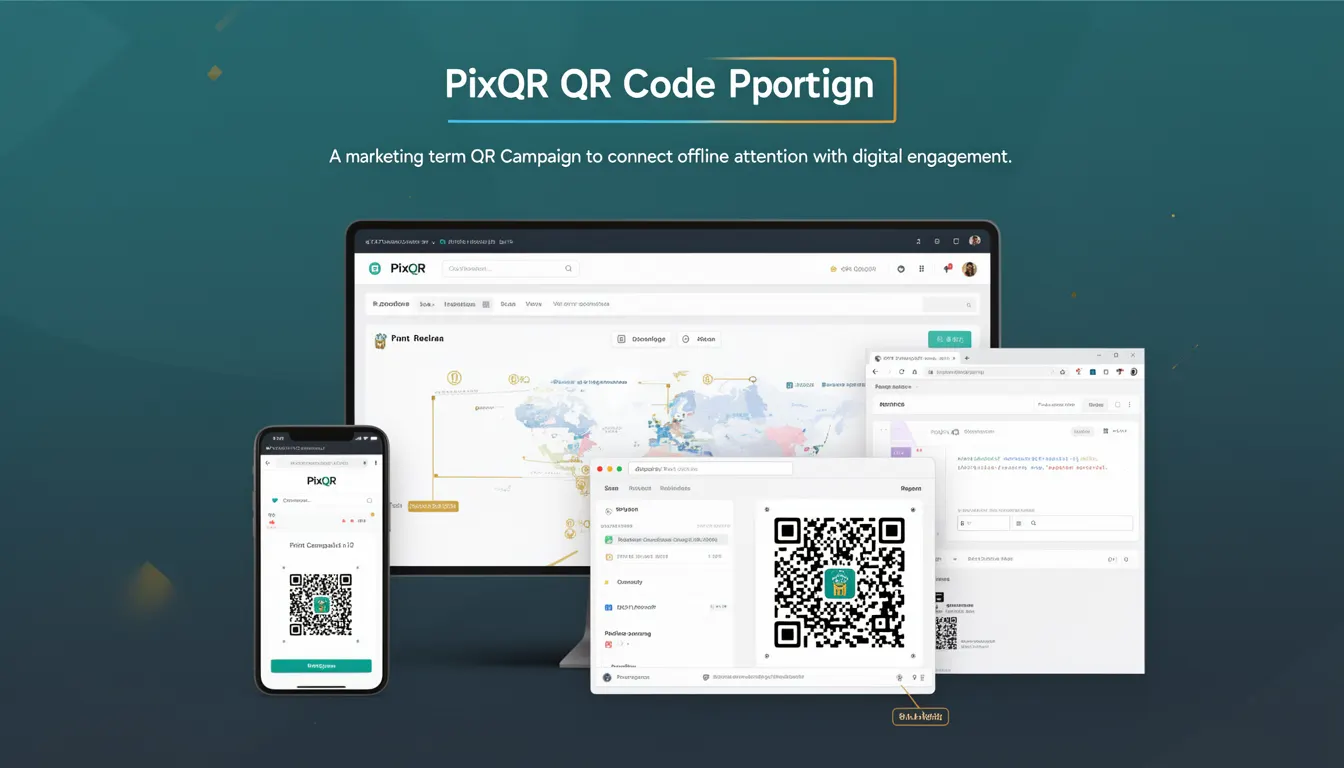
A QR Campaign in the context of PixQR refers to a structured marketing initiative that leverages QR codes to bridge offline and online user engagement. It is a tactical approach to directing physical audience attention to digital content or actions, such as landing pages, promotional offers, or lead capture forms. The campaign typically involves generating QR codes for specific purposes, often with dynamic redirect capabilities, to track and optimize performance.
Developers working with PixQR will encounter QR Campaigns when integrating QR code generation, analytics tracking, and redirect logic into marketing workflows. Campaigns are defined by parameters such as target URLs, expiration dates, analytics settings, and brand-safe design elements. The system supports both static and dynamic QR codes, enabling real-time updates to content or behavior without re-printing physical materials.
Why It Matters
For developers, understanding QR Campaigns is essential for building scalable, maintainable, and secure QR-based marketing solutions. QR Campaigns directly influence how users interact with physical materials and how that interaction is tracked, measured, and optimized. Properly implemented campaigns can significantly enhance user experience, improve conversion rates, and provide actionable data for marketing decisions.
From a technical perspective, campaigns must be designed with scalability, privacy compliance, and operational reliability in mind. PixQR’s campaign management ensures that QR codes can be dynamically updated, securely tracked, and reliably scanned across platforms. Misconfigurations in campaign parameters can lead to broken links, data loss, or compromised user privacy, making campaign design a critical part of the operational workflow.
How It Works
A QR Campaign operates through a series of interconnected components that define, generate, and track QR code usage. The system supports various campaign attributes and settings that control how QR codes behave and what data is collected from scans.
- Each campaign has a unique identifier or slug that allows for tracking and management within the PixQR platform.
- Campaigns are configured with a target URL, which can be static or dynamically updated using PixQR’s redirect engine.
- Analytics settings define what data is collected on each scan, including timestamps, device information, and geographic location.
- Security features include URL validation, scan rate limiting, and optional access controls to prevent unauthorized use.
- Design parameters allow developers to specify QR code appearance, including color, logo integration, and branding elements, to ensure brand consistency.
Quick Reference
| Item | Purpose | Notes |
|---|---|---|
| Campaign ID | Unique identifier for tracking | Used in API calls and analytics |
| Target URL | Destination after QR scan | Can be static or dynamic |
| Expiration Date | End date for campaign validity | Prevents outdated links |
| Analytics Settings | Define data collection | Includes geo, device, and timestamp |
| Brand Design | Visual customization | Ensures brand alignment |
Basic Example
PixQR Example QR
This QR links directly to this glossary page, so printed notes, onboarding docs, and support material can bring scanners back to the current reference.

This example shows a minimal campaign configuration for a static QR code that redirects to a promotional page.
{
  "campaign_id": "promo_2025",
  "target_url": "https://example.com/promo",
  "expires_at": "2025-12-31T23:59:59Z",
  "analytics": {
    "enabled": true,
    "track_geo": true,
    "track_device": true
  },
  "branding": {
    "color": "#000000",
    "logo": "https://example.com/logo.png"
  }
}
The campaign ID uniquely identifies the campaign for tracking. The target URL defines where scans will be redirected. Analytics are enabled to collect user behavior data. Branding parameters ensure the QR code aligns with the company's visual identity.
Production Example
This example demonstrates a more robust campaign setup that includes dynamic URL updates, enhanced security, and comprehensive analytics.
{
  "campaign_id": "event_2025_fall",
  "target_url": "https://api.pixqr.com/v1/redirect/456789",
  "expires_at": "2025-10-31T23:59:59Z",
  "analytics": {
    "enabled": true,
    "track_geo": true,
    "track_device": true,
    "track_referrer": true,
    "custom_params": {
      "source": "print_ad",
      "campaign": "fall2025"
    }
  },
  "security": {
    "rate_limit": 100,
    "require_auth": false,
    "scan_tracking": true
  },
  "branding": {
    "color": "#000000",
    "logo": "https://example.com/logo.png",
    "size": "medium",
    "format": "png"
  }
}
This version includes dynamic URL handling, which allows updates without re-printing. Security settings limit scan frequency and enable tracking. Custom analytics parameters provide deeper insights into campaign performance. Branding options ensure consistency across materials.
Common Mistakes
- Not setting an expiration date can lead to outdated QR codes that continue to redirect to irrelevant content, causing user confusion.
- Using unvalidated URLs in campaigns can introduce security vulnerabilities, such as phishing or redirecting to malicious sites.
- Overlooking analytics configuration can result in missing data, hindering campaign optimization and ROI measurement.
- Ignoring branding parameters may lead to inconsistent visuals that reduce brand recognition and trust.
- Not implementing rate limiting or access controls can expose the system to abuse or data manipulation.
Security And Production Notes
- All campaign URLs must be validated to prevent malicious redirections or injection attacks.
- Analytics data should be sanitized and encrypted to ensure user privacy compliance, especially under regulations like GDPR.
- Rate limiting should be implemented to prevent abuse and maintain system integrity.
- Campaign IDs should be randomly generated and not predictable to reduce the risk of unauthorized access or data scraping.
- Dynamic QR code updates must be logged and audited to prevent unauthorized changes to campaign behavior.
Related Concepts
QR Campaigns are closely related to several key concepts in digital marketing and QR code technology. QR Code Generation defines how the physical code is created and rendered. Redirect Management controls how URLs behave when scanned. Scan Tracking provides data on how users interact with QR codes. Brand-Safe Design ensures that QR codes align with brand standards and user expectations. API Integration allows developers to automate campaign creation and updates.