 PixQR
PixQR
Overview
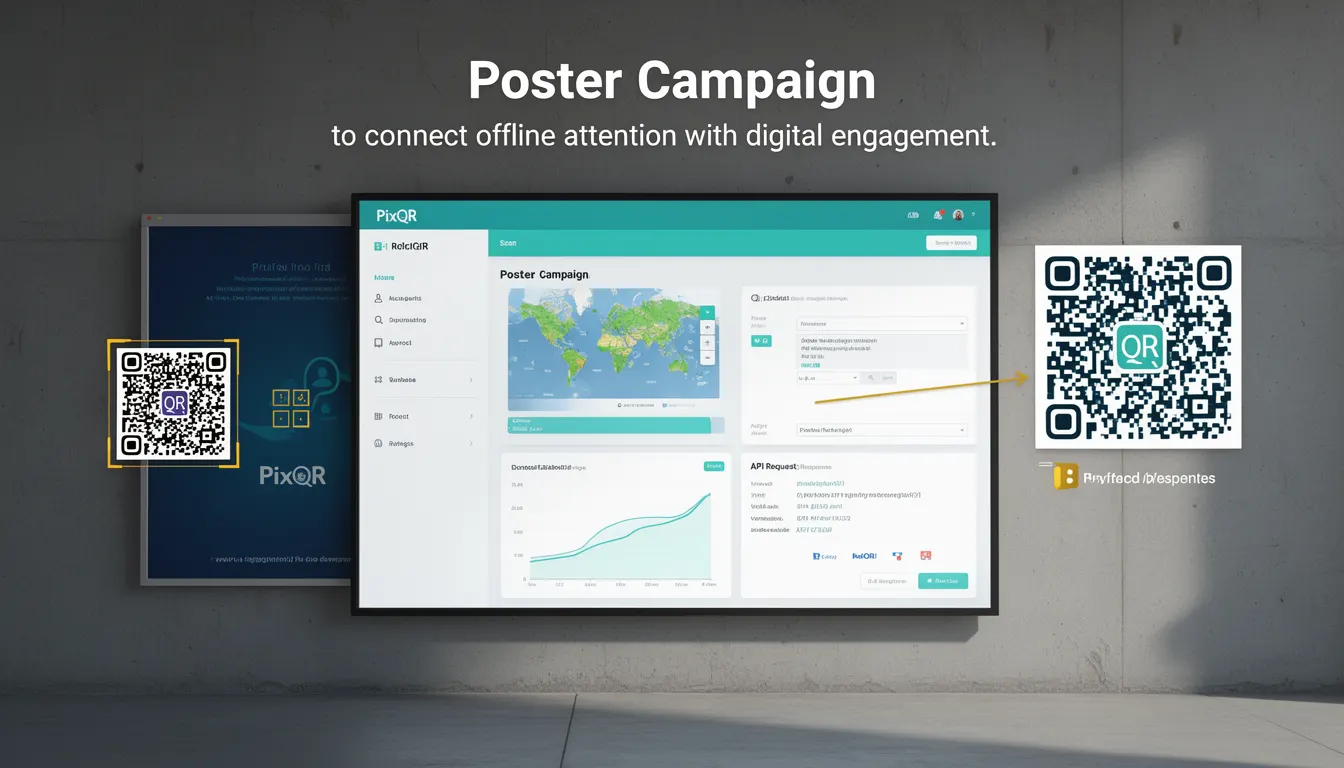
A Poster Campaign in the context of PixQR refers to a marketing strategy that integrates physical printed materials—such as posters, billboards, or flyers—with digital QR codes to drive user engagement. The campaign leverages the QR code as a bridge between offline environments and online digital experiences, enabling seamless interaction and data collection.
For developers, a Poster Campaign involves creating and managing QR codes that link to dynamic URLs, ensuring that the generated QR codes are reliable, secure, and trackable. The campaign often includes analytics to monitor scan rates, user behavior, and conversion metrics. This approach is especially valuable in scenarios where offline marketing is used to direct users to online content, such as landing pages, promotions, or product information.
Why It Matters
Poster Campaigns are critical for developers and marketers who aim to combine traditional advertising with modern digital engagement. From a technical standpoint, they require robust QR code generation that supports dynamic redirects, ensures scan reliability, and maintains privacy compliance. Additionally, developers must consider how the QR code links to backend systems that handle analytics, user tracking, and content delivery.
In production environments, Poster Campaigns can influence performance, scalability, and data integrity. The QR code infrastructure must be capable of handling high volumes of scans, securely redirecting users, and providing accurate analytics. Mismanagement of these systems can lead to broken links, poor user experience, or data leakage, making the implementation and maintenance of such campaigns essential for operational success.
How It Works
The mechanism of a Poster Campaign involves several key components and processes. A developer or marketer designs a QR code that points to a dynamic URL, which may redirect to a landing page, a promotional page, or a specific product detail. The QR code must be generated using a reliable system that supports branding, security, and analytics.
- QR codes are generated with a dynamic redirect mechanism, allowing content to be updated without changing the physical code.
- Each QR code in the campaign can be assigned a unique identifier for tracking and analytics.
- The system supports scan tracking and data collection, enabling campaign performance analysis.
- Poster Campaigns can be configured to enforce brand-safe design, ensuring that the QR code fits within marketing guidelines.
- Scans are processed through secure and reliable backend systems that handle redirects, analytics, and user privacy.
Quick Reference
| Item | Purpose | Notes |
|---|---|---|
| Dynamic Redirect | Allows URL updates without changing physical QR code | Use with caution to avoid broken links |
| Unique Identifier | Tracks individual QR code scans | Essential for analytics and campaign management |
| Scan Tracking | Monitors QR code usage and user behavior | Supports performance optimization |
| Brand-Safe Design | Ensures QR code aligns with brand guidelines | Improves user trust and recognition |
| Privacy Compliance | Protects user data in scan analytics | Required for GDPR and similar regulations |
Basic Example
PixQR Example QR
This QR links directly to this glossary page, so printed notes, onboarding docs, and support material can bring scanners back to the current reference.
/glossary/qr-code-marketing/qr-code-marketing-poster-campaign

This example demonstrates a basic QR code generation for a Poster Campaign using PixQR’s API. It sets up a dynamic URL that points to a landing page and assigns a unique identifier for tracking.
{
  "qr_code": {
    "url": "https://example.com/landing",
    "identifier": "poster_campaign_001",
    "branding": {
      "logo": "https://example.com/logo.png"
    }
  }
}
The key elements are the url field, which defines where the QR code redirects, and the identifier, which allows for tracking. The branding section ensures the QR code matches the campaign's visual identity.
Production Example
This example shows a more robust implementation that includes validation, error handling, and analytics integration. It uses PixQR's API to generate a QR code with enhanced tracking and privacy controls.
{
  "qr_code": {
    "url": "https://example.com/landing",
    "identifier": "poster_campaign_001",
    "tracking": {
      "enabled": true,
      "analytics": {
        "campaign_id": "campaign_12345",
        "source": "poster"
      }
    },
    "privacy": {
      "anonymize": true,
      "consent_required": false
    },
    "branding": {
      "logo": "https://example.com/logo.png",
      "color": "#000000"
    }
  }
}
This version includes tracking parameters, privacy controls, and branding options. It ensures that analytics are enabled for performance monitoring, user data is handled securely, and the QR code aligns with the campaign's visual identity.
Common Mistakes
- Using static URLs in QR codes that are not updated, leading to outdated or broken links.
- Ignoring privacy compliance when collecting scan data, potentially violating regulations like GDPR.
- Not validating QR code URLs before deployment, resulting in broken or inaccessible links.
- Overlooking branding guidelines, causing inconsistency in campaign visuals.
- Failure to monitor scan analytics, missing insights into campaign performance and user engagement.
Security And Production Notes
- Always validate URLs to prevent open redirect vulnerabilities in dynamic QR code systems.
- Implement secure tracking mechanisms to protect user privacy and ensure compliance with data protection laws.
- Use HTTPS for all QR code redirects to maintain secure communication and avoid mixed-content warnings.
- Ensure that QR code identifiers are unique and not predictable to prevent abuse or data leakage.
- Regularly audit QR code systems for performance and reliability, especially in high-volume campaigns.
Related Concepts
Poster Campaigns are closely related to several other marketing and technical concepts:
- Dynamic QR Code: A QR code that supports URL updates without changing the physical code, essential for Poster Campaigns.
- Scan Analytics: Data collected from QR code scans, used to measure campaign effectiveness.
- Redirect Management: The process of directing users from a QR code to a specific URL, often involving URL shortening or aliasing.
- Brand Safety: Ensuring that QR code design and content align with brand guidelines and user expectations.
- Privacy Compliance: Adhering to data protection laws when collecting and processing scan data.