 PixQR
PixQR
Overview
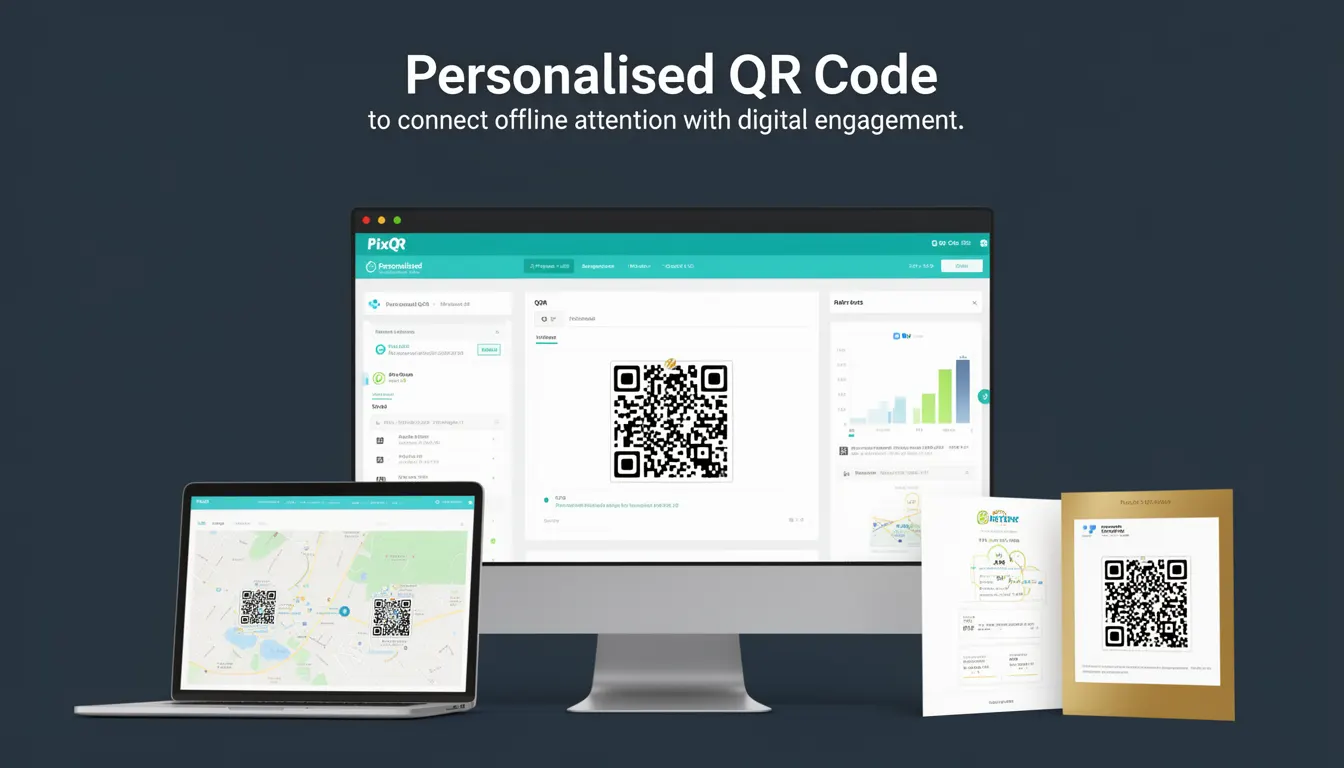
A Personalised QR Code is a dynamically generated QR code that contains unique data for each individual user or use case. Unlike static QR codes, which point to a single URL or piece of content, a Personalised QR Code allows for targeted engagement by embedding user-specific identifiers, tracking parameters, or dynamic content. In the context of PixQR, these codes are used to bridge offline interactions with digital experiences, enabling marketers and developers to track user behavior, personalise content, and improve conversion rates.
These codes are particularly valuable in marketing campaigns, event ticketing, loyalty programs, and customer engagement strategies where individual tracking and personalisation are essential. A Personalised QR Code can be generated at runtime, allowing for real-time adjustments and ensuring that each scan leads to a relevant, context-aware digital experience.
Why It Matters
For developers working with PixQR, Personalised QR Codes are essential for building scalable, trackable, and user-centric digital experiences. They enable accurate attribution of offline actions to online outcomes, which is critical for performance analytics, campaign tracking, and user behavior insights. In a marketing context, this means that a campaign can track which physical flyer, poster, or event booth led to a specific user interaction, improving ROI and campaign effectiveness.
From a technical standpoint, personalisation introduces flexibility and scalability into QR code workflows. It allows for dynamic content delivery, such as redirecting users to region-specific landing pages or triggering personalized content based on user segments. This enhances the user experience and reduces friction in the transition from offline to online engagement.
How It Works
The mechanism behind a Personalised QR Code involves embedding dynamic data into the QR code’s payload. This data is typically a URL or a unique identifier that is resolved by a backend service to deliver context-specific content. The process includes:
- Generating a unique identifier for each QR code instance, often using UUIDs or user IDs.
- Creating a dynamic URL or endpoint that resolves to the appropriate content based on the identifier.
- Encoding the identifier or URL into the QR code payload using a standard encoding format such as UTF-8.
- Ensuring that the QR code's content is secure, compliant with privacy regulations, and designed for reliable scanning.
- Implementing analytics and tracking systems to capture user interactions and associate them with the correct code instance.
Each Personalised QR Code is generated through an API endpoint or a backend service that accepts parameters such as user ID, campaign ID, or custom metadata. The QR code itself is a standard 2D barcode, but its content is tailored to specific users or contexts. The system ensures that when scanned, the QR code redirects to a unique destination or triggers a specific action.
Quick Reference
| Item | Purpose | Notes |
|---|---|---|
| Unique identifier | Associates QR code with a user or campaign | Should be UUID or user ID |
| Dynamic URL | Redirects to personalized content | Must be secure and accessible |
| Encoding format | Defines how data is stored in QR code | UTF-8 is standard |
| Tracking parameters | Provides analytics and attribution | Used for campaign tracking |
| Scan analytics | Logs user interactions | Includes timestamp and device info |
Basic Example
PixQR Example QR
This QR links directly to this glossary page, so printed notes, onboarding docs, and support material can bring scanners back to the current reference.
/glossary/qr-code-marketing/qr-code-marketing-personalised-qr-code

This basic example demonstrates how a simple Personalised QR Code can be generated by embedding a unique identifier into a URL.
const userId = "user_12345";
const campaignId = "campaign_abcde";
const dynamicUrl = `https://example.com/track?user=${userId}&campaign=${campaignId}`;
// QR code payload: https://example.com/track?user=user_12345&campaign=campaign_abcde
The example shows a user ID and campaign ID being appended to a URL. When scanned, this QR code would direct the user to a page that logs the interaction and personalizes content based on the parameters.
Production Example
In a production environment, generating a Personalised QR Code involves validating inputs, securing endpoints, and integrating with analytics systems. This example includes error handling, sanitization, and tracking.
const generatePersonalisedQR = (userId, campaignId, metadata) => {
  if (!userId || !campaignId) {
    throw new Error("User ID and campaign ID are required");
  }
  const sanitizedMetadata = JSON.stringify(metadata);
  const encodedUrl = encodeURIComponent(`https://example.com/track?user=${userId}&campaign=${campaignId}&data=${sanitizedMetadata}`);
  return `https://api.pixqr.com/qr?data=${encodedUrl}`;
};
This version ensures that inputs are validated and sanitized before generating the QR code. It also includes metadata support for richer tracking and personalization. The resulting URL is passed to a PixQR API to generate the QR code image, which is then delivered to the user.
Common Mistakes
- Not validating user IDs or campaign IDs before generating the QR code, leading to malformed URLs or broken redirects.
- Using static identifiers in QR codes, which prevents accurate tracking and personalization.
- Ignoring encoding issues, which can cause QR code scanning failures or incorrect data interpretation.
- Not implementing analytics or tracking systems, which defeats the purpose of personalisation.
- Hardcoding metadata or campaign parameters, reducing flexibility and scalability of the system.
Security And Production Notes
- Always sanitize and validate inputs to prevent injection attacks or malformed URLs.
- Use HTTPS for all URLs embedded in QR codes to ensure secure data transmission.
- Implement rate limiting and access controls to prevent abuse of QR code generation endpoints.
- Ensure that QR code payloads are designed for reliable scanning across different devices and lighting conditions.
- Comply with privacy regulations such as GDPR or CCPA when collecting or using personal data in QR codes.
Related Concepts
Personalised QR Codes are closely related to several other developer concepts:
- Dynamic Redirects: These allow QR codes to point to different destinations based on context or user data, a core feature of personalisation.
- URL Parameters: Used to encode user-specific or campaign-specific data into the QR code payload.
- Analytics Tracking: Enables the measurement of user interactions with personalised QR codes.
- Scan Reliability: Ensures that QR codes are scannable across various devices and environments.
- Privacy Compliance: Ensures that personal data used in QR codes is handled in accordance with legal standards.