 PixQR
PixQR
Overview
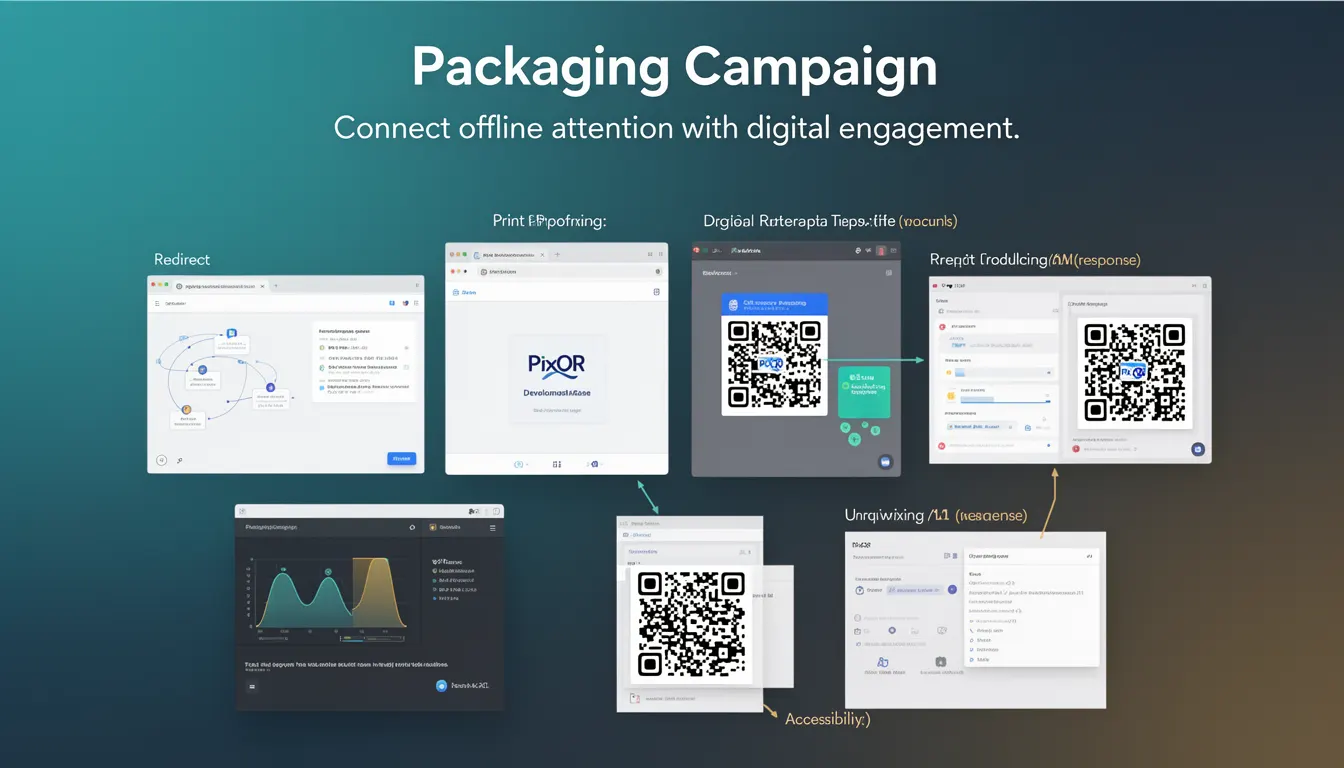
A Packaging Campaign in the context of PixQR refers to a marketing strategy that uses QR codes embedded in physical product packaging to drive digital engagement. These campaigns bridge the gap between offline product presence and online interaction, enabling consumers to scan a QR code on a product and be redirected to a digital experience such as a landing page, promotional offer, or interactive content.
Developers and marketers use Packaging Campaigns to increase engagement, track physical-to-digital conversion, and gather actionable data from real-world product usage. This approach is especially valuable in retail, consumer goods, and branded product distribution where physical touchpoints are essential.
Why It Matters
For developers working with PixQR, understanding Packaging Campaigns is crucial for designing secure, scalable, and user-friendly QR code experiences. The campaign structure impacts how QR codes are generated, how redirects are configured, and how data is tracked and analyzed. From a performance perspective, campaigns must be optimized to avoid delays or failures during scanning, which could reduce conversion rates.
Security is a key concern because physical QR codes can be tampered with or misused if not properly managed. PixQR’s platform provides tools to ensure that campaign links are safe, tracked, and monitored for fraudulent activity. Accessibility also plays a role, as QR codes must function reliably across different scanning environments and devices.
How It Works
When a Packaging Campaign is created in PixQR, it involves defining a set of parameters that determine how the QR code behaves when scanned. These parameters include redirect targets, analytics tracking, and content customization.
- Each campaign can be assigned a unique identifier to distinguish it from others in the system.
- Redirect URLs can be dynamic, allowing content to change without modifying the physical QR code itself.
- Analytics can be enabled to track scan counts, geographic distribution, and engagement over time.
- Content delivered via the QR code can be tailored based on user attributes or campaign settings.
- Campaigns can be configured to support A/B testing or multivariate content delivery for optimization.
The lifecycle of a Packaging Campaign begins with creation in the PixQR dashboard, followed by QR code generation, physical printing, and eventual tracking and reporting. Developers can programmatically access campaign data through PixQR’s API, enabling integration with internal systems or analytics platforms.
Quick Reference
| Item | Purpose | Notes |
|---|---|---|
| campaign_id | Uniquely identifies a campaign | Used in API calls and analytics |
| redirect_url | Destination when QR code is scanned | Can be dynamic or static |
| tracking_enabled | Enables or disables scan tracking | Defaults to true |
| content_type | Specifies type of content delivered | Supports text, URL, media, or form |
| campaign_status | Indicates active, paused, or archived | Controls QR code availability |
Basic Example
PixQR Example QR
This QR links directly to this glossary page, so printed notes, onboarding docs, and support material can bring scanners back to the current reference.
/glossary/qr-code-marketing/qr-code-marketing-packaging-campaign

This example demonstrates a basic campaign configuration using PixQR's API. It sets up a campaign that redirects to a promotional landing page and enables tracking.
{
  "campaign_id": "pkg_12345",
  "redirect_url": "https://example.com/promo",
  "tracking_enabled": true,
  "content_type": "url",
  "campaign_status": "active"
}
The campaign_id uniquely identifies the campaign in the system. The redirect_url specifies where users are sent upon scanning. Enabling tracking_enabled ensures scan data is collected. The content_type defines the kind of content delivered, and campaign_status controls whether the campaign is active.
Production Example
In a production environment, a Packaging Campaign might include validation, error handling, and integration with existing systems. This example shows a more robust configuration that includes dynamic URL resolution and monitoring.
{
  "campaign_id": "pkg_67890",
  "redirect_url": "https://example.com/redirect?campaign=67890",
  "tracking_enabled": true,
  "content_type": "url",
  "campaign_status": "active",
  "analytics_tags": ["retail", "seasonal"],
  "expiration_date": "2025-06-30",
  "geo_targeting": {
    "enabled": true,
    "regions": ["US", "CA"]
  }
}
This version includes additional fields such as analytics_tags for segmentation, expiration_date to manage campaign lifecycle, and geo_targeting to customize content based on user location. These features are essential for maintaining a scalable and secure campaign structure.
Common Mistakes
- Using static URLs without dynamic capabilities, which limits campaign flexibility.
- Disabling tracking without understanding the impact on analytics and ROI.
- Not validating redirect URLs, leading to broken links or phishing risks.
- Overlooking geographic targeting, resulting in irrelevant content for users.
- Ignoring campaign expiration dates, causing outdated or invalid links to persist.
- Not testing QR codes in real-world conditions, leading to poor user experience.
Security And Production Notes
- Always validate redirect URLs to prevent open redirect vulnerabilities.
- Implement rate limiting for QR code scans to prevent abuse or spam.
- Use HTTPS for all campaign links to ensure secure data transmission.
- Regularly audit campaign data for anomalies or unexpected traffic patterns.
- Ensure campaign content is accessible and compliant with WCAG standards.
- Store campaign identifiers securely and avoid exposing sensitive data in QR code payloads.
Related Concepts
Several developer concepts are closely related to Packaging Campaigns. Dynamic Redirects allow campaigns to update content without modifying physical QR codes. Scan Analytics provide insights into how QR codes are being used in real-world settings. Link Management ensures that URLs are valid and properly tracked. Brand Safety is essential to prevent misuse or association with harmful content. Privacy Controls govern how user data is collected and used in campaigns.