 PixQR
PixQR
Overview
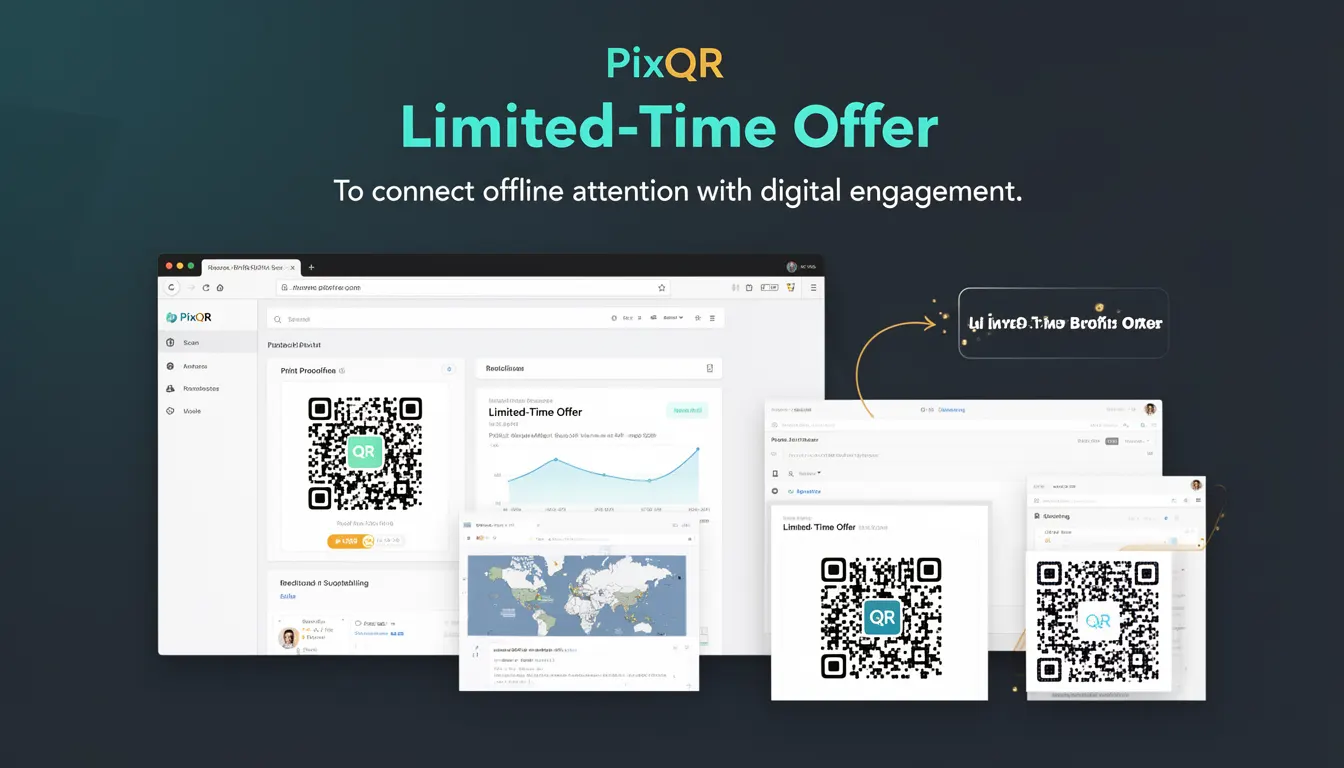
A Limited-Time Offer (LTO) in the context of QR code marketing refers to a time-bound promotional strategy where a QR code is used to direct users to a digital landing page or campaign that includes a limited-time discount, bonus, or exclusive access. This approach bridges offline physical presence with digital engagement by leveraging the immediacy of QR scanning and the urgency of time-sensitive offers.
For developers working with PixQR, an LTO is implemented through dynamic QR code generation that supports expiration timestamps, redirect configurations, and analytics tracking. This enables marketers to create campaigns where a QR code becomes invalid after a specified time, ensuring that the offer is only available for a defined window. This is particularly useful for events, flash sales, seasonal promotions, or limited availability products.
Why It Matters
For developers, implementing Limited-Time Offers in QR code marketing introduces both opportunities and challenges. From a performance perspective, LTOs require backend systems to manage time-sensitive redirects and track campaign analytics in real time. Security considerations include ensuring that expired QR codes cannot be reused or bypassed, and that the underlying redirect logic remains secure against manipulation.
From a user experience standpoint, LTOs rely on accurate timestamp handling to ensure that users are not directed to expired offers. If a QR code is scanned after its validity period, the system must provide a clear and helpful response, such as redirecting to a general landing page or displaying an appropriate message. This prevents confusion and maintains brand trust.
How It Works
The implementation of Limited-Time Offers in PixQR involves several core mechanisms and configurations:
- QR codes are generated with a configured expiration timestamp, which is embedded in the redirect URL or stored in a backend database.
- When a QR code is scanned, the system checks the current time against the expiration timestamp to determine if the offer is still valid.
- Dynamic redirects are used to ensure that even if the QR code is scanned after expiration, the user is redirected to a relevant fallback page.
- Analytics tracking captures scan data, including timestamps, user behavior, and conversion rates, which helps evaluate the success of the campaign.
- API endpoints are used to programmatically manage and update offer expiration times, allowing for real-time campaign adjustments.
Quick Reference
| Item | Purpose | Notes |
|---|---|---|
| Expiration timestamp | Defines when the offer becomes invalid | Must be in UTC for consistency |
| Redirect URL | Target destination for valid scans | Can be a landing page or a dynamic endpoint |
| Scan tracking | Records scan activity with timestamps | Used for campaign analytics and fraud detection |
| Fallback URL | Redirects users after expiration | Should be brand-safe and informative |
| API endpoint | Allows real-time updates to offer validity | Must be secured with authentication |
Basic Example
PixQR Example QR
This QR links directly to this glossary page, so printed notes, onboarding docs, and support material can bring scanners back to the current reference.
/glossary/qr-code-marketing/qr-code-marketing-limited-time-offer

This example demonstrates how a basic limited-time offer can be configured in a QR code using a timestamp and a redirect URL.
const qrConfig = {
  url: "https://example.com/offer",
  expiresAt: "2025-04-15T12:00:00Z",
  fallbackUrl: "https://example.com/expired"
};

const qrCode = pixqr.generate(qrConfig);
The configuration sets a URL for the offer, defines an expiration timestamp, and specifies a fallback URL. When a QR code is scanned, the system checks the timestamp and redirects accordingly.
Production Example
In a production environment, a more robust LTO implementation includes validation, error handling, and secure API communication.
const generateLimitedOffer = (offerData) => {
  const { url, durationMinutes, fallbackUrl } = offerData;
  const expiresAt = new Date(Date.now() + durationMinutes * 60000).toISOString();

  return pixqr.create({
    url,
    expiresAt,
    fallbackUrl,
    analytics: true,
    secure: true
  });
};
This version includes automatic timestamp generation based on a duration, enables analytics tracking, and ensures the QR code is generated with secure parameters. It also handles fallback logic and is designed to be used in a scalable backend environment.
Common Mistakes
- Not setting a proper expiration timestamp, leading to offers that are perpetually valid or immediately expired.
- Using relative time formats without converting to UTC, causing inconsistencies in time-sensitive campaigns.
- Not implementing a fallback URL, resulting in a broken user experience after expiration.
- Reusing QR codes for multiple offers without updating the expiration logic, causing confusion and potential fraud.
- Ignoring analytics tracking, which prevents marketers from evaluating campaign effectiveness.
Security And Production Notes
- Always validate and sanitize expiration timestamps to prevent manipulation or injection attacks.
- Use HTTPS for all redirect URLs to ensure secure communication and prevent man-in-the-middle attacks.
- Implement API rate limiting and authentication to protect against abuse of the QR code generation endpoint.
- Ensure that expired QR codes are not reused or repurposed to maintain offer integrity.
- Log all QR code scan events with timestamps for audit and fraud detection purposes.
Related Concepts
Several developer concepts are closely related to Limited-Time Offers in QR code marketing:
Dynamic QR Codes are used to enable time-sensitive offers by allowing backend systems to modify or invalidate QR codes post-generation.
Redirect Management ensures that users are directed appropriately based on the validity of the offer and the scan timestamp.
Analytics and Tracking provide insights into user behavior, campaign performance, and offer conversion rates.
API Security is essential to prevent unauthorized access to QR code generation and update endpoints.
Scan Reliability ensures that QR codes are scannable across different devices and environments, maintaining the integrity of the LTO experience.