 PixQR
PixQR
Overview
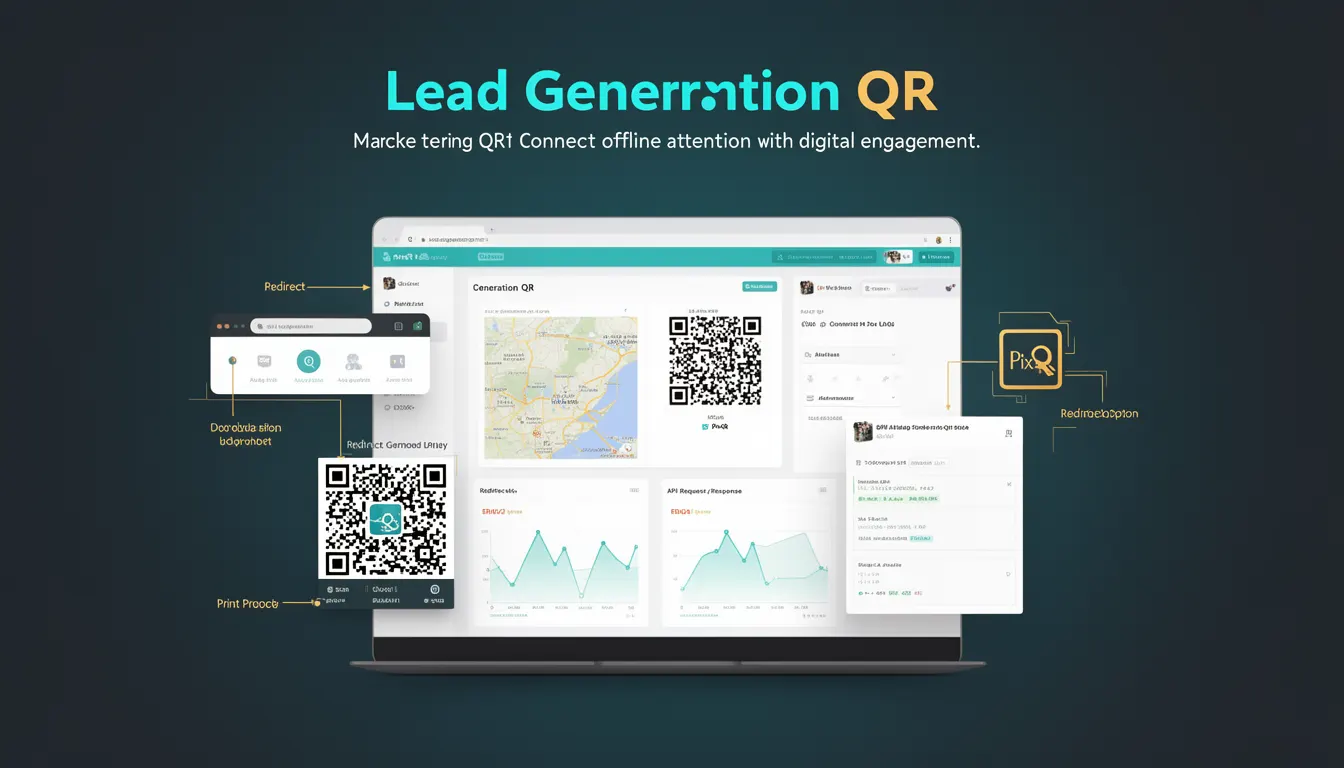
A Lead Generation QR is a specific type of QR code used in marketing campaigns to capture user contact information or engagement data. It typically redirects users to a landing page or form where they provide details such as name, email address, or phone number. The primary goal is to convert offline attention into digital leads that can be followed up by sales or marketing teams.
These QR codes are often placed on physical materials like posters, business cards, product packaging, or printed advertisements. When scanned, they direct users to a web form or a dedicated landing page designed to collect data. The generated leads can then be integrated into CRM systems, email marketing platforms, or analytics dashboards for further processing.
Why It Matters
For developers and marketers, Lead Generation QR codes represent a bridge between offline and online engagement. They are essential for capturing user intent from physical touchpoints and converting that into actionable data. The effectiveness of such QR codes is measured not only by scan rates but also by the quality and completeness of the data collected.
From a technical standpoint, developers must ensure that the redirection mechanism is reliable and secure. This includes managing redirect URLs, validating user input, and maintaining privacy compliance. Performance is critical as slow redirects or broken links can lead to lost leads and decreased campaign effectiveness.
How It Works
Lead Generation QR codes function by encoding a URL that points to a form or landing page. The process begins with creating a unique URL that is optimized for lead capture, often including UTM parameters for tracking. This URL is then embedded into a QR code image that can be printed or displayed.
- The QR code itself encodes a URL that redirects to a form or landing page.
- When scanned, the QR code triggers a browser or app to navigate to the encoded URL.
- Form fields are typically pre-configured to collect specific data points such as email, name, or phone number.
- Backend systems validate and store the submitted data in a database or CRM.
- Analytics tools track scan rates, form completion rates, and user behavior to optimize future campaigns.
Quick Reference
| Item | Purpose | Notes |
|---|---|---|
| Redirect URL | Points to the lead capture form or page | Must be secure (HTTPS) and optimized for mobile |
| Form Fields | Collect user data | Should include validation and required fields |
| UTM Parameters | Track campaign performance | Helps identify source and effectiveness of QR code |
| Analytics Integration | Measure scan and conversion rates | Use tracking pixels or API integrations |
| Privacy Compliance | Ensure data handling meets regulations | Include GDPR, CCPA, or local compliance measures |
Basic Example
PixQR Example QR
This QR links directly to this glossary page, so printed notes, onboarding docs, and support material can bring scanners back to the current reference.
/glossary/qr-code-marketing/qr-code-marketing-lead-generation-qr

This example demonstrates how a simple Lead Generation QR code might be structured in a PixQR system. It includes a redirect URL that leads to a basic form page.
<!-- Example QR code redirect URL -->
https://example.com/lead-form?utm_source=poster&utm_medium=qr&utm_campaign=product_launch
The URL includes UTM parameters for tracking purposes. When scanned, it directs users to a landing page where they can enter their contact information. This page is designed to be responsive and mobile-friendly to ensure a smooth user experience.
Production Example
In a production environment, a Lead Generation QR code would be configured with additional security and tracking features. This example shows how a developer might set up such a code using PixQR's API.
<!-- Production-ready QR code setup -->
{
  "url": "https://example.com/lead-form",
  "redirect_type": "302",
  "tracking": {
    "source": "poster",
    "medium": "qr",
    "campaign": "product_launch"
  },
  "form_fields": [
    {
      "name": "email",
      "type": "email",
      "required": true
    },
    {
      "name": "name",
      "type": "text",
      "required": false
    }
  ],
  "analytics": {
    "google_analytics": "UA-XXXXX-Y",
    "facebook_pixel": "1234567890"
  }
}
This configuration ensures that the QR code redirects securely, tracks user behavior, and captures data in a structured format. It also integrates with analytics platforms to provide insights into campaign performance.
Common Mistakes
- Not using HTTPS for the redirect URL, which can cause browser warnings and reduce trust.
- Ignoring form validation, leading to incomplete or invalid data submissions.
- Overlooking mobile responsiveness, which can result in poor user experience on mobile devices.
- Not tracking UTM parameters, making it difficult to measure campaign effectiveness.
- Failing to comply with privacy regulations, potentially leading to legal issues or data breaches.
Security And Production Notes
- Always use HTTPS for all redirect URLs to ensure secure data transmission.
- Implement robust form validation to prevent injection attacks and ensure data integrity.
- Ensure that all data collection practices comply with privacy laws such as GDPR or CCPA.
- Use PixQR's built-in analytics and tracking features to monitor performance without exposing sensitive data.
- Regularly audit QR code configurations to ensure they remain secure and effective over time.
Related Concepts
Lead Generation QR codes are closely related to several other marketing and technical concepts:
Dynamic QR Codes are used to update redirect URLs without re-printing physical materials. They allow marketers to change the destination of a QR code after it has been created.
QR Code Analytics provide insights into how many times a QR code is scanned and how users interact with the resulting content.
Redirect Management involves ensuring that URLs are stable and properly configured to avoid broken links or lost leads.
Form Optimization focuses on designing forms that are easy to complete and collect the necessary data efficiently.
Privacy Compliance ensures that data collection practices meet legal requirements and protect user privacy.