 PixQR
PixQR
Overview
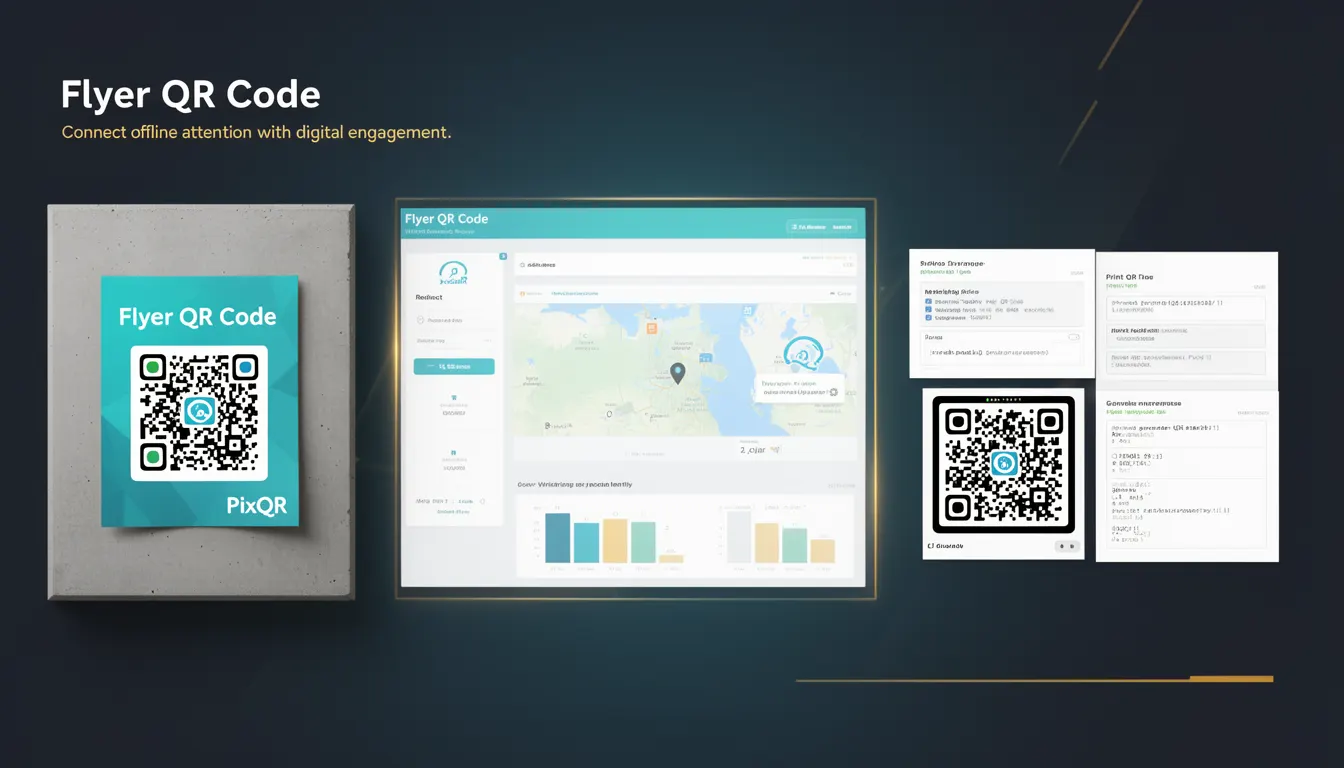
A Flyer QR Code is a specific type of QR code designed for use in printed marketing materials such as flyers, brochures, posters, and business cards. Unlike standard QR codes, Flyer QR Codes are engineered to meet the unique demands of physical print media, including high-resolution scanning, brand-safe design, and reliable offline-to-online engagement.
In the context of PixQR, a Flyer QR Code is generated with parameters optimized for print quality, scan reliability, and integration with dynamic redirect workflows. It typically links to a landing page or campaign-specific URL that tracks engagement, user behavior, and conversion metrics. This makes Flyer QR Codes a powerful tool for marketers and developers who want to bridge offline attention with digital interaction.
Why It Matters
For developers, Flyer QR Codes represent a practical intersection of physical and digital marketing. The implementation requires attention to QR code resolution, error correction levels, and design constraints to ensure that the code scans reliably across different devices and print qualities. A poorly designed Flyer QR Code can fail to scan, leading to lost conversions or user frustration.
From a production standpoint, Flyer QR Codes are often part of larger marketing campaigns that rely on analytics, user tracking, and secure redirects. Ensuring that the QR code's target URL is dynamic and can be updated without re-printing physical materials is crucial for campaign agility. This also involves managing redirect chains, domain validation, and ensuring that the destination URL maintains privacy and security compliance.
How It Works
The generation and usage of a Flyer QR Code involves several key components and behaviors that are important for developers to understand. PixQR's Flyer QR Codes are built with specific parameters to optimize for print and scan environments:
- Flyer QR Codes are generated with a high error correction level (typically
QorH) to ensure scanning success even with partial damage or low resolution. - They are optimized for resolution, typically generated at 300 DPI or higher to support print quality, and are designed to be scannable at small sizes (as small as 10mm).
- The target URL for a Flyer QR Code is dynamic and managed through PixQR’s redirect system, enabling real-time updates without reprinting.
- Each Flyer QR Code can be associated with custom tracking parameters, such as campaign ID, user source, or device type, for analytics and attribution.
- They support brand-safe design features including color customization, background transparency, and logo integration, all while maintaining scannability.
Quick Reference
| Item | Purpose | Notes |
|---|---|---|
| QR Code Error Correction | Ensures reliable scanning | Use Q or H for print |
| Resolution | Print quality and scannability | Minimum 300 DPI recommended |
| Dynamic Redirect | Enables URL updates without reprinting | Managed through PixQR API |
| Tracking Parameters | Analytics and attribution | Supports campaign ID, source, device |
| Brand Integration | Customizable design | Preserves scannability |
Basic Example
PixQR Example QR
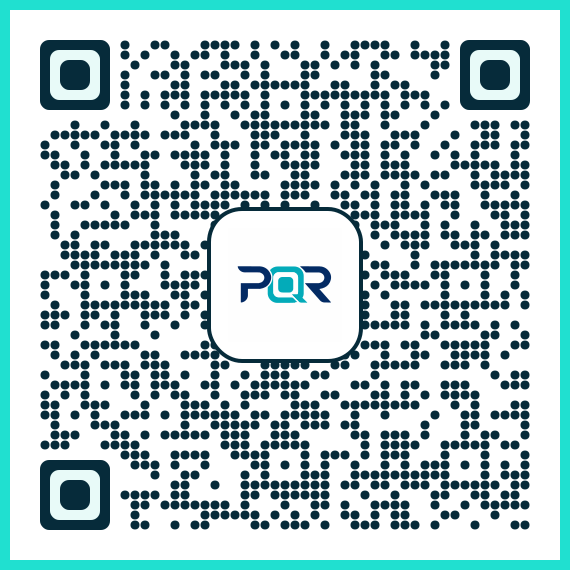
This QR links directly to this glossary page, so printed notes, onboarding docs, and support material can bring scanners back to the current reference.
This example shows a basic PixQR Flyer QR Code configuration for a campaign. It demonstrates how to define a URL and associate it with a tracking ID.
const flyerQR = {
  url: "https://example.com/campaign-2025",
  trackingId: "flyer-001",
  errorCorrection: "Q",
  resolution: 300
};
The url field specifies the landing page. The trackingId allows for campaign analytics. The errorCorrection level ensures reliability, and resolution ensures print quality.
Production Example
This example shows a more robust Flyer QR Code implementation that includes validation, error handling, and integration with PixQR’s redirect service.
const generateFlyerQR = (campaignId, destinationUrl) => {
  if (!campaignId || !destinationUrl) {
    throw new Error("Campaign ID and destination URL are required");
  }

  const qrConfig = {
    url: destinationUrl,
    trackingId: campaignId,
    errorCorrection: "H",
    resolution: 300,
    logo: "https://example.com/logo.png",
    backgroundColor: "#ffffff"
  };

  return pixqr.create(qrConfig);
};
This version validates inputs, sets a high error correction level for reliability, and includes branding elements. It also uses PixQR's API to create the QR code with all necessary parameters for production use.
Common Mistakes
- Using low error correction levels (
LorM) in print materials, which can cause scanning failures due to wear or low resolution. - Generating QR codes at low DPI (less than 300), leading to poor scan quality or failure on mobile devices.
- Not validating the target URL before deployment, which can result in broken links or redirects to unintended pages.
- Ignoring the impact of color contrast on scannability, such as using a black QR code on a black background.
- Embedding sensitive or private URLs in the QR code without proper access control or encryption, exposing data to unauthorized users.
Security And Production Notes
- Always validate the destination URL to prevent open redirect vulnerabilities or phishing attacks.
- Use HTTPS for all destination URLs to ensure secure communication and prevent man-in-the-middle attacks.
- Implement access controls for dynamic redirects to ensure only authorized users can modify the QR code's target URL.
- Ensure that QR code designs do not interfere with scannability, especially when integrating logos or custom colors.
- Use PixQR’s analytics features to monitor scan behavior and detect anomalies or potential misuse of the QR code.
Related Concepts
Several related concepts are important for developers working with Flyer QR Codes:
- Dynamic Redirects: The ability to change the destination URL without reprinting physical materials.
- QR Code Error Correction: A measure of how much damage a QR code can sustain and still be scanned.
- Scan Analytics: Tracking of how often and from where QR codes are scanned.
- Print Quality Standards: Guidelines for resolution, color depth, and design constraints for physical media.
- Brand-Safe Design: Ensuring QR codes maintain brand identity while remaining scannable.