 PixQR
PixQR
Overview
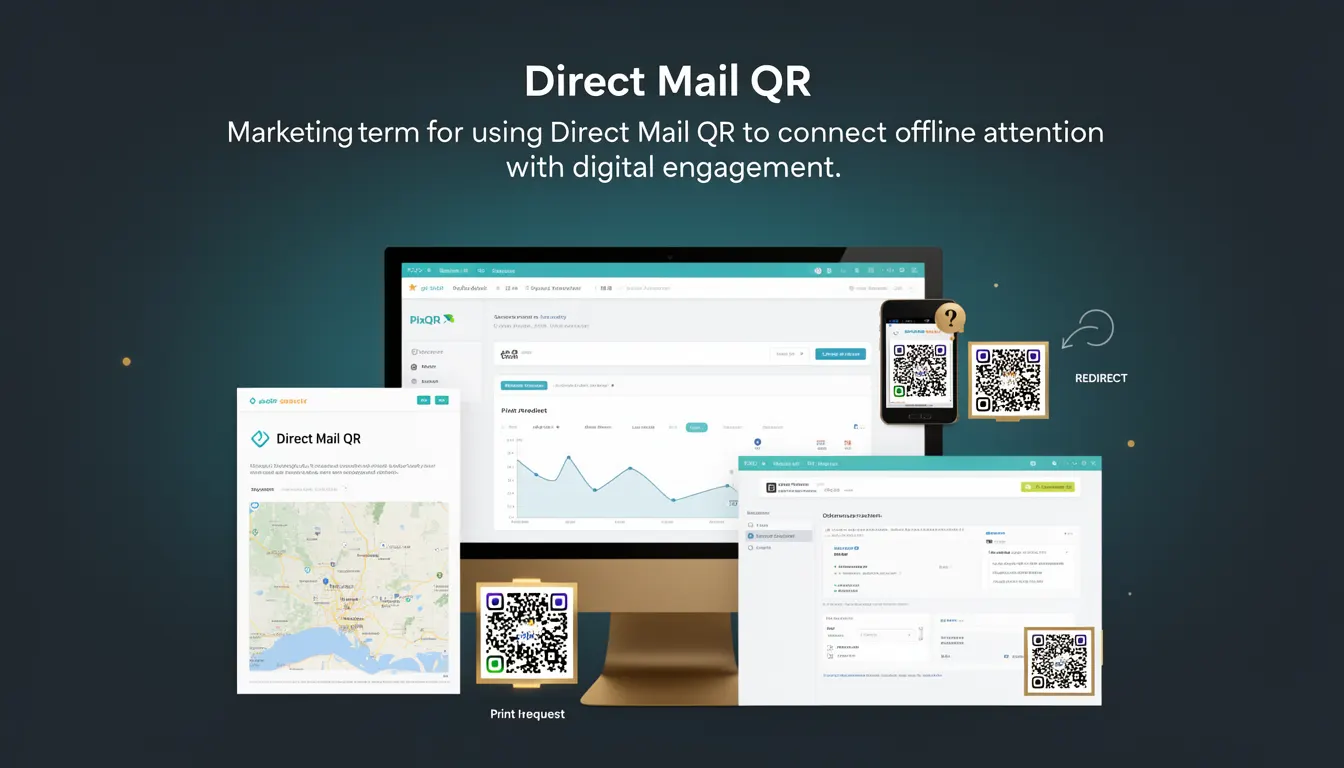
Direct Mail QR refers to the use of QR codes within physical mail campaigns to bridge offline engagement with online digital experiences. In the context of PixQR, it enables marketers to generate dynamic QR codes that link to specific landing pages, promotions, or content when scanned by recipients.
Developers using PixQR for Direct Mail QR must understand how to configure and manage these codes to ensure reliable scanning, secure redirects, and accurate analytics. These codes are typically printed on mailers, flyers, brochures, or other physical materials and are designed to drive traffic to digital assets like websites, landing pages, or mobile apps.
Why It Matters
For developers, Direct Mail QR is significant because it introduces a hybrid digital-offline interaction model that requires careful attention to QR reliability, redirect safety, and tracking accuracy. Unlike digital-only QR codes, Direct Mail QR must account for print quality, scanning environments, and physical durability.
From a security perspective, PixQR ensures that all Direct Mail QR codes are generated with safe redirect configurations, preventing malicious links from being embedded. Additionally, analytics tracking is crucial to measure campaign performance, and developers must ensure that all QR codes are correctly tagged and monitored for scan behavior.
How It Works
The Direct Mail QR workflow involves generating a QR code with a specific URL that is tracked and managed by PixQR. The QR code is then printed on physical materials and scanned by users to access digital content.
- QR codes are generated using PixQR’s API or dashboard with a configured destination URL.
- Each code can be assigned a unique identifier for tracking and analytics.
- Scan events are logged and can be monitored through the PixQR dashboard or API.
- Redirects are secured using PixQR’s internal URL management system to prevent phishing or malicious link injection.
- Codes support dynamic content updates, allowing marketers to change destination URLs without reprinting materials.
Quick Reference
| Item | Purpose | Notes |
|---|---|---|
| destination_url | Target URL for the QR code | Must be a valid, secure HTTPS URL |
| tracking_id | Unique identifier for analytics | Used to correlate scans with campaigns |
| dynamic_redirect | Enables URL updates post-generation | Allows campaign modification without reprinting |
| scan_tracking | Enables scan logging | Provides real-time analytics on usage |
| brand_safe | Ensures link safety | Prevents unsafe or malicious redirects |
Basic Example
PixQR Example QR
This QR links directly to this glossary page, so printed notes, onboarding docs, and support material can bring scanners back to the current reference.
/glossary/qr-code-marketing/qr-code-marketing-direct-mail-qr

This basic example demonstrates how to generate a Direct Mail QR code with a static URL using PixQR’s API. The example focuses on core functionality without advanced features.
{
  "destination_url": "https://example.com/offer",
  "tracking_id": "dm_campaign_123",
  "brand_safe": true
}
This configuration sets the QR code’s destination to a landing page, assigns a tracking identifier, and ensures the link is safe. The resulting QR code can be printed and scanned by users.
Production Example
This example includes validation, error handling, and secure configuration for generating Direct Mail QR codes in a production environment.
{
  "destination_url": "https://secure.example.com/landing",
  "tracking_id": "direct_mail_2025",
  "dynamic_redirect": true,
  "scan_tracking": true,
  "brand_safe": true,
  "expires_at": "2025-12-31T23:59:59Z"
}
This configuration enables dynamic updates, real-time scan tracking, and an expiration date for the campaign. It ensures that the QR code remains functional and secure within a controlled timeframe.
Common Mistakes
- Using unsecured HTTP URLs instead of HTTPS, which can lead to redirect warnings or security issues during scanning.
- Not assigning unique tracking IDs, making it difficult to analyze campaign performance or attribute scans to specific mailers.
- Generating QR codes without validating print quality, which can result in failed scans due to poor resolution or contrast.
- Ignoring expiration dates, leading to outdated links being used in long-running campaigns.
- Disabling scan tracking unnecessarily, which prevents performance analysis or real-time monitoring of campaign effectiveness.
Security And Production Notes
- All destination URLs must be validated and secured with HTTPS to prevent man-in-the-middle attacks.
- Dynamic redirects should be restricted to authorized users or systems to prevent unauthorized link changes.
- QR codes should be generated with high contrast and resolution to ensure reliable scanning in various environments.
- Scan tracking data should be anonymized to comply with privacy regulations and avoid personal data exposure.
- Implement rate limiting and validation for API calls to prevent abuse or accidental overuse of QR code generation resources.
Related Concepts
Direct Mail QR is closely related to several developer and marketing concepts. These include:
- Dynamic Redirects: The ability to change the destination URL of a QR code after creation, enabling campaign flexibility.
- Scan Analytics: Tracking of QR code scans to measure campaign effectiveness and user engagement.
- Brand Safety: Ensuring that QR code links do not lead to unsafe or malicious content.
- Print QR Reliability: Factors such as resolution, contrast, and physical durability that affect scanning success.
- Link Management: The process of organizing, tracking, and updating URLs associated with QR codes.